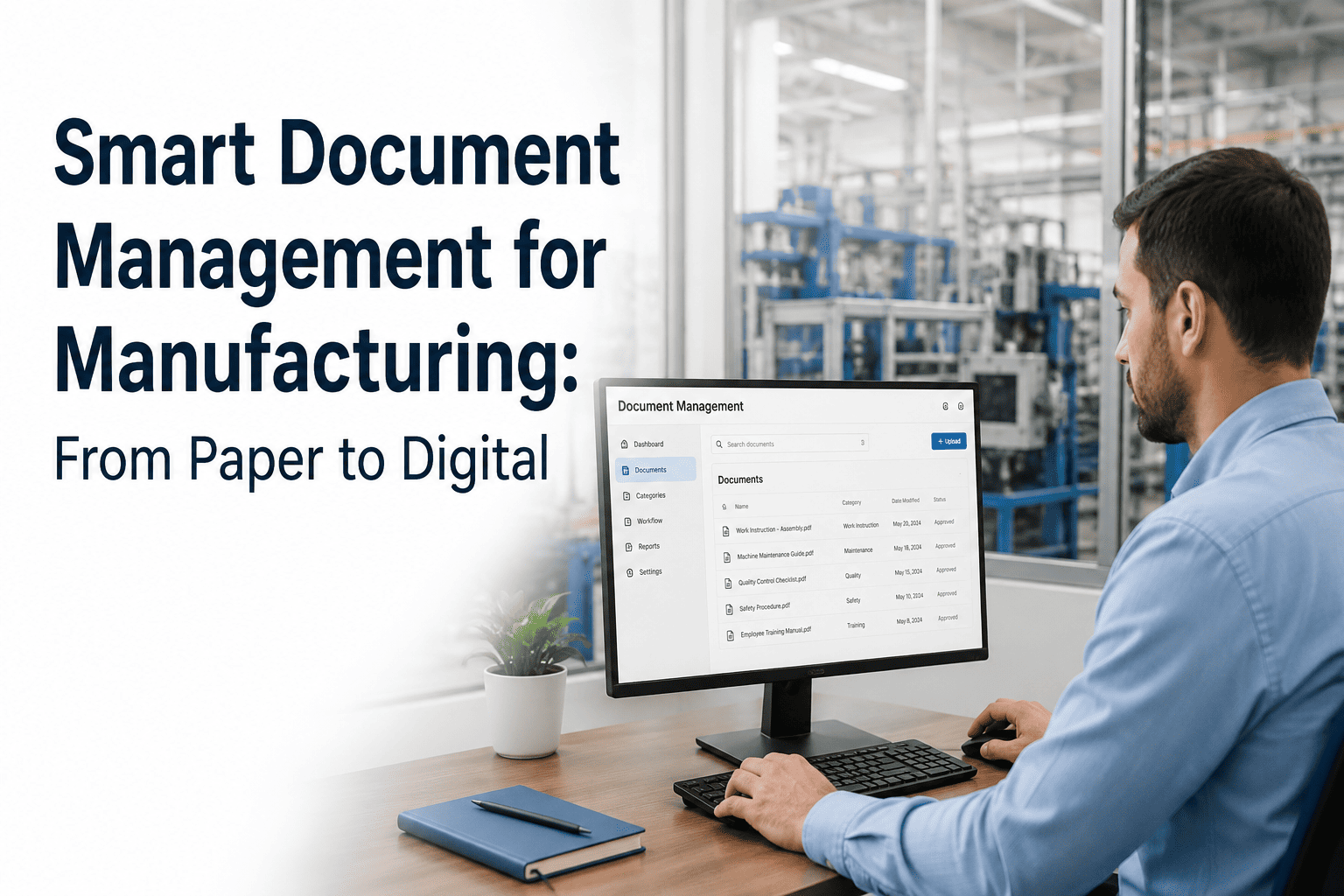
Paper is killing manufacturing efficiency, and most plants don't even realize it. The average maintenance technician wastes 47 minutes per shift hunting for the right SOP, tracking down equipment manuals, or waiting for someone to unlock the filing cabinet with last year's calibration records. Multiply that across a 250-person facility and you're bleeding 19,500 hours annually to document chaos — hours that could be spent preventing failures instead of searching for paperwork. Meanwhile, auditors demand traceability, regulators require revision control, and insurance underwriters want proof you're following your own procedures. Paper can't deliver any of that at scale. Smart document management isn't about going green or looking modern; it's about making the information technicians need instantly accessible on the floor, maintaining compliance without drowning in admin work, and preserving institutional knowledge when your most experienced people retire. If you're tired of chasing down SOPs and want to see how digital document management works in a modern CMMS, start a free trial of OxMaint and attach your first procedure to an asset in under two minutes.
Your SOPs Belong On The Asset, Not In A Binder Three Rooms Away
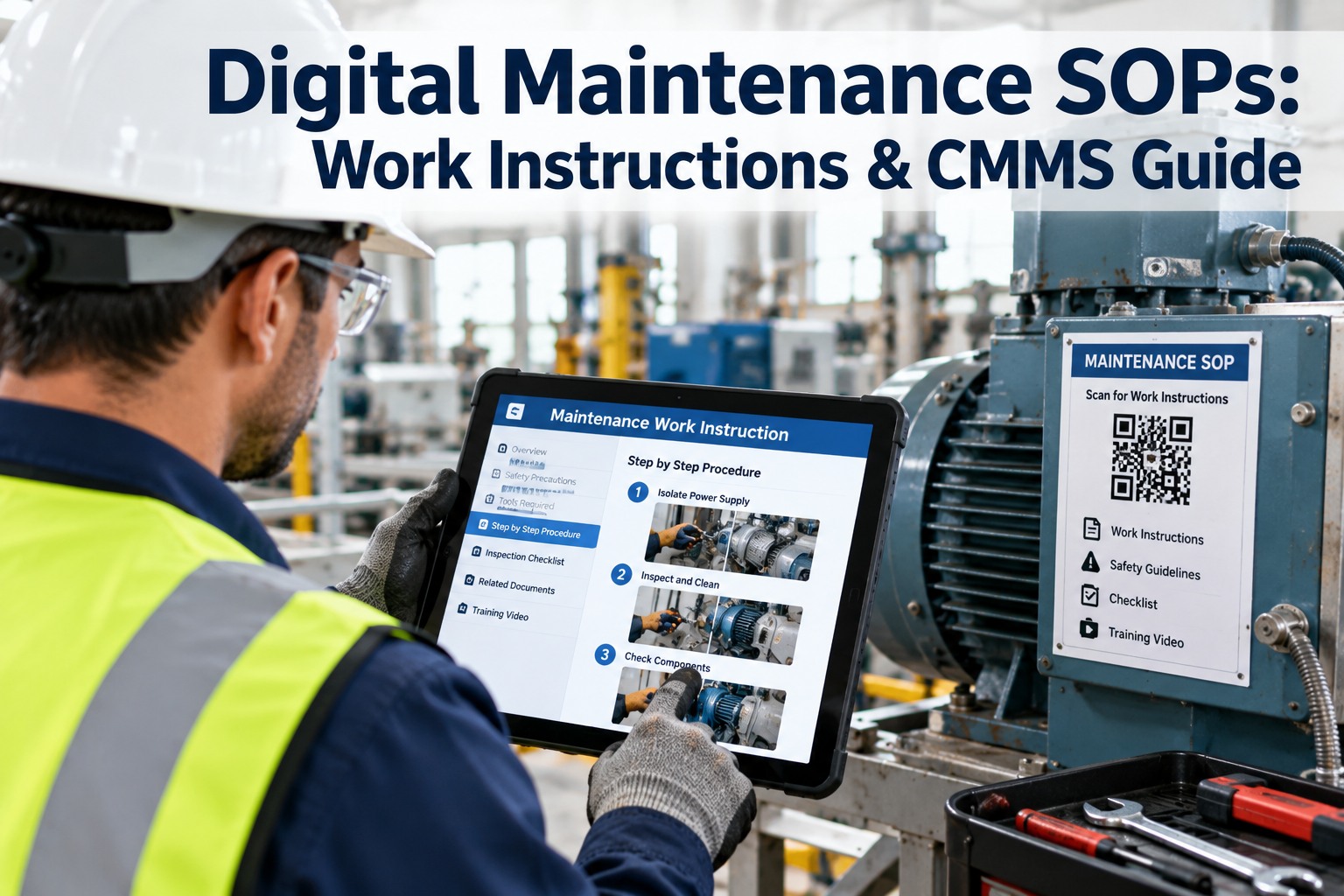
OxMaint links procedures, manuals, safety sheets, and calibration certificates directly to assets and work orders. Technicians scan a QR code and pull up exactly what they need, exactly when they need it.
47 min
Average time wasted per technician per shift searching for documents
$127K
Annual cost of document-related inefficiency in a 100-person plant
34%
Of maintenance tasks delayed because the right procedure wasn't available
9 hours
Average time to prep documentation for a single compliance audit
Smart document management in manufacturing means digitizing SOPs, work instructions, equipment manuals, safety data sheets, calibration records, and compliance certificates — then linking them directly to the assets, work orders, and PM tasks where they're needed. It's not just scanning paper into PDFs. It's making documents searchable, version-controlled, accessible from mobile devices on the plant floor, and automatically attached to the right context.
SOPs attached to assets and automatically pulled into work orders
Version control with audit trails showing who accessed what and when
Mobile access for technicians working in the field or on the floor
Automated expiration alerts for calibration certs and safety sheets
Impossible To Find When You Need It
SOPs live in binders that live in offices that are locked during second and third shift. By the time a technician tracks down the right procedure, they've already improvised a workaround — which becomes the new unofficial standard until something breaks.
No Version Control
Engineering updates a procedure, prints new copies, and distributes them to the supervisors who are supposed to swap out the old versions. Three months later, an auditor finds four different versions of the same SOP still in circulation across the plant.
Zero Traceability
An incident investigation asks "did the technician follow the lockout procedure?" Paper can't answer that. You have no record of who accessed which document, when they viewed it, or whether they acknowledged understanding it.
Knowledge Walks Out The Door
Your best technician retires and takes 30 years of undocumented tricks, workarounds, and tribal knowledge with him. Paper captures official procedures but misses the institutional knowledge that keeps the operation running.
01
Asset And Work Order Linking
Every SOP, manual, and safety sheet gets attached to the asset it covers. When a work order opens for that asset, the relevant documents automatically appear in the mobile app. No searching, no guessing, no lost time.
02
Revision Control And Approval Workflows
Upload a new version and the system archives the old one with a timestamp and author tag. Set approval workflows so engineering reviews before publication. Technicians always see the current version, and auditors can pull the entire revision history in seconds.
03
Mobile Access With Offline Sync
Technicians download documents to their mobile device when they're on WiFi, then access them offline when they're standing in front of the equipment. No hunting for signal, no data plan limits, no excuses.
04
Full-Text Search Across All Documents
Type "torque spec bearing housing" and the system pulls every SOP, manual, and work instruction mentioning those terms. Search works inside PDFs, Word docs, and scanned images with OCR.
05
Expiration Tracking And Auto-Alerts
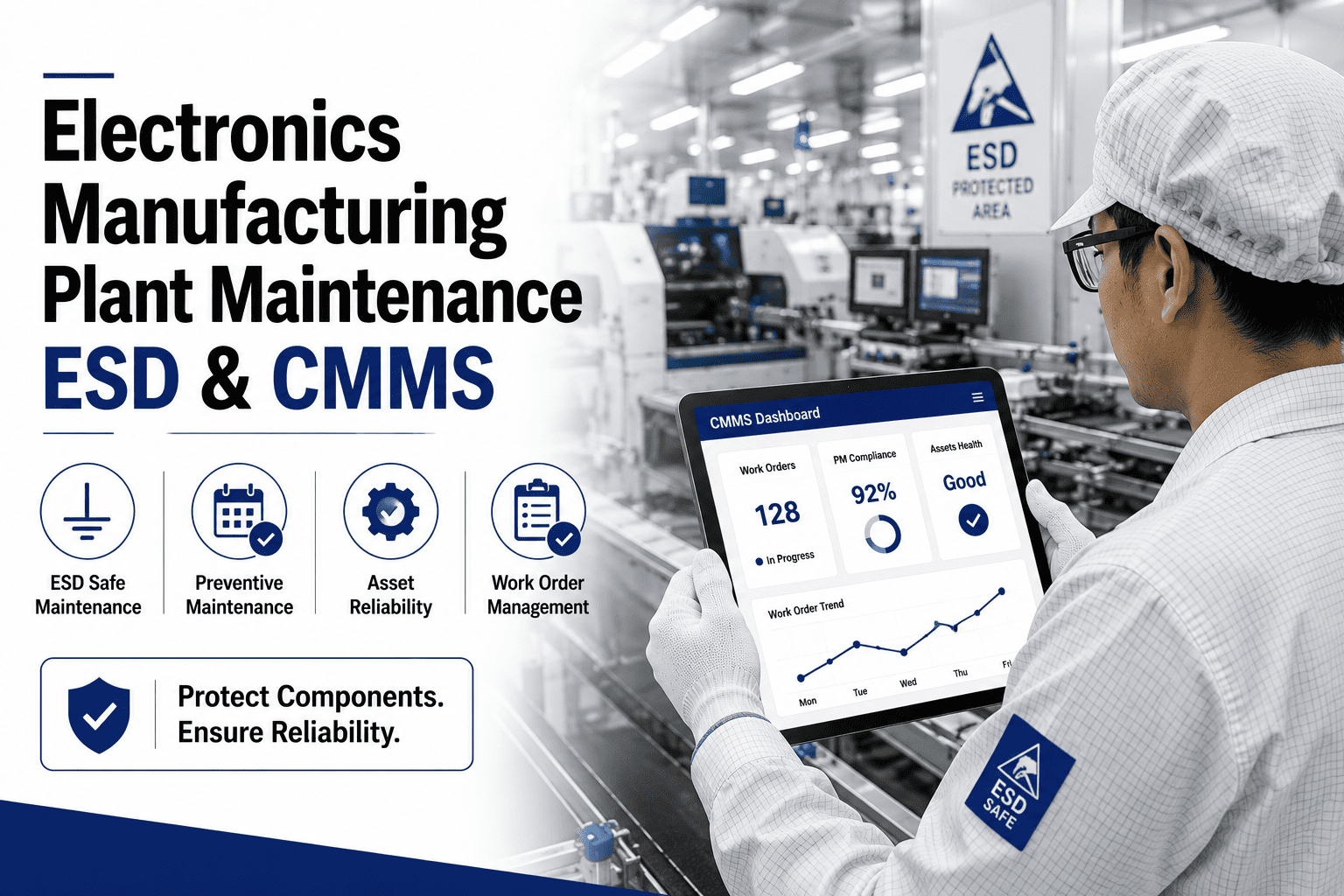
Calibration certificates expire, safety data sheets need annual review, and training records go stale. The system tracks expiration dates and sends alerts 30, 15, and 7 days before documents lapse.
06
Access Logging For Compliance
Every document view generates a timestamped audit log showing who accessed it, from what device, and whether they acknowledged reading it. Compliance teams pull reports in minutes, not days.
From Chaos To Clarity In One Platform
See How OxMaint Turns Document Management Into A Competitive Advantage
Upload SOPs, link them to assets, set expiration alerts, and give your team mobile access — all without leaving the CMMS. No separate DMS to license, no integration headaches, no excuses.
Before: Paper-Based System
SOPs stored in binders in supervisors' offices, inaccessible during off-shifts
Technicians improvise when they can't find procedures, leading to inconsistent work quality
Four different versions of critical safety procedures in circulation simultaneously
Audit prep requires two people three full days to compile documentation
No record of whether technicians actually read updated procedures after distribution
Tribal knowledge trapped in the heads of senior technicians nearing retirement
After: Digital Document Management
All procedures accessible 24/7 from any mobile device on the plant floor
Step-by-step instructions appear automatically when work orders open
Single source of truth with automatic version control and archive of all revisions
Audit reports generated in 15 minutes with full access logs and compliance tracking
Complete audit trail showing who accessed which documents and when
Knowledge captured in searchable digital library accessible to entire team
Standard Operating Procedures
Step-by-step work instructions for maintenance tasks, startup and shutdown sequences, cleaning protocols, and safety lockout procedures. Link to assets and auto-attach to relevant work orders.
Equipment Manuals And Schematics
OEM manuals, parts diagrams, electrical schematics, P&IDs, and troubleshooting guides. Attach to asset records so technicians can pull them up on-site without returning to the office.
Safety Data Sheets
Chemical safety information, hazard classifications, and emergency response procedures. Track expiration dates and trigger alerts when annual reviews are due.
Calibration Certificates
Calibration records for instruments and test equipment. Link to assets, set expiration alerts, and generate compliance reports showing all certifications current.
Training Records And Competency Matrices
Technician certifications, training completion records, and skill matrices. Verify competency before assigning work orders and track recertification deadlines.
Compliance And Permit Documentation
Regulatory permits, inspection reports, environmental compliance records, and safety audit findings. Centralize for easy retrieval during external audits.
Week 1-2
Audit And Prioritize Existing Documents
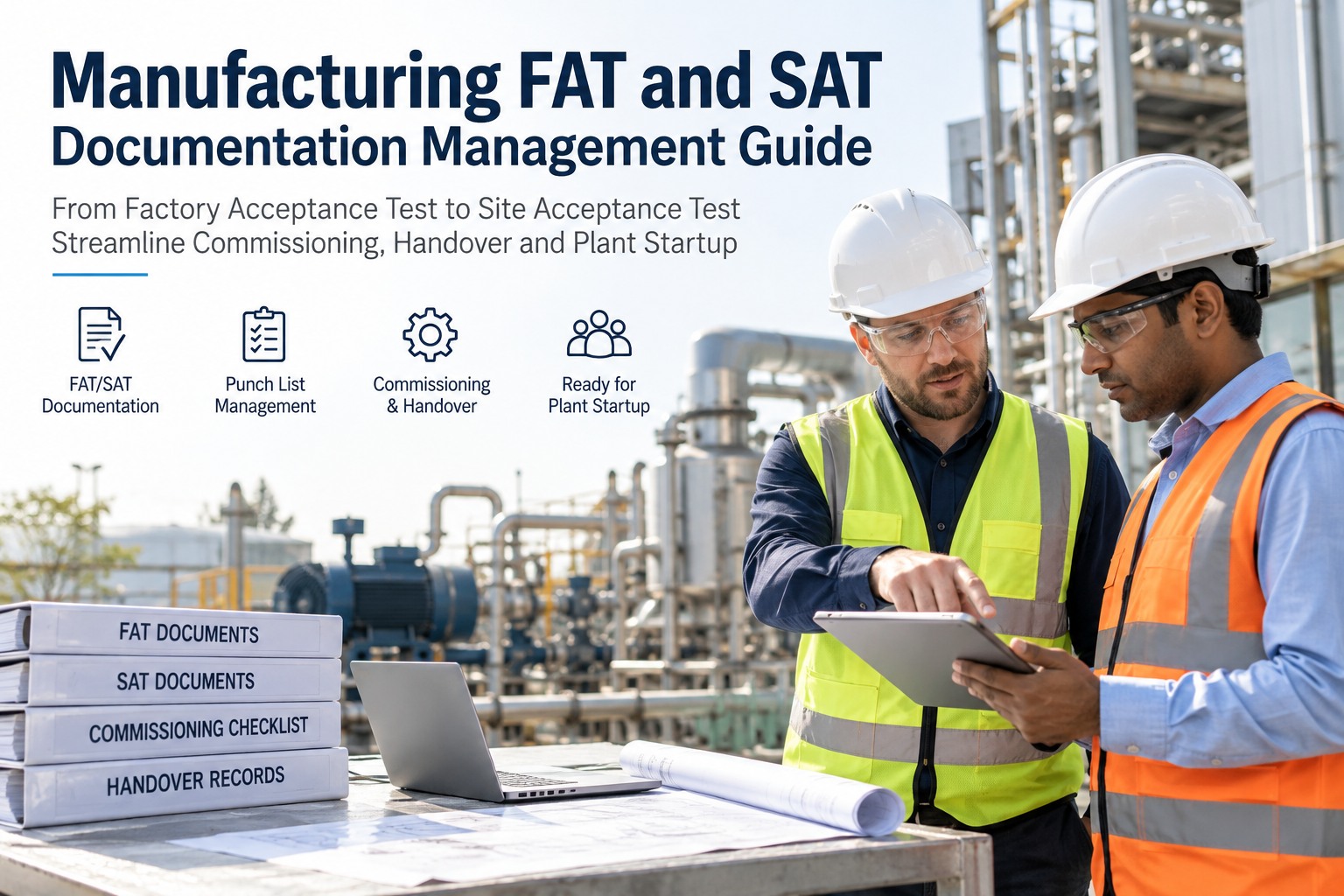
Inventory all paper SOPs, manuals, and procedures currently in use. Identify the 20% that technicians access 80% of the time. Start with critical safety procedures and high-frequency maintenance tasks. Scan and upload these first.
Week 3-4
Digitize And Link To Assets
Scan priority documents to PDF, run OCR for searchability, and upload to CMMS. Link each SOP to the specific assets it covers. Set up folder structures by equipment type, department, or compliance category. Configure version control and approval workflows.
Week 5-6
Train And Pilot With One Department
Roll out mobile access to one maintenance team. Train on how to find documents, acknowledge updates, and provide feedback on missing or unclear procedures. Refine search tags and folder organization based on real-world usage patterns.
Week 7-8
Plant-Wide Rollout And Decommission Paper
Extend access to all technicians, operators, and supervisors. Remove paper binders from the floor and replace with QR codes linking to digital asset records. Set a hard cutover date when all updates go digital-only. Announce the change in shift meetings and post reminders at timeclocks.
Month 3+
Continuous Improvement And Compliance
Monitor document access logs to identify gaps or outdated procedures. Schedule quarterly reviews of all SOPs. Use access analytics to spot training needs — if nobody is viewing a critical safety procedure, that's a red flag for retraining.
ISO 9001 And Quality Management
ISO 9001 requires controlled documents, version management, and evidence that workers follow documented procedures. Digital systems provide automatic version control, access logs, and revision histories that paper can't match. Auditors can verify compliance in minutes.
FDA 21 CFR Part 11 For Pharma
Electronic records must be tamper-proof, auditable, and linked to user identities. Digital document systems create audit trails showing who accessed what, when changes were made, and whether acknowledgments were captured — all requirements for FDA-regulated facilities.
OSHA And Safety Documentation
OSHA requires proof that workers were trained on safety procedures and had access to relevant safety information. Digital systems track who viewed lockout procedures, when they acknowledged updates, and whether certifications are current.
EPA And Environmental Records
Environmental compliance demands retention of permits, inspection records, and emission monitoring data. Digital archiving with automated retention policies ensures nothing gets lost and all records are instantly retrievable during inspections.
Most plants complete initial digitization of critical documents in 4-8 weeks. The key is prioritizing — start with the 20% of procedures that get 80% of the usage. High-volume SOPs, safety procedures, and frequently-referenced manuals go first. Obscure equipment manuals can be digitized on-demand as needed. Schedule a demo to see the upload process.
Yes. Modern CMMS mobile apps let technicians download documents to their device when connected, then access them offline when working in areas without signal. They sync changes back to the system when connectivity returns.
Role-based permissions let you set view-only access for technicians while restricting editing to engineering, quality, or management. Approval workflows ensure only authorized personnel can publish new versions. Every change creates an audit trail showing who made what modification and when.
The system automatically archives previous versions with timestamps and author tags. You can pull up any historical version for compliance audits or incident investigations. Old versions are read-only and clearly marked as superseded so technicians never use outdated procedures by mistake.
Modern CMMS platforms include built-in document management specifically designed for maintenance and operations teams. Separate DMS systems add cost, complexity, and integration headaches. OxMaint handles documents natively so everything lives in one platform.
The Future Of Manufacturing Documentation Is Digital
Give Your Team The Information They Need, When They Need It, Where They Need It
OxMaint eliminates the gap between having procedures and actually using them. Link documents to assets, track access for compliance, and put the entire knowledge base in every technician's pocket. Start free and see why leading plants are ditching the binders.