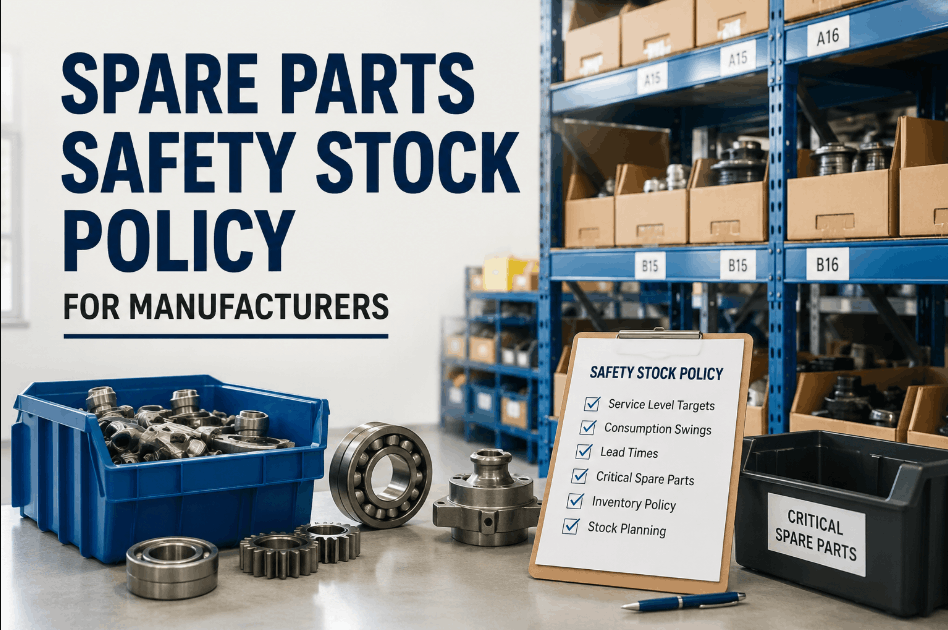
Spare parts dead-stock quietly drains plant stores of cash and shelf space — slow movers, duplicate catalog entries, and leftover parts for retired assets sit on the shelf long after they stopped earning their keep. Most maintenance teams can name a few dead items from memory, but few can quantify how much capital is actually parked in inventory that hasn't moved in a year or more. Operations teams using Sign Up Free on OxMaint can build a parts catalog with consumption history, active/inactive status, and reorder logic that surfaces dead stock automatically instead of waiting for an annual physical count. Reviewing slow movers, duplicate items, and obsolete parts on a regular cycle turns plant stores from a sunk cost into a controlled, right-sized asset. Book a Demo to see how OxMaint's parts and inventory module flags dead stock before it becomes a write-off.
Why Dead Stock Builds Up in Plant Stores
Dead stock rarely arrives all at once — it accumulates part by part as assets get retired, suppliers change part numbers, and safety stock gets set once and never revisited. Book a Demo to see how OxMaint links stock activity to asset and work order history so dead-stock buildup gets caught early instead of during the next physical count.
Five Signals That Spare Parts Have Turned Into Dead Stock
Most plant stores can rationalize inventory faster once they know which signals to look for. Sign Up Free to connect material categories, stock levels, and consumption history in OxMaint and start surfacing dead-stock candidates automatically.
Zero Consumption Over Extended Periods
Parts with no movement against work orders for 12 months or more are the clearest dead-stock candidates. Tracking last-used date alongside current stock in OxMaint surfaces these items without a manual line-by-line review.
Duplicate Catalog Entries Across Categories
The same part often gets re-entered under different descriptions or material groups over time. OxMaint's material categories and search tools make duplicate entries easy to spot and consolidate before they inflate stock counts.
Parts Tied to Decommissioned or Replaced Assets
When an asset is retired or upgraded, its dedicated spares often stay in the system. Linking parts to asset records in OxMaint flags inventory tied to equipment that no longer exists on the floor.
Excess Safety Stock Beyond Actual Failure Rates
Safety stock levels set years ago rarely match current failure rates. Reviewing reorder points and safety stock against real consumption history in OxMaint helps right-size buffers instead of over-ordering by habit.
Obsolete Inventory With No Disposal Path
Parts that fail review still need a documented exit. OxMaint's scrap and waste workflow records disposal method, recovery value, and approvals so obsolete inventory is cleared with a full audit trail.
Dead-Stock Risk by Part Category
Book a Demo to see how OxMaint structures parts catalog, stock, and scrap data by category so plant stores can target dead-stock review where it matters most.
| Part Category | Primary Dead-Stock Driver | Review Trigger | OxMaint Data Path |
|---|---|---|---|
| Electrical Components | Spec changes leaving older variants unused | Zero issue activity over 12+ months | Material category + consumption history |
| Mechanical & Bearings | Bulk-buy quantities exceeding actual failure rate | Stock far above reorder point with low usage | Stock management with reorder point tracking |
| Hydraulic Seals & Gaskets | Shelf-life expiry before consumption | Last count date approaching shelf-life limit | Storage location and last count records |
| Critical Low-Turn Spares | Held for assets that have since been replaced | No linked active asset record | Critical item marking + asset linkage |
| Consumables & Filters | Duplicate SKUs from repeated vendor re-ordering | Multiple catalog entries for one item | Search and filter across material catalog |
How Clearing Dead Stock Strengthens Plant Operations
Sign Up Free to start a dead-stock review cycle in OxMaint and connect the parts, stock, and scrap data plant stores need to stay lean and audit-ready.
Frequently Asked Questions: Spare Parts Dead-Stock Reduction
What counts as dead stock in plant stores?
Dead stock is inventory with no consumption activity over an extended period — typically 12 months or more — including slow movers, duplicate catalog entries, and parts for decommissioned assets.
How does OxMaint help identify dead stock?
OxMaint tracks consumption history, last count dates, and stock-versus-reorder-point levels for every material, making it easy to filter for items with little or no recent activity.
Can duplicate parts be merged in OxMaint?
Material categories and powerful search make duplicate SKUs easy to find. Once identified, items can be consolidated and marked inactive to keep the catalog clean.
How are obsolete parts disposed of within the system?
OxMaint's scrap and waste management module documents disposal method, recovery value, and required EHS approvals, giving plant stores a complete audit trail for every retired part.
Does reducing dead stock affect parts availability?
No — reorder points and safety stock levels remain in place for active parts. Dead-stock review only targets items with no real consumption history, so availability for critical spares is unaffected.