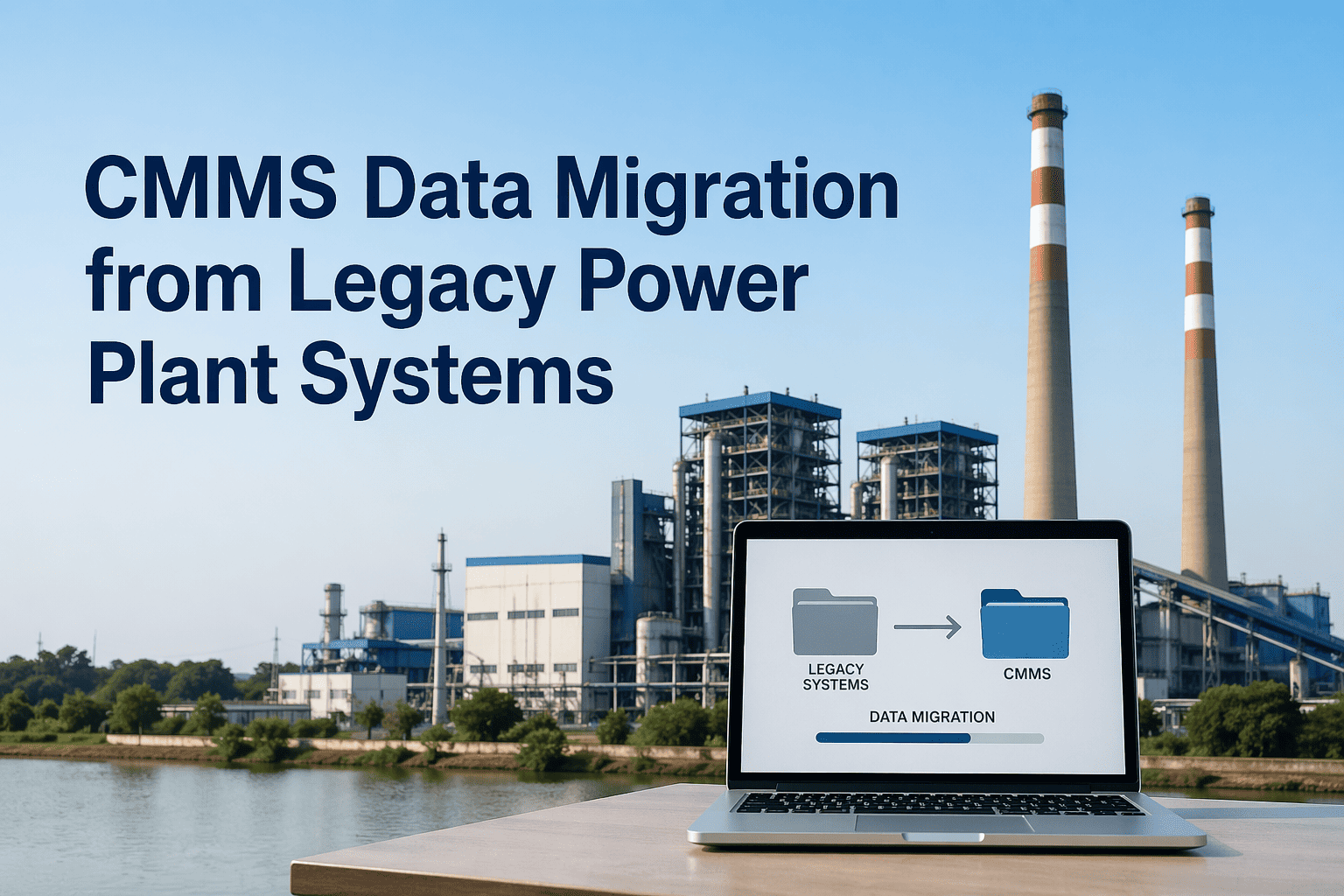
Migrating from SAP PM, IBM Maximo, or years of spreadsheets to a modern CMMS is not just a software change — it is the single moment where your plant either preserves or permanently loses the institutional knowledge that drives reliable operations. Asset hierarchies built over decades, failure histories that reveal which components underperform at your specific site, PM intervals refined by your own engineers: all of it can survive the transition intact — or disappear in a poorly managed cutover. Book a 30-minute migration assessment with the Oxmaint team to understand what your data migration plan should look like before you commit to a platform, or start a free trial with Oxmaint CMMS to see how your existing data maps into a modern system.
Why Migration Fails
The Three Reasons CMMS Migrations Go Wrong
Most CMMS migration failures are not technology failures — they are data strategy failures. The platform rarely breaks. What breaks is the process for deciding what data to move, how to clean it, and how to validate it before the legacy system is decommissioned. Understanding the failure modes before you start is the only way to avoid them.
Dirty Data Carried Forward
Equipment records with missing fields, incorrect asset hierarchies, and duplicate entries in the legacy system are migrated without cleansing — and the new CMMS inherits all the same data quality problems from day one.
Failure History Left Behind
Work order history older than 2–3 years is frequently excluded from migration scope to reduce effort and cost — leaving maintenance teams without the long-term failure pattern data that makes condition monitoring and spare parts optimization possible.
PM Schedules Broken in Transit
Preventive maintenance schedules migrated without validating trigger logic — especially hour-meter and condition-based triggers — result in PM tasks that fire on wrong intervals or don't fire at all for the first 6–12 months after go-live.
Data Inventory
What Data Lives in Your Legacy CMMS (And What Must Move)
Before any migration begins, you need a complete data inventory. Different data types carry different migration priority and complexity. This framework separates what must move, what should move, and what can be archived rather than migrated — saving time without losing critical institutional knowledge.
Must Migrate
Asset register with full location hierarchy (functional location tree)
Equipment specifications and nameplate data
Active preventive maintenance task library with trigger rules
Open and in-progress work orders
Critical spare parts master with reorder levels
Safety procedures and permit-to-work linkages
Should Migrate
Work order history (minimum 5 years for MTBF validity)
Parts consumption history at asset level
Vendor and contractor master data
Failure codes and fault code libraries
Completed outage records with downtime duration
Archive Only
Work orders older than 10 years with no analytical value
Retired equipment records no longer in service
Superseded PM task versions replaced by current schedules
Duplicate equipment entries created during legacy system use
Source System Guide
Migration Complexity by Legacy System: SAP PM, Maximo, and Spreadsheets
Each legacy source system presents a distinct migration challenge. The approach that works for a SAP PM migration fails when applied to Maximo data, and spreadsheet migrations require a different discipline entirely. Here is what each source system requires.
| Source System |
Data Structure |
Primary Challenge |
Migration Effort |
Key Risk |
| SAP PM |
Highly structured; functional location and equipment hierarchy |
Complex data relationships; custom field mapping to new schema |
High — 8–16 weeks |
Hierarchy flattening during export loses parent-child linkages |
| IBM Maximo |
Structured; asset and location hierarchy with extensive configuration |
Site-specific customizations don't map cleanly to standard CMMS fields |
High — 6–14 weeks |
PM task trigger logic lost if condition-based rules aren't manually reviewed |
| Spreadsheets / Excel |
Unstructured; inconsistent field naming and hierarchy logic |
Data cleansing before import — inconsistent formats, duplicates, missing fields |
Medium — 4–10 weeks |
Tribal knowledge in cell comments and undocumented formulas is permanently lost |
| Paper Records |
Unstructured; manual entry required |
Manual digitization is labor-intensive; prioritization required |
Medium — varies widely |
Critical failure patterns in handwritten logs may not be captured in digitization scope |
| Other CMMS Platforms |
Varies; typically CSV or API export available |
Field schema differences between platforms require mapping table |
Low-Med — 3–8 weeks |
Attachment files (drawings, manuals) often excluded from standard export |
Get a Migration Readiness Assessment Before You Start
Oxmaint's implementation team reviews your existing data sources, asset structure, and PM library to give you a clear migration scope, timeline, and risk register — before any contract is signed. Most plants are surprised at how much of their data can be preserved.
5-Phase Process
The CMMS Migration Playbook: Phase by Phase
A successful CMMS migration at a power plant follows five distinct phases. Skipping or compressing any phase introduces the data quality and schedule risks that cause most migration failures. This process applies whether you are migrating from SAP PM, Maximo, spreadsheets, or a combination of sources.
Phase 1
Data Audit and Inventory
Weeks 1–2
Document every data source — which systems hold what, data age, completeness rates, and field definitions. Map the legacy data model to the target CMMS schema. Identify records that need cleansing before migration can begin. This phase determines your migration scope and surfaces the surprises before they become delays.
Phase 2
Data Cleansing and Standardization
Weeks 2–6
Cleanse asset master data: remove duplicates, fill mandatory fields, standardize nomenclature, correct hierarchy errors. Validate failure codes against a standard taxonomy. Review PM task trigger logic manually for all Tier 1 and Tier 2 critical assets. This phase is where most migration time is spent — and where the most value is recovered from legacy data.
Phase 3
Test Migration and Validation
Weeks 5–8
Execute a full test migration into a non-production environment. Validate asset counts, hierarchy structure, PM trigger logic, and work order history completeness against the source system. Run parallel PM scheduling for 4–6 weeks to confirm migrated triggers fire correctly. Never proceed to production cutover without a validated test migration.
Phase 4
Production Cutover
Weeks 8–10
Execute production migration during a low-activity maintenance window. Run a final delta load to capture work orders completed since the test migration freeze date. Keep the legacy system in read-only mode for 60 days post-cutover — do not decommission immediately. This safety net has recovered more than one migration that discovered missing records post-go-live.
Phase 5
Post-Migration Stabilization
Months 3–6
Monitor data quality metrics — work order completion rates, PM compliance, parts consumption recording — for 90 days post go-live. Identify and correct systematic field entry errors before they corrupt failure history. Establish data governance rules that prevent the legacy data quality problems from re-emerging in the new system over time.
Critical Checklist
CMMS Migration Checklist: 18 Items Before Go-Live
Use this checklist as a minimum validation standard before approving production cutover. Every item that is not checked off represents a known risk that will surface as an operational problem in the first 90 days after go-live.
Asset Data
Full functional location hierarchy validated against plant P&IDs
All Tier 1 and Tier 2 critical assets have complete nameplate data
Duplicate equipment records removed and consolidated
Retired equipment flagged and excluded from active asset tree
Maintenance History
Minimum 5 years of work order history migrated per critical asset
Failure codes standardized and applied consistently to historical WOs
Parts consumption records linked to correct asset records
Outage duration data preserved and linked to root cause records
PM Schedules
All PM tasks have correct trigger type (calendar, hours, condition)
PM intervals validated against current OEM specs and internal history
Last completed date populated for all active PM tasks
Safety-critical PM tasks flagged with mandatory completion status
Inventory and Go-Live
Critical spare parts master complete with reorder points and lead times
Vendor and contractor master linked to relevant work order categories
Test migration validated with 100% asset count match to legacy system
Maintenance staff trained before go-live — no exceptions
Legacy system retained in read-only mode for minimum 60 days post-cutover
Data quality dashboard configured to monitor field completion rates from day one
Frequently Asked Questions
CMMS Data Migration: Common Questions
Move to Modern CMMS Without Losing Your Institutional Knowledge
Oxmaint's power plant migration team has guided transitions from SAP PM, Maximo, and complex spreadsheet environments — preserving asset hierarchies, failure history, and PM schedules that your reliability program depends on. Full deployment in 8–10 weeks with dedicated migration support.