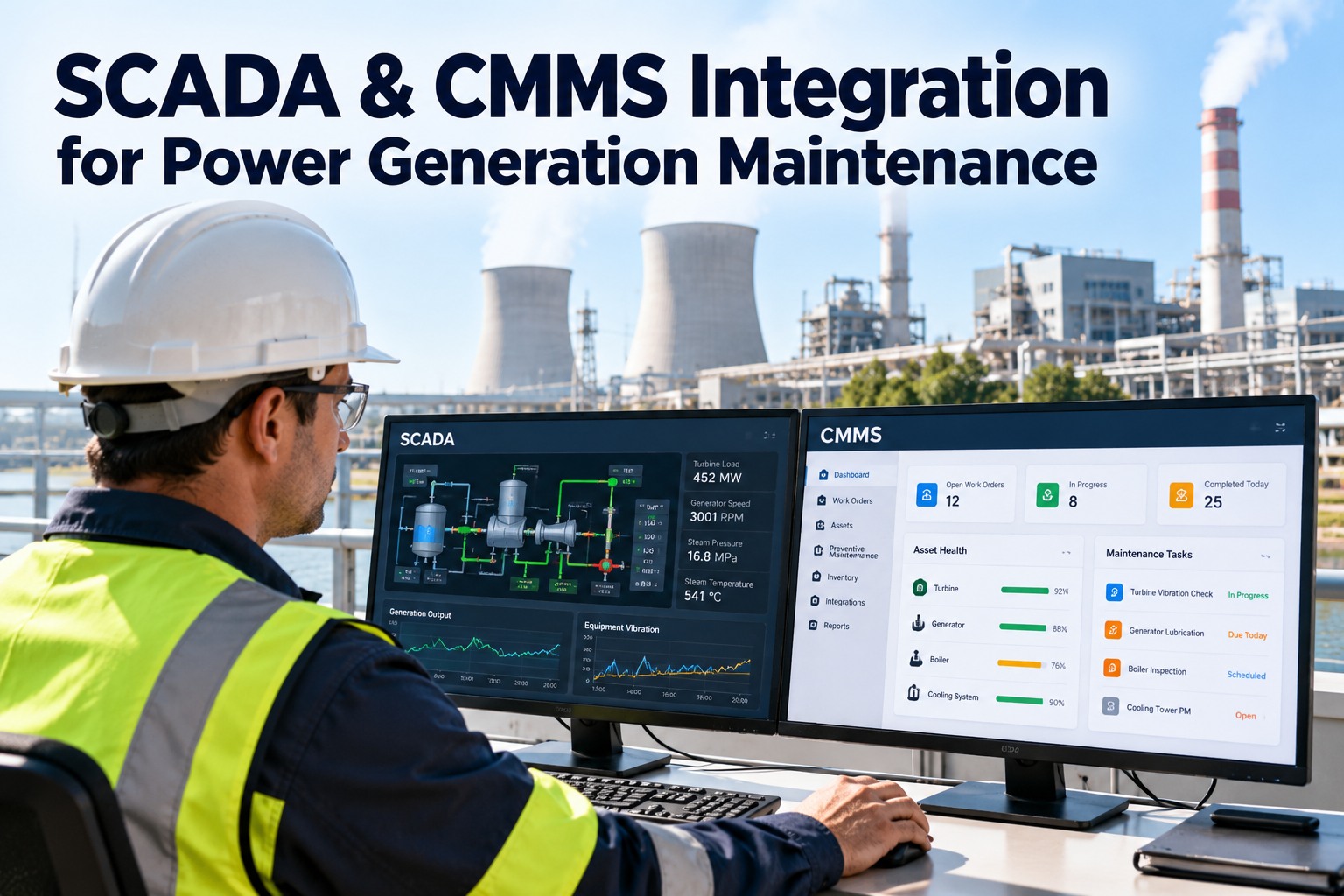
A major power plant turnaround runs 150-500 contractor personnel across 8-20 contracting companies, each pushing their own scopes, safety documents, permits and daily reports through seven different paper trails. Lose one — a lapsed insurance cert, a missing JSA, a punch item that never crossed back to ops — and the outage stops. OXMAINT AI is the AI-powered CMMS and maintenance management software that runs the whole contractor coordination workflow on one shared digital pipeline, so every front has the same view and nothing falls between crews.
POWER PLANT TURNAROUND · CONTRACTOR COORDINATION · DIGITAL WORKFLOW 2026
Power Plant Turnaround Contractor Coordination: The Digital Workflow
Clipboards, email chains and a dozen WhatsApp groups don't scale to 400 contractor personnel. Scopes get lost. Safety docs expire quietly. Punch items disappear at handback. The OXMAINT AI maintenance management software runs the full contractor pipeline — scopes, work orders, safety docs, permits, progress logs, punch lists, closeout evidence — on one shared workflow every company, crew and supervisor sees in real time.
01Scope
02Work Order
03Safety Docs
04Permit
05Progress Log
06Punch List
07Closeout
8-20
contracting companies on a typical major turnaround — each with its own documents and reporting cadence
150-500
contractor personnel on-site through a two- to six-week outage window
7
digital artifact types per contractor task — scope, work order, safety docs, permit, progress log, punch, closeout
30-40%
of coordination delays trace to document gaps — expired certs, missing JSAs, unreturned punch items
The Seven-Document Pipeline Every Contractor Task Rides
Every contractor task on an outage — from a scaffold erection to a boiler re-tube — moves through the same seven digital artifacts. When they live on paper or in disconnected inboxes, each handoff is a chance for the chain to break. OXMAINT AI puts all seven on one shared pipeline against the asset and the contractor, so the status is one query from any device — schedule a walkthrough of the contractor pipeline in OXMAINT AI.
01
Scope
The piece of work this contractor owns — asset, boundary, estimated hours, mobilization date. In OXMAINT AI, it is linked to the parent outage, so every artifact below inherits that context.
↓
02
Work Order
The task broken into executable steps with required tools, spares, and crew. OXMAINT AI auto-attaches drawings, prior history on the asset and the contractor's qualifications.
↓
03
Safety Documents
JSA/JHA, method statement, SDS for chemicals, PPE requirements, current insurance, personnel orientation records. OXMAINT AI blocks execution if any document is expired or missing.
↓
04
Permit
Hot work, confined space, LOTO, hot tap, energized electrical or height permits as the task requires. Each is routed to the correct approver by OXMAINT AI before the crew mobilizes.
↓
05
Progress Log
Daily hours worked, percent complete, blockers raised, photos attached. The log is filed from a contractor supervisor's phone — and visible to planning the moment it posts.
↓
06
Punch List
Items raised by ops or safety that the contractor must resolve before handback. OXMAINT AI tracks each punch item to a named owner with a status, so nothing is lost at the end-of-shift wall.
↓
07
Closeout Evidence
Signed completion certificate, test reports, as-left photos, torque values, QC sign-offs. The retained bundle is what regulators, insurers and the next outage team actually need.
Where Every Contractor Front Is, Right Now
On a 400-person outage, the coordinator needs one dashboard that answers four questions at once: who is on site, which fronts are moving, whose documents have gone stale, and where the punch backlog is building. OXMAINT AI generates that board from the pipeline directly, so a morning coordination meeting is a glance, not a round of phone calls — start free and set up your contractor dashboard in OXMAINT AI.
LIVE CONTRACTOR BOARD · UNIT 2 TURNAROUND · DAY 6 OF 14
Mech Co. AHP turbine casing72%On track
Boiler Services BSuperheater tube bank58%On track
Scaffold Co. CNorth wall access90%Insurance expires 48h
Instrumentation DBFP vibration sensors35%JSA missing — blocked
NDE Services EHRSG weld inspection80%Punch items: 4
Parallel Contractor Fronts, One Shared View
A turnaround doesn't run in sequence — a dozen contractor fronts run simultaneously across the unit, each in its own zone and discipline. The failure mode is coordination between them: two crews on the same deck, overlapping LOTO, a scaffold needed by three contractors at once. OXMAINT AI plots every front on one swim-lane view, so the coordinator sees overlaps and dependencies before they stop work.
Contractor
D1D2D3D4D5D6D7D8D9D10D11D12D13D14
Boiler Svc B · Superheater
Electrical F · Switchyard
Fourteen Contractors Don't Need Fourteen Spreadsheets.
The OXMAINT AI maintenance management software is built to replace the WhatsApp groups, email chains and shared drives that outages inherit by default. One pipeline, one dashboard, one audit trail — so coordinators spend their shift resolving blockers, not chasing status.
The Daily Coordination Rhythm
An outage runs on a predictable 24-hour loop — morning huddle, permit coordination, mid-shift walk, end-of-shift handover, night-shift dispatch. OXMAINT AI drives each one from the same live data, so every meeting starts with the same picture no matter who sits in the room — get a walkthrough of the daily coordination loop in OXMAINT AI.
06:30
Morning Huddle
Every contractor supervisor logs in. Yesterday's progress, today's plan, blockers raised — all pulled from the dashboard directly.
08:00
Permit Coordination
Permits for the shift reviewed, SIMOPS conflicts resolved, issuing authority signs off. The live board shows every live permit by zone.
13:30
Mid-Shift Walk
Coordinators walk the fronts with the mobile app — progress ticked, punch items raised with photos, safety observations logged against the asset.
18:00
End-of-Shift Handover
Day crews file closing progress logs; night-shift coordinator picks up the same board, same open items, same outstanding permits.
22:00
Night-Shift Dispatch
Night fronts dispatched against the carried-over plan. Any blocker opens a workflow back to planning before the night loses hours to it.
Six Coordination Failures OXMAINT AI Catches Early
The most expensive turnaround delays are coordination failures — preventable, documented, and almost always caught by the wrong person at the wrong time. OXMAINT AI flags each of these on the dashboard the moment it emerges, so the coordinator fixes it on a morning huddle, not at a 2 AM safety stand-down.
EXPIRED INSURANCE
A contractor's general-liability or workers' comp cert quietly expires mid-outage. OXMAINT AI flags expiry 48 hours ahead and blocks fresh work orders until renewed.
MISSING JSA / JHA
A crew mobilizes without an approved job safety analysis for the task. The software holds the work order at Safety Docs stage until the JSA lands with signatures.
UN-ORIENTED PERSONNEL
A sub-contractor's new worker signs in without current site orientation. OXMAINT AI matches personnel against orientation records and holds the check-in.
SIMOPS CLASH
Two contractors raise work in the same zone with incompatible permits. The clash is caught on the live board before either front mobilizes.
PUNCH-LIST DRIFT
Punch items raised on day 4 forgotten by day 11. OXMAINT AI ages every open item and escalates when it crosses the agreed turnaround threshold.
INCOMPLETE CLOSEOUT
A front marked done but missing torque records, test certs or NDE reports. The software blocks the closeout stage until the required evidence is attached.
How the OXMAINT AI Software Runs Contractor Coordination
Every control described above is a feature the OXMAINT AI maintenance management software was built to run on a power plant turnaround. One shared workflow, one dashboard, one audit trail from mobilization to demobilization — spin up a free account and set up your next outage on OXMAINT AI.
Contractor Registry
Every contracting company, their personnel, qualifications and insurance docs held in OXMAINT AI with hard expiry rules on every record.
Scope-to-Closeout Pipeline
The seven-document chain runs end-to-end inside the software — scope, work order, safety docs, permit, progress log, punch, closeout — all tied to the asset.
Swim-Lane Fronts View
Every contractor front plotted on one timeline so the coordinator sees overlaps, dependencies and critical shared enablers before they stop work.
Document-Gated Execution
OXMAINT AI blocks a work order from moving to execution until every required safety document, permit and orientation record is current and signed.
Mobile for Field Crews
Contractor supervisors file progress logs, raise punch items and attach photos from a phone on the deck — no end-of-shift paperwork pile.
Audit-Ready Record
Every contractor document, signature, progress log, punch item and closeout bundle timestamped and retained in OXMAINT AI — one search, not one scramble.
Frequently Asked Questions
What does contractor coordination mean on a power plant turnaround?
It's running every contractor task through the same documented workflow — scope, work order, safety docs, permit, progress log, punch list and closeout — so every front has one owner, one status and one record. The OXMAINT AI maintenance management software was built to run exactly this workflow for power plants.
Start free and set up your contractor pipeline in OXMAINT AI.
Can contractors use OXMAINT AI directly from the field, not just through our team?
Yes. Contractor supervisors log in on their phones — filing progress logs, raising punch items, acknowledging permits and attaching photos directly to the asset. Site visibility stays with the plant team through role-based access.
How does the software handle expired safety documents without stopping work mid-shift?
OXMAINT AI flags every expiry 48 hours ahead, pushes the alert to the contractor and coordinator, and blocks new work orders at the Safety Docs stage until renewed. Live permits already issued are not revoked automatically — the coordinator decides.
Does this replace our existing permit-to-work process?
No — it digitizes it. OXMAINT AI holds your existing permit types (hot work, confined space, LOTO, hot tap, energized electrical, height), your approval routing and your isolation plans, and enforces them on every contractor task.
How quickly can we have contractor coordination running for an upcoming turnaround?
Most plants have their contractor registry, document rules and workflow configured in OXMAINT AI within one to two weeks once the mobilization list is loaded. Book a walkthrough and the OXMAINT AI team will scope your outage window with you.
Run Your Next Turnaround On One Workflow — Not Fourteen.
Put every contractor, every scope, every safety document, every permit, every punch item and every closeout record on the OXMAINT AI maintenance management software. One shared pipeline. One live dashboard. One audit trail the day the unit comes back online.