The riskiest five minutes in a control room aren't during an upset — they're at shift change, when everything one operator knows has to reach the next one before they take the chair. Skip a line about an open permit, a suppressed alarm or a half-finished isolation, and the incoming operator starts their shift with a wrong picture of the plant. This guide gives control room operators a repeatable handover procedure — a fixed order to run through every time — and OXMAINT AI, the AI-powered maintenance management software, keeps the work orders, permits and equipment status it runs on live and in one place.
Control Room Operations · Shift Handover Guide · 2027
Shift Handover Checklist: The Control Room Operator Guide
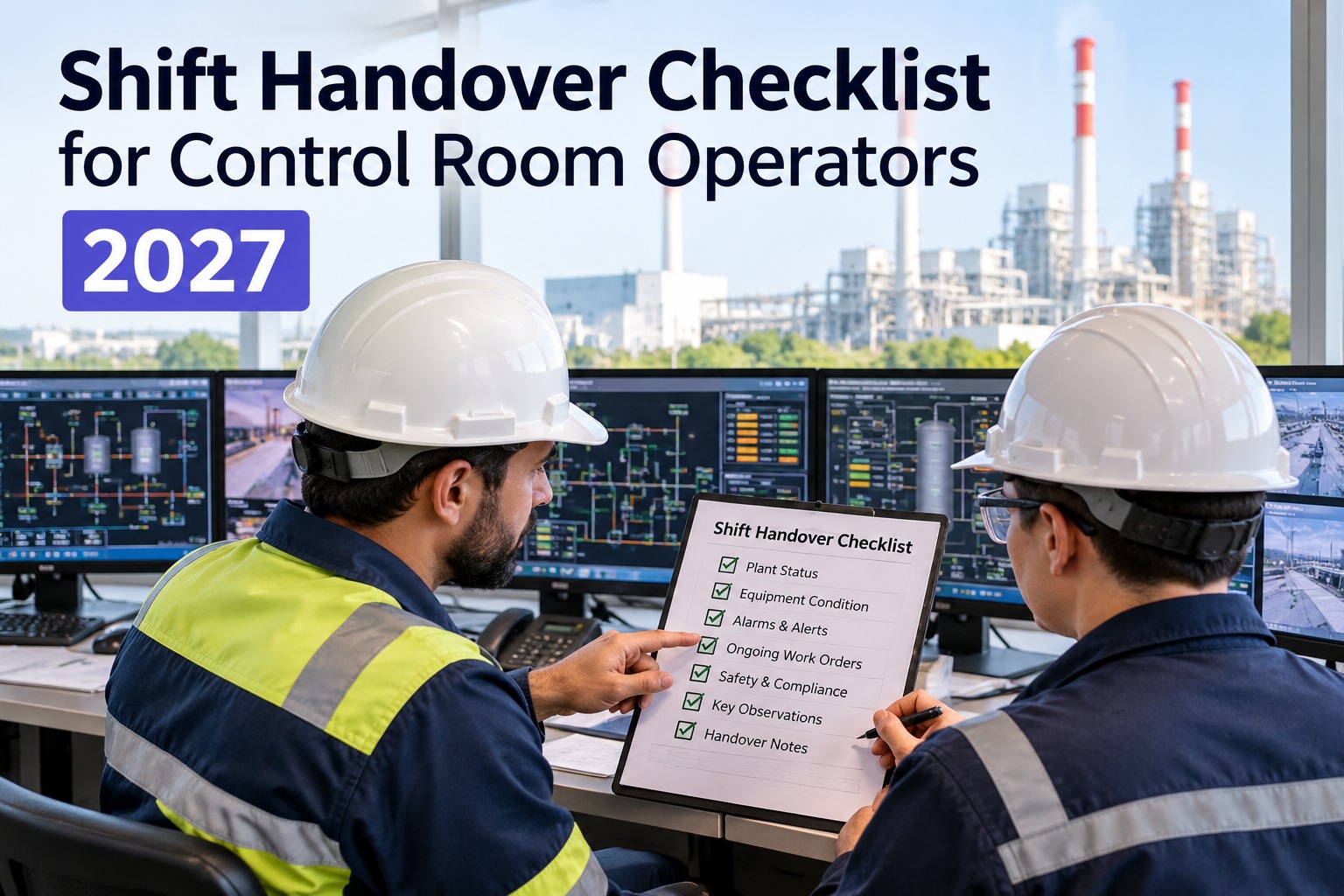
A reliable handover follows the same order every time, so nothing is left to memory. This guide walks the handover step by step — from plant status to permits to sign-off — and shows how OXMAINT AI turns it into a signed, time-stamped handover report instead of a note scribbled in a logbook.
SHIFT HANDOVER REPORT
OutgoingNight · A. Rao
IncomingDay · M. Shaw
Plant status reviewed
2 standing alarms noted
1 open permit carried over
Read-back confirmed
Signed by both ✓
Run the Handover in the Same Order, Every Time
The strongest defence against a missed item isn't a better memory — it's a fixed sequence. Working the handover in a set order means each category gets covered before control passes, and the incoming operator always knows what's coming next. Follow these six steps in order, then move to the detailed checklist below. Start free and run this sequence as a guided digital handover in OXMAINT AI.
1
Plant & Process Status
Current load, operating mode and line-up; anything out of service or running abnormally.
2
Alarms & Deviations
Standing alarms, anything suppressed or overridden, and any deviation from normal.
3
Permits & Isolations
Open permits to work, active isolations, and work continuing across the change.
4
Work Orders & Jobs
Outstanding and in-progress work, what's waiting on parts, what the next shift must finish.
5
Safety & Events
Any incident, near-miss or environmental event, plus pending instructions and callbacks.
6
Confirm & Sign
Incoming operator reads back the critical items; both sign that control has passed.
Communicate It the SBAR Way
How you say each item matters as much as remembering it. A simple structure keeps a handover clear under time pressure and makes the read-back easy — state the Situation, the Background, your Assessment, and the Recommendation for the next shift. It's the same discipline high-reliability industries use for any safety-critical message. Book a demo to see structured handover notes captured in OXMAINT AI.
S
Situation
What is happening right now — the current state of the unit or issue.
B
Background
How it got here — what led to this state and what's been done so far.
A
Assessment
What you think it means — your read on the risk and where it's heading.
R
Recommendation
What the next shift should do — watch, act, or wait, and by when.
The Detailed Shift Handover Checklist
This is the full working checklist behind the six-step sequence — tick each item as both operators confirm it. In the OXMAINT AI software the same list runs on screen, pre-filled with live permit, isolation and work-order data, and files itself as a signed handover report. Start free and run this checklist as a digital report in OXMAINT AI.
The Logbook Tells You What Happened. It Doesn't Tell You What's Still Open.
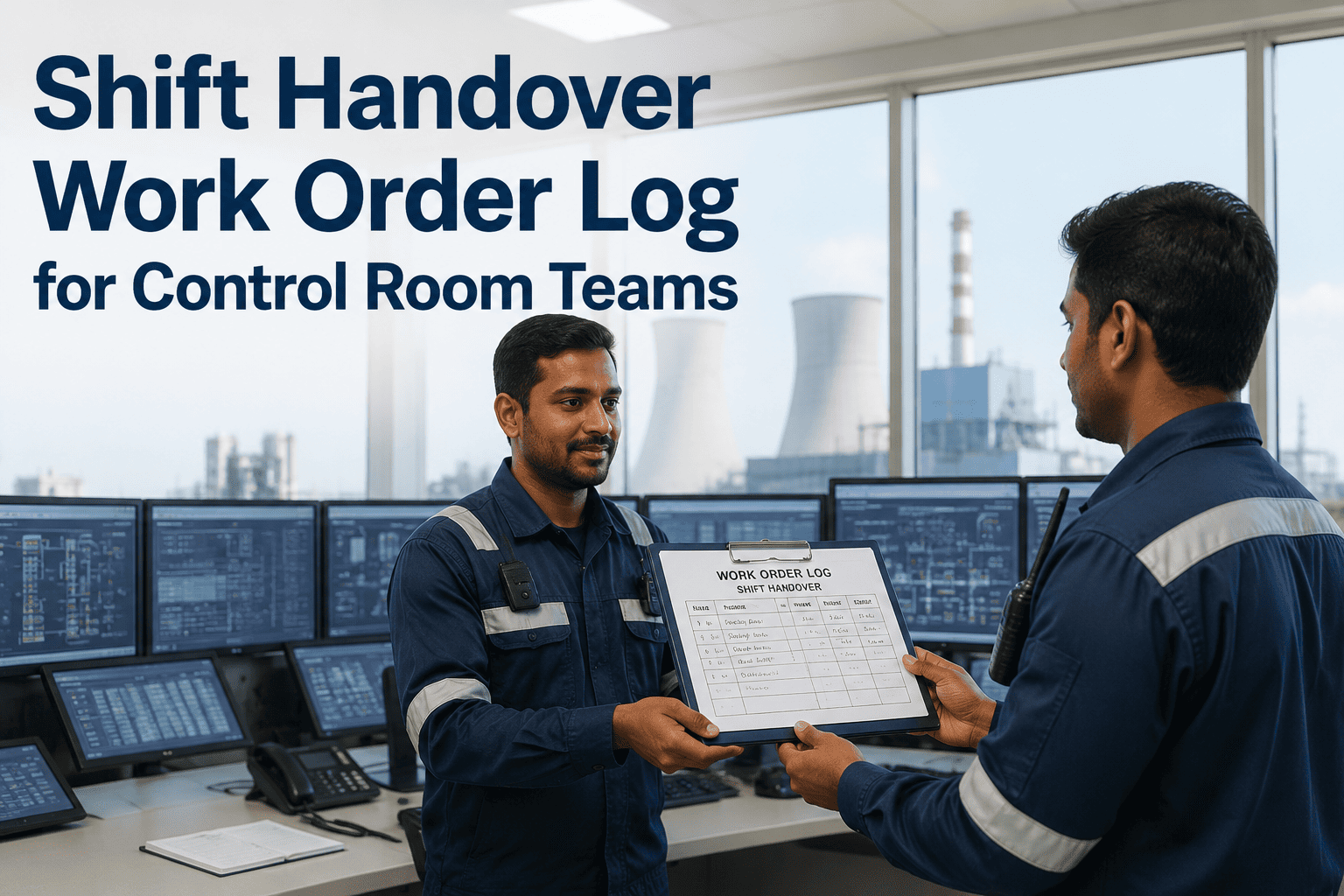
A paper log is a record of the past; a handover needs the live present — which permits are still open, which isolations are still on, which work orders are still running. The OXMAINT AI maintenance management software keeps all of it current, so the checklist hands over the plant's real state, not yesterday's notes.
Do's and Don'ts of a Control Room Handover
Two operators can run the same checklist and still have very different handovers. These are the habits that separate a transfer that holds up from one that leaves gaps — small disciplines that matter most exactly when the shift is busiest. Start free and build these habits into a standard handover in OXMAINT AI.
DO
Hand over face-to-face, with time allowed for questions
Back the conversation with a written, signed record
Have the incoming operator read the critical items back
Name every override, isolation and open permit explicitly
Flag unfinished items so they carry to the next shift
DON'T
Rush it into the last two minutes of the shift
Rely on memory or a verbal summary alone
Assume the next operator already knows the plant state
Leave an open permit sitting unmentioned in a binder
Let an unresolved issue fade after a single shift
How OXMAINT AI Powers the Handover
A handover is only as reliable as the information feeding it. The OXMAINT AI maintenance management software keeps permits, isolations, work orders and equipment status live, pre-fills the handover report, and retains every transfer as a signed record. Book a demo to see the full handover workflow in OXMAINT AI.
LIVE STATUS
Open permits, active isolations and work-order status visible in real time, pre-filled into the handover.
GUIDED REPORT
The six-step sequence runs on screen as a guided report, so nothing is skipped under time pressure.
READ-BACK & SIGN
Built-in read-back confirmation and dual sign-off, so control formally passes on the record.
CARRIES FORWARD
Unresolved items stay flagged across successive shifts until they're closed, not lost after one change.
EQUIPMENT CONTEXT
Each abnormal condition links to its asset and recent history, so the full picture carries forward.
AUDIT TRAIL
Every handover time-stamped, signed and retrievable — a clear record of what was known and passed on.
Expert Review
This guide is a general framework for structured shift handover and reflects widely accepted human-factors guidance on safety-critical communication — face-to-face and two-way, written reinforcing verbal, with enough time and both operators jointly responsible for accuracy. The SBAR structure is one recognised way to organise a handover message and is offered as a communication aid, not a mandated standard. This guide does not replace your site's own operating procedures, permit-to-work system, isolation standards or control-of-work rules, which take precedence and define exactly what must be transferred and how. The highest-risk items — maintenance spanning a shift change, overridden protections and open permits — must be managed under those site procedures. OXMAINT AI is the maintenance management software that keeps permits, isolations, work orders and equipment status current and records the signed handover; it supports the operational and safety procedures your operations and HSE teams own and does not replace the operator's judgement or your permit-to-work authority.
Frequently Asked Questions
What is a shift handover procedure for control room operators?
It's a standardised way to transfer control of the plant from one operator to the next — running a fixed sequence (plant status, alarms, permits and isolations, work orders, safety events, then confirm and sign) so nothing is left to memory. The aim is that the incoming operator ends up with exactly the same picture of the plant the outgoing one had. OXMAINT AI runs that sequence as a guided, signed report.
Book a demo to see the guided handover procedure.
What is the SBAR method in a shift handover?
SBAR is a structure for communicating each item clearly: Situation (what's happening now), Background (how it got here), Assessment (what it means), and Recommendation (what to do next). It keeps a handover concise and makes read-back straightforward, which is why safety-critical industries use it for important messages. It's a communication aid that works alongside your site's handover procedure.
Book a demo to see structured handover notes in action.
What items are most often missed at shift change?
The recurring gaps are open permits to work, active isolations, overridden trips or suppressed alarms, and maintenance that spans the shift change — exactly the highest-risk items. They get missed because they live in binders or in one operator's head rather than a shared live view. Keeping them in software that both shifts see is the most effective fix.
Book a demo to see live permit and isolation visibility.
How long should a control room shift handover take?
Long enough to transfer the picture accurately and no longer — guidance on safety-critical communication is clear that handovers should be given enough time and never rushed, with extra time when the two operators have different views of the plant state. A structured, pre-filled digital handover shortens it by removing the manual compiling, so the time goes into confirmation rather than paperwork.
Book a demo to see a faster, structured handover.
How does a CMMS improve shift handovers?
It keeps the information a handover relies on — open permits, active isolations, work-order status and equipment history — live in one shared place, so the transfer reflects the real state of the plant instead of one operator's memory or a paper log. It runs the handover as a guided checklist with read-back and dual sign-off, and retains every handover as a time-stamped record for continuity and audit.
Book a demo to see the CMMS-backed handover in OXMAINT AI.
Give Every Shift the Same Clean Start.
Run control-room handovers on the OXMAINT AI maintenance management software — a guided six-step sequence backed by live permits, isolations, work orders and equipment status, with read-back, dual sign-off and a signed record of every transfer. No more guessing what the last shift left open.