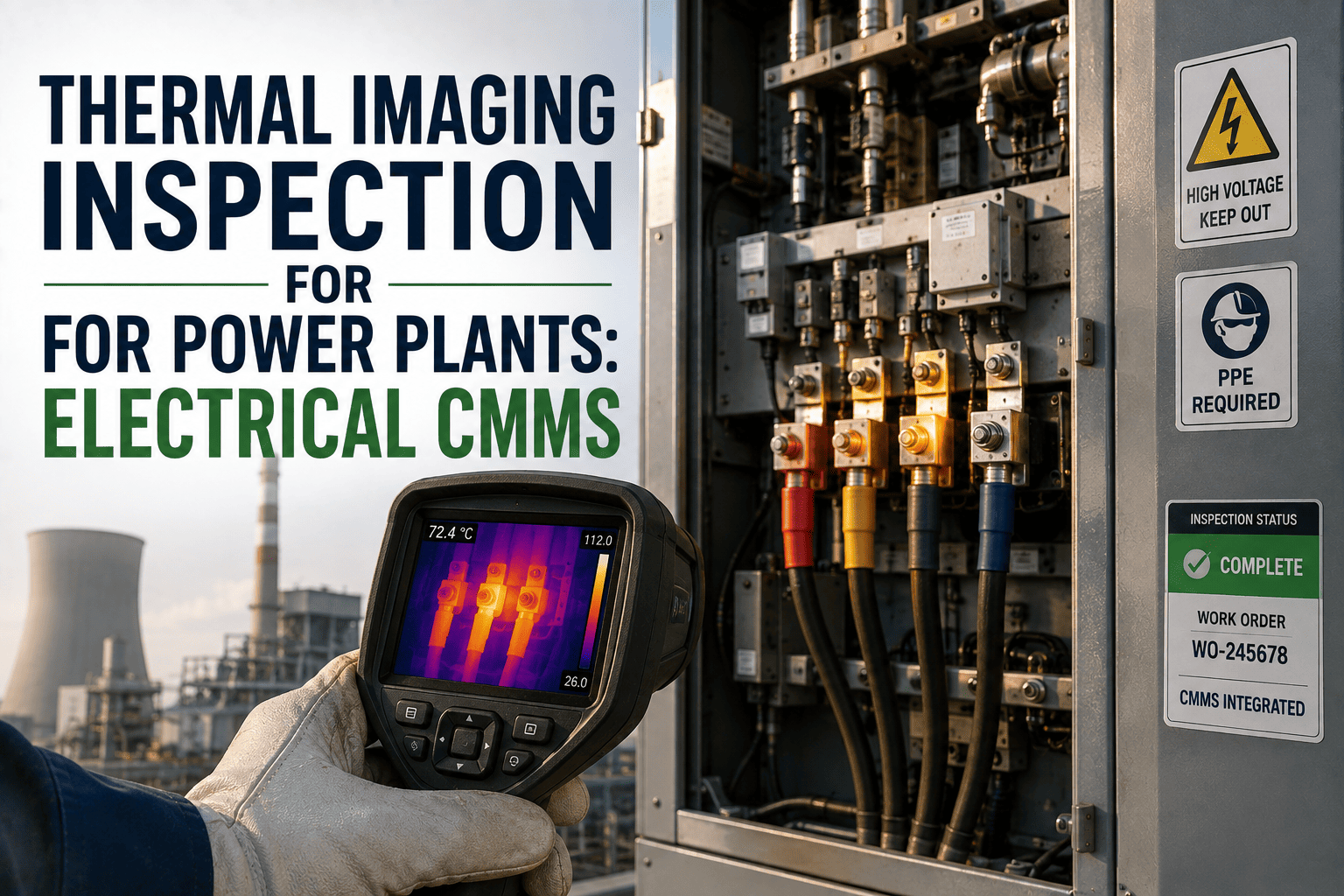
A loose connection doesn't announce itself until it's already hot. By the time a breaker panel or busbar joint is warm enough to smell, it's usually been running that way for weeks — heating, cooling, heating again, quietly degrading the connection every cycle. A thermal imaging inspection program catches that heat rise while it's still just a number on a screen, not a smell in the switchgear room. This guide walks through how to run infrared inspections across switchgear, transformers, busbars, motors and electrical connections, and how to make sure a hot spot actually turns into corrective action, using OXMAINT AI, the AI-powered CMMS that keeps every thermal image tied to the exact asset and turns a confirmed hot spot into a work order.
Thermal Imaging Inspection for Power Plant Electrical Equipment
A thermal image is only useful once it's compared to something — the same connection last quarter, the same phase next to it, the load it was running under. OXMAINT AI holds that comparison: every infrared reading gets logged against the exact switchgear cubicle, transformer bushing, busbar joint or motor terminal it came from, and when a reading breaks from that asset's own pattern, a defect opens automatically and a corrective work order gets drafted with the image and trend attached.
Why a Single Thermal Photo Doesn't Tell You Much
A thermal camera can hand a technician a striking image and still leave the real question unanswered: is this actually abnormal? A reading means very little without context — what this connection ran last time, what the other two phases are doing right now, what the load was when the image was taken. Start free and start building that context in OXMAINT AI.
- An image is captured, reviewed once, then filed away with no comparison
- No record of what load the equipment was carrying at scan time
- Phase-to-phase comparison happens in someone's head, not on the record
- A borderline reading isn't flagged unless someone happens to notice it
- A confirmed hot spot still needs a separate write-up before it's a work order
- Every image logged against its specific connection, timestamped and trended
- Load noted alongside the reading, so a rise is judged in context
- Phases compared automatically against each other on the same asset
- A reading that breaks from the trend flags on its own, no one has to catch it
- A confirmed hot spot drafts its own work order, image and trend attached
How to Read a Thermal Anomaly
Interpreting a thermal image isn't one rule — it's a few different comparisons stacked together. OXMAINT AI runs these automatically against the asset's own record, so the technician sees the conclusion, not just the raw temperature. Book a demo to see this logic run on your own equipment.
Common Equipment and What to Look For
Different electrical equipment fails thermally in different ways. OXMAINT AI lets each asset type carry its own comparison logic instead of applying one flat rule across the whole plant. Sign up free and set up your own equipment types in OXMAINT AI.
| Equipment | Common thermal signature | Likely cause |
|---|---|---|
| Switchgear & breakers | One phase or contact hotter than the others | Loose connection, contact wear, unbalanced load |
| Transformer bushings | Localized rise at the bushing, not the whole tank | Connection issue, internal fault developing near that point |
| Busbar joints | Hot spot at a bolted or clamped joint specifically | Loosened hardware, corrosion, oxidation at the joint |
| Motors & terminals | Uneven heating across terminal lugs or winding case | Terminal connection issue, bearing-related load imbalance |
A Hot Spot Only Matters If Someone Compares It to Something.
The value in a thermal scan isn't the photo — it's what that photo means next to the last one, the other two phases, and the load at the time. OXMAINT AI makes that comparison automatically, every scan.
One Scan, Start to Close
Here's how a single thermal reading actually moves through OXMAINT AI. Book a demo to see this on your own equipment.
One-Time Scan vs. Trended Thermal Program
| What matters | One-time scan, filed away | Trended in OXMAINT AI |
|---|---|---|
| Comparison basis | Absolute temperature only | Phase, load and history compared together |
| Catching a slow-building issue | Depends on someone remembering last scan | Trend flags a steady climb automatically |
| Time to a work order | Manual write-up after review | Auto-drafted with evidence attached |
| Verification after repair | Often skipped or informal | Follow-up scan tied to the same work order |
| Record for the next scan | Filed separately, hard to find | Sitting on the asset's own history |
Frequently Asked Questions
Turn Every Thermal Scan Into Part of a Trend, Not a One-Off Photo.
Log every reading against its exact connection, compare it automatically against phase, load and history, and let a confirmed hot spot draft its own corrective work order.