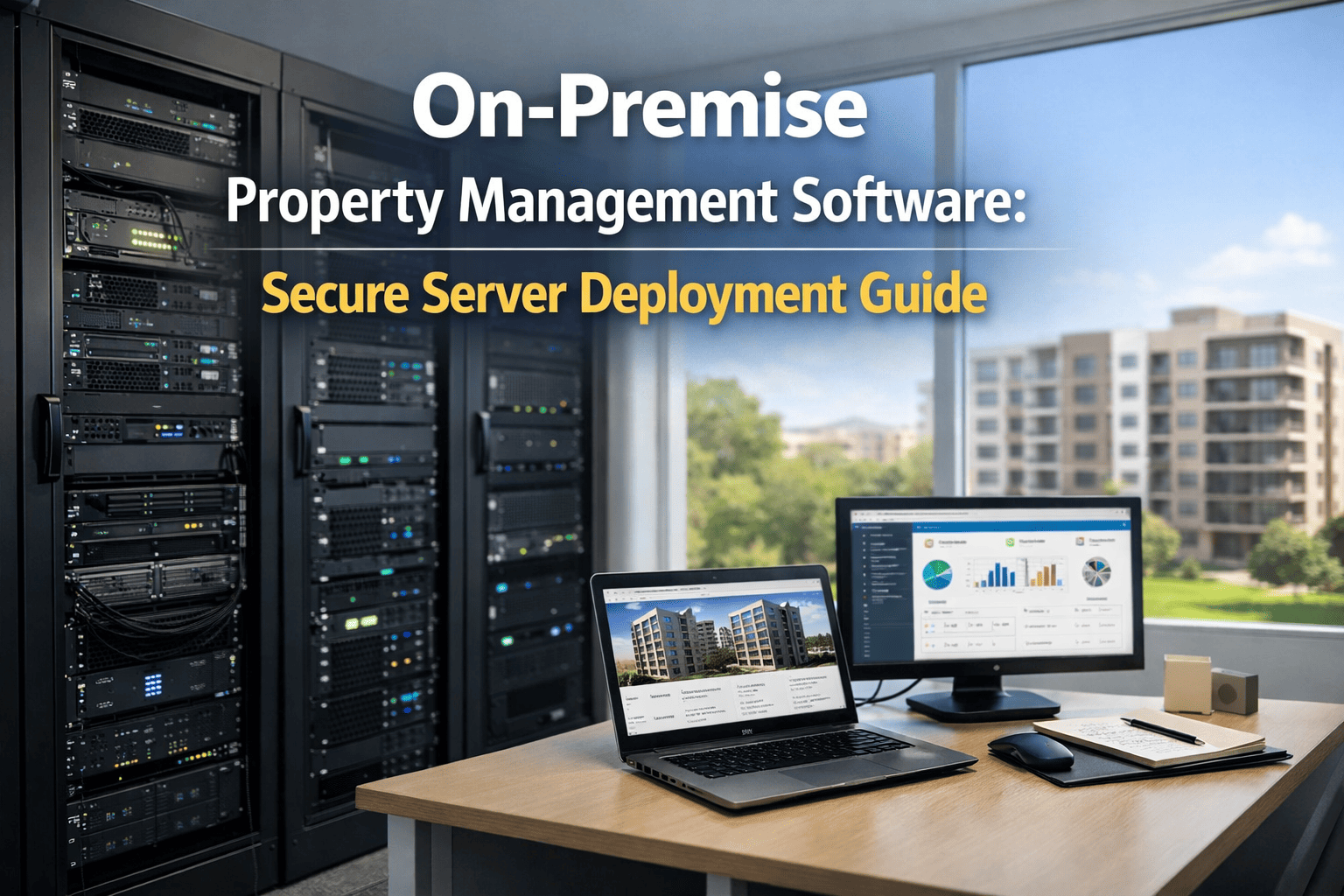
The decision between cloud and on-premise CMMS is not a technology preference — it is a strategic infrastructure choice that determines your five to ten year total cost of ownership (TCO), your ability to scale across multiple properties, your data security posture, your compliance burden, and whether your facility team spends time managing servers or managing assets. By 2026, 64% of new CMMS installations globally are cloud deployments. The market consensus is clear: cloud reduces TCO by 60–80% over five years when all direct and hidden costs are included. Yet one in three property managers still operates on-premise systems that are 2–4 years behind current versions, missing out on AI predictive maintenance, mobile access, and real-time portfolio visibility that cloud deployments offer instantly. This guide cuts through the vendor-driven framing and gives you the transparent, financial comparison you need — covering cost, security, deployment speed, mobile access, integration flexibility, maintenance overhead, and scalability — so your decision is based on operational reality, not marketing narratives.
Cloud vs. On-Premise CMMS: The Complete Cost & Capability Comparison
On-premise CMMS requires $50K–$250K upfront capital, years of IT overhead, and version upgrades every 18–24 months. Cloud deploys in 3–5 days, costs 60–80% less over five years, includes automatic updates, and scales instantly across unlimited sites. For property managers, the question is not whether cloud is better — it is whether your operation can afford to stay on-premise.
The Seven Critical Dimensions: Cloud vs. On-Premise Head-to-Head
Choosing between cloud and on-premise CMMS involves seven core business dimensions, not just software preference. Each dimension has financial, operational, and strategic consequences. The first dimension is cost structure. Cloud operates on a subscription (OpEx) model: predictable monthly or annual fees covering software access, hosting, server maintenance, security, and customer support. On-premise is capital-intensive (CapEx): large upfront hardware costs ($30K–$80K), software licenses ($20K–$100K+), IT setup ($20K–$50K), plus ongoing infrastructure overhead. The total five-year cost of cloud is typically 60–80% lower than equivalent on-premise systems when all infrastructure, staffing, backup, and upgrade costs are factored in. Most organizations underestimate on-premise costs by 40–60% because they exclude IT labor, disaster recovery infrastructure, and downtime impact. The second dimension is deployment speed and implementation burden. Cloud deploys in 3–5 days with no infrastructure overhaul. On-premise requires 3–6 months of project management, IT infrastructure setup, database administration training, and system integration before go-live. The third dimension is system updates and feature access. Cloud receives automatic updates, security patches, and new AI features without downtime or IT intervention. On-premise updates are expensive project events requiring planned downtime, IT resources, and often external consulting. Most on-premise sites run versions 2–4 years behind current due to update costs and operational disruption. The fourth dimension is mobile access and field workforce visibility. Cloud delivers instant mobile app access from any device, location, or network. On-premise mobile access requires VPN setup, separate mobile infrastructure, and ongoing IT management. The fifth dimension is data security and compliance. Cloud platforms implement enterprise-grade security: encrypted data in transit (TLS 1.2+) and at rest (AES-256), automated backups, disaster recovery, audit logging, and compliance certifications (SOC 2, HIPAA, GDPR-ready). On-premise security depends entirely on your IT team and budget — many small-to-mid organizations lack the expertise and resources to implement equivalent controls. The sixth dimension is scalability across multiple properties. Cloud scales instantly from one property to 500+ properties without infrastructure changes. On-premise scaling requires hardware purchases, license additions, and IT setup for each new property. The seventh dimension is maintenance overhead and IT dependency. Cloud eliminates server rooms, hardware refresh cycles, patch management, backup testing, and disaster recovery configuration. On-premise requires continuous IT oversight, hardware maintenance costs every 4–6 years, and staff time for troubleshooting and support.
The Five-Year Financial Reality: Cloud vs. On-Premise Total Cost of Ownership
A transparent five-year cost comparison reveals exactly why cloud has captured 78% of new CMMS installations. A mid-market property portfolio (30 properties, 5,000 units, 10 users) deploying on-premise CMMS faces the following costs: Year 1: hardware and software acquisition ($80K), IT setup and implementation ($30K), database administration labor (0.75 FTE at $60K), staff training ($8K), total $188K capital outlay plus $45K annual labor. Year 2–5: software license maintenance ($15K annually), hardware electricity ($3,500 annually), backup/DR infrastructure ($8K annually), IT staff time and troubleshooting ($35K annually), one major version upgrade project ($25K every 24 months), hardware replacement provisions ($80K in Year 4). Five-year total cost: approximately $475K–$525K in capital plus labor plus ongoing overhead. The same portfolio deploying cloud CMMS faces: Cloud subscription ($300/property/month = $108K annually), no capital cost, zero IT infrastructure overhead, automatic updates, professional backup and disaster recovery included. Five-year total cost: approximately $540K. The headline numbers appear similar — but the differences are profound. The cloud cost is entirely predictable (OpEx), includes modern AI features, offers zero IT overhead, and scales instantly to new properties. The on-premise cost carries massive upfront capital (CapEx), excludes modern analytics, requires continuous IT staffing, and struggles to scale. When opportunity cost (capital not available for other investments) is included, the five-year TCO advantage of cloud grows to 60–80%.
Cloud & On-Premise Feature Comparison: What You Actually Get
The cost comparison is important, but feature availability matters equally. Modern cloud CMMS platforms deliver capabilities that on-premise systems simply cannot match without significant development investment. Cloud platforms receive automatic AI upgrades — predictive maintenance models, anomaly detection, equipment failure forecasting — as new algorithms are deployed. On-premise users wait for their next major upgrade cycle (18–24 months) to access the same capabilities. Mobile accessibility on cloud is instant and secure — work orders, asset history, technician routing all available on field devices without VPN setup or IT infrastructure changes. On-premise mobile requires separate VPN configuration and often lags behind the desktop application. Real-time portfolio visibility across 50+ properties shows consolidated dashboards, asset health, work order status, and maintenance spend in a single interface on cloud. On-premise systems struggle with multi-site reporting and require complex data integration projects. Integration with third-party systems is seamless on cloud platforms via REST APIs and standard connectors — tenant portals, accounting software, procurement systems. On-premise integration requires custom development and IT coordination. Compliance and audit requirements are handled automatically on cloud: data encryption, retention policies, audit logging, role-based access, data residency options. On-premise compliance depends on IT team implementation and often falls short of institutional standards. Read OxMaint's maintenance schedule template to see how modern cloud CMMS captures asset history, PM intervals, and work order tracking automatically — capabilities that require significant custom development on-premise.
We ran on-premise CMMS for eight years. Our IT team spent roughly 300–400 hours annually on patch management, backup testing, hardware upgrades, and troubleshooting. We were two years behind on major version updates due to project costs and downtime concerns. We migrated to cloud CMMS and cut deployment time from six months to two weeks. In the first year, we eliminated all IT overhead, gained access to predictive maintenance that on-premise hadn't developed yet, and scaled from 3 to 12 properties without infrastructure changes. The five-year TCO savings are substantial, but the operational freedom and access to modern analytics is what we really value.
Frequently Asked Questions
Stop Paying the Hidden Costs of On-Premise Infrastructure
Cloud CMMS costs 60–80% less over five years, deploys in days, and delivers AI predictive maintenance instantly. Start free with OxMaint — no credit card, no implementation fees.