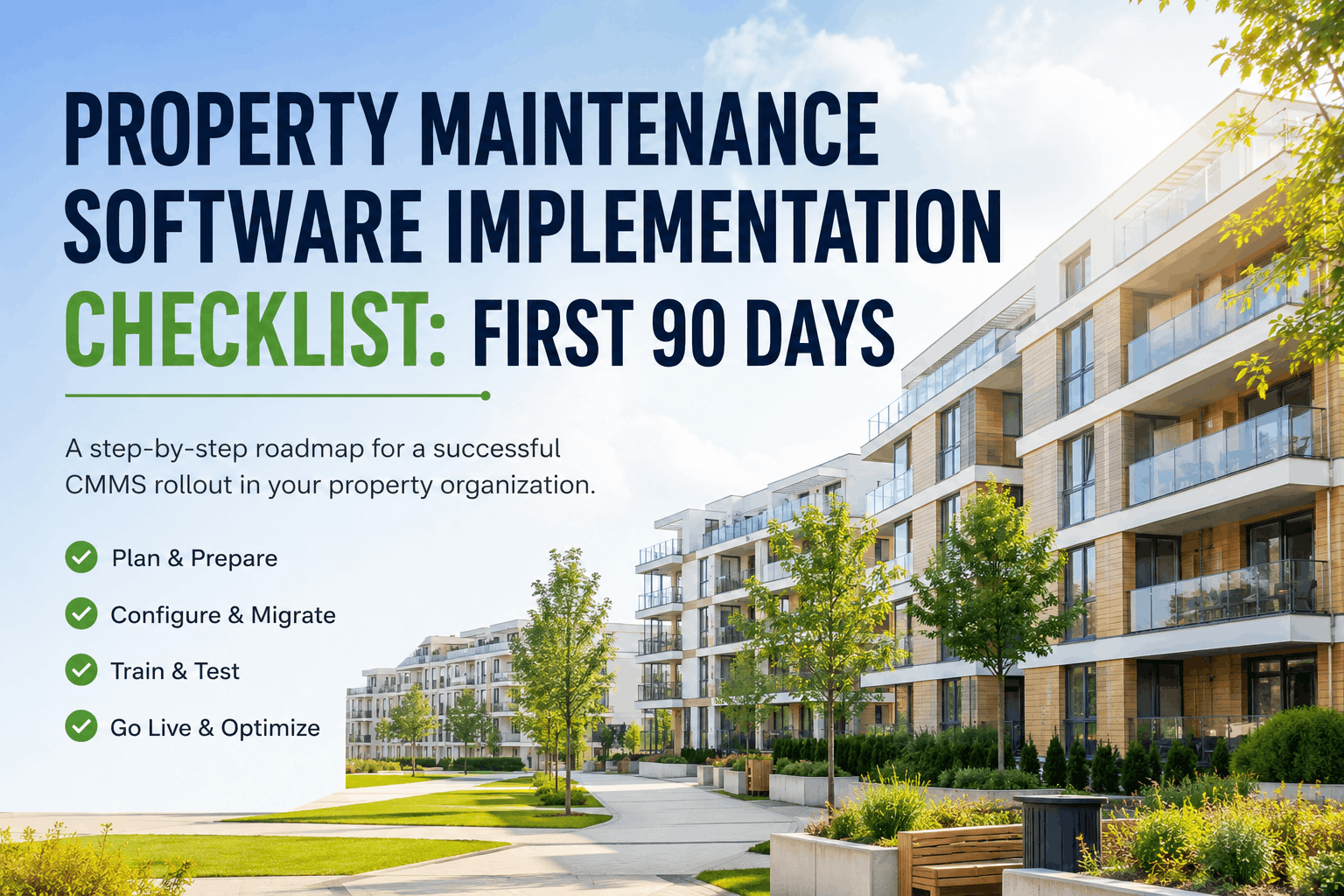
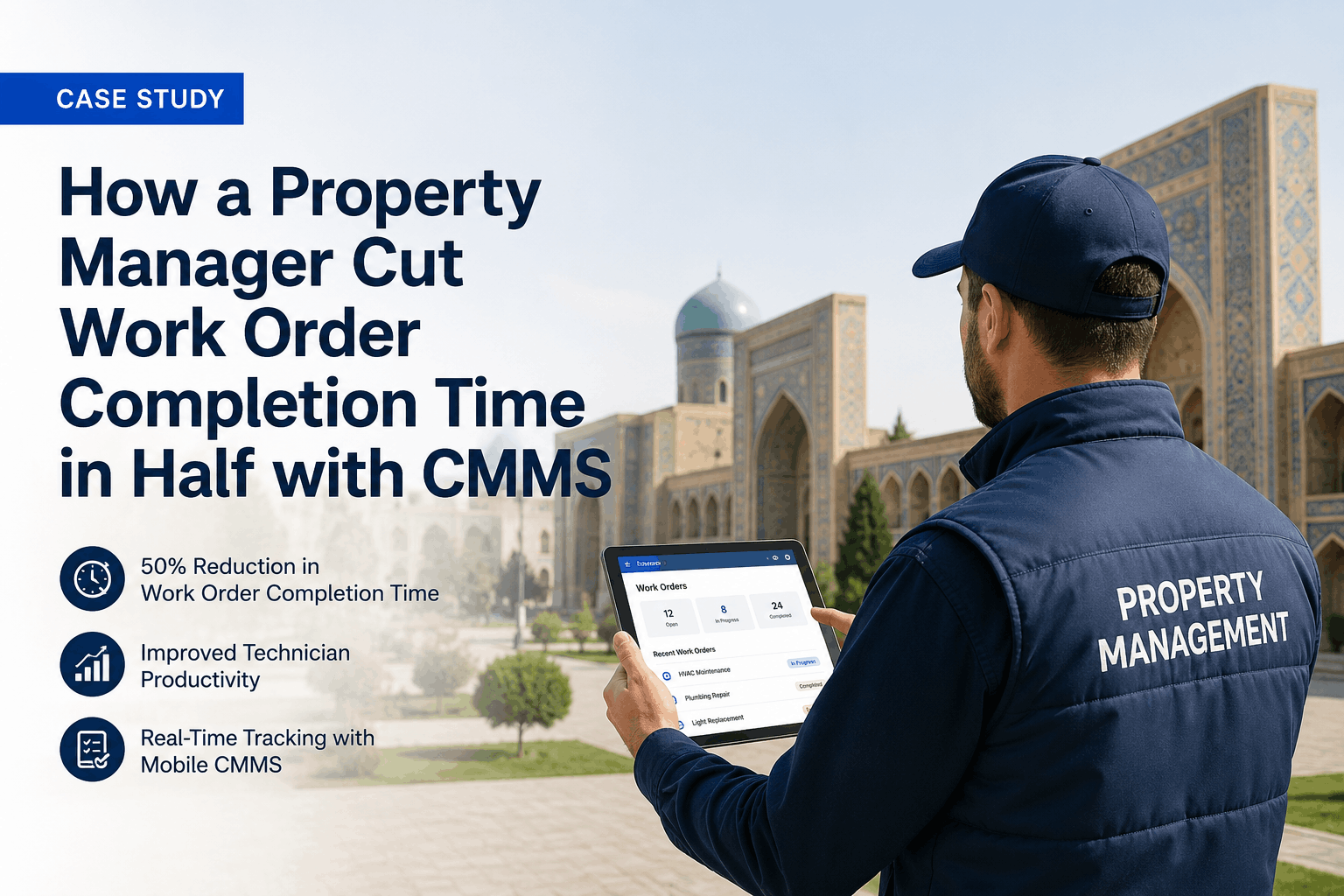
Deploying a Computerised Maintenance Management System is one of the most operationally consequential decisions a property management company will make. Done correctly, it eliminates reactive maintenance spirals, creates a single source of truth for every asset across the portfolio, and transforms the way facility teams plan, prioritise, and document work. Done poorly, it produces an expensive system that nobody uses, corrupted data that undermines automated workflows, and a change management crisis that sets operations back by months. This guide walks through every phase of a successful CMMS implementation — from pre-deployment planning through to full-scale rollout and long-term optimisation — so property management teams have a clear, practical roadmap for getting it right the first time. Sign up for OxMaint to explore a property-specific CMMS built around these exact requirements.
Ready to implement a CMMS built specifically for property operations?
OxMaint offers dedicated onboarding, data migration support, and property-specialist configuration for every deployment.
Why CMMS Implementations Fail — And How to Avoid It
The most common reason property management CMMS deployments underdeliver is not technology — it is planning. Organisations that approach implementation as a software installation rather than an operational transformation consistently encounter the same failure patterns: asset data migrated without cleansing, PM schedules configured without operational input, staff trained once and never supported afterward, and integrations scoped too ambitiously for a first deployment phase. Understanding these failure modes before starting is the first step toward avoiding them. A CMMS implementation is a change management programme that happens to involve software — not a software project that happens to affect people.
The second most common failure mode is over-scoping phase one. Attempting to migrate every asset, activate every workflow, and connect every integration simultaneously creates a complexity ceiling that almost always triggers timeline overruns, data quality failures, and user adoption problems simultaneously. The most successful property management implementations scope phase one around the highest operational impact — the asset categories generating the most reactive spend, the workflow gaps causing the most administrative pain — and build outward from there once the core system is stable and trusted.
Phase 1: Pre-Implementation Planning and Portfolio Assessment
No CMMS implementation should begin without a structured pre-deployment assessment of the property portfolio, existing processes, and technology environment. This planning phase is where the entire deployment is won or lost. Its purpose is to produce three deliverables before a single asset is migrated: a clear scope definition, a realistic implementation timeline, and a documented set of integration and configuration requirements that the vendor can work from directly.
Document every property, building system, and major asset category in scope. Record asset counts by type, current service schedules, and existing maintenance records — even if fragmented across spreadsheets, emails, and paper files.
Map current maintenance workflows end-to-end: how fault reports are received, how work orders are assigned, how vendor jobs are managed, and how compliance documentation is assembled. Identify the specific pain points that the CMMS must resolve.
List every system the CMMS must integrate with — property management software, accounting platforms, building management systems, tenant portals — and document the integration method available for each. API availability, file export formats, and data field mapping all affect deployment timelines.
Identify every team that will interact with the CMMS: facilities managers, field technicians, property managers, finance teams, and tenant-facing staff. Each group has distinct workflow requirements and change management needs that the implementation plan must address separately.
Define measurable outcomes before deployment begins — target PM completion rates, reactive work order reduction targets, compliance audit pass rates, and technician productivity benchmarks. These metrics anchor the ROI case and provide objective criteria for evaluating implementation success.
Define the boundaries of phase one explicitly: which properties are in scope, which asset categories will be migrated, which workflows will be activated, and which integrations are deferred to a later phase. Documented scope boundaries prevent creep that derails timelines.
Phase 2: Asset Data Preparation and Migration Strategy
Asset data quality is the single most important determinant of CMMS implementation success. The automated workflows a CMMS executes — PM scheduling, warranty tracking, lifecycle forecasting, compliance alerting — are only as reliable as the underlying asset records they run on. Migrating inaccurate, incomplete, or inconsistently formatted asset data does not just produce wrong outputs; it corrupts the trust in the system that is essential for staff adoption. Technicians who receive PM alerts for assets that no longer exist, or work orders referencing incorrect equipment specifications, stop trusting the platform and revert to manual workarounds that undermine the entire deployment.
Gather all existing asset records from every current source: spreadsheets, legacy CMMS exports, paper maintenance logs, warranty documents, and equipment nameplates. Consolidate into a single working dataset before beginning any cleansing work.
Remove duplicate records, fill critical data gaps (manufacturer, model, serial number, installation date), and establish consistent naming conventions for asset categories, locations, and equipment types. Inconsistent naming prevents the asset hierarchy from functioning correctly.
Map the physical asset structure into the CMMS hierarchy before migration: portfolio level, property level, building level, system level, and component level. This hierarchy determines how PM schedules are inherited, how costs are allocated, and how reporting rolls up across the portfolio.
Migrate historical service records for priority assets — at minimum two to three years of history for major building systems. Historical service data enables the CMMS to generate realistic lifecycle projections and flags assets approaching replacement thresholds from day one.
Validate migrated data against source records for a sample of assets before go-live. Verify that asset counts, location assignments, and service history records match expected values. Data validation at this stage prevents the post-launch discovery of migration errors that require costly remediation.
Phase 3: System Configuration and Workflow Setup
CMMS configuration transforms a generic software platform into a purpose-built operational system that reflects the specific workflows, compliance requirements, and operational logic of your property portfolio. Generic out-of-the-box configuration almost never matches the realities of a complex property management operation, and teams that skip or rush this phase consistently report that the system does not match how their work actually happens. Configuration quality determines whether the CMMS accelerates operations or creates friction that drives workarounds. Schedule a demo to see how OxMaint's configuration methodology is tailored to your property portfolio from day one.
Core Configuration Areas and Key Decisions
| Configuration Area | Key Decisions Required | Common Mistakes |
|---|---|---|
| Work Order Workflow | Approval tiers, priority categories, assignment rules, SLA targets per work type | Over-complicating approval chains; too many priority levels that staff ignore |
| PM Schedule Library | Frequency intervals per asset type, procedure templates, seasonal adjustments, compliance-driven schedules | Copying manufacturer intervals without adjusting for operational context |
| Compliance Frameworks | Inspection types, regulatory intervals, documentation requirements, responsible party assignments | Incomplete mapping of local regulatory requirements; missing documentation fields |
| Vendor and Contractor Setup | Vendor profiles, trade categories, insurance expiry tracking, PO approval thresholds | No insurance expiry alerts; PO thresholds not aligned with financial authority levels |
| Reporting and Dashboards | KPI definitions, reporting frequency, audience-specific views, alert thresholds | Using default dashboards that don't reflect the metrics leadership actually tracks |
| User Roles and Permissions | Role definitions, data visibility scope, approval authority levels, mobile access rights | Over-restricting field technician access; under-restricting financial data visibility |
| Notification and Alert Logic | Escalation triggers, overdue thresholds, compliance expiry windows, vendor SLA breach alerts | Alert fatigue from too many low-priority notifications; critical alerts buried in noise |
Phase 4: Integration Architecture and Technical Deployment
For property management companies operating multi-system technology environments, integration architecture is a critical deployment workstream that runs in parallel with asset configuration and workflow setup. The CMMS does not operate in isolation — it must exchange data with property management platforms, accounting systems, tenant portals, building management systems, and potentially IoT sensor networks. Integration quality determines whether the CMMS becomes the operational centre of the technology stack or an isolated silo that requires manual data reconciliation to stay current.
The most important principle in integration planning is sequencing by operational dependency. Integrations that are required for the core workflows activated in phase one — typically the accounting system for PO approvals and the property management platform for tenant and lease data — must be completed before go-live. Integrations that enhance capabilities without blocking core workflows — BMS sensor feeds, IoT integrations, advanced analytics connectors — can be safely deferred to later phases without compromising the initial deployment. This sequencing reduces the technical complexity of phase one and shortens the time to operational value.
Phase 5: User Training and Change Management
Training is the phase most frequently underinvested in property management CMMS implementations, and it is the phase that most directly determines whether the software delivers its promised operational value. A CMMS configured with precision and populated with clean asset data delivers no benefit if the people responsible for executing work orders, completing PM checklists, and logging vendor jobs do not know how to use it correctly. Worse, a poorly trained team actively degrades data quality through incorrect entries, skipped fields, and workaround behaviours that corrupt the records the system depends on.
Focus training on work order management, PM schedule oversight, vendor performance monitoring, compliance reporting, and dashboard interpretation. This group needs confidence with the full operational picture — not just task execution.
Prioritise mobile app workflow: accepting work orders, completing PM checklists, logging parts and labour, uploading photo documentation, and completing sign-offs. Offline mode operation is critical for technicians working in low-connectivity areas.
Train on work order submission for tenant fault reports, status tracking, SLA monitoring, and generating compliance and maintenance summary reports for landlord or ownership reporting requirements.
Cover PO management, budget tracking against maintenance spend, vendor invoice reconciliation, and the financial reports relevant to operating cost management and capital planning.
Beyond formal training sessions, change management requires ongoing reinforcement in the weeks following go-live. Designating CMMS champions — power users within each team who receive advanced training and serve as first-line support for colleagues — dramatically accelerates adoption. Weekly check-ins in the first 30 days to identify workflow gaps, answer user questions, and address configuration issues that only emerge under live operational conditions prevent the gradual drift back to legacy workarounds that undermines many implementations in their critical early weeks. Get started with OxMaint and access dedicated onboarding support from day one.
Phase 6: Go-Live Strategy and the First 90 Days
The go-live moment is not the end of the implementation — it is the beginning of the operational validation phase. How the first 90 days are managed determines whether the system beds in as a trusted operational platform or accumulates the technical debt and adoption gaps that require expensive remediation later. A structured 90-day post-launch plan distinguishes successful implementations from those that deliver a fraction of their potential value.
Monitor work order completion rates, PM schedule adherence, and data entry quality daily. Identify and resolve configuration issues before they become embedded habits. Hold weekly team check-ins to surface user experience problems and workflow friction points that were invisible during UAT.
Audit asset records and work order data for completeness and accuracy. Refine PM procedure templates based on technician feedback from live execution. Activate any deferred configuration elements — additional asset categories, secondary compliance frameworks, enhanced notification rules — now that the core system is stable.
Generate the first formal performance report against pre-implementation baseline metrics: PM completion rate, reactive work order volume, average resolution time, and compliance documentation status. Use this data to build the business case for phase 2 scope expansion — additional properties, advanced integrations, or predictive maintenance capabilities.
See how OxMaint's structured implementation methodology delivers measurable results within 90 days.
Purpose-built for property management — from asset migration through to portfolio-wide analytics.
CMMS Data Migration: Common Challenges and How to Solve Them
Data migration is where many property management CMMS implementations encounter their most significant technical obstacles. The challenges are predictable, but only if you know to look for them. Asset records accumulated over years in spreadsheets, legacy systems, and paper files typically contain duplicate entries, inconsistent naming conventions, missing mandatory fields, and service history gaps that span significant time periods. Each of these issues requires a defined remediation approach before migration begins — not after go-live, when fixing data problems in a live operational system is exponentially more disruptive.
The same physical asset appears multiple times under different naming conventions — "HVAC Unit 3," "Air Handler — Level 3," and "AHU-03" all referring to the same equipment. Resolution requires a consolidation pass that identifies duplicates by location, manufacturer, and serial number before migration.
Location references across source data use different formats, abbreviations, and hierarchy levels that cannot be automatically mapped to the CMMS location structure. A location taxonomy decision must be made and applied consistently across all records before import.
Asset records missing installation dates, manufacturer data, or model numbers cannot drive accurate PM scheduling or lifecycle forecasting. Missing data must be physically verified on-site or sourced from original installation documentation — it cannot be guessed or left blank.
Historical maintenance records spread across multiple systems, paper job cards, and contractor invoices cannot be consolidated without a structured extraction process. Prioritise service history for high-value, high-risk assets first; accept gaps for lower-priority assets where verification cost exceeds value.
Measuring CMMS Implementation Success: KPIs That Matter
Defining success metrics before implementation begins is not a procedural formality — it is the mechanism by which organisations hold themselves and their CMMS vendor accountable for delivering tangible operational improvement. Post-implementation reviews that lack pre-defined benchmarks inevitably devolve into subjective assessments that fail to capture the financial value generated and miss the gaps that still require attention. The KPIs below represent the metrics property management organisations consistently find most meaningful in evaluating CMMS implementation outcomes. Book a consultation to see how OxMaint's reporting dashboards track every one of these metrics in real time.
| KPI Category | Metric | Target Benchmark | Measurement Frequency |
|---|---|---|---|
| Maintenance Mix | Reactive vs. Planned Maintenance Ratio | Below 30% reactive within 12 months | Monthly |
| PM Programme Health | PM Completion Rate | Above 90% on-time completion | Weekly |
| Resolution Efficiency | Average Work Order Resolution Time | 20–30% reduction from baseline | Monthly |
| Compliance | Overdue Compliance Inspections | Zero overdue items at audit | Weekly |
| Technician Productivity | Productive Wrench Time Percentage | 25% increase within first year | Quarterly |
| Cost Performance | Total Maintenance Cost per Asset | 15–25% reduction within 18 months | Quarterly |
| Vendor Performance | First-Time Fix Rate | Above 75% across contractors | Monthly |
| Platform Adoption | Digital Work Order Completion Rate | Above 95% within 90 days of go-live | Weekly |
Long-Term CMMS Optimisation: Beyond Initial Deployment
A CMMS implementation is not a project with a defined end date — it is an ongoing operational capability that requires continuous refinement to deliver its full potential over time. The organisations that extract the highest long-term value from their CMMS investments treat the platform as a living system that evolves with the portfolio, not a static configuration that was set up once and left alone. As asset data matures, as historical maintenance records accumulate, and as team proficiency deepens, the analytical capabilities of the platform become progressively more powerful — but only if the underlying data quality and workflow discipline are actively maintained.
Annual CMMS health reviews — auditing data quality, reviewing PM schedule accuracy against current asset conditions, updating vendor and compliance records, and assessing whether the platform configuration still matches operational workflows — prevent the gradual drift that erodes system performance over time. The organisations consistently reporting 300% to 500% three-year ROI from CMMS deployments are those that treat platform governance as an ongoing operational responsibility, not a post-implementation afterthought. Explore OxMaint to see how a platform designed for long-term property operations supports continuous improvement across every deployment phase.
Frequently Asked Questions
How long does a property management CMMS implementation take?
A focused phase-one deployment covering core asset migration, PM scheduling, and work order management typically completes in 60 to 90 days for a structured portfolio. Full platform activation including integrations, advanced reporting, and multi-property rollout takes 4 to 6 months. Phased implementations that prioritise highest-impact workflows consistently deliver faster time to value than comprehensive single-phase deployments.
What is the most critical factor for CMMS implementation success?
Asset data quality is the single most important determinant of implementation success. Inaccurate, incomplete, or inconsistently formatted asset records corrupt the automated workflows the CMMS is built to execute. Investing in thorough data cleansing before migration — even if it delays go-live by two to four weeks — consistently delivers better long-term outcomes than rushing to launch with poor-quality data.
How should we scope a CMMS implementation for a large multi-site portfolio?
Multi-site deployments should be phased by property cluster or asset risk category rather than attempting a simultaneous full-portfolio rollout. Begin with the two to three properties generating the highest reactive maintenance spend or the most significant compliance exposure. Prove the operational model, train a core team, and use the first deployment as the template for subsequent property activations.
How do we manage staff resistance to CMMS adoption?
Resistance is almost always driven by one of two factors: staff who do not understand how the system improves their daily work, or a configuration that genuinely creates friction in existing workflows. Addressing the first requires communications that focus on user benefit rather than management control. Addressing the second requires a configuration review to identify and eliminate workflow friction before it becomes embedded resistance.
What integrations should be prioritised in the first phase of CMMS deployment?
Phase one integrations should be limited to systems that are operationally required for the core workflows being activated — typically the accounting or ERP system for PO and invoice management, and the property management platform for tenant and lease data. All other integrations, including BMS sensor feeds, IoT connections, and advanced analytics platforms, should be deferred to phase two once the core system is stable. Over-scoping integrations in phase one is one of the most common causes of deployment timeline overruns.