Your CMMS evaluation is the most important decision you will make for your property management operations — the problem is that 67% of procurement teams select software based on features they never use, while overlooking the criteria that determine whether a platform delivers long-term adoption and ROI. Every hour you spend on demos, every spreadsheet you create to compare vendors, and every reference call you make contains evaluation patterns that repeat across failed implementations — platforms that look impressive in demos but are abandoned within 12 months, contracts with hidden costs, and vendors that provide excellent sales support but poor post-go-live service. A 2025 industry analysis found that organizations using structured vendor evaluation checklists are 3.2x more likely to report "high satisfaction" with their CMMS at the 2-year mark — not because they chose better platforms, but because they asked better questions during evaluation. The vendor that impresses in a demo but cannot demonstrate a simple tenant request workflow in real time is not a software problem — it is a red flag that 89% of buyers miss because they are not following a structured checklist. That pattern is sitting in your procurement history right now, invisible because nobody has built the evaluation framework that surfaces it. Oxmaint turns your software selection process into a structured evaluation engine — providing a 50-point checklist that separates genuinely capable platforms from impressive demos. The data is already yours, and the analysis that prevents a failed implementation takes minutes to configure, not months. If your organization is still evaluating software based on sales presentations instead of structured criteria, start a free trial or book a demo to see how Oxmaint's evaluation framework helps you select the right platform.
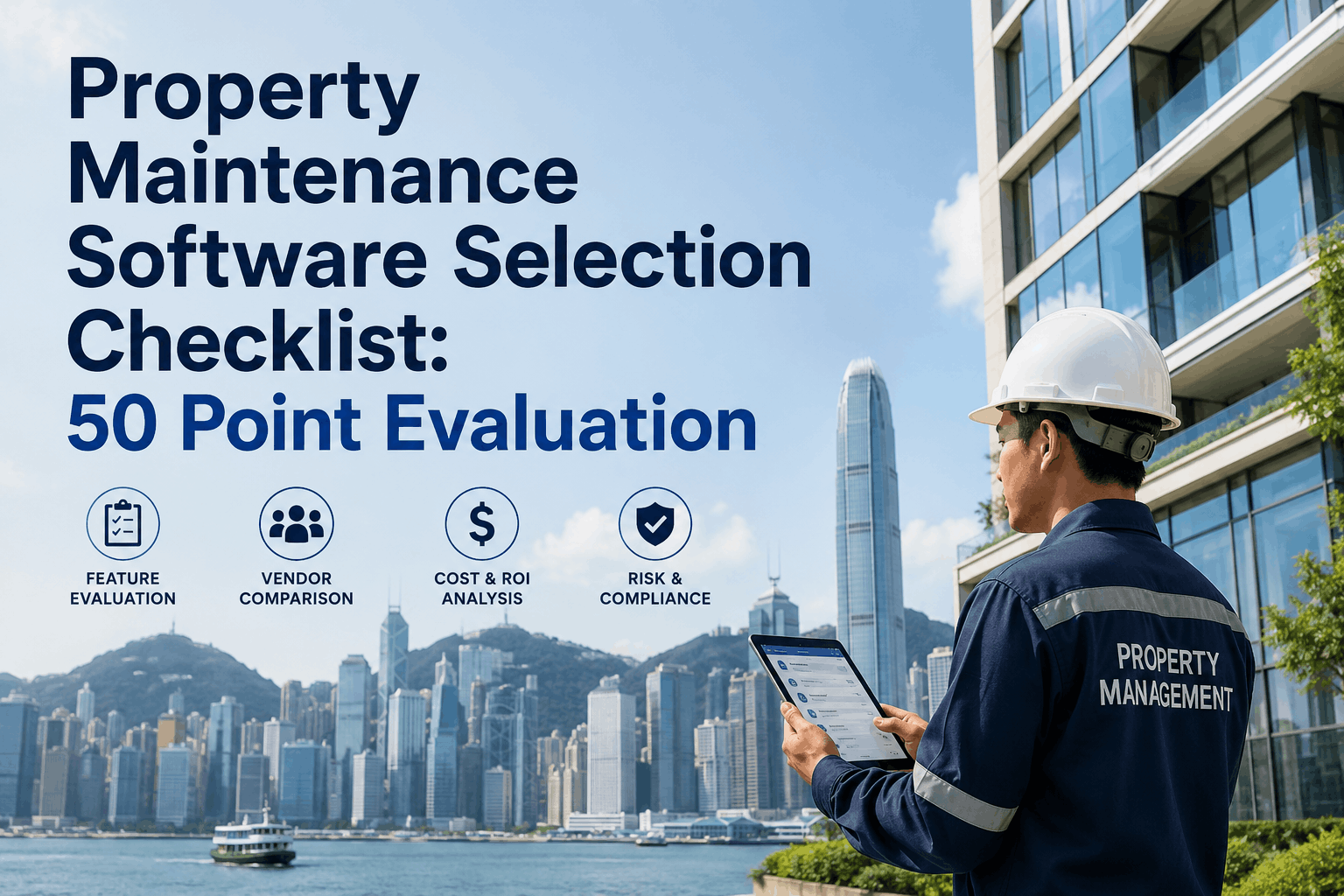
Property Maintenance Software Selection Checklist: 50 Point Evaluation
Downloadable checklist to evaluate and select the right property maintenance software — 50 criteria across usability, mobile, property management features, integration, scalability, security, vendor stability, and support.
Stop Evaluating Features — Start Evaluating Outcomes
Every software vendor will show you an impressive feature list. The question is not whether the platform has features — it is whether those features will be used by your team, integrate with your existing systems, and deliver measurable operational improvement. Oxmaint helps you evaluate software systematically with a 50-point checklist that covers usability, mobile capabilities, property management features, integration, scalability, security, vendor stability, and post-implementation support. Property management organizations evaluating CMMS platforms can start a free trial or book a demo to see how Oxmaint scores against every criterion on this checklist.
The 50-Point Vendor Evaluation Framework
Evaluating property maintenance software without a structured framework is how organizations end up with expensive shelfware that teams resist using and executives regret funding. When property managers sit through vendor demos, every CMMS looks capable — they all generate work orders, track assets, and have mobile apps. The real difference emerges 6-12 months post-implementation when your team is still fighting friction, adoption lags, integrations are broken, or vendor support evaporates [citation:1].
A 50-point evaluation checklist that grades vendors on functional capabilities, technical architecture, usability, scalability, integrations, vendor financial stability, implementation methodology, and post-implementation support prevents those catastrophic missteps [citation:1].
50-Point Vendor Evaluation Checklist: Criteria, Scoring, and Decision Framework
Use this 50-point checklist to evaluate property maintenance software vendors objectively [citation:1]. Score each vendor 1-5 on every criterion; total score out of 250 provides data-driven comparison that survives sales pressure [citation:2].
Integration, Scalability, Security, and Vendor Stability
Beyond the core feature set, the technical architecture, integration capabilities, security posture, and vendor stability determine whether a platform can grow with your portfolio and deliver long-term value. These criteria are often overlooked in feature-focused evaluations but frequently drive the difference between successful and failed implementations [citation:3][citation:6].
PMS Integration (AppFolio, Buildium, Yardi) — Bi-directional sync of tenant, lease, unit data; rent tracking in maintenance context. Accounting Software Integration — QuickBooks, Xero; invoice sync; cost category mapping. API Documentation & Webhooks — Public REST API; webhooks; sandbox environment. Bulk Data Import/Export — CSV import of assets, work orders, tenants; data mapping. Single Sign-On (SSO) — SAML 2.0; Azure AD, Okta integration. Third-Party App Marketplace — Partner ecosystem; pre-built connectors [citation:1][citation:4].
Unlimited Users / Seats — No per-user licensing; add unlimited team members and contractors without cost increase [citation:1]. Database Performance at Scale — Stable with 100K+ work orders; asset database of 50K+ items. Multi-Tenant / Multi-Property Isolation — Complete data isolation; compliance with data residency [citation:6]. Uptime & Availability SLA — 99.9% uptime guarantee; redundant infrastructure; SLA credits. Load Testing & Capacity Planning — Vendor shares load test results; scaling architecture [citation:1].
Data Encryption — TLS 1.2+ for data in motion; AES-256 at rest; FIPS-certified key management. Security Certifications — SOC 2 Type II; ISO 27001; regular penetration testing. Data Residency & Jurisdiction — Choice of US/EU/APAC data centers; residency guarantees. HIPAA / Compliance — HIPAA-eligible; GDPR; CCPA, VCDPA. Audit Trail & Compliance Logging — Complete audit trail; 7-year retention; exportable. Data Backup & Recovery — Automated daily backups; 30-day retention; RTO < 1 hour [citation:1][citation:6].
Company Financials & Funding — Stable funding; profitable; employee headcount trends. Customer References & Case Studies — Speak directly to 3+ property management customers; real-world adoption and ROI [citation:3]. Implementation Support — Dedicated implementation manager; onboarding timeline; go-live support [citation:3][citation:6]. Training & Onboarding — Role-specific training; on-demand resources; certification programs. Customer Success — Dedicated CSM; proactive account management; health check reviews. Contract Terms — Termination clauses; notice periods; guarantees or SLAs [citation:9]. Hidden Costs — Setup fees; integration charges; additional user licenses. Customer Retention Rate — Vendor's retention rate; churn patterns; customer satisfaction scores [citation:1][citation:3].
Scoring Matrix and Decision Framework
A weighted scoring matrix helps you prioritize what is most important to your organization and compare vendors objectively [citation:2].
| Evaluation Category | Weight | Vendor A Score (1-5) | Vendor B Score (1-5) | Vendor C Score (1-5) |
|---|---|---|---|---|
| Usability & UI | 20% | ___ | ___ | ___ |
| Mobile & Field Capabilities | 20% | ___ | ___ | ___ |
| Property Management Features | 20% | ___ | ___ | ___ |
| Integration Capability | 10% | ___ | ___ | ___ |
| Scalability & Performance | 10% | ___ | ___ | ___ |
| Security & Compliance | 10% | ___ | ___ | ___ |
| Vendor Stability & Support | 10% | ___ | ___ | ___ |
| TOTAL | 100% | ___ | ___ | ___ |
Red Flags to Watch For During Vendor Evaluation
Beyond the checklist, certain red flags during the evaluation process indicate that a vendor may not deliver on its promises — regardless of how impressive the demo appears [citation:1][citation:3][citation:7].
Unwillingness to provide transparent pricing or hidden cost details. Cannot demonstrate core functionality live — only shows pre-scripted demos. No customer references available or references are vendor-curated only. Pressure to sign immediately with "limited-time" pricing. Disconnected or outdated UI/UX that feels clunky. Manual workarounds required to complete key workflows during the demo. No visibility into future product development or product roadmap [citation:1][citation:3].
Unusual termination clauses or significant penalties for early termination. Vague service level agreements without defined response times. Hidden fees not disclosed upfront — integration charges, user license fees, support costs. Limited automation or no clear AI strategy for future improvement. Data portability clause is missing or restrictive. Implementation timeline is unrealistic compared to comparable customer implementations. Named implementation team members are not confirmed at contract stage [citation:3][citation:9].
30-Minute Demo Script and Proof Checklist
Don't let a sales demo be a passive experience. Take control by having a script of real-world scenarios you want to see in action [citation:2]. Ask the presenter to walk through these common tasks:
Create a work order from a tenant maintenance request. Assign it to a technician or vendor. Show the mobile notification the technician receives. Walk through the entire lifecycle from request to completion, including photo documentation and digital signature [citation:2].
Set up a recurring PM schedule for an HVAC unit. Show the system generating work orders automatically at the configured interval. Demonstrate the escalation notification when a PM work order is not completed on time [citation:2][citation:4].
Pull a report showing open work orders across all properties, PM compliance rates, and maintenance cost per unit. Show the portfolio dashboard with KPI visualization. Demonstrate how the report can be exported to PDF or Excel [citation:2].
Show how the platform syncs with your existing property management system (AppFolio, Buildium, Yardi). Demonstrate a tenant record syncing from the PMS to the CMMS. Show how an invoice from a completed work order flows to accounting software [citation:2].
Total Cost of Ownership & ROI Calculation
The true cost of property maintenance software goes beyond the monthly subscription. Understanding total cost of ownership prevents budget surprises and enables accurate ROI calculation [citation:2].
Cost scales linearly with portfolio size. Most cost-effective when each property generates significant work order volume. Typically includes all features per property [citation:4].
Cost does not scale with portfolio size. Most cost-effective when one team manages a large portfolio and work volume is high per user. Does not include tenants or contractors [citation:4].
One-time setup fees for implementation and onboarding. Data migration and configuration. Training costs. Integration setup fees [citation:2].
Software pays for itself through time savings, reduced emergency repairs, improved PM compliance, and technician productivity gains. Most property managers see ROI within the first year [citation:1][citation:4].
Frequently Asked Questions
How do I start evaluating property maintenance software?+
What are the most important features for property maintenance software?+
How should I compare different CMMS vendors?+
What questions should I ask vendor references?+
Evaluate Software with Confidence — Use the 50-Point Checklist
Every CMMS vendor looks impressive in a demo. The difference between a platform that delivers value and one that becomes shelfware is structured evaluation. Oxmaint scores at the top of every criterion on this checklist — but we encourage you to evaluate us against your own criteria. No pressure. Just data.


.png)