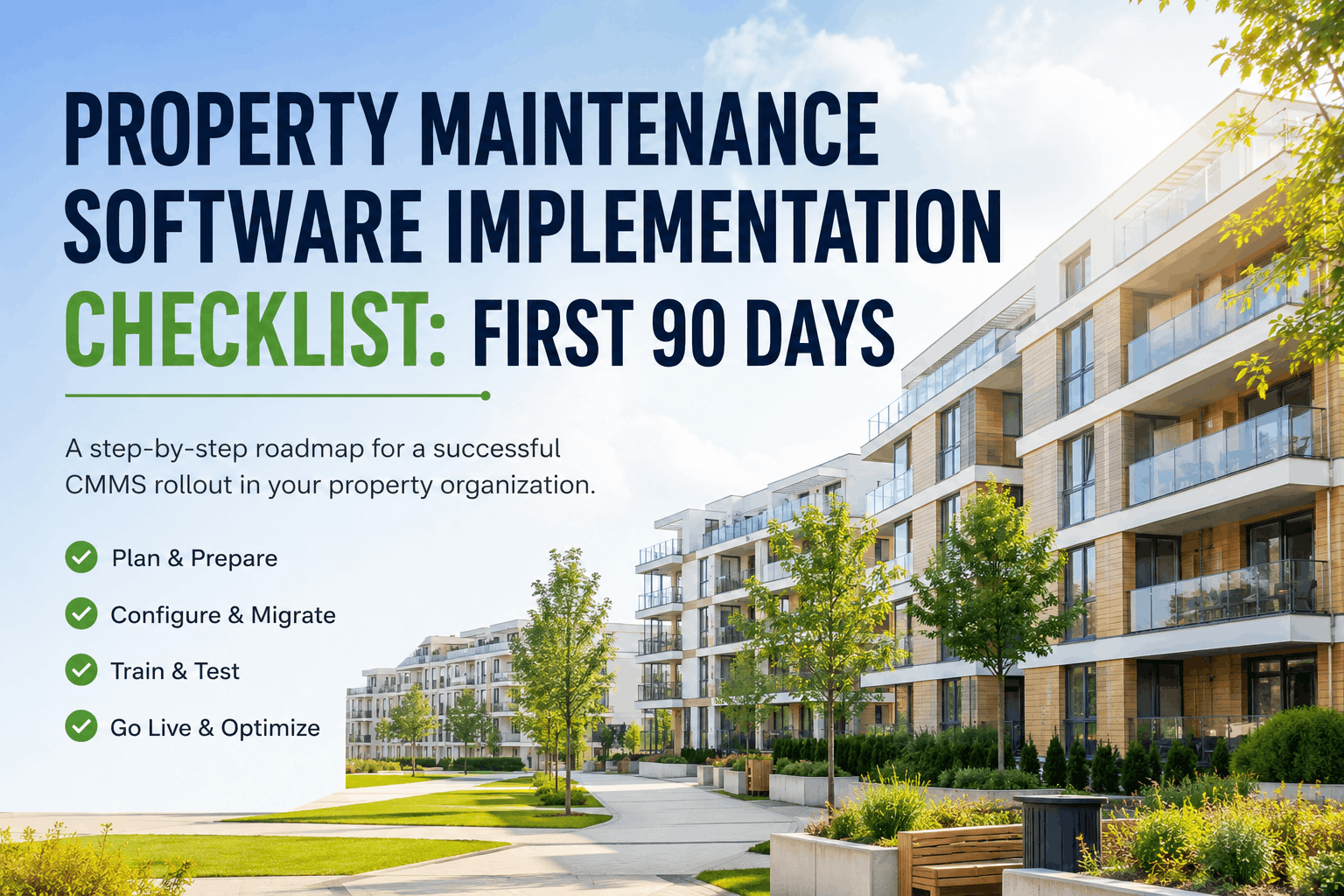
Property Maintenance Software Implementation Checklist: First 90 Days
By Alex Jordan on June 30, 2026
Implementing a new property maintenance management system (CMMS) is a strategic operational transformation, not just a software installation. Organizations that follow a structured 90-day implementation roadmap—covering planning, data migration, configuration, training, testing, and go-live—report 65% faster adoption, 45% reduction in work order processing time, and measurable ROI within the first year. This comprehensive CMMS implementation checklist guides property managers, maintenance directors, and IT teams through every phase needed for a successful rollout across your portfolio.
Launch Your Property CMMS in 90 DaysStructured implementation roadmap with planning checklists, data migration templates, training guides, and post-go-live support strategies powered by Oxmaint's proven deployment methodology.
The first two weeks define your entire implementation success. A clear scope, realistic timeline, and aligned stakeholders prevent scope creep and ensure buy-in from operations, maintenance, accounting, and IT teams.
2. Data Preparation & Migration Planning (Days 15–45)
Data quality determines CMMS success more than any other factor. Properties that invest time in cleansing historical data, standardizing asset hierarchies, and validating PM schedules before migration report 70% fewer data-related delays and higher adoption rates.
3. System Configuration & Customization (Days 25–60)
CMMS configuration translates your operational workflows into system rules and automation. Property teams that collaborate with their implementation partner to customize workflows rather than forcing operations into generic templates achieve faster adoption and sustained usage.
4. User Training & Change Management (Days 45–75)
Training effectiveness directly determines CMMS adoption. Organizations investing in role-based training—supervisors, technicians, operations managers, vendors—and ongoing support experience 80% faster user adoption and higher data quality post-launch.
5. Testing & Quality Assurance (Days 60–80)
Structured testing before go-live prevents costly production incidents. User acceptance testing (UAT) and integration testing catch data issues, misconfigured workflows, and system problems while they can still be fixed without disrupting operations.
6. Go-Live & Portfolio Rollout (Days 75–90)
A structured go-live approach—staged rollout by property, real-time monitoring, and rapid issue resolution—ensures smooth transition to production. Organizations using a phased rollout over 2–4 weeks experience 60% fewer disruptions than big-bang cutover approaches.
Accelerate Your CMMS Rollout in 90 DaysOxmaint's pre-built implementation templates, training programs, and dedicated support team guide you from planning through go-live—with 35% faster deployments than industry average.
Frequently Asked Questions — CMMS Implementation Checklist for Property Management
How long does a typical CMMS implementation take for a property portfolio?
Most property management portfolios with 10–100 buildings complete implementation in 60–90 days using a structured roadmap covering planning, data migration, configuration, training, testing, and phased go-live. Larger or more complex portfolios may require 4–6 months with multiple waves of deployment.
What is the most common cause of CMMS implementation delays?
Poor data quality and incomplete asset inventory delays migrations by 2–4 weeks on average. Organizations that invest time upfront to cleanse existing data, standardize asset naming, and compile PM schedules typically meet their implementation timeline. Legacy data fragmented across spreadsheets and vendor files adds significant migration complexity.
Should we migrate historical work order data into the new CMMS?
Only migrate the most recent 24–36 months of work order history if your CMMS will be used for trend analysis or warranty tracking. Older records can be archived in a separate database or document repository to keep the live CMMS database lean and performant. This reduces migration complexity and improves system speed.
How do we ensure technician adoption of the new CMMS mobile app?
Make technician training hands-on, not classroom-only. Have them practice completing PM checklists, taking photos, and logging time on their actual devices and on your property network before production launch. Provide quick-reference job aids and assign a champion at each property to answer questions during the first month. Track mobile app usage and address resistance early.
What is hypercare, and how long should it last?
Hypercare is a dedicated support window (typically 2 weeks post-go-live) where vendor support and internal staff monitor the system 24/7, triage issues, and make configuration adjustments to prevent production disruptions. Hypercare helps catch data problems, misconfigured workflows, and integration issues before they impact day-to-day operations.
Which property management software integrations are most critical during CMMS implementation?
PMS integration (Yardi, AppFolio, MRI, RealPage, Buildium) for tenant request sync and accounting system integration for cost allocation are the most impactful. These integrations eliminate manual data entry, reduce errors, and ensure that maintenance costs flow correctly to financial reports. Building automation system integration for HVAC/electrical data is valuable but can be sequenced to later phases if needed.
Should we use a big-bang go-live or a phased rollout approach?
Phased rollout over 2–4 weeks by property group is lower-risk and more sustainable than big-bang cutover. Phased rollout allows you to apply learnings from early deployments to later waves, reduce concurrent training load, and manage hypercare support burden. Most property teams report 60% fewer disruptions with phased rollout than with big-bang approaches.
What compliance and audit documentation must we maintain post-implementation?
Maintain CMMS audit logs, system access records, data migration documentation, training records, UAT sign-off, go-live approval, and any post-launch configuration changes. Keep legacy systems and backups accessible for 6–12 months in case you need to reference historical data. This documentation protects against audit findings and legal disputes.