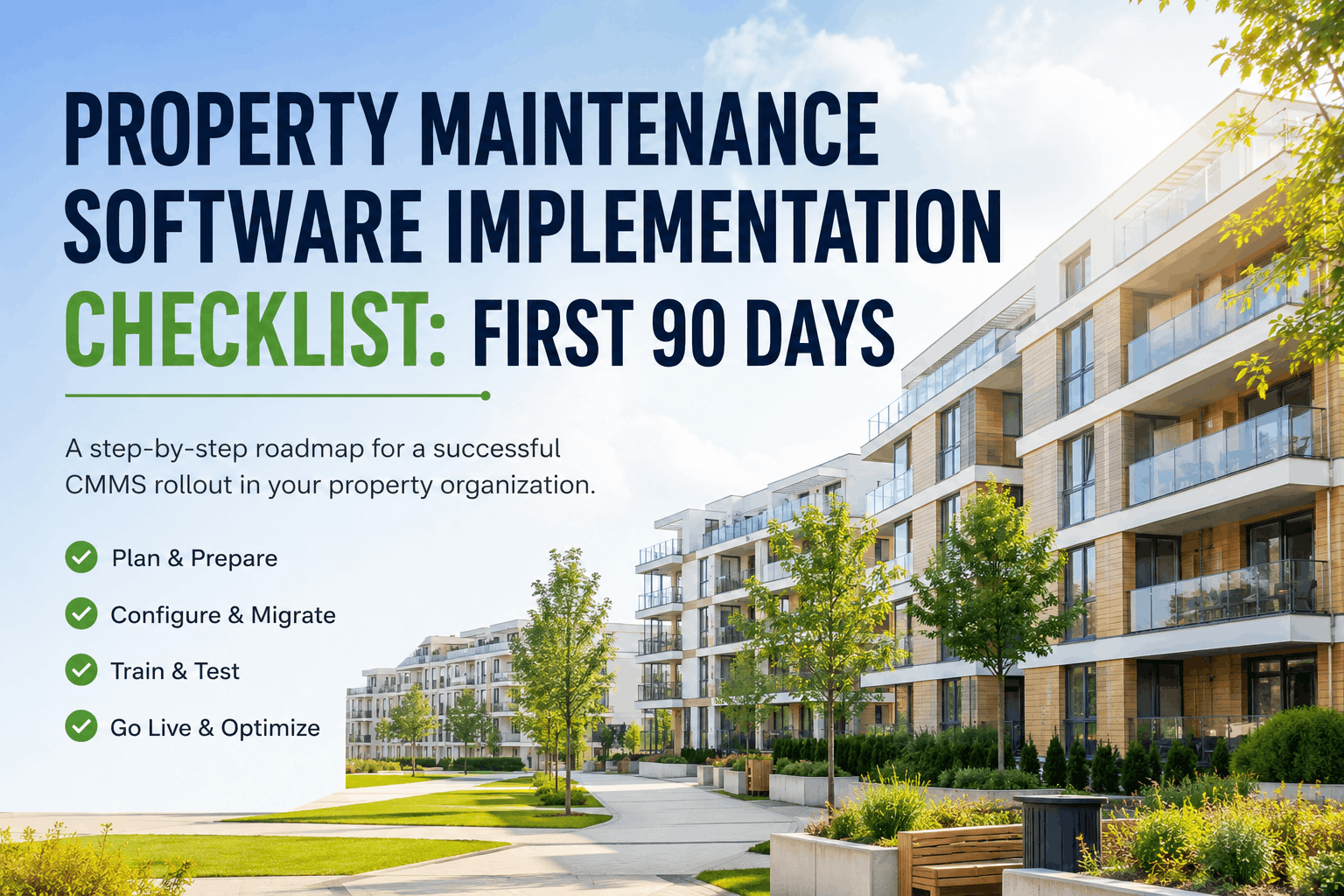
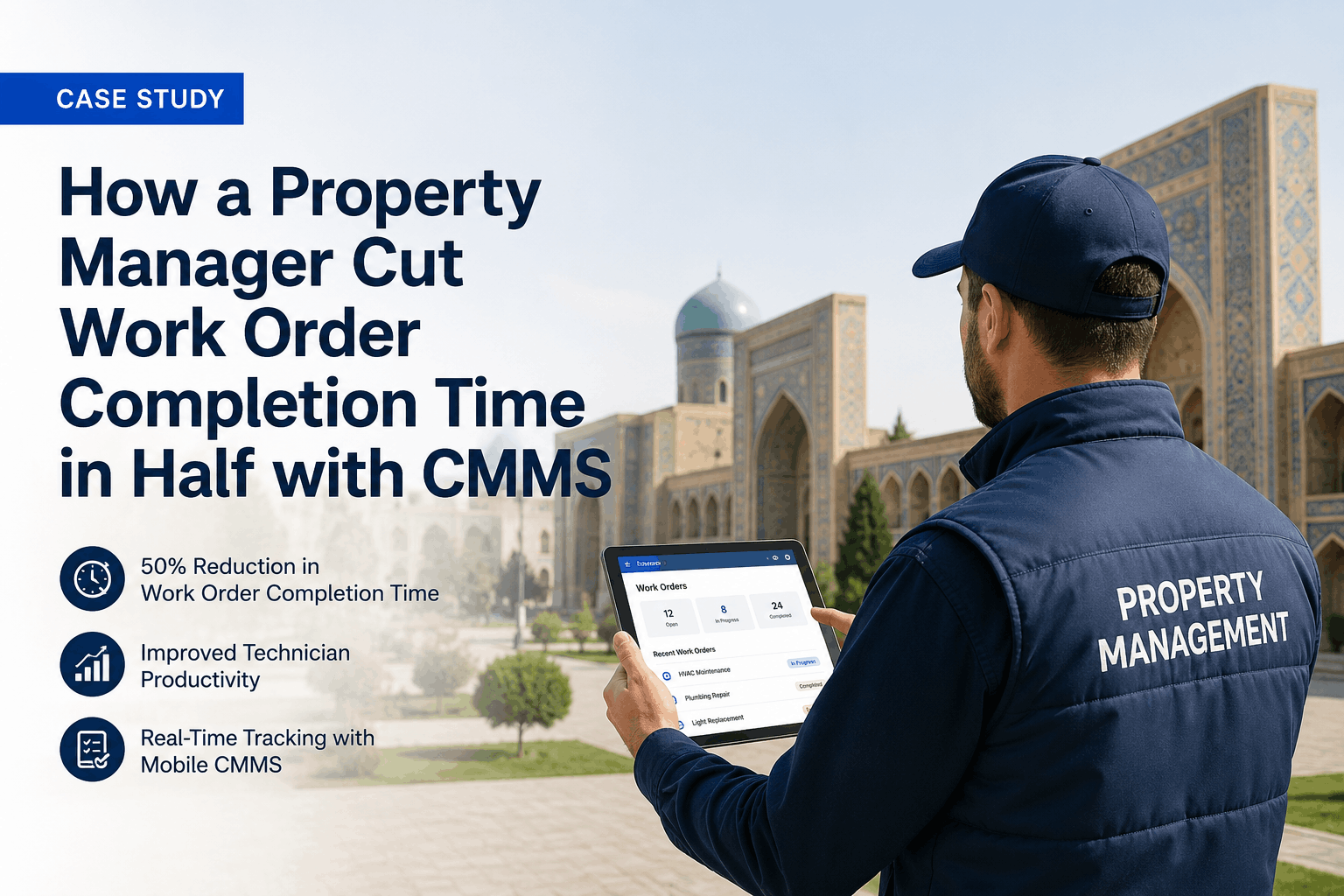
The final week before CMMS go-live is where implementation success is determined or jeopardized. Facilities that conduct rigorous final readiness validation consistently achieve smooth first-week production performance, minimal support escalations, and rapid user adoption. Those that skip go-live readiness checks experience chaotic first days: data quality issues surface post-launch, users cannot access assigned work orders, integrations fail silently, and confidence in the platform erodes before technicians can build proficiency. A structured go-live checklist addresses the specific risks that emerge at cutover: verifying all data migrated cleanly, confirming integrations function end-to-end, testing access for every user, validating critical workflows work as designed, establishing support command center operations, and planning parallel system operation to allow rollback if critical issues emerge. This comprehensive go-live checklist covers readiness validation, integration testing, access verification, hypercare staffing, and post-launch issue management — organized to ensure cutover day is an operational success, not a crisis.
Go-Live Confident with Oxmaint Readiness Validation
Final data verification, integration testing, access provisioning, support command center setup, and 72-hour hypercare coverage — Oxmaint's go-live team ensures cutover day runs smoothly with zero downtime and zero critical data loss.
1. Final Data Validation & Production Environment Readiness
In the week before go-live, conduct a final complete audit of all migrated data in the production environment: asset counts, work order linkages, PM schedule completeness, user account provisioning. This final validation catches data quality issues that could cause weeks of post-launch troubleshooting. Do not defer validation to after cutover — data problems must be identified and corrected before users depend on the system.
2. Critical Workflow Testing & System Stability Validation
In the 48 hours before go-live, run end-to-end tests of every critical workflow that users will depend on from day one: creating a work order, assigning to a technician, mobile app access, status updates, completion photo uploads, cost posting. Any workflow that fails during this testing must be fixed before cutover — do not deploy broken workflows and fix them post-launch while users are trying to work.
3. Support Command Center Activation & Hypercare Readiness
The first 48-72 hours after go-live is "hypercare" — the intensive support phase when unexpected issues emerge and users need immediate help. Establish a support command center staffed with experienced personnel ready to field support calls, escalate critical issues, and execute emergency fixes. Without well-organized hypercare, minor issues balloon into major problems when users cannot find help and revert to workarounds.
4. Parallel System Operation & Rollback Planning
Operating Oxmaint in parallel with your legacy system for 24-48 hours after cutover provides a safety net. If critical issues emerge (data corruption, integration failures, system crashes), you can roll back to legacy while fixes are applied. Define your rollback decision criteria explicitly: What severity of issue triggers rollback? Who decides? How quickly can you execute rollback? Having answers pre-planned prevents panic decision-making during a live crisis.
5. Post-Launch Review & Continuous Improvement Planning
Success doesn't end at go-live — it's measured by adoption, productivity gains, and ROI realization in the weeks and months following launch. Schedule post-launch reviews at 7 days, 30 days, and 90 days to assess adoption metrics, identify workarounds users have created, collect feedback for system refinements, and plan enhancements for future releases.
Ensure Flawless Go-Live with Oxmaint's Readiness Framework
Final data validation, workflow testing, integration verification, support command center setup, and 72-hour hypercare coverage — Oxmaint's go-live team orchestrates cutover to ensure adoption, stability, and ROI realization from day one.
Go-Live Readiness Scorecard: Critical Success Factors
100% asset count match, zero orphaned work orders, PM schedules verified, user accounts provisioned. Failure in this area = post-launch data chaos lasting weeks.
Accounting sync tested end-to-end, BAS linkage verified, email notifications working, mobile app offline sync tested. Integration failures silently break workflows users depend on daily.
All user accounts created, role-based access tested, permission boundaries verified, vendor portal access working. Access issues prevent users from doing their jobs on day 1.
Work order creation → completion → cost posting tested end-to-end, mobile app functionality confirmed, dashboard performance validated. Broken workflows frustrate users and trigger workarounds.
Hypercare staff assigned, escalation chain documented, support contact list published, known issues + workarounds list prepared. Poor support turns minor issues into major adoption failures.
Rollback criteria defined, decision authority established, rollback procedure documented + tested, legacy system access retained. Rollback is rare but must be executable within minutes if needed.
Frequently Asked Questions — CMMS Go-Live for Property Maintenance Operations
1. How long should CMMS go-live cutover window take — hours or days?
Production cutover typically runs overnight (2–6 hours depending on data volume), with users accessing the live system the next morning. Parallel system operation continues 24–48 hours for data reconciliation and verification before legacy system access is retired.
2. What is "hypercare" and how long does it last?
Hypercare is intensive post-launch support staffing (24–72 hours) with experienced personnel available to address immediate user issues, escalate critical problems, and make emergency fixes. Hypercare intensity drops after 72 hours as initial issues are resolved and users gain confidence using the system.
3. What issues should trigger a rollback decision post-go-live?
System unavailability >30 minutes, data corruption affecting >100 records, critical integration failures preventing operations, or user adoption <10% by end of day 1 are typical rollback triggers. Rollback decisions should be made quickly (within 1–2 hours) by senior leadership with clear authority.
4. Should I retire the legacy system immediately after go-live or keep it running?
Keep legacy system in read-only mode for 90 days post-launch to allow data reference and recovery if needed. Most facilities retire legacy systems by day 30-60 once confidence in Oxmaint is established and workarounds are eliminated. Retention beyond 90 days increases support complexity with minimal benefit.
5. How do I measure go-live success — what metrics matter most?
Track adoption rate (% active users by day 7), support ticket volume/resolution time, system uptime %, integration failure rate, and user satisfaction surveys. Adoption rate >75% by day 3 and >85% by day 7 indicates successful go-live. Early ROI validation (cost trends, PM compliance) appears by day 30.
6. What training should support staff complete before go-live?
Support tier staff should complete: Oxmaint platform deep-dive training (8+ hours), troubleshooting scenarios practice, access to all admin tools, integration knowledge (how accounting/BAS sync works), escalation chain clarity, and a documented troubleshooting playbook for common issues.
7. How should I handle unexpected issues discovered on go-live day?
Categorize severity immediately: Critical (system down/data loss) triggers emergency fix + potential rollback; High (workflow broken) gets escalated to Oxmaint support; Normal (questions) routes to Tier 1 support. Document all issues + resolutions for post-launch lessons learned analysis.
8. When should I communicate go-live status to organizational leadership?
Provide status updates to leadership at: T-1 week (readiness summary), go-live morning (deployment started), T+4 hours (cutover complete), T+1 day (initial results), T+3 days (hypercare complete), T+7 days (week-one review). Regular communication manages expectations and builds confidence in the platform.
Ready for a Successful CMMS Go-Live?
Oxmaint's go-live readiness framework ensures every critical element is validated, tested, and ready for production launch — transforming implementation complexity into a coordinated, manageable operational transition that delivers ROI from day one.