How to Use QR Codes and Asset Tags for Property Maintenance Management
By Alex Jordan on June 4, 2026
A 450-unit apartment complex was losing 12 hours of maintenance time each week just on the basics — finding the right asset, pulling up its history, logging an inspection, submitting a repair request. Technicians walked back to the shop to check paper logs. Property managers fielded calls from tenants asking "has anyone looked at my AC yet?" The fix was not more staff or more budget. It was QR codes and asset tags. Twelve months after tagging every major asset — HVAC units, water heaters, pool pumps, elevator controllers, garage doors, fire panels — the property reduced inspection time by 73%, eliminated misplaced work orders, and cut tenant complaint resolution time from 28 hours to 11 hours. Start free — tag your first 50 assets today.
Trend Report450-Unit Property73% Time Reduction
How to Use QR Codes and Asset Tags for Property Maintenance Management
QR codes on building assets transform how property maintenance teams access history, log inspections, and submit work orders. Oxmaint's asset tagging system is built for properties — from HVAC units to elevator controllers to pool pumps.
73%Inspection time reduction after implementing QR asset tags — technicians scan and log in seconds
28→11 hrsTenant complaint resolution time — from first report to documented completion with QR-linked work orders
100%Asset identification accuracy — eliminate confusion between similar HVAC units on different roofs
5 secAverage time to access full asset history — scan QR code, view all previous work orders, PM records, warranty docs
How It Works
How QR Code Asset Tagging Works — Five Layers of Property Intelligence
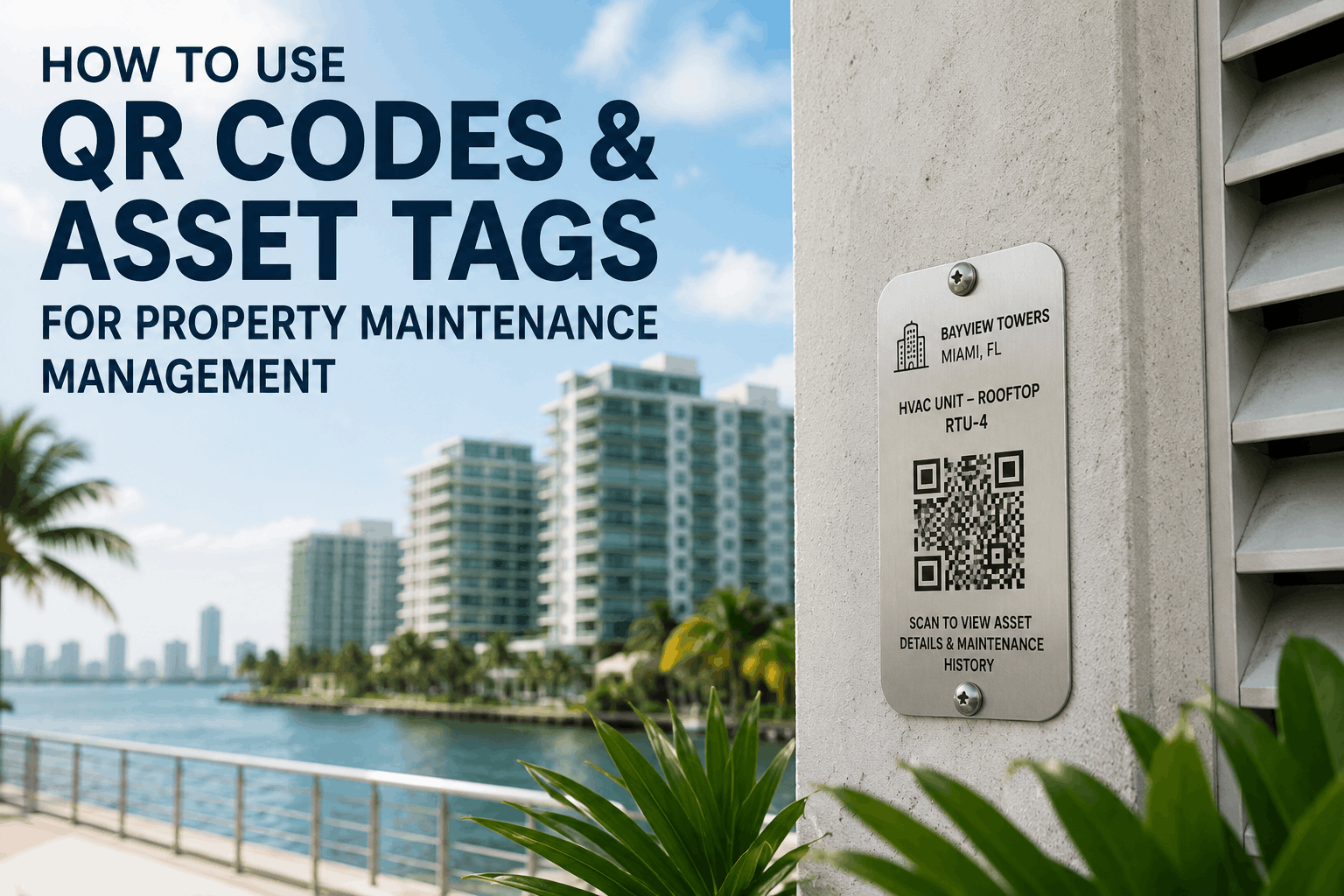
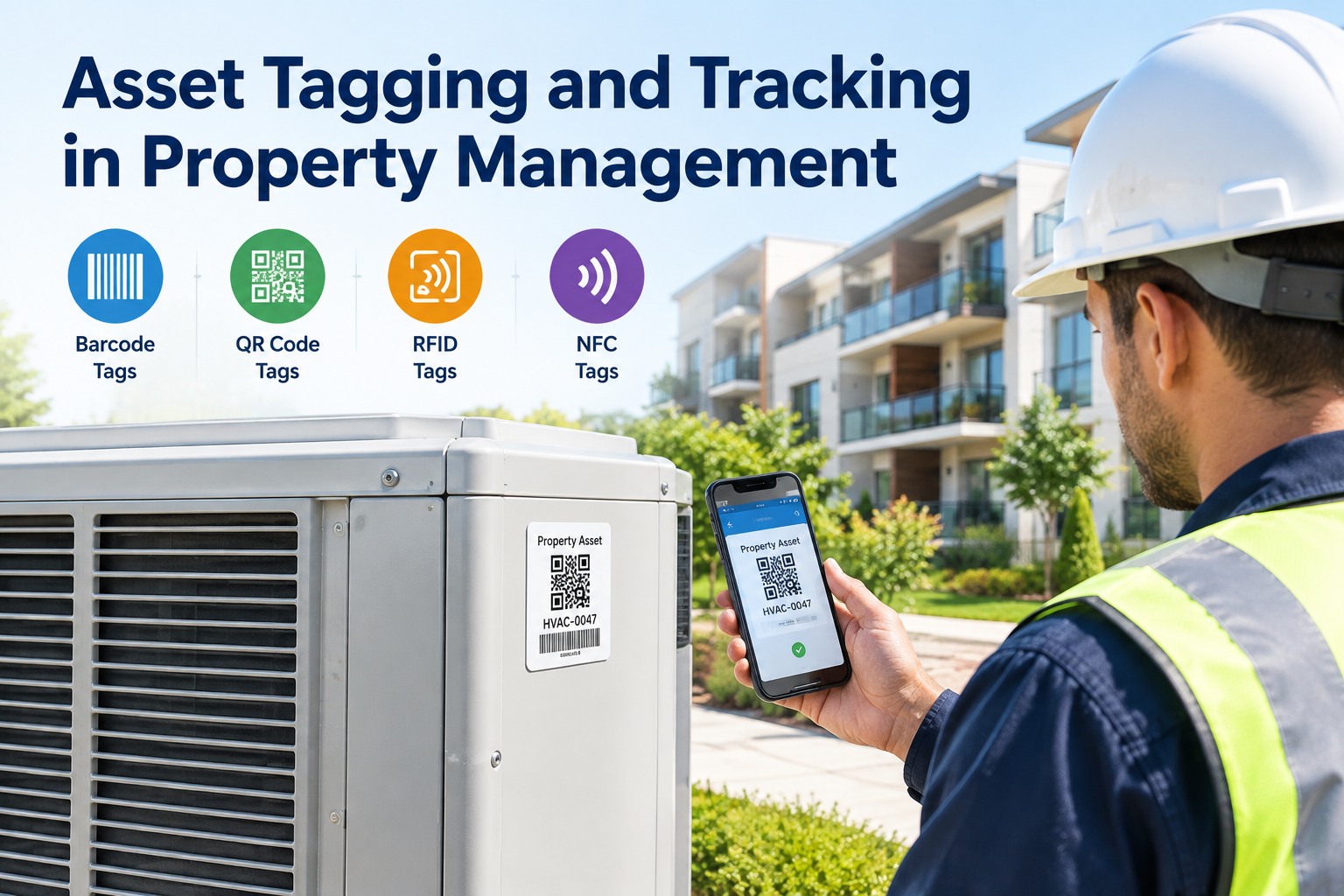
QR code asset tagging is not just a sticker on equipment. It is the physical interface between your maintenance team and your digital asset management system. Each tag connects to a digital record that stores everything about that asset — make, model, serial number, installation date, warranty expiry, PM schedule, work order history, parts used, and technician notes. Oxmaint's asset tagging system generates QR codes for every asset in your portfolio, prints them on weather-resistant labels, and links them to live digital records.
Generate QR Code
Oxmaint generates unique QR codes for each asset — encoded with asset ID, property location, and direct link to digital record. Codes are scannable from any smartphone camera — no special app required. Print on weather-resistant labels for exterior assets.
Apply to Asset
Attach label to visible, accessible location on each asset. For indoor assets: near control panel or service access. For outdoor assets: protected from direct weather but easily scannable by maintenance staff during routine rounds.
Scan & Access
Technician scans QR code with Oxmaint mobile app. Immediately sees: asset details, complete work order history, upcoming PM schedule, warranty status, parts inventory, manufacturer docs, and service notes from previous techs.
Log Work Order
From asset record, technician creates work order with one tap — asset ID, location, and make/model auto-populated. No manual data entry. No risk of wrong unit number. Submit repair request, inspection result, or PM completion instantly.
Update History
Every work order, inspection result, part replacement, and technician note is automatically linked to the asset record. Next technician who scans the QR code sees the complete history — no tribal knowledge, no "check the binder in the shop."
Portfolio Visibility
Property managers see real-time asset status across portfolio — which assets have open work orders, which are due for PM, which have recurring failures. QR code data rolls up to portfolio-level analytics automatically.
Asset Types
Property Assets That Benefit Most from QR Code Tagging
Not every asset needs a QR code. The highest ROI comes from tagging assets that are hard to identify, require regular inspection, have long service histories, or are frequently confused with identical units nearby.
HVAC
Rooftop Units · Split Systems · Boilers
Multiple HVAC units on same roof — impossible to distinguish without tags. QR codes eliminate confusion, ensure PM is performed on correct unit, and log service history per unit. Filter changes, compressor replacements, refrigerant logs all tracked by individual asset.
ELEV
Elevators · Escalators · Lifts
Code-required monthly and annual inspections. QR code stores inspection history, permit status, and next due date. Technicians log monthly checklist items on mobile — documentation instantly available for inspector review.
PLUMB
Water Heaters · Booster Pumps · Water Softeners
Flush schedules, anode rod replacements, pressure readings — all logged against specific water heater by unit or building. Leak detection history and repair records linked to asset. Warranty documents accessible from QR code.
POOL
Pool Pumps · Filters · Heaters · Chemical Feeders
Daily chemical logs, filter cleaning schedules, pump motor service history — all linked to pool equipment QR codes. Health inspector can scan code at pool deck to verify maintenance compliance without leaving site.
FIRE
Fire Panels · Sprinkler Systems · Extinguishers
Monthly extinguisher inspections, quarterly sprinkler tests, annual fire alarm verification — QR codes ensure no equipment missed. Inspection history stored permanently for fire marshal review.
GARAGE
Garage Doors · Openers · Gate Operators
Safety sensor alignment, spring tension adjustments, opener battery replacement — tracked per door. Multiple doors in same garage are frequently misidentified; QR codes eliminate work order confusion.
Results
Measured Results — Properties Using QR Code Asset Tagging
73%
Reduction in time spent finding asset information and logging inspection results
62%
Reduction in work order creation time — asset details auto-populate from QR scan
100%
Asset identification accuracy — eliminate confusion between similar units
28→11hrs
Tenant complaint resolution time — from first report to documented completion
We have 18 identical HVAC units on one roof. Before QR codes, technicians guessed which unit was which — or climbed down, walked to the shop, checked a paper map, climbed back up. That was 20 minutes per misidentification. After tagging every unit with Oxmaint QR codes, our technicians scan, confirm the correct unit, and start work. The 20-minute guesswork is gone. And when a tenant calls about "the AC on the third floor making noise," we scan the QR code on that specific unit and see its entire repair history — including that the same compressor was replaced 14 months ago and is still under warranty. That single feature saved us $1,200 on a replacement we thought was out-of-pocket.
Director of Maintenance · 450-Unit Multifamily Property, Texas, USA
Every asset. One QR code. Instant access to full history.Oxmaint's asset tagging system generates QR codes for every asset, prints weather-resistant labels, and links them to live digital records — including work order history, PM schedules, warranty docs, and technician notes.
Frequently Asked Questions — QR Code Asset Tagging for Properties
What type of QR code labels work best for outdoor property assets?
Weather-resistant polyester or vinyl labels with UV-resistant adhesive. Oxmaint recommends 2"×2" size for HVAC units and pool equipment, 1"×1" for indoor assets. Labels should be placed on clean, dry surfaces. Direct sunlight degrades standard paper labels in 3–6 months — weather-resistant labels last 5+ years.
Do tenants or guests need special app to scan QR codes?
For maintenance staff: Oxmaint mobile app provides full functionality — work order creation, inspection logging, asset history access. For tenants: standard smartphone camera scans QR code and opens web form to submit maintenance requests — no app download required. Tenant submission creates work order instantly with asset ID and location pre-populated.
How does Oxmaint handle assets that move between properties?
When an asset is relocated, technician scans QR code before moving and selects "Transfer Asset" in Oxmaint mobile app. Asset record updates to new property location automatically. Work order history, PM schedule, and warranty docs transfer with the asset — no manual re-entry. Previous location remains in asset history for audit trail.
What happens if a QR code label is damaged or becomes unreadable?
Each asset retains its QR code even if physical label is damaged. Technician can search asset by name, location, or serial number in Oxmaint mobile app. Print replacement label from asset record and re-apply. Original QR code remains valid — all scan history preserved.
Can QR codes store warranty documents and manufacturer manuals?
Yes. Oxmaint asset records support file attachments — warranty certificates, installation manuals, parts lists, schematics, test reports. Upload documents once; any technician scanning QR code can access them instantly from mobile device. No more digging through filing cabinets for a 10-year-old manual.
How long does it take to deploy QR asset tagging across a 500-unit portfolio?
Phased deployment: 2 weeks for data entry and QR generation, 4 weeks for label application across all properties (2–3 properties per week), 1 week for team training. Total 7 weeks from start to full go-live. Oxmaint provides deployment templates and mobile training materials. Book a demo to discuss your portfolio deployment.
Tag Your Assets · Transform Your Maintenance
Every Property Asset. One QR Code. Instant Access to Full History.
Join properties achieving 73% faster inspections and elimination of asset confusion with Oxmaint's QR code asset tagging system — live in 2–4 weeks.