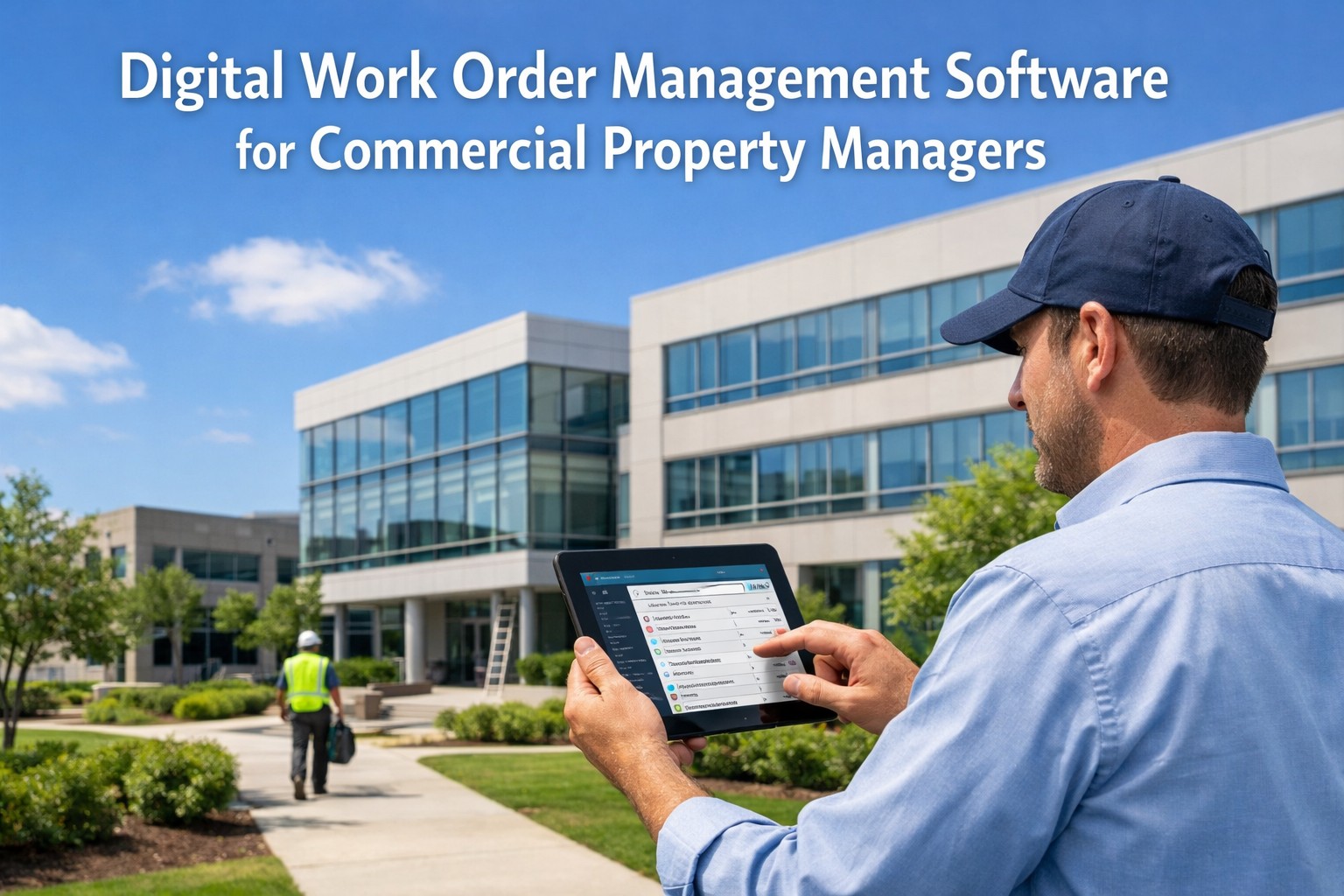
The Role of CMMS in Modern Property Maintenance Checklist
By sara on February 18, 2026
A 42-property commercial portfolio in Dallas managed maintenance with spreadsheets, email threads, and a shared whiteboard for three years — until a missed fire suppression inspection triggered a $165,000 code violation fine and a tenant lawsuit that cost another $280,000 in legal fees and settlements. The property manager had 340 active work orders across the portfolio, 12 different vendor contracts, and zero centralized visibility into what was done, what was overdue, and what was missed. This is not an edge case — it is the reality for property management teams operating without a Computerized Maintenance Management System. CMMS software transforms reactive, chaotic maintenance into a structured, auditable, and automated operation that reduces costs 20-35%, extends asset life 25-40%, and eliminates compliance gaps entirely. This guide covers everything property managers need to know about implementing CMMS — from work order automation to vendor management, compliance tracking, and portfolio-wide analytics. Sign up for Oxmaint to deploy a modern CMMS across your property portfolio in days, or book a demo to see how it works.
What Happens When Property Maintenance Runs Without CMMS
Spreadsheet-based maintenance tracking creates invisible gaps that compound over time. Work orders get lost in email chains, preventive schedules drift without accountability, vendor invoices go unchecked, and compliance deadlines slip until regulators or insurance auditors find them. The financial and operational consequences are severe and measurable.
62%
of property management teams using manual tracking report missing at least one critical compliance deadline per year
$45K
average annual cost of inefficiency per 100,000 sq ft from duplicated work, missed PMs, emergency callouts, and vendor overspend
3.8x
faster work order completion when using CMMS-automated assignment and mobile checklists versus email-based dispatch
Lost Work Orders
Email-based requests disappear in inboxes — 23% of tenant maintenance requests go untracked, leading to repeated complaints, escalations, and lease dissatisfaction.
Compliance Gaps
Without automated scheduling, fire safety, elevator, backflow, and ADA inspections slip past deadlines — creating violations that average $8,000-$50,000 per incident.
Vendor Overspend
No centralized vendor tracking means duplicate service calls, unchecked invoices, and no performance benchmarking — costing 15-25% more than necessary on contracted services.
No Asset History
Without centralized records, replacement decisions rely on memory and guesswork — leading to premature replacements or catastrophic failures on aging equipment.
Get Organized
Replace spreadsheets with a real maintenance management system
Oxmaint gives your property management team centralized work orders, automated scheduling, mobile execution, vendor tracking, and compliance dashboards — all in one platform.
A property-focused CMMS is not just a digital work order board — it is an integrated platform that connects tenant requests, preventive schedules, vendor contracts, asset histories, compliance requirements, and financial tracking into a single source of truth. Sign up for Oxmaint to access all these capabilities from day one.
Foundation
Work Order Management Setup Checklist
Initial Setup: 2-4 hrs
8 items
Configure work order categories by trade and priority
Set up categories for HVAC, plumbing, electrical, janitorial, landscaping, structural, and fire/life safety — each with emergency, urgent, routine, and planned priority levels
Set up automated assignment rules by trade and location
Configure auto-routing so HVAC work orders go to HVAC techs, plumbing to plumbers, and building-specific requests route to the assigned property team automatically
Create tenant request submission portal
Enable QR code or web-based tenant request submission that automatically creates work orders with location, description, photos, and priority — eliminating email and phone tag
Build SLA timers and escalation workflows
Set response and completion SLAs by priority: emergency 1-hour response / 4-hour fix, urgent 4-hour / 24-hour, routine 24-hour / 5-day — auto-escalate on breach
Configure mobile app for field technician execution
Enable mobile work order acceptance, checklist completion, photo/video capture, parts usage logging, time tracking, and digital signature on completion
Set up approval workflows for high-cost repairs
Configure spending thresholds requiring manager approval — typically $500+ for routine repairs, $2,000+ for capital items — with digital approval chain and audit trail
Create reporting dashboards for portfolio-wide visibility
Build dashboards showing open/closed WO counts, average completion time, SLA compliance rates, cost per property, and technician productivity across all buildings
Integrate with accounting and property management software
Connect CMMS to Yardi, AppFolio, RealPage, or QuickBooks for automatic cost allocation to properties, GL coding, and budget tracking without manual data entry
Preventive Maintenance Scheduling with CMMS
The most valuable CMMS capability for property managers is automated preventive maintenance scheduling. Instead of relying on memory, sticky notes, or annual calendars, CMMS generates PM work orders automatically based on time intervals, runtime hours, or condition triggers — and tracks completion with full accountability.
Monthly
PM Schedule Configuration & Compliance Audit
Est. Time: 45 min
6 items
Verify all PM schedules are generating work orders on time
Check that daily, weekly, monthly, quarterly, semi-annual, and annual PM work orders are being auto-created per schedule — flag any schedules that failed to trigger
Review PM completion rates by building and trade
Target above 95% on-time PM completion — identify buildings or trades falling below threshold and investigate root causes (staffing, parts availability, or access issues)
Audit checklist completion quality
Spot-check 10% of completed PM work orders for checklist thoroughness — verify photos were attached, measurements recorded, and pass/fail items properly documented
Track reactive vs. preventive work order ratio
Healthy ratio is 70% preventive / 30% reactive — if reactive work orders exceed 40%, PM schedules need expansion or existing schedules are not addressing actual failure modes
Review compliance inspection calendar for upcoming deadlines
Check 90-day forward view for fire inspections, elevator certifications, backflow testing, boiler inspections, and ADA compliance — ensure vendor appointments are scheduled
Update PM templates based on failure trend data
If specific failure modes are appearing despite PM, add targeted checklist items — for example, if condensate drain blockages persist, add monthly drain flush to HVAC PM template
Go Digital
Automate every PM schedule across your entire portfolio
Oxmaint auto-generates preventive work orders, assigns the right technician, tracks completion with mobile checklists, and builds a complete compliance audit trail.
Every commercial property contains hundreds of maintainable assets — from rooftop HVAC units and elevators to fire panels, pumps, generators, lighting systems, and parking equipment. CMMS tracks each asset from installation to disposal, building a history that drives smarter repair-vs-replace decisions and accurate capital planning. Sign up for Oxmaint to build your complete asset registry.
Quarterly
Asset Registry & Lifecycle Review
Est. Time: 60 min
6 items
Verify asset registry completeness across all properties
Confirm every major asset has an entry with make, model, serial, install date, warranty expiration, location, and attached manuals — flag any new assets not yet registered
Review repair cost history for high-spend assets
Identify assets where cumulative repair costs exceed 40% of replacement value — these are candidates for capital replacement planning rather than continued repair investment
Check warranty status and expiration dates
Review all assets with warranties expiring in the next 6 months — schedule comprehensive inspections before warranty expires to catch warrantable defects
Update asset condition ratings
Assign condition scores (1-5) based on maintenance history, age, performance data, and recent inspection findings — feed into capital planning models
Generate capital expenditure forecast from asset data
Use asset age, condition ratings, and replacement cost data to project 1-year, 3-year, and 5-year capital replacement budgets per property and portfolio-wide
Archive decommissioned asset records
Move replaced/removed assets to archive status with disposal date, reason, and replacement asset link — maintain records for insurance, tax depreciation, and warranty claims
CMMS Impact Metrics by Property Type
CMMS delivers different value depending on property type, portfolio size, and maintenance complexity. Use these benchmarks to set realistic expectations and measure your CMMS ROI against industry standards.
Office (Class A)
28% Cost Cut+95% PM Rate
High tenant expectations demand fast response — CMMS SLA tracking and mobile dispatch reduce average completion time from 5 days to 1.3 days
Retail Centers
22% Cost Cut+100% Compliance
CAM reconciliation accuracy improves dramatically — CMMS auto-allocates maintenance costs to correct tenants and common area categories
Industrial
35% Cost Cut+40% Less Downtime
Equipment-heavy facilities benefit most from asset tracking and PM scheduling — dock doors, overhead cranes, and HVAC systems need structured programs
Multifamily
20% Cost Cut+4.5★ Reviews
Tenant satisfaction scores improve when residents can submit and track requests digitally — average response time drops 60% with automated assignment
Healthcare
100% Audit Pass+Zero Gaps
Joint Commission and CMS compliance requires documented maintenance histories — CMMS provides instant audit-ready reports with full chain of custody
How to Implement CMMS Across Your Property Portfolio
Successful CMMS implementation is a structured rollout — not a big-bang deployment. Property management teams that phase their implementation by building and capability achieve 90%+ adoption rates, while those that try to do everything at once typically see 40-60% adoption and eventual abandonment.
1
Build Your Asset Registry & Property Hierarchy
Enter every property, building, floor, and major asset into the CMMS. Attach manuals, photos, and warranty documents. Start with one building as a pilot — perfect the structure before scaling. Sign up for Oxmaint to begin your asset registry.
2
Configure PM Schedules & Compliance Calendar
Set up recurring preventive maintenance for every asset type with appropriate frequencies. Import all regulatory inspection deadlines. Configure auto-generation so work orders create themselves without human intervention.
3
Train Teams & Launch Work Order Workflows
Train property managers on dashboard and reporting, train technicians on mobile app, and train tenants on request submission. Run parallel with existing systems for 30 days to build confidence before full cutover.
4
Scale Portfolio-Wide & Optimize Continuously
Roll out to remaining properties one building at a time. Review KPIs monthly: PM completion rates, average response times, cost per WO, and tenant satisfaction. Refine workflows quarterly. Book a demo to plan your rollout.
Your Properties Deserve Better Than Spreadsheets
Every missed work order, skipped inspection, and untracked repair costs your portfolio money and reputation. Oxmaint gives property management teams the CMMS platform they need — work order automation, preventive scheduling, mobile execution, compliance tracking, and portfolio analytics — all in one place, deployable in days.
What is CMMS and why do property managers need it?
CMMS stands for Computerized Maintenance Management System — software that centralizes work orders, preventive maintenance schedules, asset tracking, vendor management, and compliance documentation into one platform. Property managers need it because spreadsheets and email cannot track the 200-500+ annual maintenance tasks per building required to maintain equipment, satisfy tenants, and pass regulatory inspections. Sign up for Oxmaint to see the difference.
How long does CMMS implementation take for a property portfolio?
A single building pilot can be fully operational in 1-2 weeks. Rolling out across a 10-50 property portfolio typically takes 2-4 months with phased implementation. The key is starting with one building, perfecting workflows, then scaling. Oxmaint's guided setup helps property teams go live in days rather than months.
Can CMMS integrate with property management software like Yardi or AppFolio?
Yes — modern CMMS platforms integrate with Yardi, AppFolio, RealPage, MRI, and accounting systems through APIs. This enables automatic cost allocation to properties, GL code mapping, vendor payment processing, and consolidated financial reporting without duplicate data entry. Book a demo to discuss your specific integration needs.
What ROI can property managers expect from CMMS implementation?
Typical results include 20-35% reduction in overall maintenance costs, 25-40% extension in asset useful life, 60% faster work order completion, and elimination of compliance violation fines. Most portfolios achieve full ROI within 6-12 months of implementation based on cost avoidance alone.
Is this CMMS implementation guide free to use?
Yes — this entire guide including setup checklists, PM scheduling templates, and implementation roadmap is free to reference and implement. For the best results, sign up for Oxmaint to convert these frameworks into a live, mobile-ready CMMS platform that your entire team can use from day one.