When a tenant's tap starts leaking at 11 PM, they shouldn't have to call a phone number and wait on hold. A well-built tenant maintenance request portal puts the entire process — submission, status updates, and resolution confirmation — in the tenant's hands, without adding a single phone call to your team's morning. Start your free trial to see how Oxmaint's tenant portal connects request submission directly to your maintenance workflow.
Why Most Maintenance Request Systems Fail Tenants
The gap between "tenant reports a problem" and "problem gets fixed" is where tenant satisfaction is won or lost. In most properties, that gap is filled with phone tag, unreturned emails, and tenants who have no idea whether anyone even saw their request. The issue isn't that property managers don't care — it's that the process has too many manual handoffs and no visibility for anyone involved.
No confirmation tenants receive
Tenant calls or emails. Gets silence. Calls again. Frustration builds before a single technician has even been assigned.
Zero status visibility
Tenants have no idea if the work order exists, who's assigned, when to expect access, or if the issue has been marked resolved.
Duplicate requests
Tenant submits by phone, email, and text. Manager receives three unlinked requests for the same job — creating duplicate work orders and wasted technician time.
No audit trail
When a dispute arises, there's no timestamped record of when the request was received, acknowledged, or resolved — leaving both parties without evidence.
One Portal. Every Request Tracked from Submission to Resolution.
Oxmaint's tenant portal connects request submission to work order creation, technician assignment, and resolution notification — automatically. Tenants see status at every step. Book a demo to see the tenant portal workflow.
What a Good Tenant Maintenance Portal Includes
The best portals are built around two things: making it easy for tenants to report issues accurately, and making it impossible for requests to fall through the cracks on the management side.
Structured submission form
Captures unit number, issue category, priority level, description, and access preferences — giving technicians everything they need before they arrive.
Photo and video upload
Tenants attach photos at submission — technicians arrive with context, right tools, and correct parts. First-time fix rates improve significantly.
Real-time status tracking
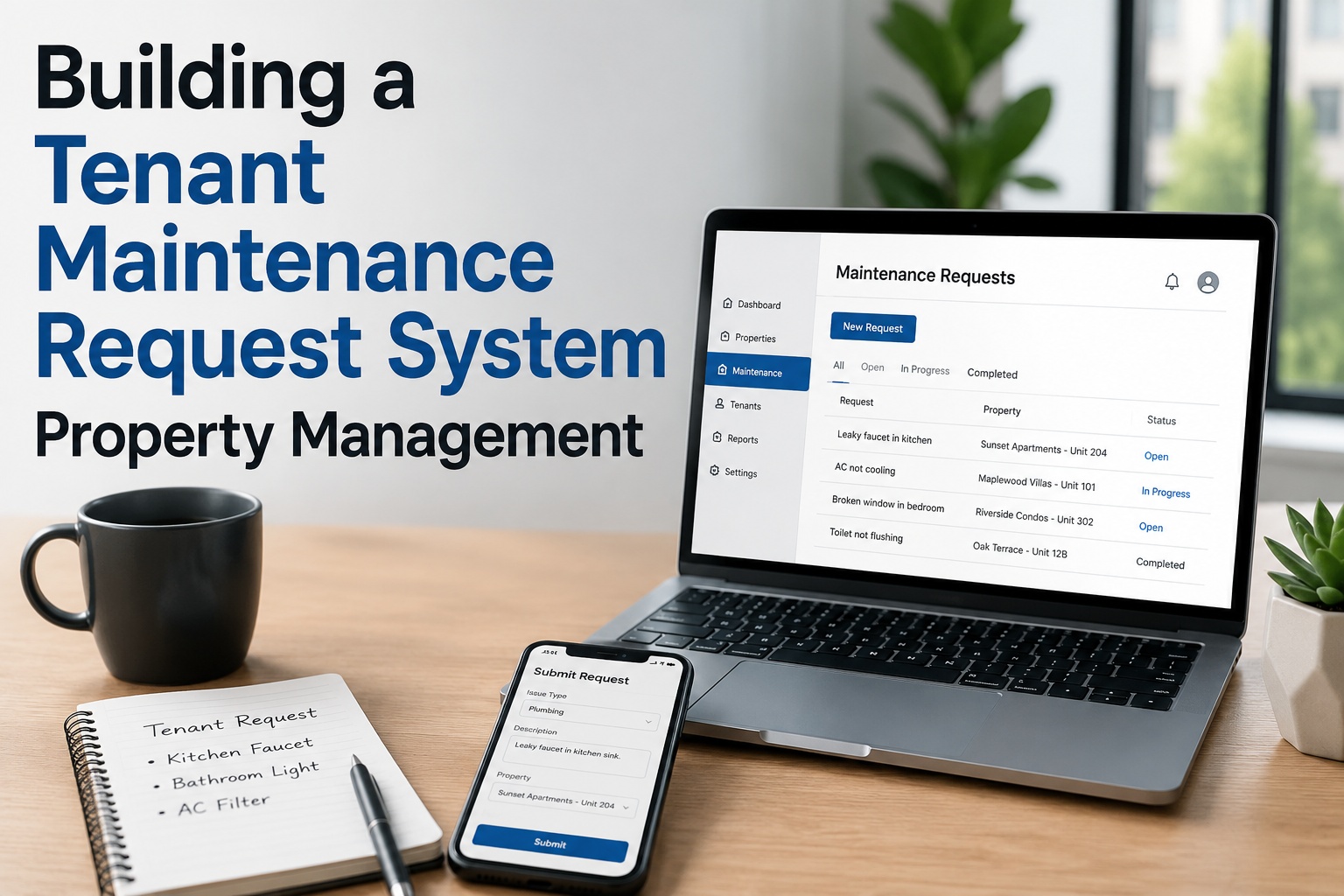
Tenant sees their request move from Submitted to Assigned to In Progress to Resolved — without calling anyone.
Automated confirmation & updates
Instant submission confirmation. Automated notification when a technician is assigned, when they're en route, and when the job is closed.
Request history log
Every past request — open and closed — visible in the tenant's portal with timestamps, photos, and resolution notes.
Manager & Maintenance Team Features
Auto work order creation
Every portal submission instantly generates a work order in the CMMS — no manual re-entry, no email forwarding, no missed requests.
Priority triage and routing
Urgent requests — structural leaks, no heat, electrical hazards — flagged automatically and routed to the first available technician or on-call team.
Technician assignment & scheduling
Assign, reschedule, and notify technicians from the same platform that receives the tenant's request. No switching between systems.
Compliance documentation
Timestamped record of request received, acknowledged, assigned, and resolved — exportable for any audit or legal dispute.
Portfolio-level request dashboard
All open requests across all properties — filtered by age, priority, or site. No property goes dark. Nothing ages unnoticed past your SLA.
Setting Up Your Tenant Maintenance Portal: Step-by-Step
Define your request categories and priority levels
Map out every maintenance issue type your properties handle — plumbing, electrical, HVAC, appliances, structural, pest, exterior. Assign each a default priority: emergency (same-day), urgent (24–48 hrs), standard (3–7 days). These categories feed your routing rules and SLA tracking.
Setup tip Emergency categories should trigger an immediate push notification to the on-call technician — not just create a work order that sits in a queue.
Build the submission form — capture what technicians need
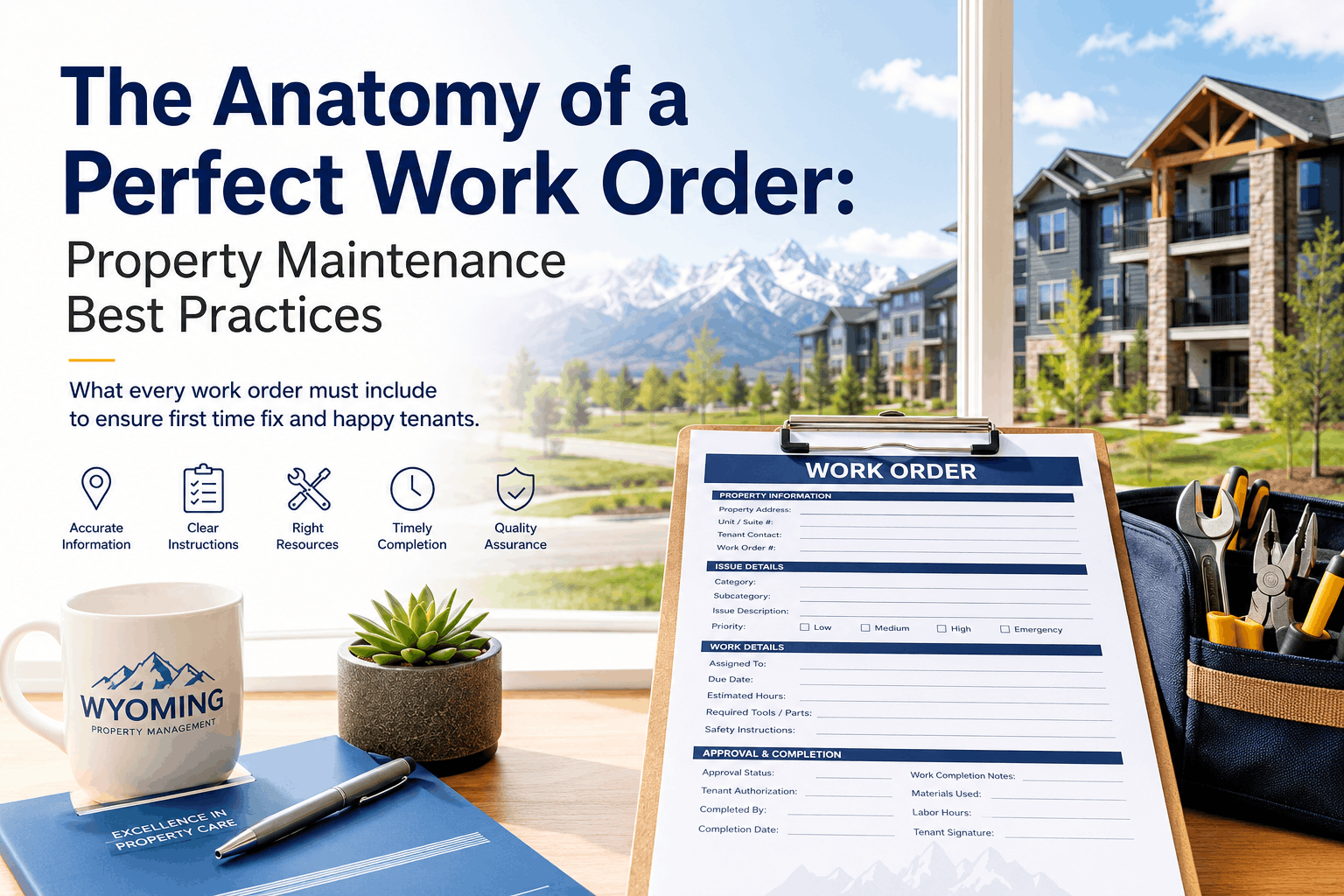
The form should collect: tenant name and unit, issue category and priority, written description, photo or video attachment, preferred access times and access permission. The more context captured at submission, the fewer follow-up calls your team makes before the job starts.
Setup tip Add a plain-text description field — free-form notes from tenants often surface important context that a category dropdown misses.
Configure automated acknowledgements and status notifications
Set up automatic messages at each status change: submission confirmation (instant), technician assigned (with name and ETA if known), job in progress, job completed with resolution summary. Tenants stop calling when they know they'll receive updates automatically.
Setup tip Include a 24–48 hour SLA commitment in your submission confirmation. Setting the expectation upfront reduces follow-up contact by a significant margin.
Connect the portal directly to your CMMS work order system
The portal is only as useful as what happens after submission. Every request must auto-generate a work order in your CMMS — with the tenant's details, photos, and priority pre-filled. Disconnected systems that require manual re-entry introduce delays and drop requests.
Onboard tenants — make submission the easiest option
Send portal access at lease signing, include the link in the welcome pack, and post QR codes to the portal in common areas. Redirect phone and email requests back to the portal for the first 30 days. Once tenants experience instant confirmation and status updates, adoption locks in.
Setup tip Properties that enforce portal-only submission after 30 days see over 85% digital adoption within the first quarter — and a measurable drop in phone call volume.
Response Time Standards: What Tenants Expect
Emergency
No heat, gas leak, flooding, structural failure, complete power loss
Same day
Acknowledgement within 1 hour. Technician on-site within 4 hours. Legal obligation in most jurisdictions.
Urgent
Hot water failure, HVAC malfunction, appliance breakdown, plumbing leak (contained)
24–48 hrs
Acknowledgement within 4 hours. Technician assigned within 24 hours. Repair completed within 48 hours or escalated.
Standard
Minor repairs, cosmetic issues, appliance servicing, non-urgent fixtures
3–7 days
Acknowledgement within 24 hours. Scheduled within 3–7 business days based on technician availability.
Tenant Portal + CMMS in One Platform — Live in 14 Days
Oxmaint connects your tenant-facing portal to your maintenance team's work order system — zero manual steps, automated status notifications, and full audit trail on every request. Start your free trial today.
Portal Adoption: The Numbers That Matter
40%
faster resolution when requests come through a structured portal vs phone or email
85%+
tenant digital adoption rate within the first quarter when portal is enforced at onboarding
3x
reduction in duplicate work orders when portal submissions replace multi-channel phone and email requests
10–15 hrs
saved per month per manager by automating request intake, routing, and status communication
Frequently Asked Questions: Tenant Maintenance Request Portals
QWhat should a tenant maintenance request form include?
An effective form captures tenant name, unit number, issue category, priority level, a free-text description, photo or video upload, and access availability and permissions. The photo upload is particularly valuable — technicians arrive at the job with visual context, correct parts, and a realistic time estimate. Forms that capture complete information at submission reduce the number of follow-up calls before a technician is dispatched.
Book a demo to see Oxmaint's pre-built tenant submission form.
QHow does a tenant portal connect to a CMMS or property management system?
In Oxmaint, the tenant portal and the CMMS work order system are the same platform — there is no separate integration or data transfer required. When a tenant submits a request, a work order is created instantly with all submitted details pre-filled: tenant information, unit, issue category, priority, photos, and access notes. The property manager and assigned technician receive notification simultaneously. No manual re-entry, no forwarded emails, no missed requests.
QHow do you get tenants to actually use the portal instead of calling or texting?
Adoption is driven by three things: accessibility, immediate confirmation, and visible progress. Share the portal link at lease signing, post QR codes in common areas, and redirect phone requests to the portal in the first 30 days. When tenants submit through the portal and receive an instant acknowledgement followed by real-time status updates, the behaviour reinforces itself — the portal becomes the fastest, most transparent way to get an issue resolved. Properties that enforce portal submission see 85%+ digital adoption within the first quarter.
Start your free trial to configure your tenant portal.
QDoes a tenant maintenance portal create a legal audit trail?
Yes. Oxmaint's portal generates a timestamped record of every request — when it was submitted, when it was acknowledged, when a technician was assigned, when the job was completed, and who performed the work. Each record includes the tenant's original submission, any attached photos, and the resolution notes entered by the technician. This record is exportable in full and provides documented evidence of landlord responsiveness in any dispute or regulatory inspection.
QCan a tenant portal handle emergency maintenance requests differently from routine requests?
Oxmaint's portal supports priority classification at submission — tenants can flag a request as emergency, urgent, or standard. Emergency submissions trigger an immediate push notification to the on-call technician and the property manager, bypassing the normal queue. SLA timers start at submission, and escalation alerts fire automatically if the response window is missed. This ensures that no heat, flooding, or structural failures wait in a standard work order queue.
Book a demo to see emergency routing configured for your properties.
Turn Every Maintenance Request into a Resolved, Documented Work Order
Oxmaint gives tenants a self-service portal with real-time status visibility — and gives your team a connected CMMS that turns every submission into a tracked, assigned, and closeable work order automatically. No phone calls. No missed requests. No compliance gaps. Book a 30-minute demo for your portfolio.