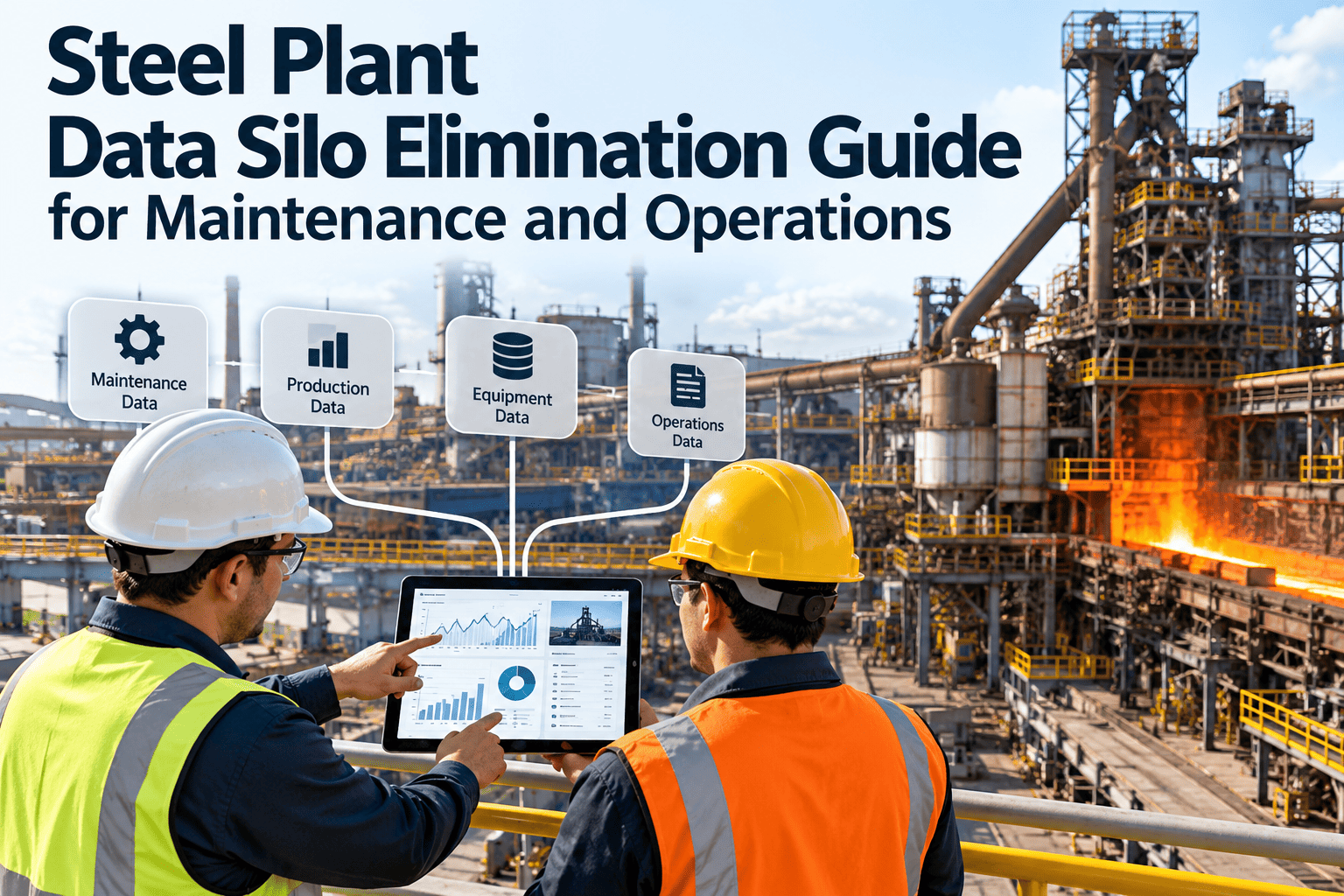
Steel plants rarely suffer from a shortage of data. Furnace temperatures sit in a historian, heat and coil records sit in the MES, parts and costs sit in the ERP, and repair history sits in a spreadsheet on a planner's desktop. When each team sees only its own slice, the same failure is explained three different ways and fixed twice. This guide shows how to find the silos, assign data ownership, connect systems around one asset record and roll the change out on a live mill. If you want to see how work orders, assets and history can live in one record, you can explore Oxmaint maintenance management software.
Steel Plant Data Silo Elimination Guide for Maintenance and Operations
Steel mills, melt shops, rolling lines and finishing
Connect control, production, enterprise and maintenance data around one asset record so a sensor trend, a heat delay and a repair cost tell the same story.
Historian and SCADA
MES and heat records
ERP and purchasing
Spreadsheets and email
converge on
One asset record
Work orders, condition, parts, cost, failure history
What a data silo looks like on the plant floor
Siloed plant
- A drive temperature alarm is acknowledged in the control room and never reaches the planner.
- Maintenance learns about a rolling delay from a phone call, not from production records.
- The same pump has three names across the historian, the ERP and the PM schedule.
- Repair costs are known at month end, long after the decision window has closed.
- Knowledge of past failures lives with a few senior technicians.
Connected plant
- A confirmed condition trigger creates a work order already linked to the right asset.
- Downtime events and maintenance work share one timeline for each asset.
- One asset ID maps cleanly across every system that touches the equipment.
- Labor, parts and contractor cost roll up to the asset as work closes.
- Failure history is searchable by every planner, supervisor and reliability engineer.
Where the silos usually sit
Most steel plants run several systems that were bought at different times for different departments. Each is useful on its own, and none was designed to share context with maintenance.
Root causes behind the silos
- 1
Systems bought by department
Each function chose a tool for its own job, so no one owned the data that crosses boundaries.
- 2
Inconsistent asset naming
Tag numbers, ERP equipment numbers and shop-floor nicknames rarely match, which blocks any automatic link.
- 3
Manual re-entry
Copying values between systems is slow, introduces errors and tends to stop under pressure.
- 4
Unclear data ownership
When nobody is accountable for a field, nobody fixes it, and quality decays.
- 5
Alarm noise
Plants fear sending every alarm to maintenance, so none are connected at all.
- 6
Workarounds that become process
A personal spreadsheet solves a real gap, then quietly becomes the only copy of the truth.
Operational impact of disconnected data
Detection
Early signs of wear are visible in sensor data but not tied to a maintenance action, so they wait for a human to notice.
Response
Work orders start from phone calls and rough descriptions. Planners rebuild context before they can schedule a crew or reserve parts.
Learning
Repair findings never flow back to improve alarm limits, PM tasks or spare part levels, so the same failure returns.
- Planning takes longer because each job needs information gathered from several places.
- Shutdown scope is argued from memory instead of recorded condition and history.
- Reliability analysis starts with weeks of data cleaning before any real analysis.
The asset record as the connection point
Integration projects fail when they try to join every system to every other system. A simpler model is to join each system to one asset record in the maintenance platform.
Control layerPLC, DCS, SCADA, drives and sensors
Production layerMES, scheduling, quality and historian
Enterprise layerERP asset master, purchasing and finance
Maintenance layerAssets, work orders, PM, inspections, inventory and reports
Scope the connection method with IT and OT
A plant historian is normally a safer source for trends than reading directly from controllers. Connection method, data volume and sync frequency differ between plants, so agree them in a pilot with IT and OT teams rather than assuming them up front.
From signal to closed work order
1Detect
A historian trend or alarm crosses a defined limit on a mill drive, pump or crane.
2Filter
Persistence and duplicate rules remove noise before anything reaches the planner.
3Create
A work order opens against the linked asset with the reading and trend attached.
4Plan
The planner sets priority, reserves parts and schedules the crew around production.
5Execute
The technician records findings, time and parts on a mobile device at the job.
6Learn
Findings refine alarm limits, PM tasks and spare levels for the next cycle.
Why steel makes the silo problem harder
Continuous, linked processes
A fault in a ladle crane, caster segment or reheat furnace affects every unit downstream, so context lost between teams has a wide effect on production.
Mixed equipment age
Modern drives and instrumentation sit beside decades-old equipment with little documentation, which makes consistent asset records harder to build and more valuable once built.
Harsh operating conditions
Heat, scale, dust, water and heavy loads wear equipment quickly, so early condition signals matter and delays in acting on them are costly.
Several vendors per area
Automation suppliers, OEMs and contractors each keep their own records, which spreads history across organizations as well as systems.
Where connected data pays off by plant area
Put plant data on one maintenance record
Oxmaint brings asset management, preventive maintenance, work orders, inspections, inventory and reporting into one workspace, so teams stop rebuilding context for every job.
Deciding which events deserve a work order
A steel plant control system can raise a very large number of alarms. Sending all of them to maintenance defeats the purpose, so classify events before connecting them.
Data quality checklist before you connect anything
- Every critical asset has one agreed ID used across all systems.
- Parent and child relationships are recorded, for example a drive under its mill stand.
- Failure codes are short, consistent and used at close-out.
- Work is marked planned or reactive when it is created.
- Each data field has a named owner who approves changes.
- Spreadsheet-only records are identified and scheduled for migration.
- Network zones and security rules for each interface are agreed with IT.
- Alarm lists for critical assets have been reviewed for relevance.
Objections you will hear and how to answer them
A phased rollout that respects a live plant
Weeks 1 to 4
Discovery
List systems, interfaces, owners and network zones. Rank the decisions that suffer most from missing data today.
Weeks 5 to 8
Foundation
Clean the asset hierarchy, define failure codes and migrate PM schedules and open work from spreadsheets.
Weeks 9 to 12
Pilot
Connect one area, such as a rolling mill drive group, with a small set of filtered triggers and review results weekly.
After the pilot
Expand
Extend to the melt shop, casting and finishing once data quality and trigger accuracy are proven.
KPIs that show the silos are closing
Work orders linked to an asset
Share of work orders carrying a valid asset ID and failure code.
Planning time per job
Effort needed to gather context before a job can be scheduled.
Planned versus reactive share
A rising planned share suggests early signals are reaching crews in time.
Alarm-to-work-order conversion
How many triggered work orders confirmed a real defect.
Repeat failure rate
Same failure mode on the same asset class within a set period.
Read the trend, not a single month
Set a baseline before the pilot and review each measure over several months. Seasonal production peaks, planned outages and changes in product mix can move these numbers for reasons unrelated to data quality, so compare like with like and confirm the pattern against what technicians report from the floor.
Integration risks and how to control them
Keeping the data connected after go-live
- 1
Monthly data review
Maintenance, production and automation leads review unmatched assets, missing failure codes and triggers that produced no finding.
- 2
Change control for assets
New equipment, replaced drives and renamed tags follow one request path so every system stays aligned.
- 3
Close-out discipline
Supervisors check that completed work carries findings, labor, parts and cause before it is closed.
- 4
Trigger tuning
Reliability engineers compare each trigger with what technicians found and adjust limits that raise false work.
How Oxmaint supports a single maintenance record
Records and workflows
- Asset management with parent and child hierarchies for lines, stands and drive groups.
- Preventive maintenance scheduled by calendar or usage counters.
- Work orders with priorities, assignments, findings and cost capture.
- Inspections with recorded readings that can raise corrective work.
Visibility and control
- Inventory tracking so planners see parts before scheduling work.
- Mobile workflows for technicians at the equipment.
- Dashboards and reports for backlog, planned versus reactive work and repeat failures.
- Condition-based and predictive workflows where connected data supports them.
Frequently asked questions
What is a data silo in a steel plant maintenance context?
It is any system whose data maintenance cannot use without manual effort, such as historian trends, MES downtime or ERP costs held apart from work orders.
Do we have to replace existing systems?
No. The usual approach keeps SCADA, MES and ERP and connects them to the maintenance record. You can
book a demo to discuss your landscape.
Where should we start?
Clean the asset hierarchy and failure codes for critical equipment first, then pilot one area before extending further.
How do we avoid alarm overload in the CMMS?
Filter by asset criticality, persistence and duplicates so only confirmed conditions create work orders.
Can technicians record findings at the equipment?
Turn separate systems into one maintenance picture
Give planners, supervisors and reliability engineers the same asset history, backlog and cost view across your steel plant.