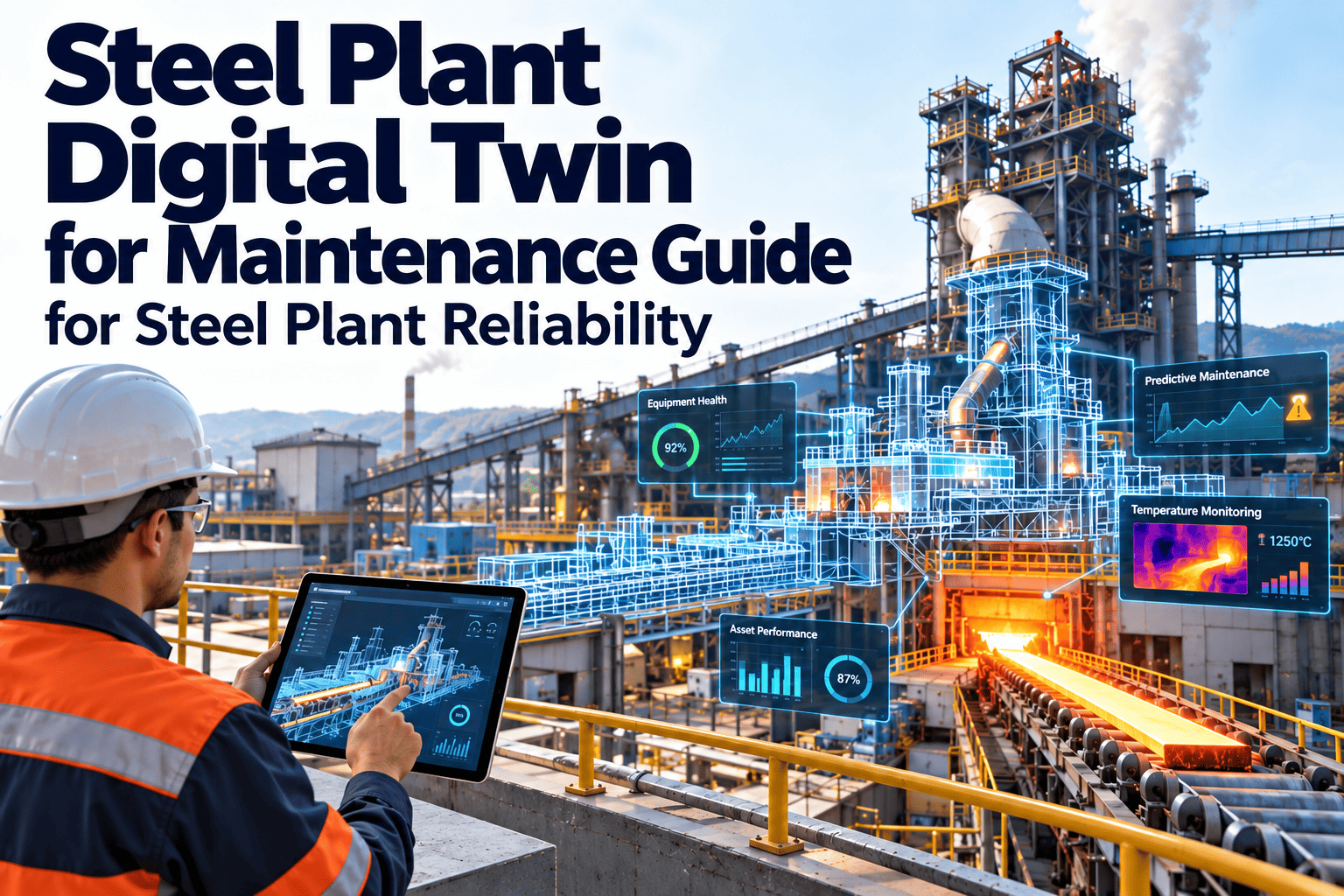
A digital twin is a living digital model of a physical asset or process, fed by real operating data. In steel plants, the promise is practical: see how a furnace, caster or rolling mill is behaving, test maintenance decisions on the model first and plan stoppages with better evidence. Yet many twin projects stall because the maintenance side is treated as an afterthought. This article walks through realistic use cases, the data each one needs and how maintenance workflows turn twin insight into action. Teams can pair these ideas with Oxmaint maintenance management software to keep asset records and work orders connected.
Steel Plant Digital Twin Maintenance Use Cases for Smart Manufacturing
Explore where digital twins support steel plant maintenance, what data they depend on and how findings become scheduled, tracked work.
What a Digital Twin Means for Maintenance Teams
Not every dashboard is a twin. The useful definition for maintenance is a model that mirrors the condition of an asset and can answer what-if questions.
Digital record
Structured asset register, drawings, manuals and maintenance history in one place.
Connected monitor
Live signals shown against each asset with alarms and trend views.
Diagnostic model
Models estimate health, wear or remaining life using signals and history.
Simulation and what-if
Teams test load, schedule and maintenance options before changing the plant.
Why the ladder matters
Most plants gain value at levels 1 to 3. Jumping to simulation without clean asset records and trusted signals usually produces models nobody relies on.
Six Digital Twin Maintenance Use Cases in Steel Plants
Each use case answers a specific maintenance question. Pick one that matches a current pain point rather than starting with technology.
Reheating furnace condition tracking
Are burners, refractory and cooling circuits degrading faster than planned?
Zone temperatures, fuel flow, cooling water data, inspection findings.
Targeted inspections and repair scope for the next planned stop.
Rolling mill drive and gearbox health
Which stands show rising vibration or load stress?
Vibration, motor current, speed, oil analysis, past repairs.
Condition-based gearbox service before an unplanned stop.
Continuous caster segment and roll monitoring
Which rolls and bearings are drifting from normal behavior?
Bearing temperature, hydraulic pressure, casting speed, roll change records.
Better roll change timing and fewer surprise interventions.
Crane and ladle handling reliability
Are brakes, hoist drives and wire ropes nearing service limits?
Load cycles, brake wear checks, drive faults, inspection records.
Planned inspection tied to actual duty rather than fixed dates alone.
Utilities and compressed air networks
Where are leaks, pressure losses or inefficient pumps and compressors?
Pressure, flow, energy use, runtime hours.
Runtime-based preventive tasks and leak repair priorities.
Shutdown planning and scope validation
Which jobs must fit into the next planned outage and in what order?
Asset condition, backlog, spare parts, crew availability.
A scope based on evidence, with parts and labor ready.
Connect Twin Insight to Real Maintenance Work
See how asset records, inspections and work orders keep digital initiatives tied to daily maintenance execution.
Data Foundations Behind Every Use Case
A twin cannot compensate for weak records. These foundations decide whether a use case works in practice.
| Foundation | What Good Looks Like | Typical Gap in Steel Plants |
|---|---|---|
| Asset hierarchy | Plant, area, line, equipment and component with unique IDs | Different names in operations and maintenance |
| Signal mapping | Every tag linked to one asset and unit | Tags named by project, not by equipment |
| Maintenance history | Coded failures with dates and causes | Short free-text work orders |
| Criticality | Ranking by safety, output and repair impact | No agreed ranking method |
| Spare parts link | Parts tied to the equipment that uses them | Stock records separate from assets |
| Time synchronization | Systems share a consistent clock | Offsets that hide cause and effect |
Digital Twin and CMMS: Different Jobs, One Workflow
The twin helps you see
- Current and predicted asset condition
- Behavior under different loads
- Early warning of abnormal patterns
- Options for planning outages
The CMMS helps you act
- Create and assign work orders
- Schedule preventive and corrective tasks
- Track parts, labor and completion
- Record findings for the next model update
Without the action side, twin insight becomes another report. Without the visibility side, maintenance remains calendar driven.
Starting Small: A Single-Asset Pilot
A narrow pilot builds trust faster than a plant-wide program. Choose one critical asset class with known failure history.
Select
Pick a critical asset with a clear business case and available data.
Prepare
Clean the asset record, map signals and review repair history.
Model
Start with thresholds and trend rules, then add analytics as data proves reliable.
Act
Turn alerts into work orders with owners and due dates.
Review
Compare predictions with inspection findings and adjust.
Common Pitfalls in Steel Plant Twin Projects
- Building a visually impressive model with no maintenance owner
- Ignoring sensor reliability in extreme heat, dust and vibration
- Skipping asset hierarchy cleanup before connecting data
- Treating alerts as information instead of assigned work
- Failing to record repair findings that would improve the model
- Expanding to the whole plant before one use case is proven
How Oxmaint Supports Smart Maintenance Workflows
Oxmaint focuses on the maintenance execution layer that sits beside digital models and monitoring tools.
Asset management
Hierarchy, criticality and history for every piece of equipment.
Preventive maintenance
Calendar and meter-based schedules for planned tasks.
Work orders
Corrective and condition-based jobs with clear ownership.
Inspections and mobile
Checklists completed at the asset with findings recorded.
Inventory
Spare parts linked to equipment for faster planning.
Reports and dashboards
Backlog, downtime and compliance visibility for managers.
Choosing the Right First Use Case
Score candidate use cases against practical criteria. The best first project is usually the one with the cleanest data, not the most exciting model.
| Criterion | Question to Ask | Strong Sign |
|---|---|---|
| Business impact | What does a failure cost in downtime, safety or quality? | Failure stops a production route |
| Failure history | Do we have documented failures to learn from? | Several coded events with dates and causes |
| Data availability | Are the needed signals already collected? | Reliable sensors with stored history |
| Actionability | Can maintenance act on a warning in time? | Lead time exceeds the planning cycle |
| Ownership | Is there a named engineer who will use the result? | Reliability lead committed to review |
| Scalability | Can the approach extend to similar assets? | Identical equipment on other lines |
Where Models Run and How Fast Data Must Move
Not every use case needs real-time data. Match the update speed to the maintenance decision.
Near real-time needs
- Protection and safety related alarms
- Fast-developing faults such as overheating
- Process-linked interlocks handled by control systems
Periodic updates are enough
- Gearbox and bearing wear trends
- Remaining life estimates reviewed weekly
- Shutdown scope planning and backlog review
Most maintenance planning value comes from hourly or daily updates. Real-time streaming adds cost and complexity only where the decision demands it.
People Around the Twin
A twin succeeds when the people who maintain equipment trust and use it. Define roles early.
Reliability engineer
Defines failure modes, reviews model output and decides when a finding becomes planned work.
Maintenance planner
Converts approved findings into work orders with parts, labor and a shutdown slot.
Technician
Inspects, repairs and records what was found so the model can be checked against reality.
Operations lead
Provides operating context and agrees on access windows for inspection and repair.
Controls engineer
Maintains sensors, tags and data connections that feed the model.
Plant management
Sets priorities, funds the pilot and reviews outcomes in terms of availability and cost.
Integration and Security Considerations
Digital models connect operational systems to wider networks. Treat integration as an engineering decision, not an afterthought.
- Keep control networks protected and move data through approved, one-way or controlled interfaces
- Use standard protocols such as OPC UA where equipment supports them to avoid custom point-to-point links
- Apply role-based access so only approved users can change models, thresholds and asset records
- Agree how long data is stored and who may access it
- Plan for sensor and software updates so the model does not silently drift
- Document data flows so audits and troubleshooting are straightforward
Standards worth knowing
ISO 55000 frames asset management, ISO 13374 describes condition monitoring data processing and IEC 62443 addresses industrial cybersecurity. Reference them when setting policy.
Driving Adoption on the Shop Floor
Show the evidence
Review past failures with the team and show whether the model would have flagged them.
Keep outputs simple
Present asset health and recommended action in plain terms rather than raw model scores.
Close the loop
Tell technicians what happened to their findings so they see the benefit of recording them.
Train in context
Run short sessions on the actual workflow, from alert to work order to feedback.
Measuring Whether the Twin Is Working
Track outcomes that maintenance and operations already care about, and compare against a baseline before the pilot.
Unplanned downtime
Hours of unplanned stoppage on the pilot assets compared with the previous period.
Planned versus reactive work
Whether more repairs are scheduled in advance rather than done in emergencies.
Warning lead time
How far ahead of failure the model or rules raised a confirmed warning.
False alert rate
Share of warnings where inspection found no real defect.
Shutdown scope accuracy
How closely planned outage work matched what was actually needed.
Record quality
Share of work orders closed with coded failure modes and findings.
Digital Twin Use Cases by Maintenance Strategy
Twin insight supports every maintenance strategy. The table shows how each one benefits and what it needs.
| Strategy | How a Twin Helps | Maintenance Workflow Needed |
|---|---|---|
| Preventive | Adjusts task intervals using actual duty and condition | Scheduled tasks tied to runtime or meters |
| Condition-based | Shows when measured condition crosses agreed limits | Inspection tasks triggered from findings |
| Predictive | Estimates remaining life and likely failure windows | Planned work orders with parts and lead time |
| Corrective | Speeds diagnosis using past behavior and similar faults | Coded work orders that feed the model |
| Shutdown planning | Tests scope and sequence before the outage | Backlog, resources and permits in one plan |
Questions to Ask Any Digital Twin Vendor or Internal Team
- Which failure modes does the model address, and how were they validated on our equipment?
- What data does it need, and what happens when a sensor fails or drifts?
- How are warnings explained so engineers can judge them?
- How does the result reach the maintenance planner and become a work order?
- Who maintains the model after the project ends?
- Can we export our asset data and results if we change tools?
What good answers sound like
Clear scope, honest limits and a defined path from warning to completed repair. Be cautious of promises that skip asset records and maintenance workflow.
Realistic Expectations for Steel Plant Twin Projects
Twins deliver value gradually. Setting honest expectations protects the project from early disappointment.
- Early results usually come from better asset records and visibility, not advanced simulation
- Models need several months of validation against inspection findings before teams rely on them
- Accuracy depends on sensor health, so sensor maintenance is part of the project
- Each new asset class needs its own review of failure modes and signals
- Maintenance feedback after every repair is what keeps models useful over time
Plan for the long term
Treat the twin as a maintained asset with an owner, a review cycle and a budget, rather than a one-time installation.
Frequently Asked Questions
Is a digital twin the same as condition monitoring?
No. Monitoring shows signals, while a twin adds a model of asset behavior and supports what-if analysis.
Which steel assets suit a first twin?
Critical rotating equipment and high-cost assets with known failure history are practical starting points.
Do we need a CMMS first?
A clean asset register and work order history make any twin more useful. Explore Oxmaint to build that base.
How do twin alerts become work?
A reliability engineer reviews the alert and creates a planned work order with parts and a schedule slot.
Can we discuss our plant setup?
Yes, book a demo to review your asset and maintenance workflow.
Give Your Smart Plant Strategy a Maintenance Backbone
Organize assets, plan work and capture findings so digital insight leads to reliable equipment.