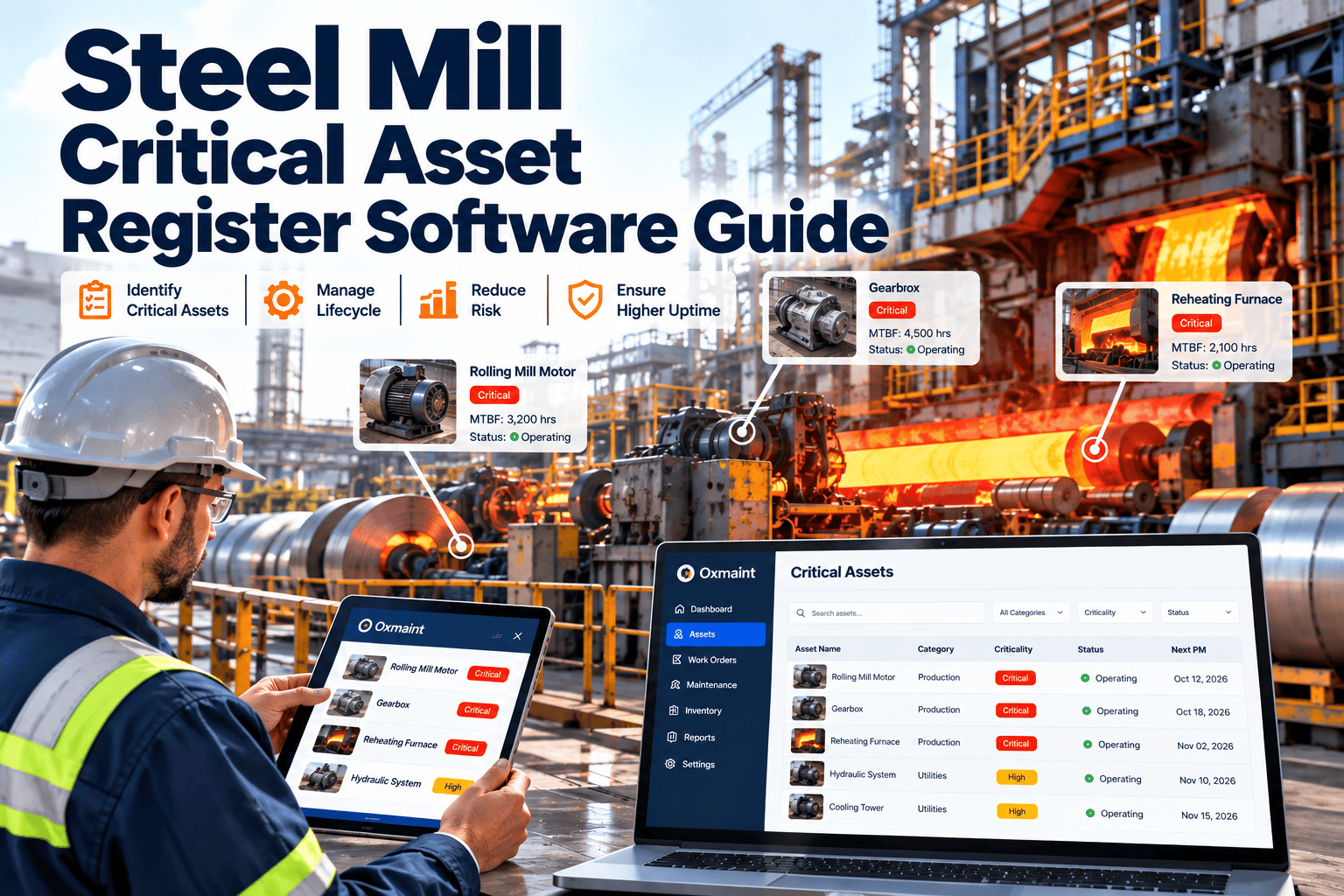
Inspection rounds in a steel plant cover thousands of check points across furnaces, casters, rolling mills, cranes, pumps and utilities. On paper, those rounds produce unreadable notes, skipped points and findings that never become repairs. Digital inspection management gives every route a defined checklist, measurement limits, photo evidence and a direct path to corrective action. This guide explains how to design that system, and how Oxmaint links each inspection result to a work order.
Steel Plant Inspection Management Software for Digital Checklists and Work Orders
Replace paper rounds with mobile checklists that capture readings, photos and pass-fail results, then raise corrective work orders from every failed point.
Where Paper Inspections Break Down
Designing Inspection Routes by Plant Area
| Plant area | Example assets | Typical inspection points | Suggested trigger |
|---|---|---|---|
| Melt shop | Furnace systems, ladles, cranes, fume extraction | Cooling water, hydraulic leaks, structure, wire rope, fan condition | Every shift, plus statutory lifting checks |
| Casting | Molds, segments, spray systems, drives | Spray nozzles, roll condition, lubrication, water flow | Shift rounds and sequence change |
| Rolling and finishing | Stands, gearboxes, hydraulics, shears | Bearing temperature, oil level, vibration, blade wear | Daily and at roll change |
| Utilities | Pumps, compressors, cooling towers, transformers | Pressure, temperature, leaks, noise, oil condition | Daily or condition-based |
| Material handling | Cranes, conveyors, transfer cars | Brakes, hooks, rails, belts, guards | Per use cycle or calendar interval |
| Safety systems | Guards, alarms, extinguishers, emergency stops | Presence, function, tags, access | Scheduled by rule or regulation |
Route design principles
- Order points by walking path, not by department.
- Limit each route to what one inspector can complete properly in one round.
- Review points after each repeated failure and retire points that never add value.
What a Good Digital Checklist Contains
- Asset identity.Scan or select the exact asset so the result lands on the right record.
- Clear check point.Describe what to look at, listen for or measure in plain language.
- Response type.Use pass-fail, numeric reading, selection or text, depending on the point.
- Limits and rules.Define acceptable ranges and what counts as a fail.
- Evidence.Require a photo when a point fails or when audit proof is needed.
- Follow-up action.Decide whether a failure creates a work order, a notification or a watch item.
Turn Every Failed Check Into a Tracked Repair
Build routes, set pass-fail rules and send findings straight to the maintenance backlog.
From Inspection Result to Maintenance Action
Within limits
Reading stored for trend history. No action raised.Near limit
Watch item created with a shorter re-check interval.Out of limits
Corrective work order created with photo, reading, priority and asset.Rules that keep the backlog useful
- Set priority from asset criticality and failure type, not from inspector preference.
- Prevent duplicate work orders for a defect already open on the same asset.
- Require a closing inspection or verification after safety-related repairs.
Types of Inspections to Manage in One System
Operator rounds
Short visual and sensory checks each shift: leaks, noise, temperature, housekeeping.Maintenance inspections
Measured checks by technicians: lubrication, alignment, wear and vibration.Safety and statutory checks
Lifting equipment, pressure systems, guarding and emergency equipment with documented results.Start-up and shutdown checks
Verification lists before returning equipment to service after repair or outage.Measurements, Photos and Audit Evidence
- Numeric readings such as temperature, pressure and thickness build condition trends over time.
- Photos of defects give planners and supervisors context before they dispatch a crew.
- Time-stamped records show which asset was inspected, by whom and what they found.
- Completion reports highlight missed routes so supervisors can act within the shift.
Compliance considerations
- Statutory and insurer-required inspections vary by site and jurisdiction, so confirm requirements with your safety and compliance teams.
- Keep certificates, results and corrective actions retrievable by asset for audit requests.
Inspection KPIs Worth Tracking
A Practical Rollout Path
Select pilot area
Choose a line with frequent breakdowns and a willing supervisor.Convert existing checklists
Keep what works, remove vague points and add limits.Train inspectors on mobile entry
Practice photos, readings and failure reporting on real routes.Review weekly
Check completion, false alarms and work order quality, then adjust.Expand by area
Add melt shop, casting, rolling and utilities in turn.Common Questions
What is steel plant inspection management software?
Can inspections create work orders automatically?
Do inspectors need special devices?
How does it help audits?
Can we review a sample route?
Make Every Inspection Lead to Action
Start with one route, prove the workflow and extend digital checklists across the plant.