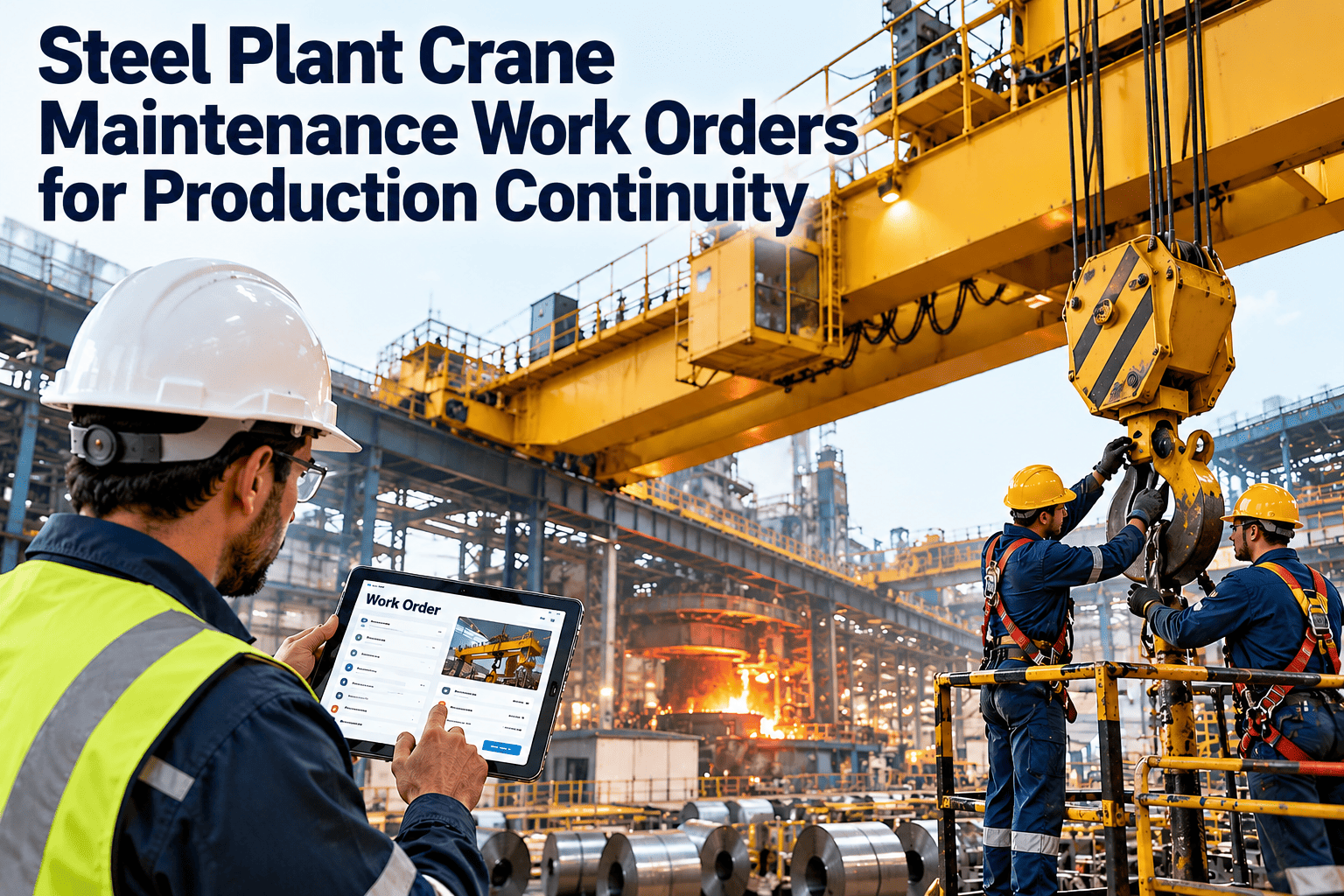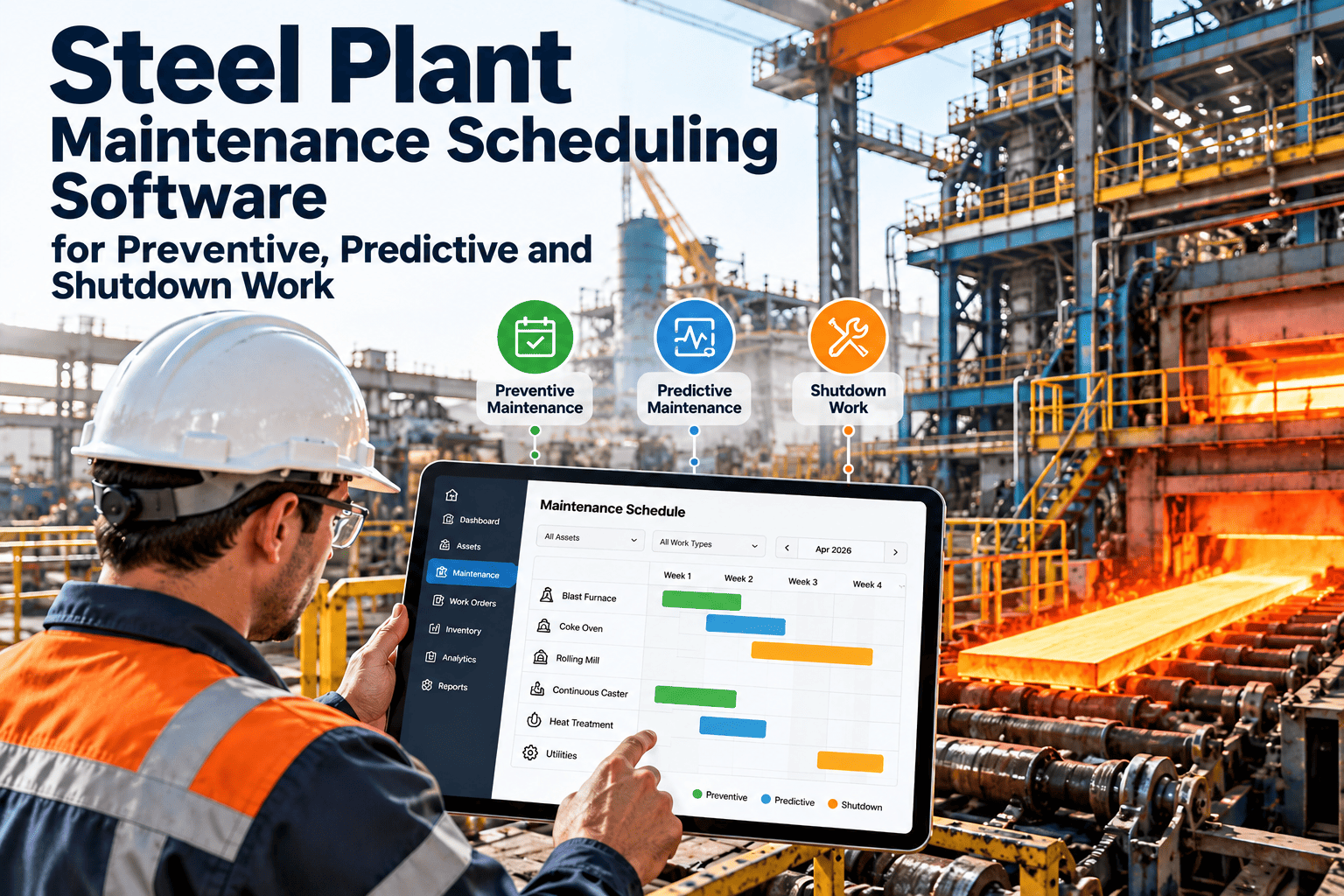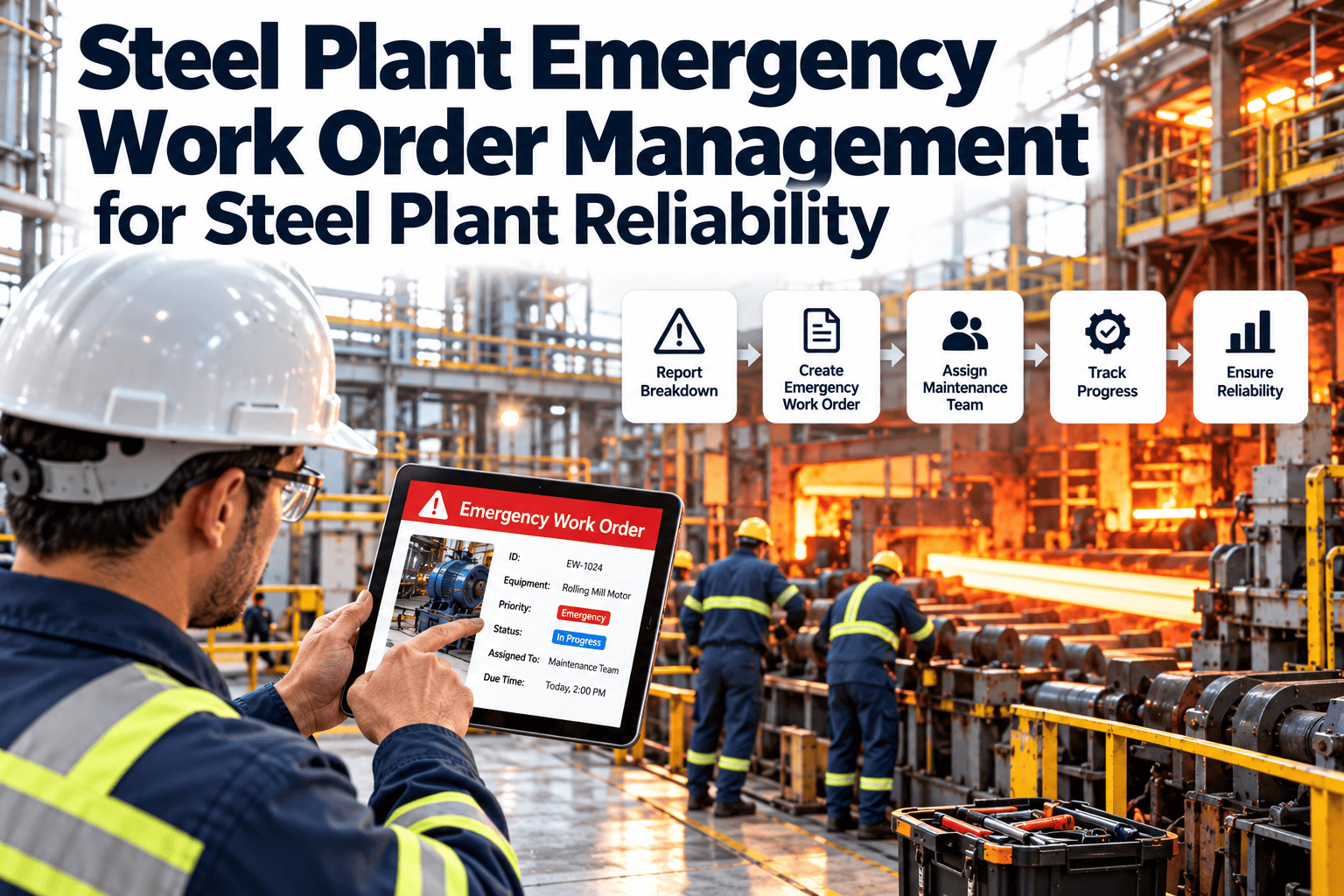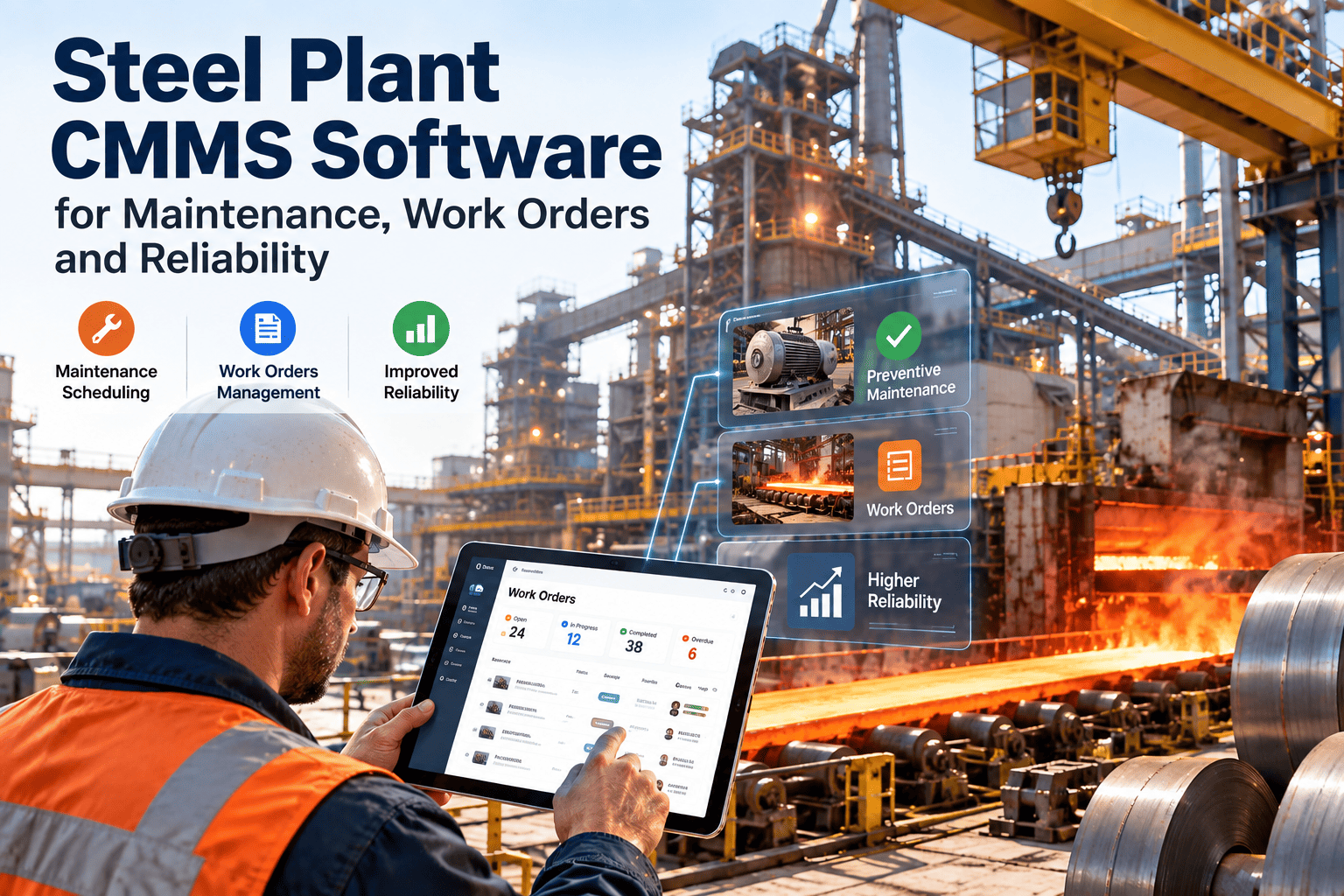
A blast furnace does not run on a calendar the way an office HVAC unit does, and a rolling mill drive does not fail the way a forklift does. Steel production runs on heat counts, tonnage, refractory campaigns, and continuous multi-day casting sequences, which means the maintenance software behind it has to think in those same terms. Most CMMS platforms were built for buildings and light manufacturing, not for a blast furnace, a continuous caster, and a hot strip mill that all depend on each other in the same shift. Reliability teams end up bolting spreadsheets, paper checklists, and disconnected ERP fields onto software that was never asked to model any of it. A steel plant considering OXMAINT AI is usually trying to solve that mismatch — connecting work orders, asset history, and spares to the way steel is actually made.
Steel Plant CMMS Software for Maintenance, Work Orders and Reliability
From blast furnace to finishing line, every process feeds the next with almost no buffer. OXMAINT AI gives maintenance teams a single system for work orders, PM scheduling, spares, inspections, and reliability reporting — built around how a steel plant actually runs, not a generic asset list.
Why Generic CMMS Breaks Down on the Mill Floor
Most CMMS platforms were designed around calendar-based preventive maintenance and a flat list of equipment. Steel production doesn't work that way, and the gap shows up fast once a plant tries to force-fit it — usually within the first few months of use, once the shortcuts start piling up.
The Asset Hierarchy a Steel CMMS Has to Model
Steel is made in a fixed sequence, and a CMMS that treats every stage the same way misses how failures actually propagate through the plant.
See Your Asset Hierarchy Modeled the Way Steel Is Actually Made.
OXMAINT AI maps upstream and downstream dependency between process stages, so a caster delay flags its real impact on the hot mill queue instead of showing up as an isolated work order.
Core Work Order Capabilities to Require
Beyond basic ticketing, a steel-ready CMMS needs to handle the volume and complexity of a 24/7 heavy-industrial floor. A high-volume mill can generate hundreds of work orders a week across ironmaking, steelmaking, casting, and rolling, and most of them compete for the same small pool of skilled tradespeople.
Mobile Execution and Inspections on the Floor
The work order is only half the job — the other half is what happens when a technician actually opens it standing next to a 1,200-degree ladle or a rolling mill stand. A CMMS that assumes a clean office environment doesn't survive that setting, and neither does the data it's supposed to be collecting. Digital checklists replace clipboard-based inspection rounds for furnace shells, crane structures, and conveyor systems, and a finding that fails a threshold should raise a repair work order automatically rather than sitting in a stack of paper forms in a supervisor's inbox.
Reliability Reporting the Plant Actually Uses
A CMMS that only tracks whether a work order closed misses the point. Reliability engineers and plant managers need trended, asset-level data they can act on without exporting everything to a spreadsheet first.
PM Scheduling Logic: Choosing the Right Trigger
A single scheduling method rarely fits every asset class in a steel plant. Most reliability teams run a blend, and the practical test is whether the software can switch a work order's trigger on its own — pulling a scheduled roll change forward because tonnage hit its threshold early, without a planner manually rescheduling it. That kind of automatic re-triggering separates a true steel-ready scheduling engine from a generic PM module with steel terminology layered on top.
| Trigger type | Best fit | Weakness if used alone |
|---|---|---|
| Calendar-based | Utility systems, fixed inspections, statutory checks | Ignores actual wear rate on high-cycle equipment |
| Tonnage-based | Rolling mill rolls, wear liners, conveyor components | Needs reliable production counters feeding the CMMS |
| Heat-count-based | BOF/EAF linings, electrodes, lances, ladles | Requires integration with the steelmaking process log |
| Condition-based | Rotating equipment, drives, bearings, hydraulics | Depends on sensor coverage and alert-to-work-order routing |
Safety and Permit Workflows Belong in the Work Order
Steel plants carry some of the highest-consequence hazards in heavy industry — molten metal, high-voltage drives, confined spaces in furnace shells, and overhead crane traffic sharing floor space with maintenance crews. When permit-to-work and lockout/tagout steps live on a separate paper form, there's no guarantee the two processes stay in sync during a busy shift. A steel-ready CMMS attaches the permit, the isolation points, and the required sign-offs directly to the work order, so a technician can't move a job to "in progress" without completing the safety steps tied to it — and that same record becomes the audit trail an EHS team or regulator asks for after an incident.
Spares, Refractories, and Roll Inventory
Steel plants carry an unusual mix of slow-moving, high-value spares — refractory brick, work rolls, ladle linings, gearbox assemblies — alongside fast-moving consumables like electrodes and filters. A CMMS built for light industry tends to treat all of it the same way, which either ties up cash in excess stock or leaves a critical spare unavailable during a shutdown window. Storeroom staff also need visibility into which spares are reserved against an upcoming planned outage versus available for an emergency breakdown, so a scheduled roll change and a surprise bearing failure aren't competing for the same part on the shelf.
Generic CMMS vs. a Steel-Ready CMMS
Laid side by side, the difference between a platform adapted for steel and one that was never designed for it usually comes down to five areas that matter every single shift, not just during the sales demo when everything looks configurable.
| What matters | Generic CMMS | Steel-ready CMMS |
|---|---|---|
| PM triggers | Calendar only | Calendar, tonnage, heat count, condition |
| Asset hierarchy | Flat equipment list | Process-stage dependency mapped |
| Field hardware | Consumer-grade devices | Rugged, offline-capable mobile |
| ERP data flow | Manual re-entry | Bidirectional SAP / Oracle sync |
| Permit workflows | Separate paper process | Embedded in the work order |
Rolling It Out Without Stopping Production
The biggest risk in a CMMS rollout isn't the software — it's trying to convert every shop, every asset, and every technician on day one. Most successful steel plant implementations follow a narrower path.
Integration Pitfalls That Derail a Rollout
Most steel plant CMMS projects don't fail because the software lacks features — they stall because the integration work between the CMMS, the ERP, and the production data feed gets treated as an afterthought instead of a core part of the scope from day one.
Evaluation Questions Worth Asking a Vendor
Before signing a contract, it's worth pushing past the demo script and asking how the platform actually behaves on a mill floor. Book a demo and walk through these directly.
Frequently Asked Questions
Give Every Bay, Furnace, and Mill One Maintenance System
Work orders, PM scheduling, spares, and cost data — connected the way steel is actually made, from ironmaking through finishing.