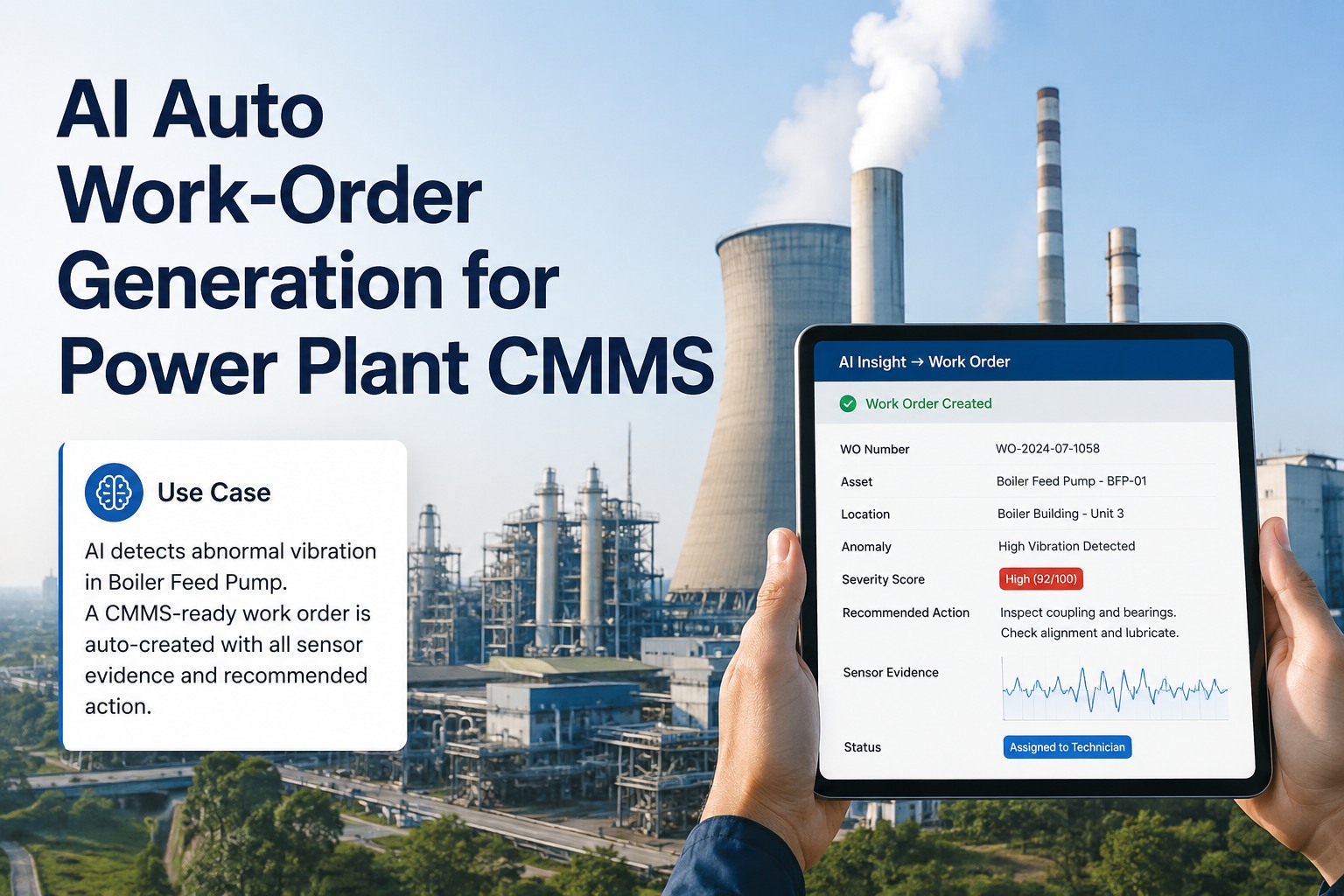
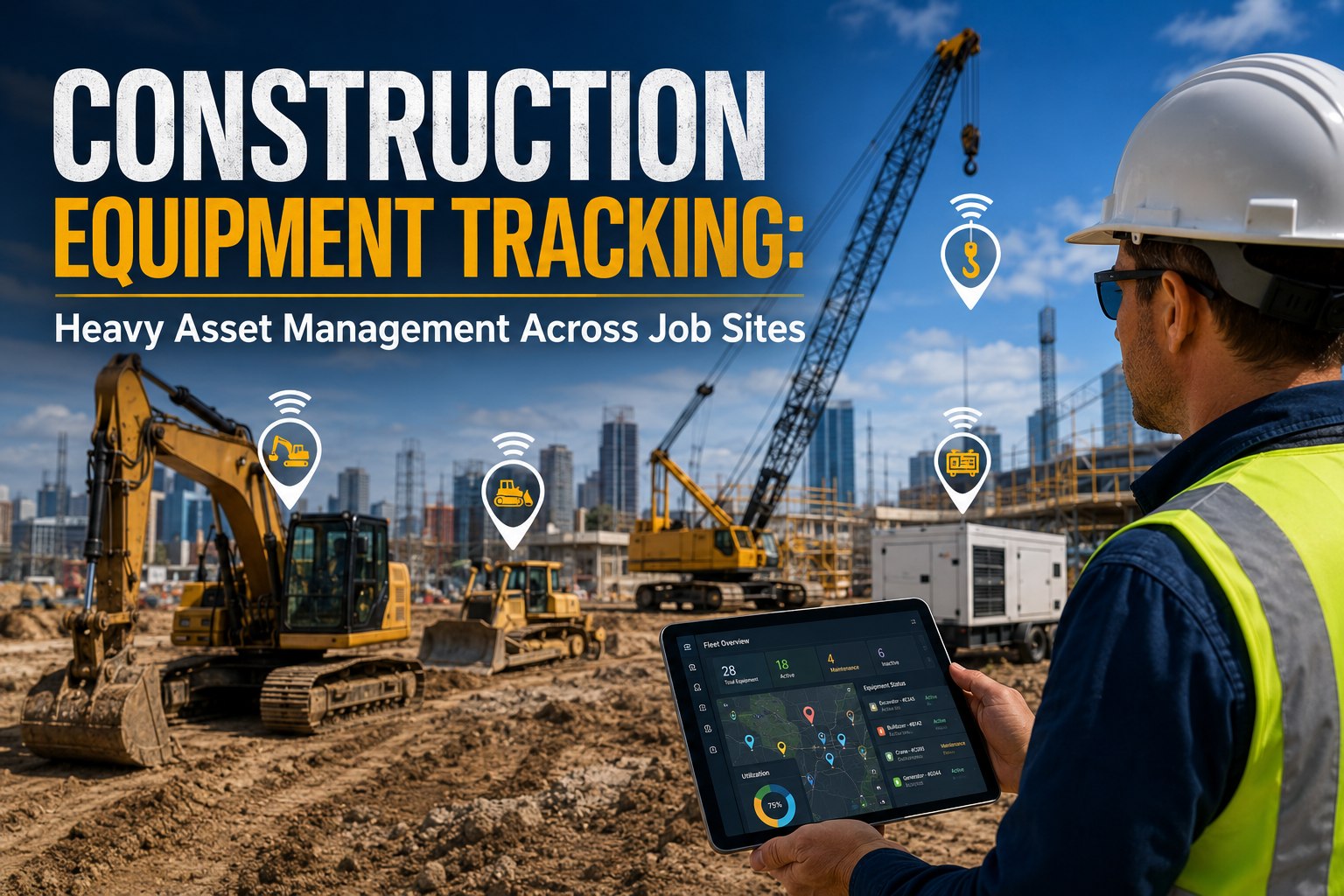
Most maintenance teams don't fail because they lack effort — they fail because their work orders live in spreadsheets, WhatsApp threads, and sticky notes on toolboxes. The result is predictable: tasks slip, assets break at the worst moment, and managers spend hours chasing status updates instead of preventing the next failure. The global work order management software market is growing from $20 billion in 2025 to over $50 billion by 2035 — not because software is trendy, but because the cost of running maintenance without it has become impossible to justify. This buyer's guide covers every dimension you need to make the right platform decision in 2026: features that matter, pricing models, mobile requirements, integration must-haves, and the questions vendors hope you don't ask.
MAY 12, 2026 · 5:30 PM EST, Orlando
Upcoming OxMaint AI Live Webinar — Build a Zero-Touch Work Order Workflow in One Session
Join the OxMaint team in Orlando to design an AI-powered work order pipeline — from sensor trigger to mobile dispatch to closure — mapped to your existing CMMS, ERP, and SCADA infrastructure.
Sensor-to-work-order pipeline live demo
AI priority scoring & skill-based routing
Tiered approval automation — under 15-min SLA
QR code intake & mobile-first technician UX
$50B
WO management market by 2035 — 9.7% CAGR
59%
Facilities already using a CMMS — adoption accelerating
25%
Maintenance cost reduction with predictive workflows
65%
Maintenance teams adopting AI by end of 2026
What to Look For
9 Must-Have Features in Work Order Management Software
Not all work order platforms are built equally. The difference between software that gets adopted and software that collects shelf dust is whether it fits how your team actually works — in the field, not just on a desktop dashboard.
01
Automated Work Order Creation
Manual creation is a bottleneck. Top platforms auto-generate work orders from IoT sensor thresholds, meter readings, time-based PM schedules, and incoming service requests — with priority, assignee, and required parts pre-populated.
02
Mobile-First Technician App
Technicians spend more time in the mobile app than managers spend on the desktop. Evaluate offline sync, QR/barcode scanning, photo capture, digital signatures, and checklists with actual devices before choosing a platform.
03
Preventive Maintenance Scheduling
Calendar-only PM triggers are insufficient. Look for time-based, meter-based, and condition-based scheduling in one system — so a compressor gets serviced at 500 hours or when vibration thresholds are crossed, whichever comes first.
04
Asset & Inventory Tracking
Work orders without parts availability create technician downtime. Bin-level inventory management, auto-reorder triggers, and parts consumption linked to work orders eliminate the most common cause of delayed repairs.
05
Multi-Site & Multi-Team Support
Single-site tools fail at scale. Enterprise operations need role-based permissions, site-level dashboards, cross-location asset visibility, and consolidated reporting — without requiring separate logins per facility.
06
ERP & IoT Integration
Work orders don't exist in isolation. Open API access, pre-built connectors for SAP, Oracle, and major ERP systems, plus IoT sensor ingestion are non-negotiable for teams running integrated maintenance operations.
07
SLA Tracking & Escalation
High-priority work orders that miss response windows create compliance exposure. Built-in SLA configuration with automatic escalation paths — not just notifications — keeps critical asset maintenance on schedule regardless of shift changes.
08
Reporting & KPI Dashboards
Reporting that only shows open vs. closed work orders is insufficient. Mean time to repair (MTTR), mean time between failures (MTBF), technician utilization, PM compliance rate, and cost per work order are the metrics that drive decisions.
09
Compliance & Audit Trail
Regulated industries — healthcare, food & beverage, energy, government — require timestamped work order histories, e-signatures, and export-ready audit reports. Verify these are native, not add-ons, before signing a contract.
2026 Market Comparison
Top Work Order Software Platforms — Side-by-Side
Every platform looks impressive in a demo. This comparison focuses on real-world operational fit — mobile capability, pricing transparency, AI depth, and implementation speed — across the leading platforms in the 2026 market.
| Platform |
Best For |
Starting Price |
Mobile App |
AI / Automation |
Offline Mode |
| OxMaint |
All industries, IoT + AI driven |
Free trial available |
Native iOS & Android |
Full AI work order engine |
Yes |
| MaintainX |
Mobile-first, fast adoption teams |
Free / $20/user/mo |
Strong |
AI-powered PM |
Yes |
| Limble CMMS |
Comprehensive feature needs |
$20/user/mo |
Good |
Predictive analytics |
Limited |
| UpKeep |
Manufacturing compliance |
$20/user/mo |
Strong |
Proactive scheduling |
Yes |
| Fiix |
AI-driven maintenance insights |
Custom pricing |
Good |
AI analytics tier |
Limited |
| eMaint |
Enterprise, multi-site, regulated |
$69/user/mo+ |
Moderate |
IoT sensor integration |
No |
Pricing as of Q1 2026. OxMaint pricing available on request — start with a free trial to evaluate full feature set before commitment.
Pricing Guide
What Work Order Software Actually Costs in 2026
Advertised per-user pricing is rarely the total cost. Implementation, data migration, integrations, and support tiers routinely double the quoted price. Use this framework to calculate realistic 3-year total cost of ownership before signing.
Entry Level
Free — $21/user/mo
Basic work order creation, limited users, calendar-only PM, minimal reporting. Suitable for teams under 10 users at a single facility who need to digitize paper processes.
Watch for: Feature paywalls on mobile access and reporting
Mid-Market
$20 — $65/user/mo
Full work order lifecycle, PM scheduling, asset tracking, mobile apps, basic integrations. The dominant tier for 10–200 user teams across manufacturing, facilities, and logistics operations.
Watch for: AI and IoT features often reserved for top tier only
Enterprise
$65+/user/mo or custom
Multi-site management, ERP integration, advanced compliance, custom reporting, dedicated support. Required for operations with 200+ users, regulatory audit trails, or complex multi-location asset hierarchies.
Watch for: Implementation costs of $50K–$200K not included in license
Hidden Costs Buyers Miss — Ask Every Vendor
Data migration and historical import fees
API integration development (per connector)
Training and onboarding charges beyond basic setup
Annual price escalation clauses in multi-year contracts
Per-work-order or per-asset overage fees at scale
Dedicated support tier vs. shared support queue cost
Buyer's Checklist
20-Point Evaluation Checklist Before You Buy
Run every shortlisted vendor through this checklist. The questions vendors struggle to answer clearly are more informative than their answers to the questions they've rehearsed.
Core Functionality
1Can work orders be created from IoT sensor triggers automatically?
2Does PM scheduling support time-based, meter-based, and condition-based triggers?
3Is inventory linked to work orders with auto-reorder capabilities?
4Can SLAs be configured per asset class, not just globally?
5Are audit trails and e-signatures native, not add-on modules?
Mobile & Field Use
6Does the mobile app function fully offline without connectivity?
7Can technicians scan QR codes to pull up asset history instantly?
8Are photo, video, and document uploads available from the mobile app?
9Do checklists and SOPs attach to work orders for field guidance?
10Can requestors submit work requests without a full user license?
Integration & Scale
11Is there an open REST API with documented endpoints?
12What ERP and SCADA systems have pre-built connectors?
13How is multi-site management structured — one account or multiple?
14What is the maximum asset and work order volume tested at?
15Is data migration from your current system included in onboarding?
Vendor & Support
16What is the average implementation time to productive use?
17Is 24/7 support included or a premium add-on?
18What is the contract minimum term and exit clause?
19Can pricing be locked for 3 years with no escalation clauses?
20Do reference customers match your size and industry?
"
The single biggest mistake I see in CMMS procurement is buying based on feature count rather than adoption likelihood. The most feature-rich platform on the market is worthless if your technicians find it too complex and go back to texting the supervisor. Evaluate the mobile experience first — ask your actual technicians to create a work order in the vendor's trial, attach a photo, and close it. If they need more than three minutes and any help, that is your adoption risk score. The platforms that win in the field are the ones that disappear into the workflow rather than imposing a new one.
Maintenance Operations Director
Multi-site manufacturing group, 14 facilities, 380 technicians — 6 CMMS evaluations over 15 years
ROI Benchmarks
What Teams Actually Achieve After Implementing Work Order Software
| Outcome Metric |
Before Software |
After Implementation |
Typical Timeframe |
| Reactive work order rate |
70–80% reactive |
Under 40% reactive |
60–90 days |
| Mean time to repair (MTTR) |
4–8 hours average |
2–3 hours average |
30–60 days |
| PM compliance rate |
55–65% |
90%+ |
30–45 days |
| Maintenance cost per asset |
Baseline |
15–25% reduction |
6–12 months |
| Unplanned downtime hours |
Baseline |
10–20% reduction |
3–6 months |
| Technician wrench time |
25–35% productive |
45–55% productive |
60–90 days |
FAQs
Work Order Management Software — Common Buyer Questions
What is the difference between work order management software and a full CMMS?
Work order management is one module within a broader Computerized Maintenance Management System (CMMS). Standalone work order tools handle task creation, assignment, and closure — but lack the asset registry, preventive maintenance scheduling, inventory management, and compliance reporting that a full CMMS provides. For most organizations beyond 10 users or 200 assets, investing in a full CMMS with strong work order management delivers better ROI than a point solution that will require additional tools alongside it. The line between the two is blurring in 2026, as most leading work order tools have expanded into full CMMS territory.
Explore OxMaint's full CMMS work order module — free trial available.
How long does it take to implement work order management software?
Implementation timelines vary from 1 day for simple cloud setups to 12+ months for enterprise platforms with complex ERP integrations. The realistic benchmark for a mid-market team (20–100 users, 500–5,000 assets) is 2–6 weeks to basic productive use, with 60–90 days to full feature adoption. The most common implementation failure is underestimating data migration time — importing asset histories, open work orders, and PM schedules from spreadsheets or a previous system accounts for 40–60% of implementation effort. Platforms that include structured data migration support in onboarding consistently achieve faster time to value.
Book a demo to walk through OxMaint's onboarding timeline for your team size.
What industries benefit most from work order management software?
Manufacturing operations consistently report the highest ROI because unplanned equipment downtime has a direct and measurable cost per hour — typically $50,000–$250,000 in production losses. Healthcare facilities benefit most from compliance and audit trail capabilities, which eliminate the manual documentation burden that regulatory bodies require. Facilities management, logistics, energy and utilities, and education campuses each derive strong value from PM scheduling and multi-site visibility. According to market data, the manufacturing segment alone is expected to grow from $5 billion to $13.5 billion in work order software adoption by 2035, reflecting how central it has become to production reliability strategy.
Can work order software integrate with our existing ERP or SCADA systems?
Most leading platforms in 2026 offer REST API access and pre-built connectors for SAP, Oracle, Microsoft Dynamics, and major SCADA systems. However, "integration available" in a vendor's marketing does not mean "integration works out of the box." Always request a technical integration specification and ask how many customers are running the specific connection you need in production today. Cloud-based work order platforms have a significant advantage here — webhook support, API rate limits, and authenticated connections are far easier to implement than on-premise integration architectures that require middleware and dedicated IT resources. OxMaint's IoT and ERP integration module connects in under one business day for standard endpoints.
Start your free trial and test the OxMaint API with your existing systems.
Work Order Management · AI-Powered · Free to Start
Stop Evaluating. Start Running Smarter Work Orders Today.
OxMaint's work order management module goes live in under 60 minutes — with AI-powered creation, mobile technician apps, IoT sensor integration, and OSHA-ready audit trails built in from day one. No implementation project required.