Facility management software has changed more in the last three years than in the previous decade. The CMMS tools that won enterprise contracts in 2020 weren't built for mobile-first technicians, multi-site asset visibility, or the kind of real-time analytics that operations leadership now demands. This guide breaks down what facility teams actually need from a CMMS in 2026 — and helps you cut through vendor noise to find a platform that your crews will actually use in the field. OxMaint is built specifically for the operational reality modern facility teams face.
2026 BUYER'S GUIDE
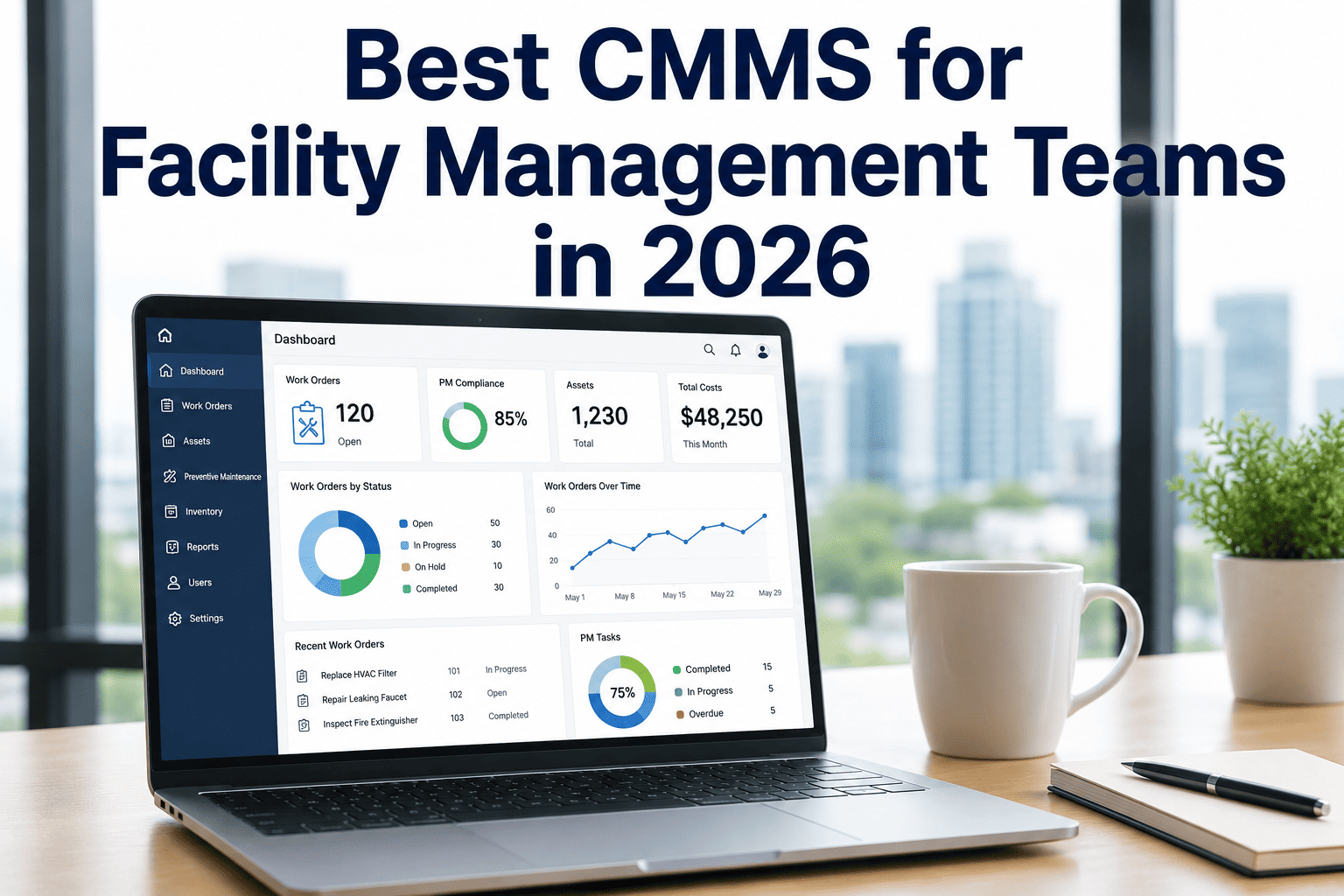
Best CMMS for Facility Management Teams in 2026
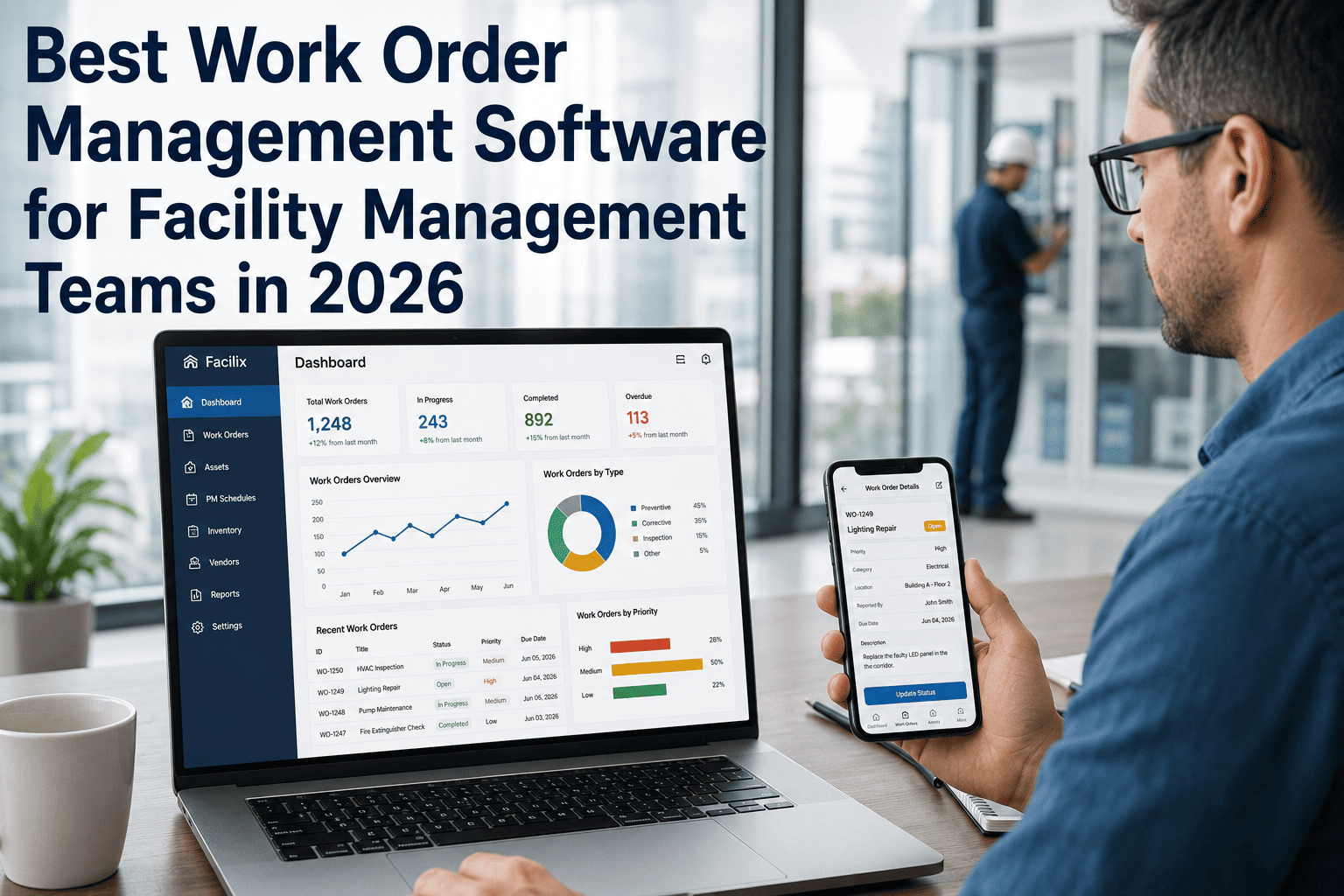
Mobile work orders, multi-site asset tracking, vendor management, compliance inspections, and analytics — the capabilities that define the gap between struggling and thriving facility teams.
2020
Desktop-first work order entry, printed checklists
→
Mobile-first, offline capable, photo and QR code capture
2020
Site-specific spreadsheet maintenance logs
→
Unified multi-site dashboards with cross-location benchmarking
2020
Vendor relationships managed by phone and email
→
Vendor portals with digital work order hand-off and SLA tracking
2020
Monthly PDF reports for leadership
→
Real-time KPI dashboards with drill-down by site, asset, or tech
01
Mobile Work Orders — True Offline Mode
Technicians in mechanical rooms, parking garages, and utility vaults can't wait for cell signal. A real mobile CMMS works fully offline — capturing photos, checklist sign-offs, and time logs — then syncs when connectivity returns.
OxMaint: Full offline mode on iOS and Android
02
Asset Hierarchy and QR/Barcode Scanning
Assets need to be organized by building, floor, and system — not a flat list of equipment. QR code scanning from mobile eliminates manual asset lookup, reduces errors, and makes PMs 60% faster to initiate in the field.
OxMaint: QR scan, barcode, multi-level hierarchy
03
Vendor and Contractor Work Order Portal
Outsourced HVAC, elevator, and fire suppression work needs the same documentation rigor as internal maintenance. Vendor portals give contractors work order access without giving them full CMMS access — critical for security and data integrity.
OxMaint: Contractor portal with scoped access
04
PM Scheduling with Compliance Calendars
Facility compliance isn't optional — NFPA, ASME, and local codes mandate specific inspection intervals. A CMMS needs to enforce those schedules and track completion against them, not just send reminders that get ignored.
OxMaint: Compliance calendar + auto-escalation
05
Multi-Site Dashboard with Role-Based Access
A regional FM manager needs a different view than a site technician. Role-based access ensures each user sees exactly the data relevant to their scope — without being overwhelmed by or excluded from cross-site visibility they need.
OxMaint: Configurable roles, multi-site views
06
Tenant and Occupant Request Integration
Commercial and mixed-use facilities need a way for occupants to submit maintenance requests without giving them system access. Configurable request portals capture tenant issues directly into the work order queue — no email chains required.
OxMaint: Tenant request portal with auto-routing
07
Analytics — Spend, Compliance, and Asset Health
Leadership doesn't want to read work orders — they want to know where money is going, which assets are failing repeatedly, and whether compliance is on track. A 2026 CMMS delivers these insights automatically, not after someone runs a report.
OxMaint: Live dashboards, trend analysis, exports
EXPERT REVIEW
David Kwon, SFP, FMP
Sustainability Facilities Professional — 13 Years Managing Commercial Real Estate Portfolios
The biggest CMMS selection mistake I see is optimizing for features over adoption. I've watched facilities spend six months implementing a full-featured enterprise CMMS, only to have technicians revert to paper checklists six months later because the mobile app was unusable. The best CMMS is the one your team will actually use every day. That means fast load times, simple work order creation, and a mobile experience that doesn't require training every time someone opens the app. Evaluate CMMS software by putting it in the hands of your most skeptical technician first — their reaction tells you everything you need to know about adoption risk.
Frequently Asked Questions
How is OxMaint priced for facility management teams?
OxMaint offers per-user and per-site pricing models depending on team size and configuration needs. Smaller facility teams can start with a free plan that includes core work order management and PM scheduling for a single site. Multi-site and enterprise pricing scales with the number of locations and users. All plans include mobile app access and standard support.
Book a demo to get a quote tailored to your portfolio size and feature requirements.
Can OxMaint manage both internal staff and external contractors in the same system?
Yes. OxMaint supports both internal technician accounts with full CMMS access and contractor portal accounts with scoped access limited to assigned work orders. Contractors can view their assigned work, update status, upload completion photos, and request additional parts — without seeing other sites, other vendors, or internal-only asset data. This unified approach means facility managers have a single record of all maintenance activity, regardless of whether it was done by staff or outsourced.
Does OxMaint support smart building integrations like BAS and BMS?
OxMaint integrates with building automation systems via API and webhook connections. BAS alarms and fault codes can be configured to trigger work orders in OxMaint automatically — so when your BAS detects an HVAC fault, a work order is created with the fault code attached before the facility manager even sees the alert. This closes the gap between detection and response that causes most building system failures to escalate.
Sign up free to explore the integration setup.
What data can facility teams migrate from their current CMMS to OxMaint?
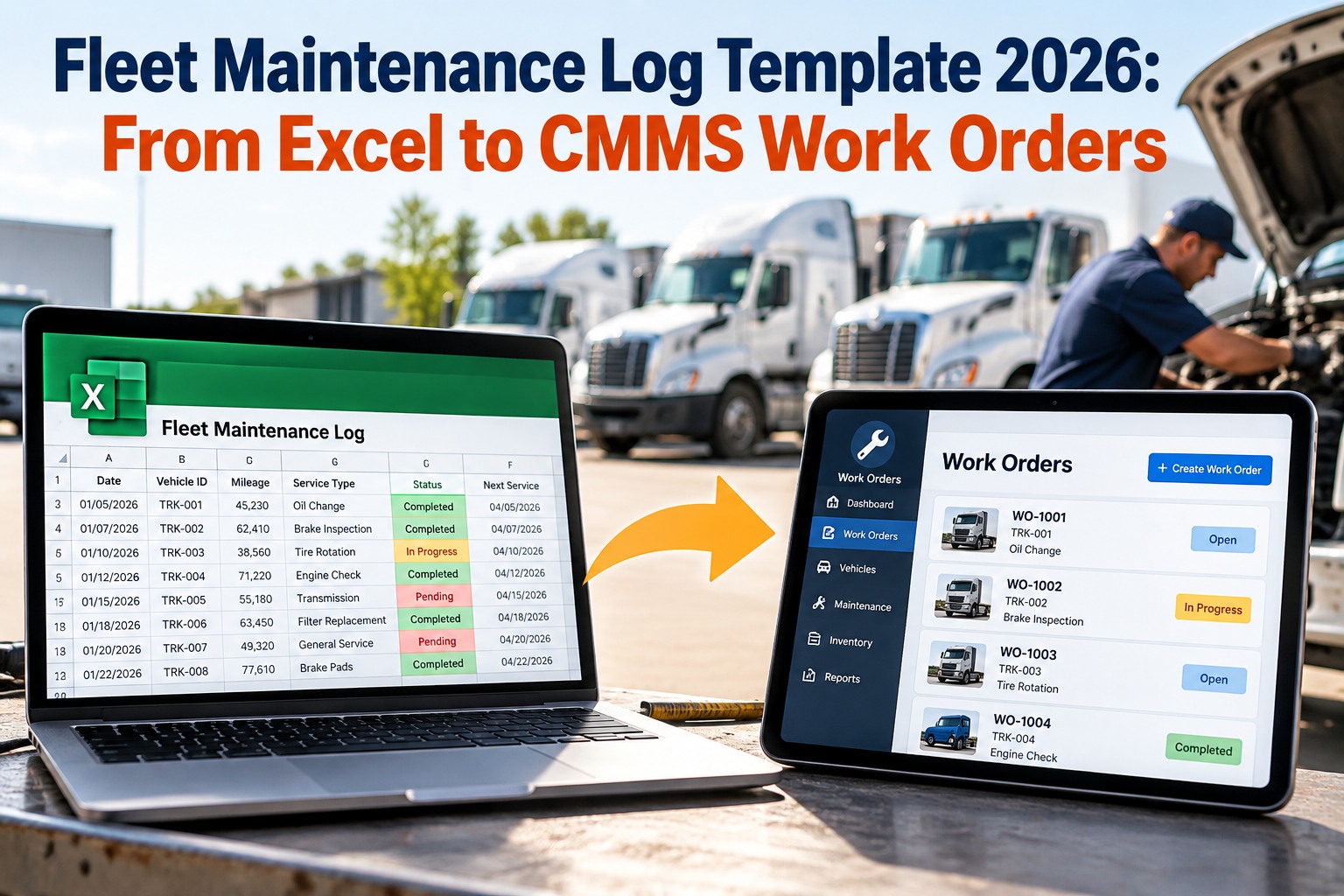
OxMaint's onboarding team handles data migration from most major CMMS platforms including Maximo, eMaint, Fiix, and Excel-based systems. Asset records, PM schedules, vendor contacts, and historical work order data can all be imported. Most mid-size facility portfolios complete full data migration in 5–10 business days. Maintaining historical data is critical for warranty tracking, compliance history, and trend analysis — OxMaint preserves it all in the new asset records.




.png)