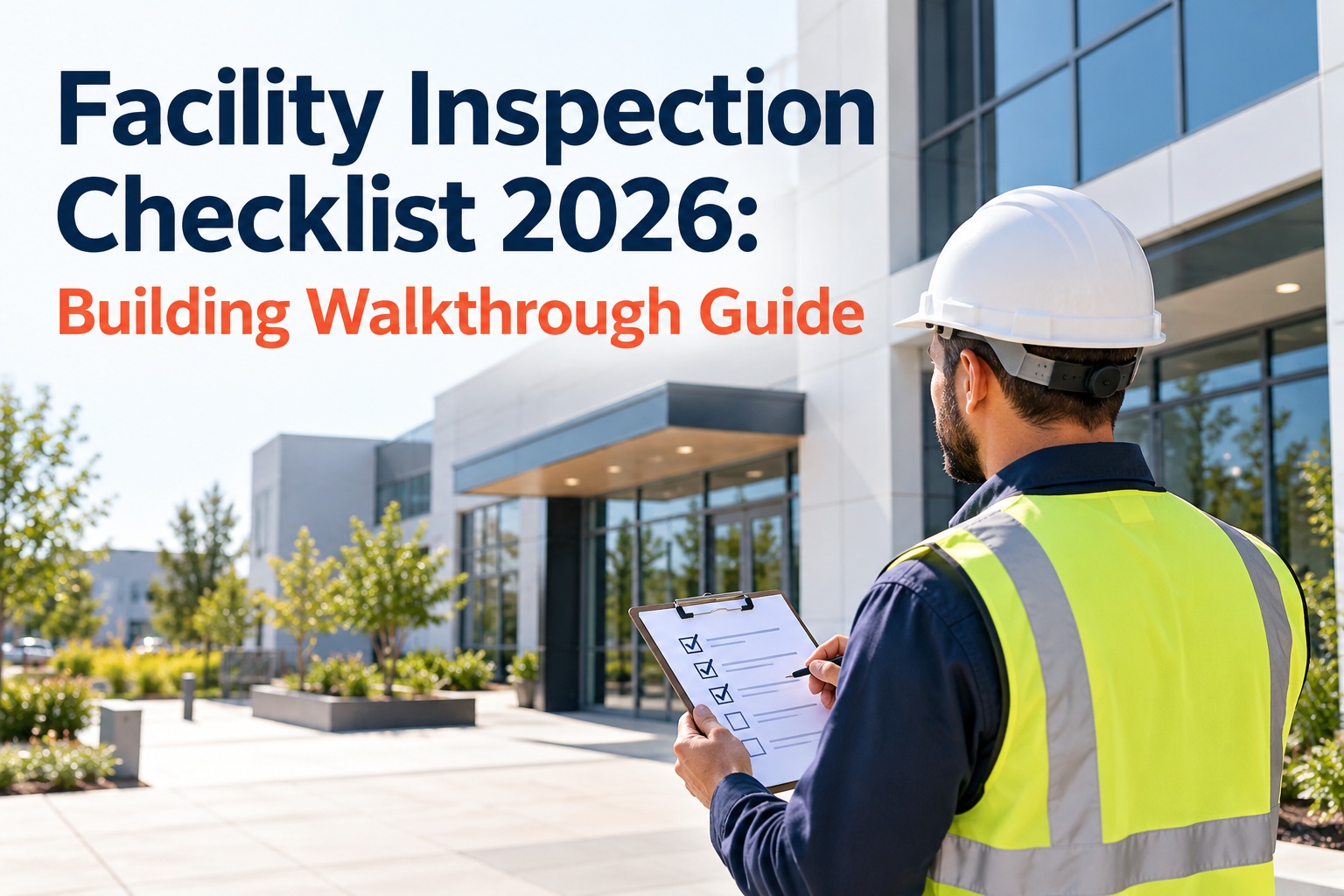
A facility walkthrough is only as good as what happens after it. Too often a walkthrough surfaces a dozen real issues — a dripping valve, a scuffed fire door, an HVAC unit short-cycling — and they land in a notebook that never becomes work. Weeks later the same items turn up on the next walk, still open. A good facility inspection isn't just a list of things to look at; it's a repeatable route that turns findings into prioritized, scheduled work orders. This 2026 guide gives you a system-by-system building walkthrough checklist and shows how OXMAINT AI, the AI-powered CMMS, turns each finding into a tracked work order instead of a note.
Facility Inspection Checklist 2026: Building Walkthrough Guide
Finding real defects on every walk but watching them pile up unfixed? OXMAINT AI runs the whole loop in one platform: walkthrough findings become tracked issues, issues become prioritized work orders, and closed work orders feed the preventive schedule. So the dripping valve you flagged this morning is assigned before you're back at your desk — not rediscovered next month.
Walk the Building in a Fixed Order
The fastest way to miss things is to wander. A consistent route — outside-in, top-to-bottom — means the same systems get checked every cycle, and findings trend against the same zones over time. Here's the eight-system path this checklist follows.
Start free and build this route into OXMAINT AI.
The System-by-System Checklist
Work each system in turn. These are the high-value checks that catch the defects most likely to become a complaint, a failure, or a safety issue.
Book a walkthrough to map these checks onto your building.
- Cracks, spalling or movement in walls and facade
- Sealant and caulking at joints, windows and doors
- Entry doors, hardware and weather-stripping
- Signage, lighting and exterior wayfinding
- Ponding water, blisters or membrane damage
- Flashing, penetrations and rooftop equipment curbs
- Gutters, downspouts and roof drains clear of debris
- Signs of interior leaks at ceilings below
- Unusual noise, vibration or short-cycling
- Filter condition and airflow at registers
- Belts, bearings, condensate drains and coils
- Thermostat setpoints and zone comfort complaints
- Panel labeling, clearances and signs of overheating
- Exposed wiring, damaged cover plates or outlets
- Interior and exterior lighting operation
- Emergency and exit lighting function
- Leaks at fixtures, valves, supply lines and water heaters
- Water pressure and drainage at sinks and floor drains
- Signs of corrosion, staining or moisture damage
- Backflow devices and shutoff valve accessibility
- Fire extinguishers charged, tagged and unobstructed
- Exit doors, egress paths and exit signage clear
- Sprinkler heads, alarms and detectors intact
- Emergency lighting and evacuation maps in place
- Flooring trip hazards, damage or excessive wear
- Ceiling tiles, walls and paint condition
- Doors, locks, closers and accessibility hardware
- Stairwells, handrails and elevator condition
- Fixtures, partitions and dispensers functional
- Ventilation, cleanliness and moisture control
- Parking, walkways and curbs free of hazards
- Landscaping, drainage and exterior grounds upkeep
A Finding in a Notebook Is a Problem You'll Rediscover.
The walkthrough is the easy part — closing the loop is where most programs break. OXMAINT AI turns each finding into a prioritized work order tied to the asset, so nothing gets re-found on the next walk.
Prioritize Findings — Don't Just List Them
A flat list of twenty findings tells the team nothing about what to do first. Grade each one by safety and operational impact, so a blocked fire exit never waits behind a scuffed wall.
Sign up free and grade findings by priority in OXMAINT AI.
From Walkthrough Finding to Work Order
This is the part that separates a real program from a clipboard exercise. Here's how one finding moves through OXMAINT AI — from the spot you noticed it to a closed work order tied to the asset.
Book a demo to see this on your own walkthrough.
How Often to Walk Each System
| System | Typical cadence | Why |
|---|---|---|
| Life safety | Most frequent | Highest risk — egress and fire protection can't lapse |
| HVAC & mechanical | Regular | Comfort complaints and energy waste build fast |
| Plumbing & electrical | Regular | Small leaks and hot spots escalate if unseen |
| Interior & restrooms | Routine | Wear and hazards accumulate with daily use |
| Roof & envelope | Periodic + after weather | Slow to fail, costly when it does — check seasonally |
| Grounds | Periodic | Trip hazards and drainage shift with seasons |
Cadence depends on building type, age, use and local codes — treat this as a starting guide and set frequencies to your own facility and regulatory requirements. Configure recurring inspection schedules per system in your CMMS so none quietly slips.
Frequently Asked Questions
Turn Every Walkthrough Into Closed Work.
Run a consistent system-by-system route, grade findings by priority, and let each one become a tracked work order tied to the asset — with OXMAINT AI, so nothing gets re-found on the next walk.