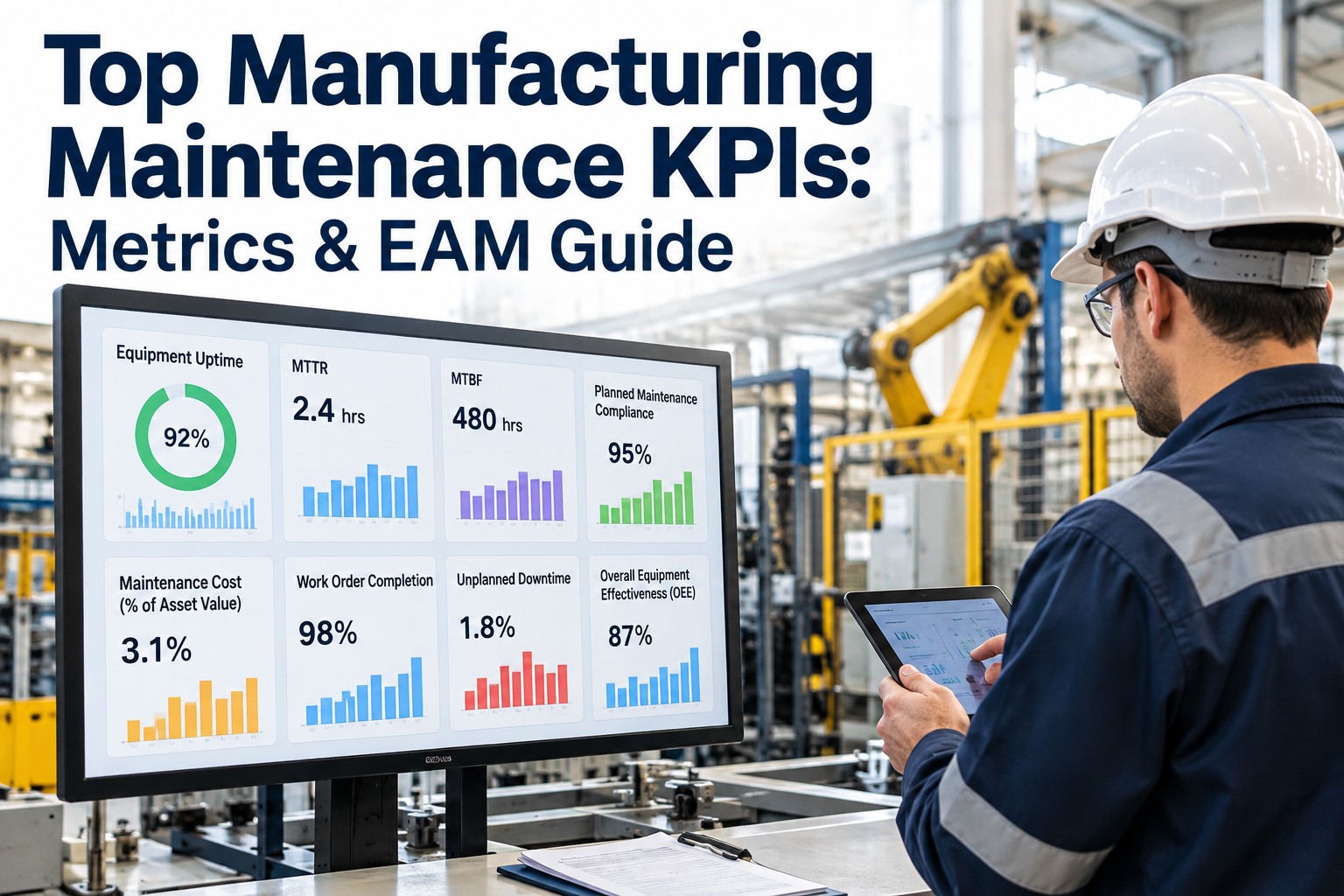
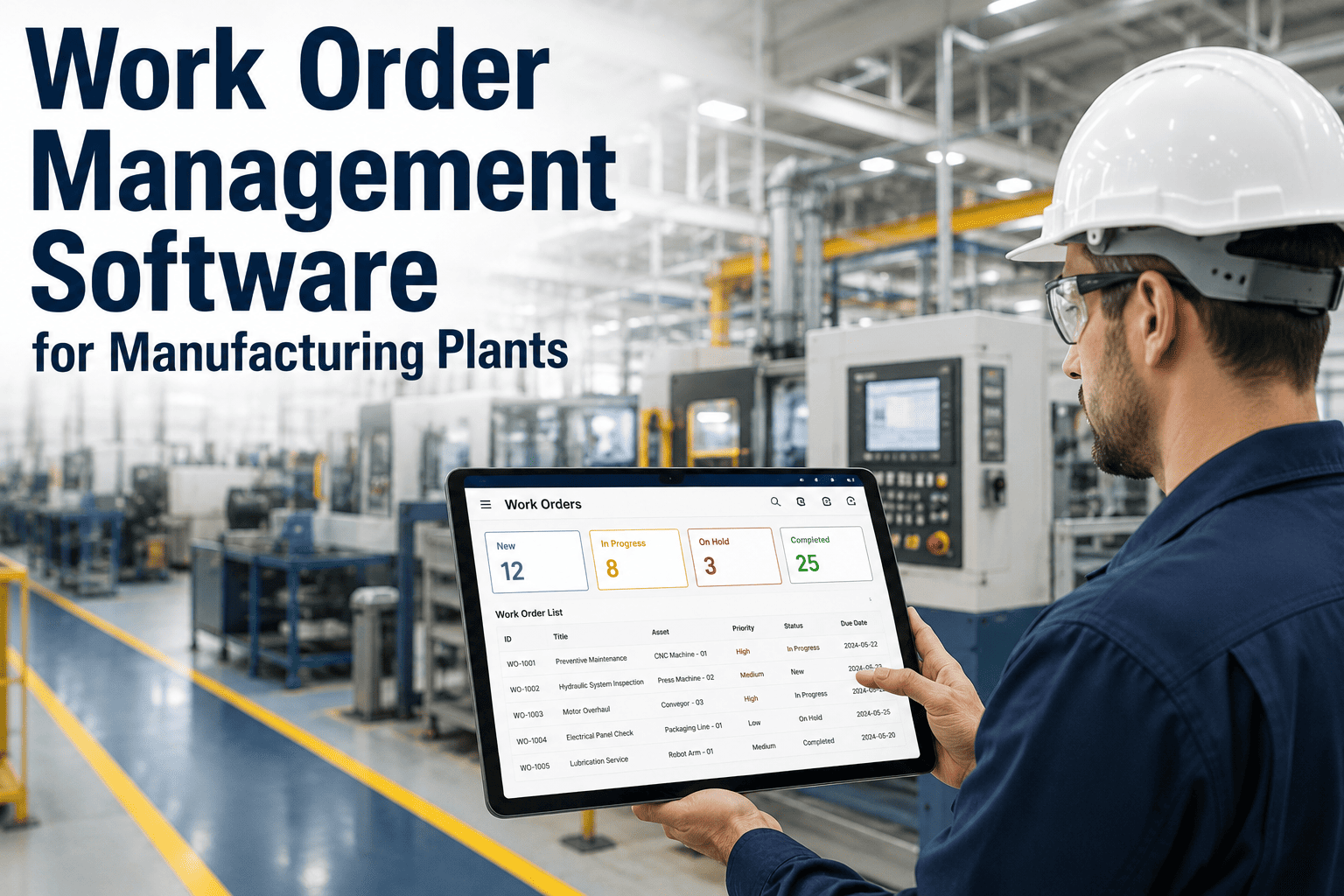
Kiln MTTR up 35% and your backlog is still a spreadsheet? Maintenance KPIs are telling you something is wrong — but dashboards alone aren't turning that signal into scheduled work. If you need maintenance KPIs to produce planner-ready actions (not another chart), this guide shows the exact KPIs, planner reasoning and draft work order fields that Oxmaint AI uses to convert metric drift into ranked work orders inside your current EAM. Book a 30-minute demo to see KPI drift turned into ranked draft WOs in your EAM.
Manufacturing · Maintenance KPIs · Ranked WOs · 2026
Turn Maintenance KPI Drift Into Ranked Work Orders on Your Existing EAM
MTTR spiking. Missed PMs clustering. Backlog growing. Dashboards show it, planners still schedule from memory. Oxmaint AI is the AI-powered CMMS overlay that turns MTTR, MTBF, PM compliance, backlog and OEE drift into planner-ready draft WOs inside Maximo, SAP, Oracle or Microsoft — faster issue-to-work-order action, no rip-and-replace, EAM stays system of record.
5 KPIs
MTTR, MTBF, PM compliance, backlog, OEE
4-Step
Detect → Diagnose → Prioritize → Dispatch
EAM Overlay
Maximo / SAP / Oracle / Microsoft stay SoR
Human-in-Loop
drafts require planner approval before activation
Why KPI Dashboards Rarely Produce Prioritized, Planner-Ready Work Orders
Dashboards surface metric drift — a rising MTTR, falling MTBF, missed PMs — but they rarely bridge the "last mile" to scheduling. To stop metric drift from becoming maintenance chaos, KPIs must be translated into contextual, ranked work orders that planners can accept with minimal editing. Start a free trial to add the translation layer.
Common Failure Modes
Where the Last Mile Breaks
✕ Fragmented inputs — operator notes, spreadsheets and emails never attach to a formal WO
✕ Alert fatigue — repeated threshold violations become background noise without clear action steps
✕ Manual re-keying — planners copy/paste data into WOs, losing provenance and consistent priorities
✕ Lack of confidence — flagged KPIs aren't linked to supporting evidence, so planners default to local judgment
At a Glance
What Oxmaint AI Delivers
✓ Primary maintenance KPIs to operationalize — MTTR, MTBF, PM compliance, backlog weeks/WO aging, OEE / asset utilization
✓ Overlays your EAM/CMMS (Maximo, SAP PM, Oracle, Microsoft) and drafts ranked WOs with evidence and confidence
✓ Planner-ready outputs include KPI provenance, trend snippet, confidence, suggested timing/crew, parts and recommended failure mode
✓ Planner reasoning flow — Detect → Diagnose → Prioritize → Dispatch — the same logic Oxmaint AI applies to your data
Planner-Ready WO Reasoning: Detect → Diagnose → Prioritize → Dispatch
Use this four-step planner reasoning to convert KPIs into ranked drafts. Oxmaint AI applies the same flow as a non-intrusive overlay to your EAM. Book a demo to walk the four steps on your KPIs.
Step 1
Detect
KPI changes, threshold violations or anomalous trends are detected from your EAM/CMMS and linked sources (operator logs, inspection forms, sensor feeds if available). Signal types — numeric drift (e.g., MTTR +35%), compliance gaps, backlog growth, OEE dips. Detection flags appear in minutes–hours.
Step 2
Diagnose
The overlay pulls repair histories, part replacements, inspection records and cross-asset trends to form diagnostic hypotheses. Each hypothesis gets a Signal → Confidence score (0–100) based on data completeness and pattern similarity, plus linked evidence (past WOs, photos, sensor snippets).
Step 3
Prioritize
Events are ranked into a queue using impact criteria — safety, production loss potential, compliance — and AI-assigned confidence. Ranking fields include priority (High/Med/Low), risk score, expected downtime impact and recommended window.
Step 4
Dispatch
Oxmaint AI generates a planner-ready WO draft and places it in your EAM as a draft. The existing EAM remains the System of Record. Planner actions — review, edit crew, timing, priority, approve to schedule. Oxmaint AI learns from approvals and rejections.
Overlay Your EAM — No Rip-and-Replace.
Read-only ingest first, then write-draft mode: ingest KPIs and historical WOs, then create draft WOs in your EAM for planner review. Maximo, SAP, Oracle, Microsoft stay authoritative. Minimal IT lift — connector setup and configuration rather than a full replacement project. Drafts always require planner approval before activation.
Example Draft WO — MTTR Spike on Kiln K-3
An illustrative draft WO exactly as Oxmaint AI would surface it — headline signal, confidence, priority, timing/crew and parts, all wired to the KPI that triggered it. Start a free trial to see this shape on your kilns and lines.
MTTR Spike · Kiln K-3 · Draft WO → EAM
Title
MTTR spike — Kiln K-3: refractory inspection suggested · KPI-tied short description
Headline Signal
MTTR up 35% · 3 failures in 14 days · confidence 78%
Evidence
Linked past WOs, inspection photos, sensor excerpts, operator notes
Timing / Crew
Schedule during planned outage · 2 technicians, 6 hours (illustrative)
PROVENANCE KPI that tripped, trend snippet (30/90 days), timestamp — planner sees which metric drove the draft
TIMELINE BAR Detection date → diagnosis snapshot → suggested schedule window
SUGGESTED WO Pre-populated title, detailed description, recommended failure mode, initial troubleshooting steps
PARTS + SAFETY Suggested parts list based on past WOs, spare stock checks, historical labor buckets, required safety notes
Core Manufacturing Maintenance KPIs — What Each Signal Should Draft
Five KPIs most actionable for manufacturing, with the concrete draft WO signal each should produce. Book a demo to see all five wired to your EAM.
MTTR — Mean Time To Repair
Signal: sudden spike on a specific asset or asset class.
Draft output: corrective WO with recent repair history links, suggested parts and estimated labor from similar past WOs.
MTBF — Mean Time Between Failures
Signal: sustained decline beyond baseline.
Draft output: reliability investigation WO with root-cause templates and inspection checkpoints.
PM Compliance %
Signal: cluster of missed PMs on a line or asset class.
Draft output: backlog consolidation WO grouping overdue PMs, suggested priority and crew.
Backlog Size / WO Aging
Signal: backlog growth above target or rising average aging.
Draft output: backlog reduction plan with ranked WOs by risk and expected availability impact.
OEE / Asset Utilization
Signal: persistent loss tied to a particular asset, shift or product run.
Draft output: targeted reliability WO scheduled to minimize production disruption (e.g., during planned outage).
Planner-Ready Common Fields
Every draft carries KPI provenance, Signal → Confidence, priority + risk, suggested timing/crew, parts and spares check, labor buckets and safety notes — a compact card that reduces back-and-forth so planners can approve or edit in seconds.
Planner-Ready Fields Oxmaint AI Pre-Populates
When KPI events are surfaced, each draft WO contains key fields and a clear planner card so reviewers see signal, evidence and suggested actions at a glance. Start a free trial to see the card populated from your KPIs.
01
Title and short description tied to the KPI (e.g., "MTTR spike — Kiln K-3: refractory inspection suggested")
02
KPI provenance — which KPI tripped, trend snippet (30/90 days) and timestamp
03
Timeline bar — detection date → diagnosis snapshot → suggested schedule window
04
Supporting evidence — linked past WOs, inspection photos, sensor excerpts, operator notes
05
Suggested WO pre-populated — title, detailed description, recommended failure mode, initial troubleshooting steps
06
Signal → Confidence headline (e.g., "MTTR up 35% — 3 failures in 14 days"), 78% score with hoverable contributors
07
Priority + risk — suggested priority, risk score and expected downtime impact mapped to your priority matrix
08
Suggested timing + crew, parts + spares check, labor buckets and safety notes
Implementation and Change Management
Three moves take Oxmaint AI from pilot to production without disrupting planners. Book a demo to scope the pilot on your KPIs.
Controls and Tuning
Planners set thresholds, tune confidence sensitivity and veto suggestions. Oxmaint AI adapts from approvals and rejections.
Low Disruption
Drafts appear in the existing EAM interface so planners keep familiar workflows — no retraining project.
Pilot Approach
Start with a few high-value KPIs (MTTR, PM compliance), tune scoring, then expand across the plant and asset classes.
Human-in-Loop
Drafts always require planner approval before activation. Confidence thresholds, priority mappings and trigger rules are configurable.
What You'll See in the 30-Minute Demo
A direct end-to-end walkthrough — from KPI drift to a prioritized, evidence-backed draft WO inside an EAM-like UI. Book the demo now.
KPI Drift Converted
Your KPI drift converted into a prioritized, evidence-backed draft WO inside an EAM-like UI — including timeline and signal → confidence breakdown.
Suggested WO Fields
Suggested WO fields — title, description, priority, timing, crew and parts — populated from the KPI that tripped and its supporting evidence.
Sensitivity + Approval Controls
Controls to tune sensitivity and approval flows so recommendations align with local practices, priority matrices and safety requirements.
Draft in Your EAM
A draft WO placed inside your current EAM (Maximo, SAP, Oracle, Microsoft) where planners already work — familiar interface, evidence-backed decision.
"
Turn metric drift into actionable, ranked work orders inside your EAM — not another dashboard. This compact card approach reduces back-and-forth: planners get an evidence-backed draft with clear trade-offs and can approve or edit in seconds.
Oxmaint AI Content Desk
FAQ — Five Common Questions
Do you need new sensors or hardware to get value?
No — Oxmaint AI uses existing EAM/CMMS data, historical WOs and inspection records. Additional sensors add fidelity but aren't required to draft prioritized WOs.
Which EAMs and CMMS are supported?
Oxmaint AI integrates with common EAMs (Maximo, SAP PM, Oracle, Microsoft) and many CMMS setups via connectors. We typically start with a read-only ingest and then enable draft WO writes.
How do planners control AI recommendations?
Draft WOs require human approval. Confidence thresholds, priority mappings and trigger rules are configurable so recommendations align with local practices.
Will Oxmaint AI disrupt existing workflows?
No. Drafts appear inside your current EAM where planners already work, minimizing retraining. The planner retains final scheduling control.
Can scoring and thresholds be tuned for regulatory or plant-specific needs?
Yes. Scoring weights, thresholds and which KPIs generate drafts are configurable and tuned during a pilot.
Turn Metric Drift Into Actionable, Ranked Work Orders — Not Another Dashboard.
See your KPIs turned into ranked, evidence-backed draft work orders inside your own EAM in a focused 30-minute demo. Or start a trial immediately and connect your EAM.