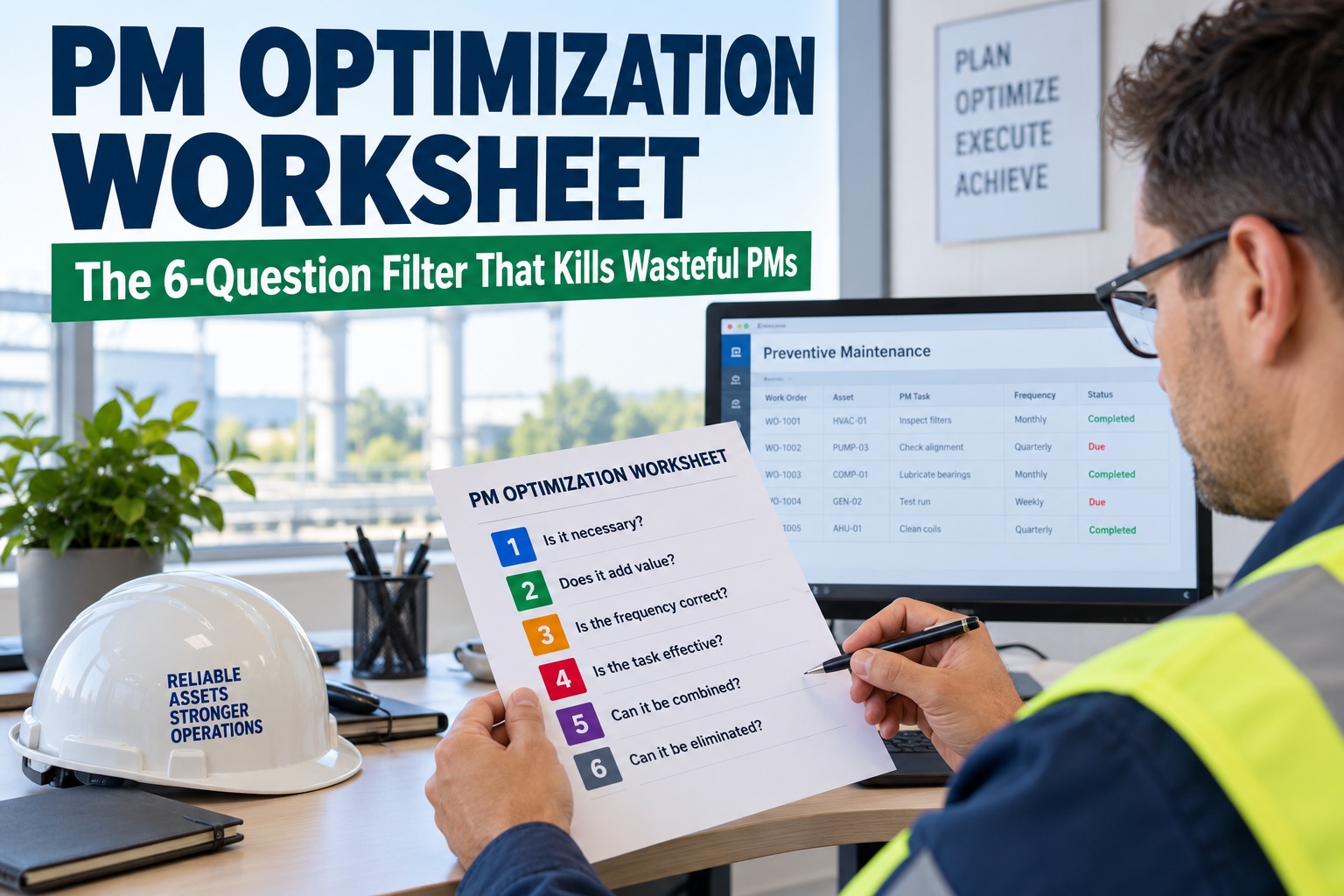
Open almost any CMMS and you'll find a PM library that only ever grew. A motor failed in year one, so someone added a weekly motor check. A bearing seized in year three, so in went a monthly inspection. Nothing was ever removed — because removing a PM feels like inviting the failure back. The result is PM bloat: a library where a large share of tasks consume technician hours without preventing a single failure, and where the most invasive of them actually cause failures by opening healthy equipment. The fix isn't guesswork — it's a structured review rooted in the RCM tradition, and it comes down to running every PM through the same six questions. Mature PM optimization programs safely retire 20–30% of routine PMs with no loss of reliability, and the most bloated libraries shed far more. This worksheet gives you that 6-question filter, and shows how OxMaint lets you act on the verdict in your live PM schedule. Book a demo to run the filter on your PM library.
Your PM Library Only Ever Grew. It's Time to Prune.
Over-maintenance isn't safe-by-default — it burns hours, erodes trust, and induces the very failures it's meant to prevent.
20–30%
Of routine PMs a mature PMO retires with no MTBF loss
Add-only
The trap: a PM added after every failure, none ever removed
Induced
Invasive PMs cause failures via reassembly & contamination error
Keep · Mod · Kill
The only three verdicts every PM can earn
Why Over-Maintenance Is Its Own Failure Mode
The instinct that more maintenance is always safer is wrong, and expensively so. Every time a technician opens a perfectly healthy gearbox to "inspect" it, they introduce misalignment, contamination, and reassembly error — the classic infant-mortality curve. A bloated PM program doesn't just waste money; it manufactures the breakdowns it was built to stop, and it teaches technicians that half their work orders are pointless.
Wasted labor
Hours poured into tasks that prevent nothing — hours that belong on real proactive and predictive work.
Induced failures
Intrusive PMs on healthy assets introduce human error — the misalignment and contamination that cause breakdowns.
Eroded trust
When techs see obviously pointless PMs, they stop trusting the schedule — and start skipping the ones that matter.
The 6-Question Filter · Run Every PM Through It
This is the worksheet. Take one PM task and walk it down these six questions in order. Each question is a gate — the answers route the task to one of three verdicts: keep it, modify it, or kill it. The logic comes straight from the RCM tradition: a PM only earns its place if it targets a real failure mode you can actually detect or prevent.
Q1
What failure mode does this PM address?
If you can't name a specific failure mode it targets, the PM has no reason to exist. No answer → KILL
Q2
Does that failure actually happen — and what's the consequence?
Check the history. If the mode has never occurred and its consequence is trivial, the task is insurance against nothing. Trivial → KILL
Q3
Does the task actually detect or prevent that mode?
A "visual inspection" that can't catch an internal wear failure is theater. If the task can't detect the mode, it fails. Can't detect → KILL
Q4
Is the interval matched to how the failure develops?
A 30-day task on a mode that develops over a year is 11 wasted visits. Interval too tight? Extend → MODIFY
Q5
Is the task invasive on a healthy asset?
If it means opening healthy equipment, it may cause more failures than it prevents. Shift to a non-intrusive check. Make non-intrusive → MODIFY
Q6
Could condition monitoring replace this time-based task?
If a sensor or reading can watch the mode continuously, the calendar task is redundant. Move to condition-based → MODIFY
A PM that passes all six — targets a real, consequential, detectable failure mode, at the right interval, non-intrusively, with no better condition-based option — is a keeper. Everything else gets modified or killed.
Run the Filter on Your Real PM Library
Bring your PM list to a 30-minute session. We'll pull your task library into OxMaint, run the six questions against your highest-frequency PMs, and show the keep / modify / kill verdicts — then update the live schedule so the cuts actually take effect.
The Three Verdicts, and What to Do With Each
Every PM that goes through the filter lands in one of three buckets. The discipline of PMO is that a task can't just "stay" by default — it has to earn the keep. Start a free trial and sort your PMs into these three buckets.
KEEP
Passes all six questions. Targets a real, consequential failure mode the task can actually detect, at the right interval, non-intrusively. Leave it — and document why, so it doesn't get second-guessed later.
MODIFY
Right idea, wrong execution. Extend an over-tight interval, swap an invasive teardown for a non-intrusive check, or move a calendar task to condition-based monitoring. Most of the value hides here.
KILL
No failure mode, no consequence, or no ability to detect. Retire it. This is where bloat lives — and cutting it frees hours without adding a shred of failure risk.
What the Cleanup Is Worth
PMO isn't a theoretical exercise — the returns are documented and large. Right-sizing a bloated program frees the labor that was propping up the firefighting cycle and redirects it to work that actually builds reliability.
20–30%
Routine PMs eliminated at maturity — no MTBF degradation
15–25%
PM labor safely cut, redirected to proactive work
↓ failures
Fewer post-PM breakdowns once invasive tasks are removed
+ trust
Technicians believe the schedule again when every PM has a reason
How OxMaint Runs PM Optimization
The filter tells you what to change; OxMaint is where you see the evidence and make the change stick. Failure history, PM completion data, and post-PM breakdown patterns all live in one place — so the six questions get answered with data, and the verdict updates the live schedule instead of dying in a spreadsheet. Book a demo to optimize your PM program in OxMaint.
Surface
Failure History per Asset
See which failure modes actually occurred — so Q1 and Q2 are answered from record, not memory.
Flag
Post-PM Breakdown Patterns
Spot assets that fail right after a PM — the signature of an invasive task inducing the failure it was meant to stop.
Tune
Interval Adjustment
Extend or tighten a PM frequency in the live schedule the moment the filter says the interval is wrong.
Shift
Time to Condition-Based
Convert a calendar PM to a sensor- or reading-triggered task when monitoring can watch the mode continuously.
Retire
Kill With an Audit Trail
Eliminate a wasteful PM and record the reasoning — so the cut is defensible and doesn't creep back in.
Measure
PM Effectiveness Reporting
Track PM compliance, labor, and MTBF before and after — proof the cleanup held reliability while freeing hours.
Stop Maintaining by the Calendar
Put your PM library on a platform that shows the failure history, flags the invasive tasks, and lets you keep, modify, or kill every PM with the data behind it. Free forever plan available — no card required.
Frequently Asked Questions
What is PM optimization (PMO)?
PMO is a structured, RCM-rooted review of an existing preventive maintenance program that decides, for every task, whether to keep it, modify it, or eliminate it — so each PM targets a real failure mode and adds value instead of just consuming hours.
Start free to review yours.
How can removing PMs be safe?
Because the PMs being removed aren't preventing anything — they target failure modes that don't occur, or can't detect the modes they claim to. Mature PMO programs typically eliminate 20–30% of routine PMs with no degradation in MTBF, and removing invasive tasks often reduces failures by cutting out human-error-induced breakdowns.
How is over-maintenance dangerous?
Invasive PMs on healthy equipment — opening a good gearbox to inspect it — introduce misalignment, contamination, and reassembly error, following the infant-mortality curve. So over-maintenance can actively induce the failures it was meant to prevent, on top of wasting labor and eroding technician trust in the schedule.
What are the three possible verdicts for a PM?
Keep, modify, or kill. Keep a PM that passes all six questions; modify one with the wrong interval, an invasive method, or a condition-based alternative; kill one that targets no real failure mode, no consequence, or that can't detect its mode.
Book a demo to sort yours.
Does OxMaint help run PM optimization?
Yes. OxMaint surfaces failure history per asset, flags post-PM breakdown patterns, lets you adjust intervals or shift tasks to condition-based in the live schedule, retires wasteful PMs with an audit trail, and reports PM effectiveness before and after — so the six-question filter is answered with data and the changes actually take effect. A free forever plan is available.