Self-Service Maintenance Kiosk: How to Reduce Phone Calls 80% with CMMS
It's 7:15 AM on a Monday in a 400-bed regional hospital. The facilities desk phone has been ringing since 6:00 — a leaking ceiling tile in radiology, a jammed automatic door in the emergency department, a broken soap dispenser on the third floor, and a flickering fluorescent ballast in the surgical prep area. The single dispatcher is writing each request on a sticky note while simultaneously trying to reach the on-call plumber by radio. By 9:00 AM, she has 14 open requests, three of which she's already forgotten because a nurse called back twice about the same leak and she couldn't tell if it was a duplicate. The plumber fixed the door but never told anyone, so the ER calls again at 10:30 asking why nobody came. Meanwhile, the CFO wants to know why maintenance labour costs increased 22% last quarter — but there's no data, because nothing was tracked. This is facilities management running on phone calls, sticky notes, and hope.
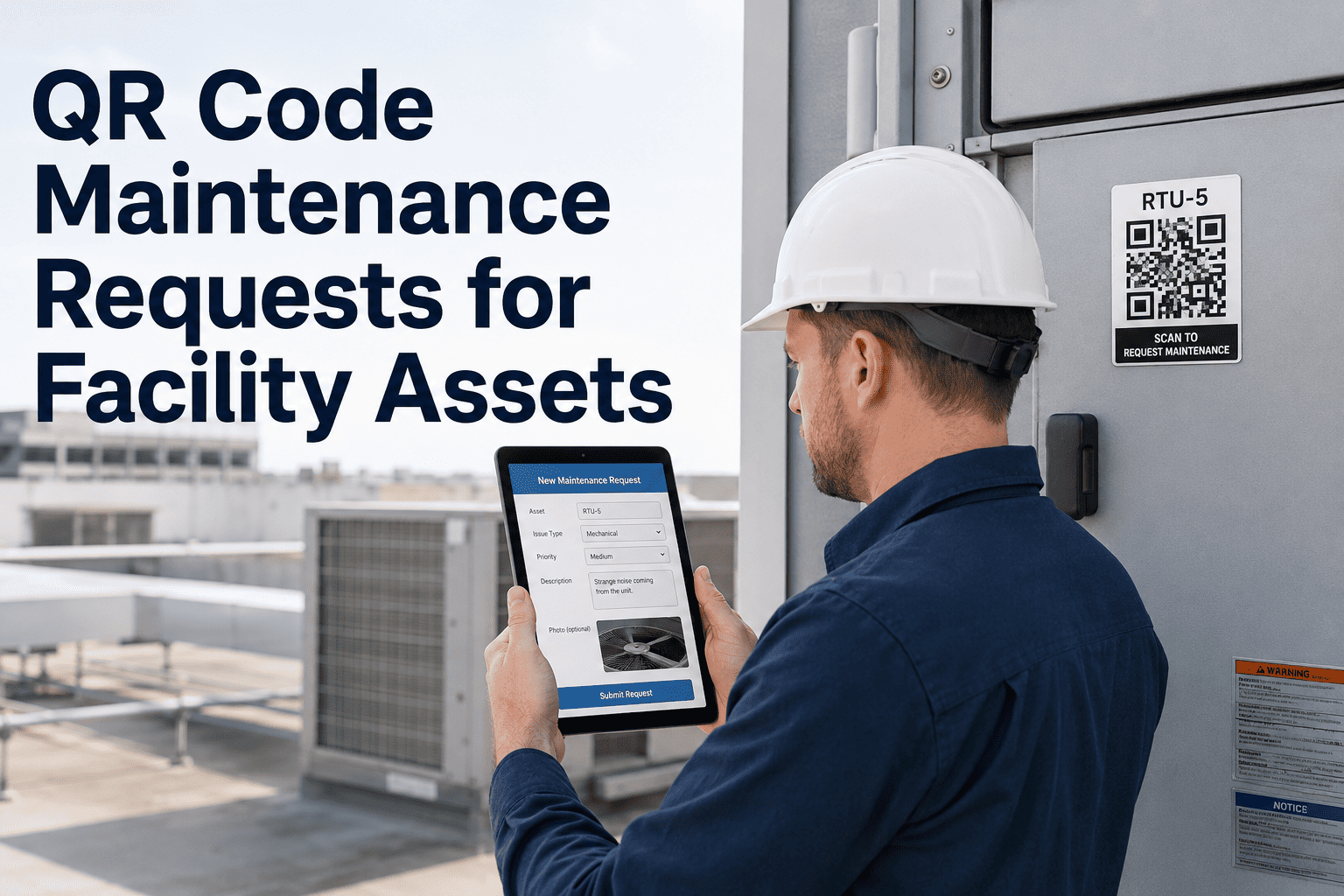
In 2026, forward-thinking facilities are eliminating this chaos with self-service maintenance kiosks — ruggedised touchscreen stations deployed in hallways, break rooms, and common areas where building occupants submit maintenance requests directly into CMMS in under 30 seconds. No phone call. No dispatcher bottleneck. No lost sticky notes. QR codes on every asset let requesters scan-to-report, the touchscreen form captures location, problem category, urgency, and a photo, and the CMMS instantly generates a prioritised work order routed to the correct trade. Facilities teams using Oxmaint kiosk integration report 80% fewer phone calls, 60% faster response times, and complete audit trails on every request from submission to completion. Start with Oxmaint for free and see how self-service kiosks transform your maintenance request workflow.
The Real Cost of Phone-Based Maintenance Requests
Before evaluating kiosk technology, it helps to understand what phone-based request systems actually cost your organisation. The numbers behind dispatcher-dependent maintenance workflows are staggering — and they compound every month as request volumes grow, staff turnover increases, and audit requirements tighten. Here is what facilities without self-service request systems face every day.
80%
call reduction
Decrease in maintenance phone calls after kiosk deployment across facilities
23 min
avg phone request
Total time consumed per phone request: call, transcribe, clarify, route, and follow up
30 sec
kiosk request
Average time for a building occupant to submit a complete request via touchscreen kiosk
These are not edge cases. They represent the daily reality for facilities operating without self-service request technology. The good news: organisations deploying kiosk + CMMS integration report 80% fewer phone calls, 60% faster first-response times, and zero lost or duplicate requests because every submission is digitally captured and tracked. Book a demo with Oxmaint to see how these savings apply to your specific facility portfolio.
What Separates Great Kiosk Systems from Basic Request Forms
Not every digital request system delivers results. Many facilities have deployed basic web forms only to discover that without QR scanning, photo capture, auto-routing, and CMMS connectivity, digital forms create the same data gaps as phone calls — just on a screen instead of a sticky note. When evaluating self-service kiosk platforms for facilities maintenance, these are the capabilities that separate real operational transformation from expensive tablets gathering dust.
Speed
30-Second Touchscreen Submission
Guided touchscreen forms walk requesters through location, category, urgency, and description in under 30 seconds. Large buttons and simple language mean zero training — even first-time visitors can submit a request without assistance.
Accuracy
QR Code Scan-to-Report
QR codes on every asset, room, and equipment panel let requesters scan to auto-populate location, asset ID, and maintenance history. No more "it's the thing by the elevator on some floor" — every request arrives with precise, system-verified coordinates.
Intelligence
Instant CMMS Work Order Generation
Every kiosk submission instantly creates a prioritised work order in Oxmaint CMMS — auto-routed to the correct trade based on problem category, with location, photos, and requester contact. No dispatcher re-entry. No routing delays.
Visibility
Real-Time Request Status Tracking
Requesters receive confirmation with a tracking number and can check status at any kiosk or via mobile link. Eliminates the "did anyone get my request?" follow-up calls that consume 30% of dispatcher time.
Analytics
Request Pattern Intelligence
CMMS analytics identify repeat problem areas, peak request times, chronic equipment failures, and trade workload imbalances — turning request data into preventive maintenance intelligence that reduces future requests altogether.
Compliance
Complete Audit Trail Documentation
Every request is timestamped, geo-tagged, and tracked from submission through completion. Provides the regulatory audit documentation that phone-based systems cannot — critical for healthcare (Joint Commission), education (Title IX), and commercial property management.
Oxmaint integrates touchscreen kiosks, QR scanning, and instant CMMS work orders into one platform built for facilities teams. See why hospitals, universities, and commercial properties choose Oxmaint to eliminate the phone-call bottleneck.
Head-to-Head: Top Self-Service Kiosk & Request Platforms 2026
We evaluated the most capable self-service maintenance request platforms across the criteria that matter to facilities teams: touchscreen usability, QR code integration, CMMS work order depth, mobile accessibility, and total cost of deployment. Here is an honest comparison to help you shortlist the right fit for your facility portfolio.
Full kiosk-to-CMMS work order pipelineQR scan-to-report on every assetPhoto capture with auto-location taggingReal-time status tracking for requestersFree tier available — no procurement hurdles
User-friendly request portal interfaceScheduling and resource managementGood for education sector workflows
Per-user subscription model
Fiix (Rockwell)
Manufacturing and industrial facilities
Strong CMMS core with AI featuresDeep integration with industrial IoTEnterprise-grade asset management
Enterprise pricing
UpKeep
Mobile-first maintenance teams
Strong mobile app experienceQR/barcode scanning for assetsIntuitive work order management
Starts ~$45/user/month
SchoolDude (Brightly)
K-12 and higher education campuses
Purpose-built for education facilitiesWeb-based request submission portalCapital planning and compliance tools
Enterprise pricing
Limble CMMS
Mid-market multi-site operations
Easy setup with request portal featureCustomisable work order templatesGood analytics and reporting suite
Starts ~$28/user/month
Platform capabilities reflect publicly available data as of early 2026. Every facility's request workflow is different — the best way to evaluate is hands-on. Create a free Oxmaint account and run it alongside your current phone-based process to see real results on your operations.
Why Oxmaint Wins for Self-Service Maintenance Requests
Plenty of platforms accept digital requests. The real test is whether that request reaches the right technician, generates an actionable work order with full context, and closes the loop with the requester — automatically. Oxmaint is built around one principle: a request is worthless unless it drives a timely repair. Here is how that philosophy translates into real capabilities for facilities teams.
Kiosk-to-Work-Order in 30 Seconds
Building occupant taps the touchscreen, selects problem category, scans the asset QR code or picks the location from a visual floor map, snaps a photo, and submits. CMMS instantly creates a prioritised work order routed to the correct trade — no dispatcher, no phone call, no delay.
QR Scan-to-Report on Every Asset
Every piece of equipment, every room, every restroom fixture gets a printed QR code. Scanning it auto-populates the request with asset ID, location, maintenance history, and warranty status. Eliminates vague descriptions and misidentified locations that plague phone-based requests.
Mobile Access for On-the-Go Reporting
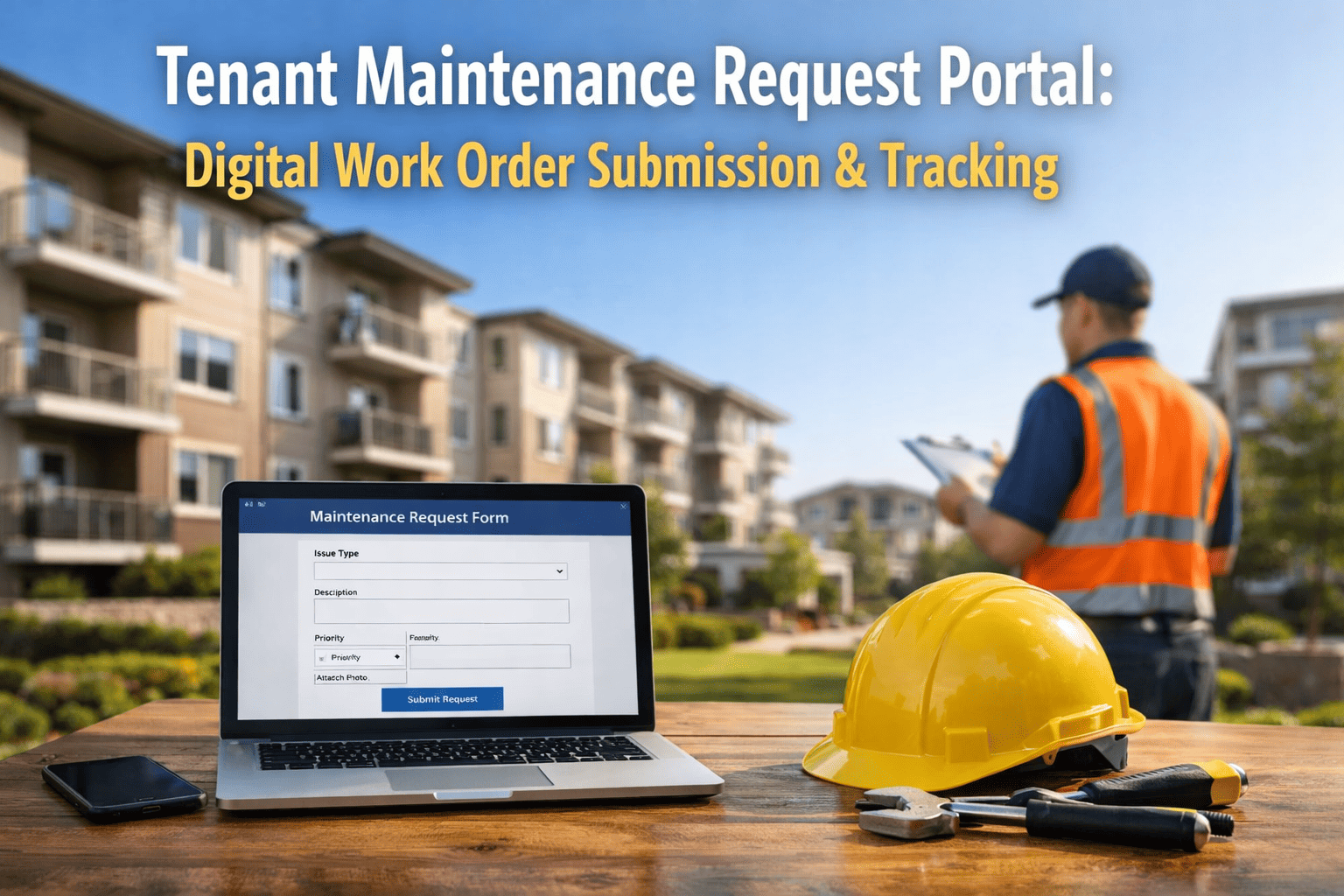
Not near a kiosk? Building occupants scan any asset QR code with their personal smartphone camera, which opens a mobile-optimised request form in their browser — no app download required. Same CMMS work order generation, same instant routing, same tracking number.
Request Intelligence Dashboards
Track request volumes by location, category, time of day, and resolution speed across your entire portfolio in real time. Identify chronic problem areas that need capital investment, not just reactive repair. Give leadership the data they need to justify maintenance budgets. Sign up for Oxmaint to explore live request analytics dashboards.
Before & After: What Changes With Self-Service Kiosks
The shift from phone-based request management to kiosk-powered, CMMS-integrated self-service is not incremental — it is transformational. Here is what that transition looks like in practice for a typical hospital, university campus, or commercial property portfolio.
Phone-Based Requests
Dispatcher answers calls, manually transcribes each request onto paper or spreadsheet
Vague problem descriptions: "something's broken near the cafeteria"
30% of dispatcher time consumed by follow-up status calls
Duplicate requests created because callers can't check existing submissions
No audit trail — impossible to prove response times or request volumes
23 min
average total time consumed per phone-based maintenance request
Kiosk + CMMS Self-Service
Occupants submit requests in 30 seconds via touchscreen — no phone, no dispatcher
QR scan auto-fills asset ID, location, and history — precision every time
Real-time status tracking eliminates all follow-up calls
CMMS auto-detects and merges duplicate requests on same asset
Complete timestamped audit trail from submission through completion
30 sec
average kiosk submission time with auto-generated CMMS work order
Modernize your maintenance request workflow without the risk. Oxmaint's free tier lets you run a real pilot in your facility — no procurement cycle, no contracts, no consultant fees.
Facilities directors and operations managers need hard data to justify technology adoption. The evidence from early-adopter hospitals, universities, and commercial property managers is clear — organisations that deploy integrated kiosk + CMMS request systems see measurable returns across multiple dimensions within the first quarter.
80%
Fewer Phone Calls
Building occupants prefer 30-second kiosk over waiting on hold
60%
Faster First Response
Auto-routing eliminates dispatcher delay and misrouted requests
100%
Request Capture Rate
Zero lost requests — every submission digitally tracked from creation to close
70%
Higher Satisfaction
Occupant satisfaction scores increase when they can self-serve and track status
These improvements compound over time as request pattern data drives preventive maintenance investments and your teams shift from reactive firefighting to proactive facility management. Create your free Oxmaint account and start tracking request metrics within the first week.
Your 4-Step Path to Kiosk Deployment
Deploying self-service maintenance kiosks should not take months of committee meetings. Use this streamlined framework to go from evaluation to operational deployment in weeks, not budget cycles.
1
Audit Your Request Volume & Bottlenecks
Measure current phone call volumes, average handling time per request, lost/duplicate request rates, and dispatcher workload. Identify the highest-traffic areas where kiosks will capture the most requests — lobbies, nurse stations, break rooms, loading docks, and building entrances.
2
Pilot 2–3 Kiosks in High-Traffic Zones
Deploy touchscreen kiosks in two or three of your busiest areas. Print QR codes for assets and rooms in those zones. Configure CMMS auto-routing rules by problem category. Run both kiosk and phone systems in parallel for 30 days to measure adoption and compare metrics.
3
Measure Results & Refine Workflows
Compare kiosk vs. phone request volumes, response times, completion rates, and occupant satisfaction. Refine touchscreen form categories based on actual submission patterns. Adjust auto-routing rules to match your team's trade specialisations and shift schedules.
4
Scale Across Your Entire Portfolio
Once proven, expand kiosks to every building and floor. Deploy QR codes on every asset. Transition the dispatcher role from phone-answering to work order triage and analytics. Use request pattern data to drive preventive maintenance programmes that reduce future requests. Schedule a walkthrough to plan your facility's rollout.
We went from 120 phone calls per day to fewer than 25 in six weeks. The kiosks didn't just reduce calls — they captured requests we were never hearing about. Nurses were fixing things themselves or just living with broken equipment because calling maintenance was too slow. Now they scan the QR code, submit in 30 seconds, and get a tracking number. Our response time dropped from 4.2 hours to 1.6 hours, and satisfaction scores jumped 40 points. The data alone justified the investment — we finally know what's breaking, where, and how often.
Director of Facilities, Regional Medical Centre (400+ beds)
Your Building Occupants Deserve Maintenance That Responds, Not Ignores
Oxmaint brings together touchscreen kiosk submission, QR code scan-to-report, instant CMMS work order generation, real-time status tracking, and request analytics in one platform built for facilities teams. Eliminate phone-call bottlenecks, capture every request digitally, route work orders to the right trade instantly, and give your occupants the self-service experience they expect — from the hallway kiosk to the technician's mobile device.
What hardware do I need for a self-service maintenance kiosk?
A self-service kiosk requires a ruggedised touchscreen display (typically 10–22 inches), a wall or floor-stand mount, and a network connection (Wi-Fi or Ethernet). Commercial-grade tablets like Samsung Tab Active or iPad with ruggedised enclosures from vendors like Heckler or Compulocks work well for most environments. For high-traffic areas, purpose-built kiosk displays with tempered glass and anti-microbial coatings are recommended. The Oxmaint kiosk interface runs in any modern web browser — no special software installation required. Total hardware cost: $400–$1,500 per station depending on display size and enclosure quality. Schedule a demo to discuss hardware recommendations for your environment.
How do QR codes work for maintenance request submission?
Each asset, room, or equipment panel receives a printed QR code label linked to its record in Oxmaint CMMS. When a building occupant scans the QR code — using either the kiosk camera or their personal smartphone — it opens a pre-populated request form with the asset ID, location, maintenance history, and warranty status already filled in. The requester only needs to select a problem category, add a description, and optionally snap a photo. This eliminates the vague "something's broken on the second floor" requests that consume dispatcher time to clarify and route correctly.
Can kiosks handle emergency or urgent requests differently from routine ones?
Yes. The kiosk form includes a priority selector with clear descriptions: Emergency (safety hazard, flooding, power outage), Urgent (impacts operations, needs same-day attention), and Routine (non-critical, schedule when convenient). Emergency and urgent submissions trigger immediate push notifications to on-call technicians and supervisors via mobile app and SMS. The kiosk also displays emergency contact numbers prominently for situations requiring immediate human response — a self-service kiosk should never replace a 911 call for life-safety emergencies. Sign up for Oxmaint to configure priority-based auto-routing rules.
How does the system prevent duplicate or spam requests?
Oxmaint uses intelligent duplicate detection. When a new request is submitted for an asset that already has an open work order for the same problem category, the system merges the submissions — notifying the original requester that additional reports have been received and giving the technician context that the issue is impacting multiple people. For spam prevention, kiosks can require a simple staff ID scan or building badge tap before submission. Rate limiting prevents the same device from submitting more than a configurable number of requests per hour.
What is the ROI timeline for deploying self-service kiosks?
Most facilities see measurable ROI within 30–60 days. The fastest returns come from reducing dispatcher labour (one full-time dispatcher costs $45K–$65K/year — kiosks typically allow reallocation of 50–80% of that capacity), eliminating lost requests that were costing $500–$2,000 each in deferred damage escalation, cutting follow-up call volume by 80–90%, and capturing request data that drives preventive maintenance investments reducing future reactive work by 25–40%. For a 300,000 sq ft facility with 5 kiosks, typical hardware investment is $3,000–$7,500 with annual CMMS subscription — paid back within the first quarter from dispatcher labour savings alone. Book a demo to calculate projected savings for your specific facility.