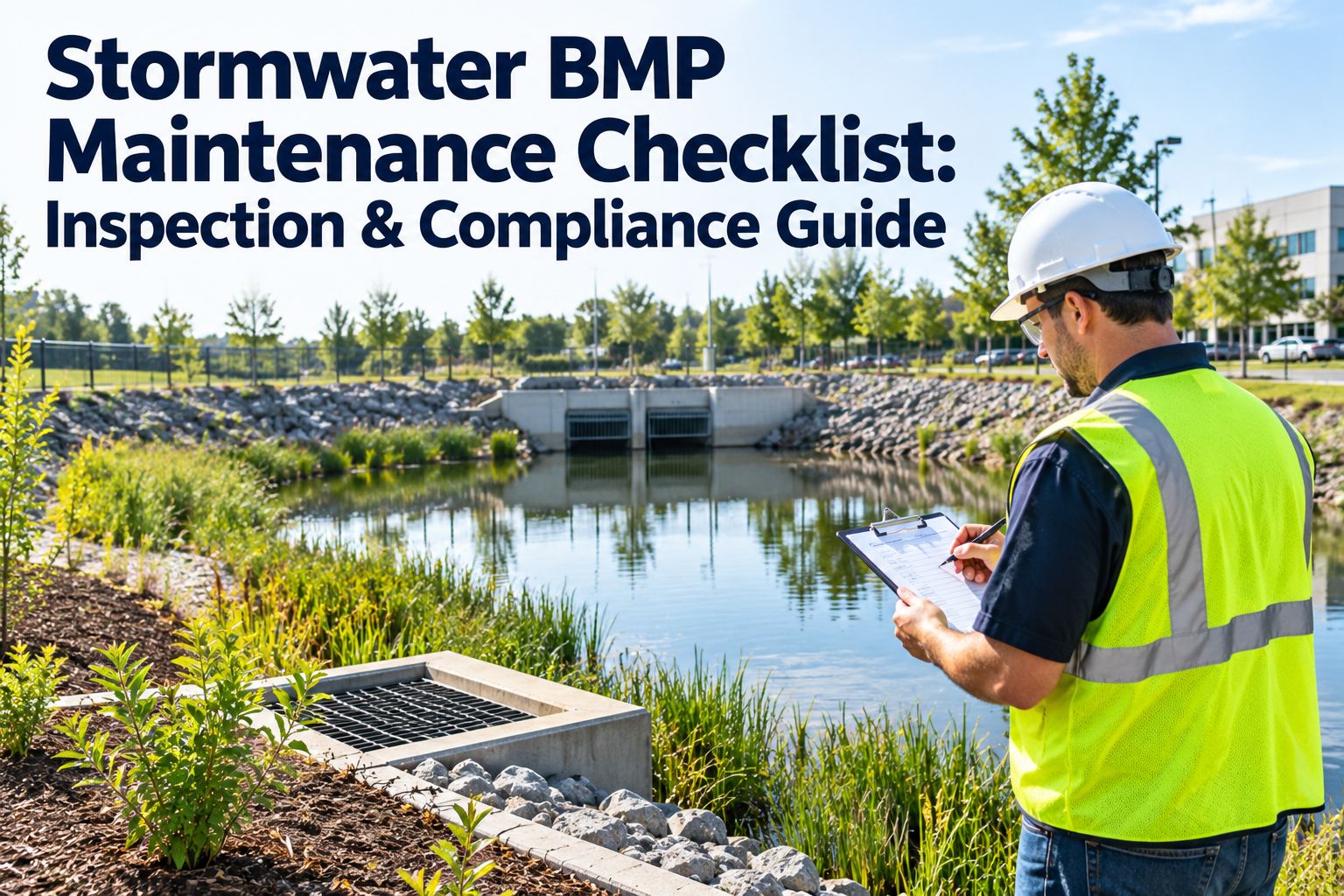
A stormwater BMP fails quietly. Sediment builds up in a forebay, a bioswale clogs, an outlet structure chokes — and nothing looks wrong until the storm that overwhelms it. By then the pond is not holding its design volume, the discharge is carrying pollutants downstream, and the MS4 inspector wants the records you never kept. This checklist walks the inspection of each BMP type, the sediment thresholds that trigger a cleanout, and the documentation an MS4 permit expects — all trackable in OXMAINT AI, or book a demo of stormwater BMP tracking.
STORMWATER BMP · MAINTENANCE CHECKLIST · INSPECTION & MS4 COMPLIANCE
Stormwater BMP Maintenance Checklist: Inspection & Compliance Guide
Most BMP failures trace back to one thing left unchecked — sediment. This checklist covers detention ponds, bioswales, rain gardens and drainage, with the cleanout triggers and the records an MS4 permit demands.
4
BMP types, one inspection routine
~50%
forebay capacity — the usual cleanout trigger
MS4
permit expects dated, documented inspections
Why Sediment Is the Root of It
Almost every stormwater BMP problem starts as sediment. It fills the storage volume a pond was sized for, smothers the plants and soil that make a bioswale or rain garden work, and blocks the inlets and outlets that move water through the system. Catch the sediment on schedule and most other failures never happen — which is why the inspection routine is built around it. Start free and put every BMP on an inspection schedule in OXMAINT AI.
Lost Capacity
Sediment fills the design storage volume, so the pond no longer holds the storm it was built for.
Blocked Flow
Inlets, outlets and underdrains clog, backing water up and bypassing treatment.
Smothered Media
Bioswale and rain-garden soil and plants choke under silt and stop infiltrating.
Pollutant Carry
Resuspended sediment and its attached pollutants wash straight downstream in the next storm.
How Often to Inspect
A BMP is inspected on a rhythm, not when someone remembers. These are the standard cadences — your MS4 permit and local plan set the exact intervals.
Routine
Monthly to quarterly visual checks — debris, erosion, obvious blockages, mowing and vegetation.
After Major Storms
A check after any significant rainfall (commonly around one inch or more) for scour, damage and blockage.
Annual
A comprehensive inspection — measure sediment depth, assess structures, test the outlet and underdrain.
As Triggered
A cleanout or repair work order whenever a threshold is hit — sediment at capacity, erosion, structural damage.
The Inspection Checklist, by BMP Type
Each BMP type wears differently, so the checklist is grouped by asset. Tick each item as you go — in OXMAINT AI the same items live on a mobile inspection that turns any failed check into a work order on the spot.
Cleanout Trigger
When Sediment Becomes a Work Order
Inspection answers one question above all: has sediment reached the point where it must be removed? These are the common thresholds that turn a check into a cleanout — confirm the exact numbers against your own BMP design and plan.
!
Forebay at ~50% capacity — the usual trigger to remove accumulated sediment from a pond forebay.
!
Main pool sediment at design marker — restore the storage volume the pond was sized for.
!
Media no longer infiltrating — a bioretention cell holding water past its drawdown time needs media work.
!
Inlet or outlet blocked — any blockage that stops the BMP treating or releasing water is an immediate job.
What MS4 Compliance Expects on Record
An MS4 permit does not just expect the BMP to work — it expects you to prove it has been maintained. Missing records are a finding even when the BMP is fine. These are what an inspector asks for.
Dated Inspections
Every inspection logged with date, inspector and condition — not a blank form at year end.
Findings & Photos
What was found, with images, so severity and change over time are clear.
Corrective Work Orders
Each issue tied to the repair or cleanout that resolved it, with the date closed.
BMP Inventory
A living register of every BMP, its type, location and maintenance history.
Schedule & Frequency
Proof that inspections happen on the required cadence, not just after a complaint.
Retrievable History
The whole record pulled on demand, per BMP, when the permit review comes.
A BMP Inspected on Paper Is a BMP You Can't Defend.
The difference between passing an MS4 review and scrambling for it is not the BMP — it is the record. OXMAINT AI turns every inspection into a dated, photographed, work-order-linked entry per BMP, so the proof is already there when the inspector arrives.
1Inspect on mobile
↓
2Failed check → work order
↓
3Cleanout logged & closed
↓
4Record ready for MS4
How OXMAINT AI Runs Stormwater BMP Maintenance
OXMAINT AI is the AI-powered CMMS that keeps every BMP on an inspection schedule, turns a failed check into a work order, and keeps the whole history MS4-ready. Start free and bring your stormwater BMPs onto OXMAINT AI.
BMP Asset Register
Every pond, swale, rain garden and inlet logged with type, location, drawings and history.
Scheduled Inspections
Routine, post-storm and annual inspections triggered automatically, so none is skipped.
Mobile Checklists
This checklist on a phone in the field, with photos and a failed-check-to-work-order link.
Sediment & Cleanout Tracking
Sediment readings trended per BMP, with a cleanout work order raised when a threshold is hit.
Work Order Management
Every repair and cleanout assigned, dated and closed against the BMP it fixed.
MS4 Reporting
Inspection and maintenance history retrievable per BMP, ready for the permit review.
EXPERT REVIEW
Written for municipal stormwater, public works and facilities teams, and private BMP owners responsible for post-construction stormwater controls. The inspection items, frequencies and sediment thresholds here are a general framework drawn from common stormwater BMP maintenance practice — the exact triggers, intervals and documentation come from your MS4 permit, your state and local stormwater program, each BMP's approved design and its operation-and-maintenance agreement. Treat the ~50% forebay figure and the storm-depth triggers as typical references, not universal rules. OXMAINT AI is a maintenance management platform that schedules, records and reports the work; it does not replace your MS4 program, a licensed engineer's assessment, or your regulatory obligations.
Frequently Asked Questions
What is a stormwater BMP and why does it need maintenance?
A stormwater BMP (Best Management Practice) is a control that manages runoff — a detention or retention pond, a bioswale, a rain garden or bioretention cell, or a drainage and conveyance system. Each is designed to slow, store, infiltrate or treat stormwater, and each loses that function as sediment and debris accumulate. Without maintenance a BMP silts up, stops holding its design volume, and lets pollutants pass downstream.
Start free and schedule BMP maintenance in OXMAINT AI.
How often should stormwater BMPs be inspected?
Typically on three rhythms: routine visual checks monthly to quarterly, a check after any major storm (often around one inch of rain or more), and a comprehensive inspection at least annually that measures sediment and tests the structures. Any threshold hit during an inspection — such as a forebay near capacity — triggers a cleanout work order. Your MS4 permit and local plan set the binding intervals.
Book a demo and see BMP inspection scheduling in OXMAINT AI.
When does sediment need to be removed from a detention pond?
The common trigger is a forebay reaching about half its capacity, and the main pool reaching the sediment marker set in the BMP's design. At that point the pond has lost enough of its storage volume that a cleanout is needed to restore function. The exact threshold belongs to each BMP's approved design and O&M plan, so confirm it rather than relying on a rule of thumb — then track the sediment reading against it over time.
What records does MS4 compliance require for BMP maintenance?
An MS4 permit generally expects a BMP inventory, dated inspection records with findings and photos, the corrective work orders that resolved each issue, and proof that inspections happen on the required schedule — all retrievable per BMP on request. Missing documentation is itself a finding, even when the BMP is in good condition, which is why keeping it in one system matters.
Start free and keep MS4 records in OXMAINT AI.
Can a CMMS help manage stormwater BMP compliance?
Yes — a CMMS keeps every BMP on an inspection schedule, runs the field checklist with photos, turns a failed check into a tracked work order, and stores the whole dated history per asset. That is exactly the evidence an MS4 review asks for, pulled on demand instead of reconstructed from scattered forms. The permit program and engineering judgement remain yours; the CMMS makes the maintenance and its proof repeatable.
Book a demo of BMP compliance tracking in OXMAINT AI.
Catch the Sediment Before the Storm Does.
Run your stormwater BMPs on OXMAINT AI: every pond, swale and rain garden on an inspection schedule, sediment tracked to its cleanout trigger, and every inspection and repair logged per BMP — so the system performs and the MS4 record is always ready.