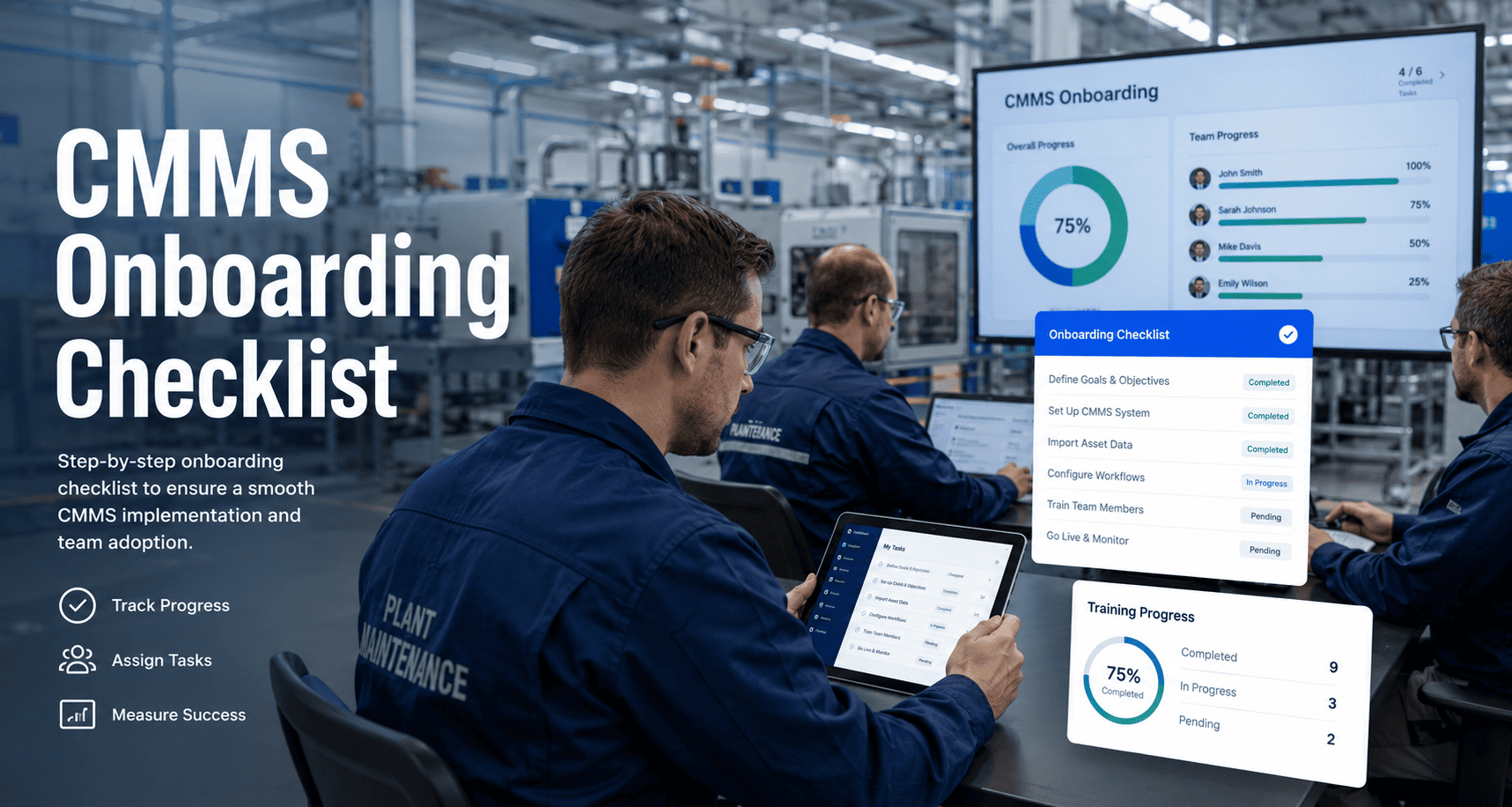
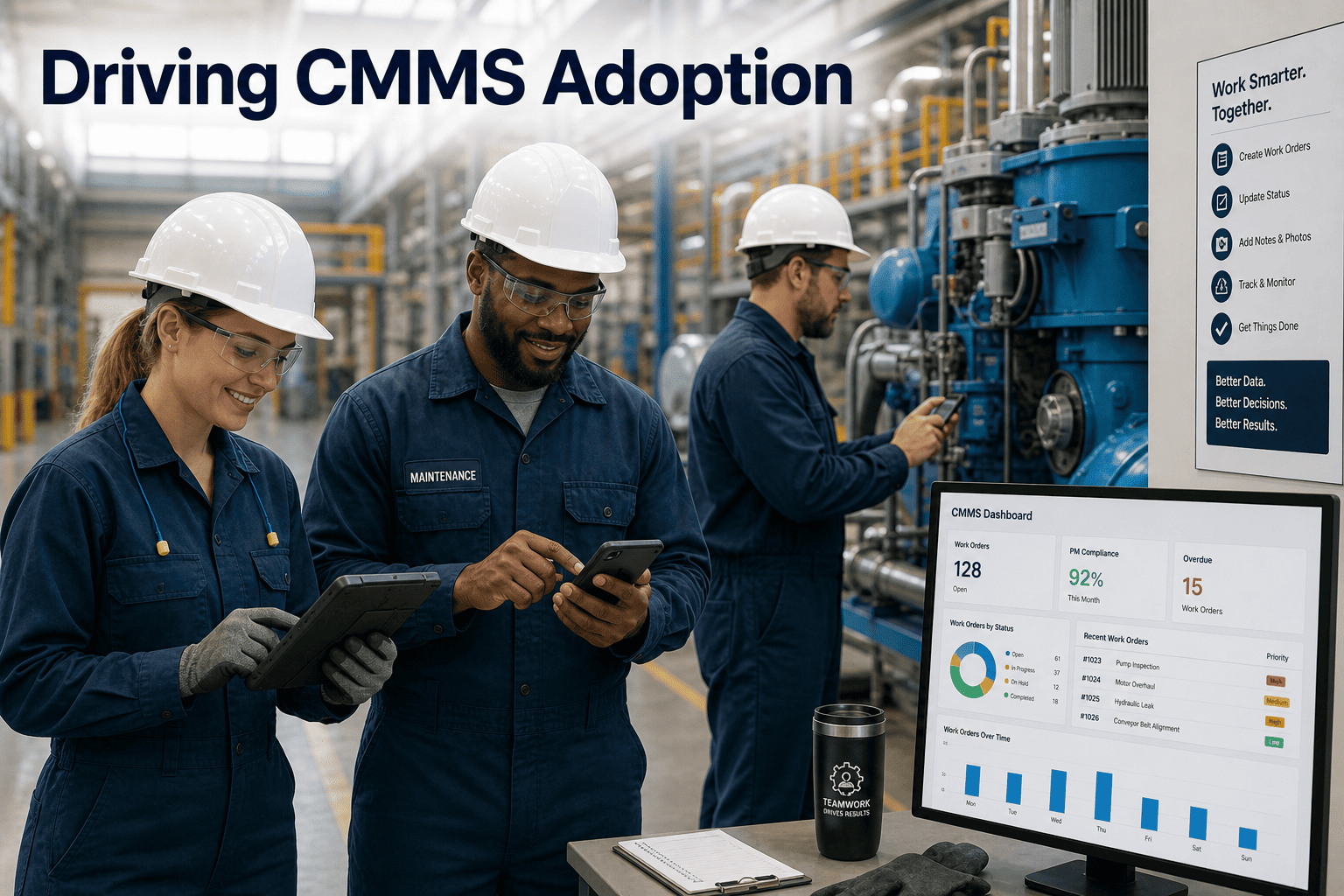
Most CMMS rollouts do not fail because of bad software — they fail because teams skip the onboarding fundamentals that turn a tool into a habit. Research shows 70% of digital operations tools fail to achieve full adoption within the first year, costing organizations the entire ROI they paid for. The checklist below is the structured framework that gets maintenance teams live fast, trained right, and actually using the system 90 days after launch — start a free trial with Oxmaint and get your team onboarding in days, not months, or book a demo and let us walk through your team structure and rollout plan together.
70%
of CMMS tools fail full adoption in Year 1
14 Days
Average time to go-live with structured onboarding
91%
Technician adoption rate with proper training rollout
3x
Faster PM compliance when onboarding is structured
Get Your Custom Maintenance Plan
See measurable results in your first 30 days
No heavy implementation. Works across multi-site portfolios. Live in days, not months.
- Real-time asset visibility across every machine
- Predictive failure alerts before breakdowns hit
- 5–10 year CapEx forecasting per asset
CMMS onboarding is the structured process of migrating your maintenance data, configuring your workflows, training your technicians, and launching the system in a way that drives real adoption — not just license activation. The difference between a CMMS that transforms operations and one that collects dust is almost always the quality of the onboarding process, not the software itself.
For maintenance teams, onboarding has four distinct phases: planning and data prep, system configuration, user training, and post-launch optimization. Each phase has hard prerequisites that must be met before the next begins. Teams that skip or compress phases are the ones posting about failed rollouts 6 months later.
The checklist in this guide reflects the exact sequence used by plants that hit 88% PM compliance within 90 days of go-live — start a free trial to access the full onboarding framework built into Oxmaint, or book a demo to map this process against your current team structure.
4 Phases to Full Adoption
01Plan
02Configure
03Train
04Optimize
Before configuring a single PM schedule, your asset register must be clean. Teams that skip this step spend months fixing orphaned tasks instead of running maintenance.
01
Planning and Data Foundation
Weeks 1–2 before go-live
Foundation
Appoint a CMMS program owner
Name one person accountable for the rollout timeline. Shared accountability means no accountability. This person holds veto authority on scope changes.
Audit your current asset register
List every asset: name, category, location, and basic specs. A hand-written list works. Do not attempt PM configuration until this exists in clean digital form.
Define your asset hierarchy
Map your structure: Portfolio, Property, System, Asset, Component. Oxmaint uses this 5-level hierarchy so every asset sits in context — enabling accurate rollups and CapEx planning.
Decide what historical data to migrate
Migrate only active operational data. Pre-2024 closed work orders, decommissioned assets, and obsolete parts should go to read-only archive — not into your clean new system.
Set your go-live date and hard gates
Every phase needs a defined output and a go/no-go gate. The most common rollout failure mode is forcing the next phase before prerequisites are met. Calendar dates are targets — gate criteria are mandatory.
Identify connectivity dead zones
Map every area where technicians will use mobile devices. Plan offline-capable workflows for locations with poor signal. Discovering this after go-live is a common adoption killer.
02
Asset Data Migration and PM Setup
Weeks 2–3, after Phase 1 gate cleared
Configure
Import and validate asset records
Bulk import your cleaned asset list with location codes, criticality levels, and condition scores. Validate each record against nameplate data before locking the register.
Assign criticality classifications
Tag every asset as Critical, Important, or Standard. This determines PM frequency, response priority, and spare parts stocking levels. Do not skip this step — it drives every downstream workflow.
Build your PM schedule library
Import calendar-based and meter-based PMs validated against OEM manuals. Start with your top 20% of critical assets — these generate 80% of your compliance value in the first 30 days.
Configure user roles and permissions
Set up Admin, Manager, Technician, and Contractor access levels. Limit configuration access to the program owner until the system is stable. Over-permissioning at launch creates data integrity issues.
Link spare parts to assets
Connect your active parts inventory to the assets that use them. Set reorder points for critical spares before go-live so the system can flag stockout risks from Day 1.
Set up compliance inspection forms
Build GMP-compliant digital inspection checklists into your work order templates. These replace paper inspection sheets and create the automatic audit trail that makes OSHA prep a 10-minute task.
Used by operations teams managing 10,000+ assets. Most plants see measurable PM compliance improvement within the first 30 days of structured onboarding.
03
Mobile Rollout and Team Adoption
Weeks 3–4, after Phase 2 gate cleared
Train
Appoint floor champions per shift
Name one experienced technician per shift as the CMMS floor champion. They handle peer questions, capture friction issues, and build team confidence. This single step reduces training support load by 60%.
Run hands-on training per shift group
Two-hour hands-on sessions per shift, not classroom lectures. Technicians who touch the system during training adopt it. Technicians who watch a slideshow do not. Schedule training during low-production windows.
Require practice work orders before go-live
Each technician must complete 5 practice work orders in a sandbox environment before production go-live is cleared. This is the go/no-go gate for Phase 3. Do not soften it.
Apply QR tags at every asset access point
Physical QR codes at each asset location remove friction from mobile work order creation. Technicians who can scan-and-open a work order in 10 seconds use the system every time. Those who have to search a list sometimes do not.
Run two-week parallel operation period
Run paper and mobile workflows in parallel for 14 days to catch scheduling gaps and workflow friction before paper is retired. This is not optional — it is the safety net that makes paper retirement safe.
Formally retire paper work orders
Set a hard paper retirement date and hold it. Keeping paper as a backup gives technicians a reason not to adopt the digital system. Plants that keep paper "just in case" never reach full adoption.
04
Dashboard Rollout and Continuous Improvement
Days 30–90 post go-live
Optimize
Launch PM compliance dashboard to supervisors
Roll out real-time compliance rate, overdue PMs, and open work order dashboards to shift supervisors and the plant manager. Weekly review cadence creates accountability without micromanagement.
Establish weekly stand-up review rhythm
A 30-minute weekly stand-up reviewing PM compliance, open work orders, and parts stockouts is the single most effective habit for sustaining adoption. Teams that skip this see compliance decay within 60 days.
Review and optimize PM frequencies
After 30 days of live data, review PM frequencies against actual asset condition trends. Over-maintained assets waste labor; under-maintained ones create risk. Data-driven frequency tuning is where the real cost savings emerge.
Backfill historical data selectively
After the system is stable, selectively import high-value historical data — failure history for critical assets, long-lead spare parts records. Do this in waves, not bulk migration.
Run Day 90 KPI review with leadership
Present Day 1 baseline vs. Day 90 actuals to the plant manager: PM compliance rate, reactive-to-planned ratio, average WO close time, mobile adoption rate. No vanity metrics. Real operational numbers only.
Open the customization backlog
Only after Day 90 review should you begin implementing customization requests deferred during rollout. Customizing before the basics work is the silent killer of on-time CMMS launches. Earn the right to customize by going live first.
| Onboarding Area |
Without Structured Onboarding |
With Structured Onboarding |
| Time to Go-Live |
6–12 months average, 60% stall |
14–75 days with phased gates |
| Technician Adoption |
Below 40% in Year 1 |
91% within 30 days of training |
| PM Compliance at Day 90 |
52% average, unmeasured weekly |
88% with weekly dashboard review |
| Data Quality |
Orphaned tasks, duplicate records |
Validated register, clean hierarchy |
| Paper Retirement |
Paper runs in parallel indefinitely |
Hard retirement date, fully digital |
| Audit Readiness |
3–5 day manual document hunt |
On-demand in under 10 minutes |
How long should CMMS onboarding take for a team of 10–30 technicians?
With a structured phased approach and clean asset data, a team of 10–30 technicians should be fully live within 2–4 weeks. The variable is data readiness, not team size. A team of 10 with messy asset records takes longer to onboard than a team of 50 with a validated register. Prioritize data cleanup before you begin configuration.
Book a demo to scope your specific timeline.
What is the most common reason CMMS onboarding fails?
The single most common failure mode is building PM schedules before the asset register is clean. This creates orphaned tasks that nobody trusts, which destroys technician adoption before it ever has a chance to form. The second most common failure is keeping paper work orders as a parallel backup — it gives technicians a reason not to change. Both problems are solved by respecting phase gates and setting a hard paper retirement date.
Do we need an external consultant to run CMMS onboarding?
No. Plants that use Oxmaint use the built-in onboarding framework and three-person onboarding support team rather than external consultants. The key is a named internal program owner with real authority — not a 20-person steering committee where nobody can make a decision. External consultants add cost and extend timelines without adding the internal accountability that drives adoption.
Start a free trial to access the full onboarding template and weekly checkpoint structure.
How do we measure whether CMMS onboarding is succeeding?
Track four KPIs from Day 1: PM compliance rate (target 80%+ by Day 90), mobile adoption rate (target 85%+ by Day 30), average work order close time (target below 3 days), and reactive-to-planned maintenance ratio (target 70% planned by Day 90). Baseline each metric on Day 1 and review weekly. Onboarding that cannot be measured cannot be managed — and cannot be defended to leadership when budget renewal comes around.
Your Rollout, Structured
Stop Losing Months to Unstructured CMMS Launches
Turn every asset into a predictable, trackable system with Oxmaint. The 4-phase onboarding framework in this checklist is built into every Oxmaint trial — no consultants, no months of configuration, no adoption risk.
Used by operations teams managing 10,000+ assets. Limited onboarding slots available this quarter.
- Real-time asset visibility from Day 1
- Predictive failure alerts before breakdowns hit
- 5–10 year CapEx forecasting per asset