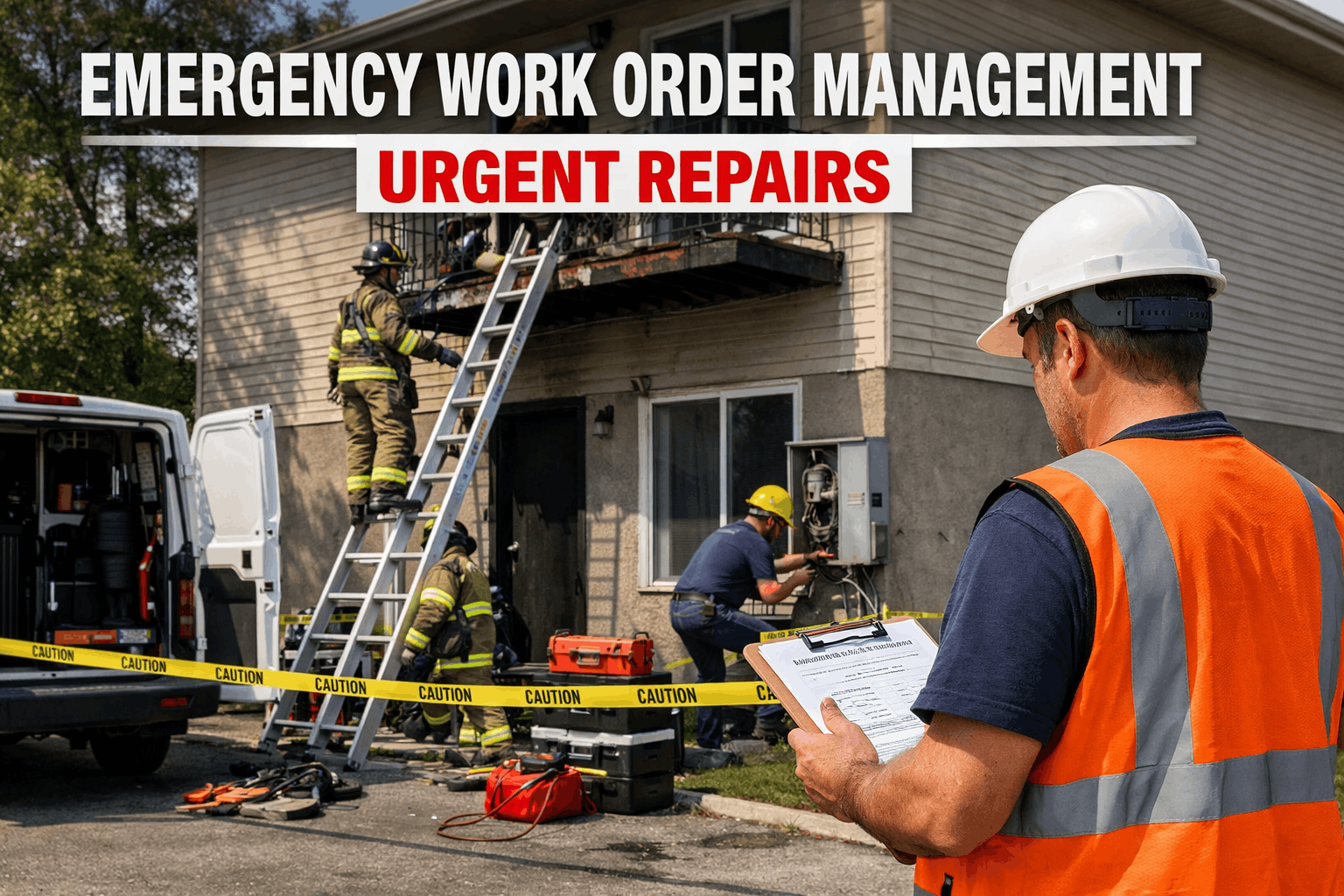
At 2:17 AM on a Saturday in January, a chilled water pipe burst in the basement of a university residence hall housing 380 students. The on-call maintenance tech received a phone call at 2:23 AM. He drove to campus, arriving at 2:51 AM. He could not locate the isolation valve because the building mechanical drawings were in a filing cabinet in the facilities office, which was locked. By 3:15 AM he had found the valve and isolated the break. By then, three floors had water damage. Forty students were relocated to a hotel. The remediation contractor arrived Monday morning. Total cost: $340,000. The pipe burst was unavoidable. The $340,000 was not. An emergency work order system with automated dispatch, digital building schematics on the technician’s phone, pre-mapped isolation valve locations, and instant stakeholder notification would have cut the response from 34 minutes to under 8, contained the damage to one room instead of three floors, and reduced the total cost to $12,000–$18,000. Emergency work orders are not about preventing emergencies — they are about compressing the time between detection and resolution so that a $12,000 event does not become a $340,000 catastrophe. Schedule a demo to see emergency work order automation configured for your facility’s critical systems.
$340K
Average cost of a major facility emergency with 30+ minute response time vs. $12K–$18K with sub-8-minute automated response
34 min
Average emergency response time with phone-based dispatch vs. under 8 minutes with CMMS automation and mobile-first workflows
3–5×
Cost multiplier for emergency repairs vs. planned maintenance — overtime labor, expedited parts, collateral damage, and business disruption
Why Emergency Response Fails: The Five Bottlenecks
Emergency work orders do not fail because technicians are slow. They fail because the system between detection and action has five bottlenecks that each add 5–15 minutes to response time. In a pipe burst, an electrical failure, or a gas leak, every minute of delay multiplies the damage. Eliminating these bottlenecks is the difference between containment and catastrophe.
The emergency is discovered by a building occupant who calls the front desk, who calls the facilities office, who calls the on-call supervisor, who calls a technician. Each handoff adds 5–10 minutes. After-hours, the first handoff alone (occupant to facilities) can take 15–30 minutes if the emergency phone is not answered immediately.
CMMS solution: IoT sensors detect the condition (water flow anomaly, gas concentration, temperature spike, power loss) and auto-generate an emergency work order instantly — bypassing every human handoff in the detection chain. The work order exists before any occupant has noticed the problem.
The supervisor receives the call and must decide: Which technician is on call? Are they qualified for this type of emergency? Where are they right now? Are they already responding to something else? The supervisor calls one tech — no answer. Calls another. Calls a third. Dispatch by phone tree wastes 5–15 minutes on a good night.
CMMS solution: AI identifies the nearest qualified technician based on GPS, on-call schedule, skill certifications, and current availability — dispatches via push notification with audible override in under 5 seconds. If the tech does not acknowledge within 60 seconds, the system auto-escalates to the next qualified person. Zero phone calls.
The technician arrives on-site but does not know: Where is the isolation valve? What is the building’s water/electrical/gas schematic? What floor is the affected area? Who else needs to be notified? Where is the IT server room that might be at risk from water? The tech spends 10–20 minutes figuring out what to do before doing it.
CMMS solution: The emergency work order arrives on the tech’s mobile device pre-loaded with: building schematics, isolation valve locations, affected zone map, at-risk adjacent spaces (IT rooms, labs, archives), and the exact location of the emergency — all accessible on the phone while driving to the building.
While the technician works the emergency, nobody else knows it is happening. The facilities director learns about it Monday morning. The insurance contact is not notified until Tuesday. The affected building occupants are not told to avoid the area. The communications office learns from social media. Each gap compounds the damage and the liability.
CMMS solution: The emergency work order triggers simultaneous automated notifications to all stakeholders based on the emergency type and location: facilities director, safety officer, building occupants, insurance contact, communications office, and any regulatory body if applicable — all within seconds of the work order creation.
After the emergency, nobody documents what happened, when, or what was done — until someone needs it for the insurance claim, the OSHA investigation, or the board report. The technician reconstructs events from memory a week later. Timestamps are approximated. Photos were never taken. The incident record is fiction dressed as documentation.
CMMS solution: Every action during the emergency is timestamped in real time: work order creation, technician dispatch, acknowledgment, arrival, each action taken, photos captured, stakeholders notified, resolution, and close-out. The incident record writes itself as the response unfolds — audit-grade documentation with zero post-hoc reconstruction.
34 Minutes to 8 Minutes. $340K to $12K. Same Emergency. Different System.
OxMaint eliminates every bottleneck between detection and resolution: IoT auto-detection, AI-powered dispatch, mobile building schematics, simultaneous stakeholder notification, and real-time incident documentation — turning 34-minute phone-tree responses into 8-minute automated containment.
The Emergency Work Order Lifecycle: 8-Stage SOP
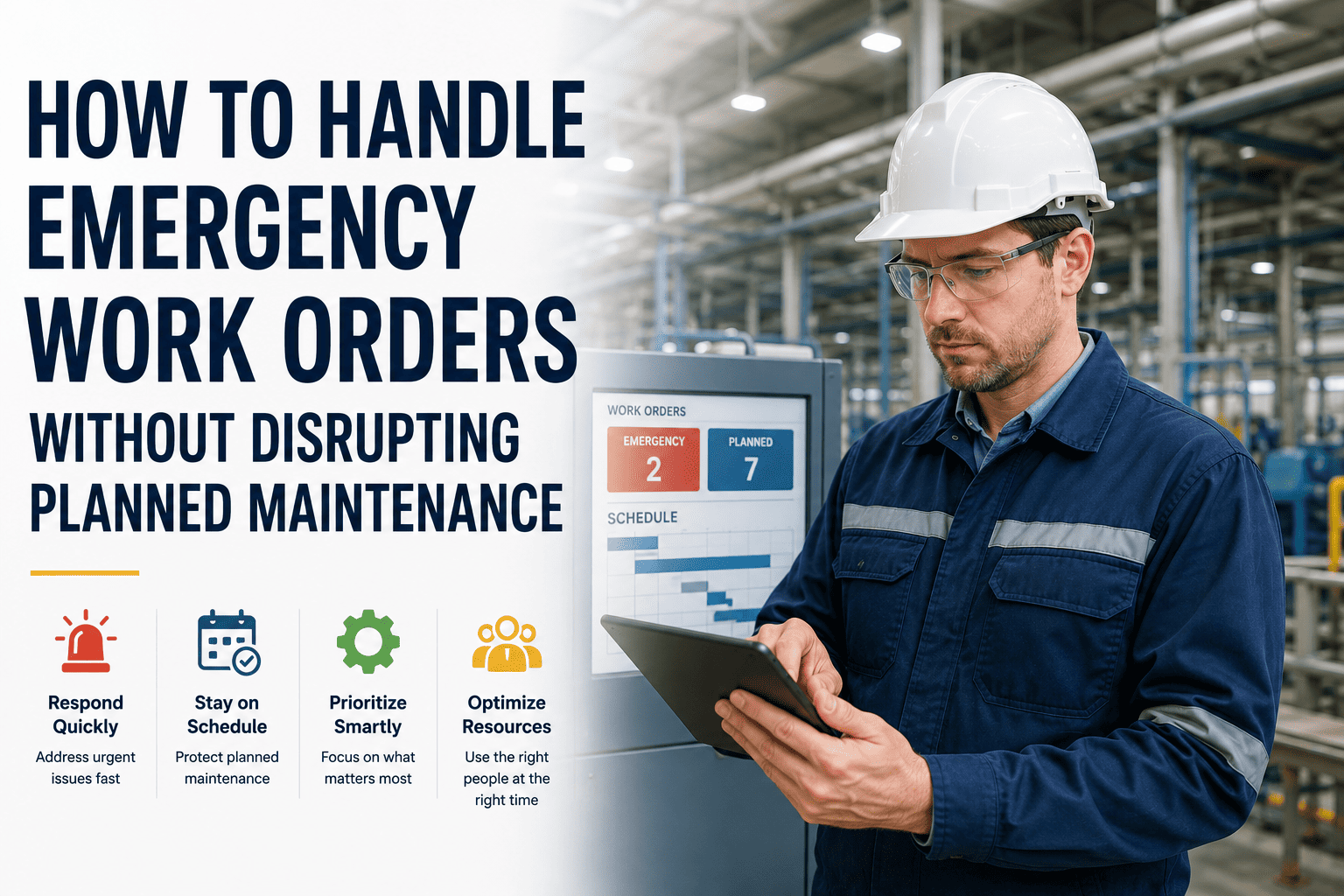
Every emergency work order should follow a standardized lifecycle that compresses response time, ensures nothing is missed, documents every action, and transitions seamlessly from crisis resolution to root cause analysis and prevention. This 8-stage SOP is the framework that best-in-class operations use:
01
Stage 1: Detection and Auto-Classification
The emergency is detected through one of three channels: IoT sensor (water flow anomaly, gas detection, power loss, temperature spike), occupant report (mobile app submission with photo and location), or technician discovery during routine work. The CMMS auto-classifies the work order as “Emergency” based on keywords in the description, sensor trigger type, or asset criticality rating. No manual triage. No approval queue. The response clock starts immediately.
Target: detection to work order creation in under 60 seconds
02
Stage 2: AI-Powered Dispatch
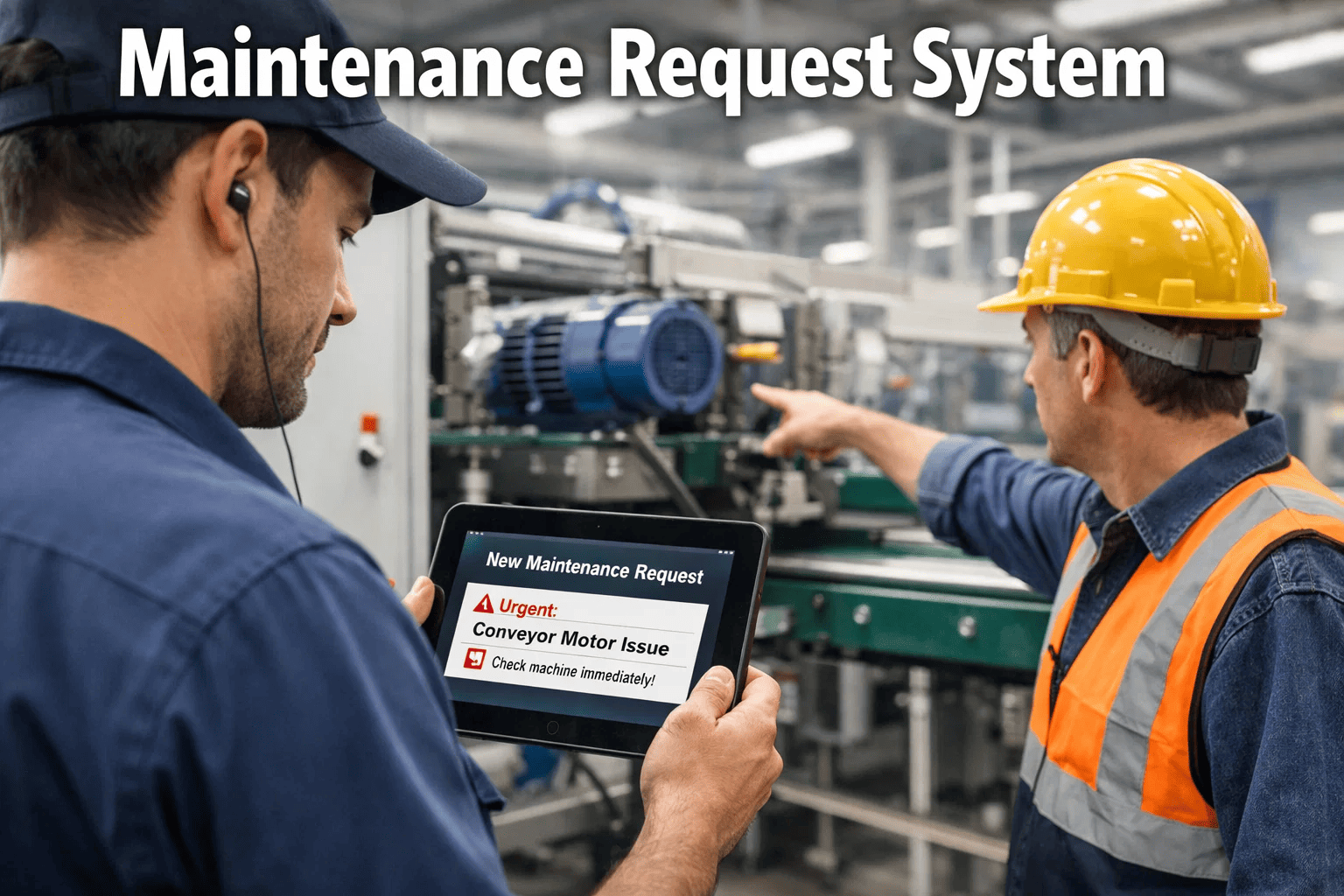
The CMMS identifies the nearest qualified technician based on: emergency type (plumbing, electrical, HVAC, structural), certifications held, current GPS location, on-call schedule status, and current workload. Push notification with audible override is sent to the assigned technician. If not acknowledged within 60 seconds, auto-escalation to the next qualified person. The supervisor receives a parallel notification showing which tech was dispatched and the expected arrival time.
Target: dispatch in under 5 seconds. Escalation at 60 seconds.
03
Stage 3: En Route with Full Context
The technician acknowledges the dispatch and taps “En Route.” While driving, the mobile app displays: building location with navigation, emergency type and affected area, isolation valve or breaker locations, building schematics relevant to the emergency type, at-risk adjacent spaces (server rooms, labs, archives, occupied areas), and the last 3 maintenance records for the affected system. The tech arrives prepared to act, not diagnose.
Target: full context delivered before the technician arrives on-site
04
Stage 4: On-Site Containment
The technician checks in on arrival (GPS-confirmed, timestamp logged). They execute the containment protocol: isolate the source (valve, breaker, shutoff), assess the extent of damage, determine if additional resources are needed (second technician, contractor, hazmat), and take initial photos documenting the condition. If the emergency requires evacuation or occupant notification, the CMMS can trigger building-wide alerts from the technician’s mobile device.
On-site response — every action timestamped in the incident record
05
Stage 5: Stakeholder Notification Cascade
Simultaneous with the technician’s on-site actions, the CMMS triggers a notification cascade based on the emergency type and severity: facilities director (all emergencies), safety officer (injuries, hazmat, structural), building occupants (evacuation, water shutoff, power outage), insurance contact (property damage above threshold), communications office (media-visible events), and regulatory contacts (reportable incidents). Each recipient gets a tailored notification with only the information relevant to their role.
Automated: role-based notifications triggered by emergency type and severity
06
Stage 6: Resolution and Temporary Measures
The technician resolves the immediate emergency or implements temporary measures that restore safe conditions. Every action is logged in real time: what was done, what parts were used, what temporary measures are in place, and what permanent repair is needed. If a contractor is required for permanent repair, the CMMS generates the contractor work order with the technician’s on-site assessment, photos, and scope description already attached.
Resolution documented in real time — not reconstructed from memory later
07
Stage 7: Incident Record Close-Out
The emergency work order is closed with mandatory documentation: root cause (if identified), full timeline of actions taken (auto-generated from timestamps), all photos captured during response, parts and materials consumed, total labor hours, estimated damage, and any follow-up work orders generated. The incident record is complete, timestamped, and audit-ready from the moment the work order closes — no post-hoc assembly required.
Incident record auto-assembled from real-time data captured during response
08
Stage 8: Root Cause Analysis and Prevention
Within 48 hours, the facilities team conducts a root cause analysis using the incident data: Was this a predictable failure that should have been caught by PM or predictive monitoring? Was the response time adequate? Were the right people notified? Did the technician have the information they needed? Findings generate corrective actions: updated PM schedules, new sensor installations, revised emergency procedures, or training requirements — each tracked as a linked work order.
Every emergency generates prevention improvements — the system learns from each event
Emergency Response Time Benchmarks: Where You Should Be
Response time is measured from the moment the emergency is detected (sensor trigger, occupant report, or technician discovery) to the moment the technician checks in on-site at the affected location. The benchmarks below represent best-in-class performance achievable with CMMS automation:
Gas leak / fire / structural
Under 60 seconds (IoT auto-detect + AI dispatch)
Under 5 minutes (on-campus), under 15 min (off-hours)
Under 6–16 min
Water pipe burst / flooding
Under 60 seconds (flow sensor) or 3–5 min (occupant report)
Under 8 minutes (on-campus), under 20 min (off-hours)
Under 9–25 min
Electrical failure / power outage
Under 30 seconds (power monitoring) or 2–5 min (occupant)
Under 10 minutes (on-campus), under 25 min (off-hours)
Under 11–30 min
HVAC failure (occupied building)
Under 60 seconds (BAS alert) or 5–15 min (occupant report)
Under 15 minutes (business hours), under 30 min (off-hours)
Under 16–45 min
Elevator entrapment
Under 60 seconds (alarm + auto-dispatch to vendor)
Under 30 minutes (elevator service contract SLA)
Under 31 min
Security / access control breach
Under 30 seconds (intrusion sensor + auto-dispatch)
Under 5 minutes (security staff), under 15 min (off-hours)
Under 6–16 min
The Escalation Matrix: Who Gets Notified, When, and How
Emergency notifications must be role-based, severity-tiered, and automated. The wrong approach is a single blast notification to everyone. The right approach delivers the right information to the right person at the right moment — with automatic escalation if the first responder does not acknowledge.
T0
Tier 0: Life Safety (Immediate — Under 60 Seconds)
Gas leak, fire, structural collapse, active shooter
Simultaneous notification: 911 (if configured), security dispatch, facilities director, safety officer, building occupants (evacuation alert), on-call technician. Channel: Push notification with audible override + SMS + phone call auto-dial. Escalation: If technician does not acknowledge in 30 seconds, auto-escalate to all qualified on-call staff simultaneously.
T1
Tier 1: Critical System Failure (Under 5 Minutes)
Pipe burst, electrical failure, chiller down (occupied), elevator entrapment
Notification sequence: Assigned technician (push + audible), supervisor (push), facilities director (push). Building occupants notified if service disruption expected. Escalation: If technician does not acknowledge in 60 seconds, auto-escalate to next qualified tech. If no acknowledgment in 3 minutes, facilities director receives phone call.
T2
Tier 2: Significant Disruption (Under 15 Minutes)
HVAC failure in occupied space, partial power loss, plumbing backup
Notification sequence: Assigned technician (push), supervisor (push if after-hours). Requestor notified with ETA. Escalation: If not acknowledged in 5 minutes, auto-reassign to next available qualified tech. Supervisor notified of escalation. Work order flagged as SLA-at-risk on the dashboard.
T3
Tier 3: Urgent but Contained (Under 4 Hours)
Single fixture failure, access control lockout, AV system down during event
Notification: Assigned technician (push). Requestor notified with estimated response. Escalation: If not started within 2 hours, auto-escalate to supervisor. If the work order involves a student-facing space during an event (classroom during class, dining during meal), priority auto-increases to Tier 2.
The escalation matrix should be configured once and automated permanently. No human should need to decide who to call at 2 AM — the system knows the emergency type, the building, the time of day, and the on-call schedule, and it executes the correct notification cascade instantly. Sign up free to configure your emergency escalation matrix with tiered notification rules for every emergency type.
Emergency vs. Urgent vs. High Priority: Definitions That Prevent Abuse
The single most common problem in emergency work order management is classification inflation: everything becomes an “emergency” because the requestor wants faster response. Clear definitions with objective criteria prevent the label from losing meaning.
Emergency
Immediate danger to life, safety, or critical operations. Building cannot be safely occupied. Active damage is occurring and worsening every minute.
Under 15 minutes to technician on-site
AI auto-classifies from sensor data, keywords, or asset criticality. Not requestor-selectable.
Urgent
Significant impact to building function or occupant comfort. No immediate safety hazard. Condition will worsen if not addressed within 4–24 hours.
Under 4 hours during business hours. Next business day if after-hours.
AI scores based on asset criticality, occupancy, and academic calendar. Supervisor can override.
High Priority
Important maintenance need affecting occupant experience or operational efficiency. Not worsening rapidly. Can be scheduled within 1–3 business days.
1–3 business days
AI scores from weighted priority matrix. Requestor does not select priority level.
Standard
Routine corrective or improvement work. No occupant impact beyond inconvenience. Can be scheduled within normal maintenance capacity.
5–10 business days
AI auto-classifies. Fills available capacity after emergency, urgent, and high-priority work is scheduled.
After the Emergency: Root Cause Analysis and Prevention
Every emergency work order should trigger a structured root cause analysis within 48 hours. The goal is not to assign blame — it is to determine whether the emergency was preventable and what systemic changes would prevent recurrence. The CMMS captures the data that makes this analysis possible without relying on memory.
Review the asset’s maintenance history: Was the PM current? Were there prior work orders for the same or related issues? Did sensor data show any pre-failure warning signs that were not acted on? If the answer is yes to any of these, the emergency was preventable — and the prevention mechanism (PM schedule, sensor alert, or inspection frequency) needs to be updated.
Action if yes: Update PM frequency, add predictive sensor, or tighten inspection scope for this asset class.
Compare actual response time against the SLA benchmark for this emergency type. Identify which stage consumed the most time: detection, dispatch, travel, or on-site containment. If detection was slow, consider IoT sensors. If dispatch was slow, review the escalation matrix. If travel was slow, review on-call geographic coverage.
Action if slow: Address the specific bottleneck identified — sensor installation, escalation rule adjustment, or on-call coverage optimization.
Did the technician know where the isolation valve was? Did they have the building schematics? Did they know which adjacent spaces were at risk? Did they have the right tools and parts for initial containment? If any information was missing or delayed, the emergency response SOPs and mobile data packages need to be updated.
Action if gaps found: Update building emergency data packages in the CMMS — valve locations, schematics, at-risk spaces, and emergency parts kits.
Financial Impact: What Emergency Management Excellence Saves
Damage containment
Faster response = smaller damage zone. A pipe burst contained in 8 minutes affects 1 room. At 34 minutes, it affects 3 floors. The cost difference is 10–25×.
$200K–$800K
Emergency prevention
65% of emergencies are preventable through PM compliance and predictive monitoring. Each prevented emergency avoids $28K–$340K in response costs.
$400K–$1.5M
Insurance impact
Documented emergency response SOPs, timestamped incident records, and IoT monitoring reduce property insurance premiums 5–15% and strengthen claim positions.
$40K–$200K
Occupant disruption avoidance
Faster containment = fewer displaced occupants, fewer relocated classes, fewer hotel nights, and fewer parent/stakeholder complaints.
$50K–$300K
Total annual value
Combined damage reduction + prevention + insurance + disruption avoidance
$690K–$2.8M
Implementation: Emergency-Ready in 30 Days
Emergency work order automation deploys faster than any other CMMS capability because the scenarios are finite, the escalation rules are defined, and the notification infrastructure already exists on every smartphone. Start your free trial and have emergency escalation rules configured and tested within the first two weeks.
W1
Week 1: Emergency Classification and Escalation Rules
Define emergency types for your facility (pipe burst, electrical, gas, fire, HVAC, elevator, security). Configure the 4-tier escalation matrix with notification rules per type and severity. Set up on-call schedules with auto-rotation. Test the notification cascade with a simulated emergency — verify that every stakeholder receives the right information at the right time.
W2
Week 2: Building Emergency Data Packages
For each building, create the mobile-accessible emergency data package: isolation valve locations (water, gas, electrical), building schematics by system type, at-risk spaces (server rooms, labs, archives, high-value areas), emergency parts kit locations, and vendor emergency contact numbers (elevator, fire alarm, generator). This data must be accessible offline on the technician’s mobile device.
W3
Week 3: IoT Sensor Connection (Priority Buildings)
Connect existing BAS alerts, water flow sensors, power monitors, and gas detectors to the CMMS emergency work order pipeline. For buildings without sensors, prioritize the highest-risk systems: water flow monitoring in residence halls, power monitoring on critical electrical feeds, and temperature monitoring in data centers and labs. Each sensor trigger maps to a specific emergency type and escalation tier.
W4
Week 4: Live Drill and Optimization
Run a full-scale emergency response drill using the CMMS: simulate a pipe burst in a residence hall at 11 PM. Measure: detection time, dispatch time, technician acknowledgment time, arrival time, and stakeholder notification completeness. Debrief the drill and adjust escalation rules, notification lists, and building data packages based on findings. The system is now emergency-ready.
The Next Emergency Is Coming. The Question Is Whether Your System Is Ready.
Emergencies are inevitable. Catastrophic outcomes are not. OxMaint compresses the time between detection and resolution with IoT auto-detection, AI-powered dispatch, mobile building data, simultaneous stakeholder notification, and real-time incident documentation — turning every emergency from a potential disaster into a contained, documented, and analyzed event. 30 days to full deployment. Every minute you save in response time saves thousands in damage.
Frequently Asked Questions
How do we prevent requestors from marking every work order as an emergency?
Remove the emergency classification from the requestor interface entirely. Requestors describe the problem and select the location. The CMMS classifies the work order using objective criteria: IoT sensor triggers are auto-classified as emergency. Keyword analysis in the description flags potential emergencies for rapid triage. Asset criticality ratings provide baseline classification. The requestor never selects “emergency” — the system determines it from the data. This eliminates classification inflation while ensuring genuine emergencies are identified instantly.
What happens if the on-call technician does not respond?
The system enforces automatic escalation at configurable intervals. Tier 0 (life safety): if no acknowledgment in 30 seconds, all qualified on-call staff are notified simultaneously plus the facilities director receives a phone call. Tier 1 (critical system): if no acknowledgment in 60 seconds, next qualified tech is dispatched. If still no response in 3 minutes, facilities director receives phone call. The escalation continues until someone acknowledges — the system never gives up. All escalation events are logged in the incident record for post-event review of on-call reliability.
Book a demo to see multi-tier escalation with automatic failover configured for your team structure.
How does the system handle emergencies that require multiple trades or contractors?
When the responding technician determines that additional resources are needed (e.g., a pipe burst requires a plumber for the repair and an electrician to verify no electrical hazard from water contact), they can request additional dispatch from the mobile app. The CMMS identifies and dispatches the next qualified person for each trade required. For contractor-dependent emergencies (elevator entrapment, fire alarm system failure, generator failure), the system auto-dispatches to the contracted vendor via the same notification pipeline — including the vendor’s emergency contact number, the building location, and the nature of the emergency.
Can the system generate the documentation needed for insurance claims?
Yes — this is one of the highest-value capabilities. Every emergency work order generates a complete incident record with: detection timestamp, dispatch timestamp, technician arrival timestamp, every action taken with timestamps, all photos captured during response, parts and materials consumed, estimated damage assessment, and the names and notification times of every stakeholder contacted. This record is exportable as a formatted incident report suitable for insurance claims, OSHA investigations, and board reporting — assembled automatically from real-time data, not reconstructed from memory days or weeks later.
What is the ROI of investing in emergency work order automation?
The ROI is driven by two factors: reducing the cost per emergency event (faster response = smaller damage = lower remediation) and reducing the number of emergency events (root cause analysis + PM compliance + predictive monitoring prevent 65% of emergencies). A campus averaging 8–12 major emergency events per year at $28K–$340K each can expect to reduce both frequency and severity within the first 6 months. Total documented savings of $690K–$2.8M annually against platform costs of $20K–$50K represents a 14:1 to 56:1 return — and that calculation does not include the insurance premium reductions or the enrollment retention impact of better facility reliability.
Sign up free to see your emergency cost baseline and projected savings from response time compression.