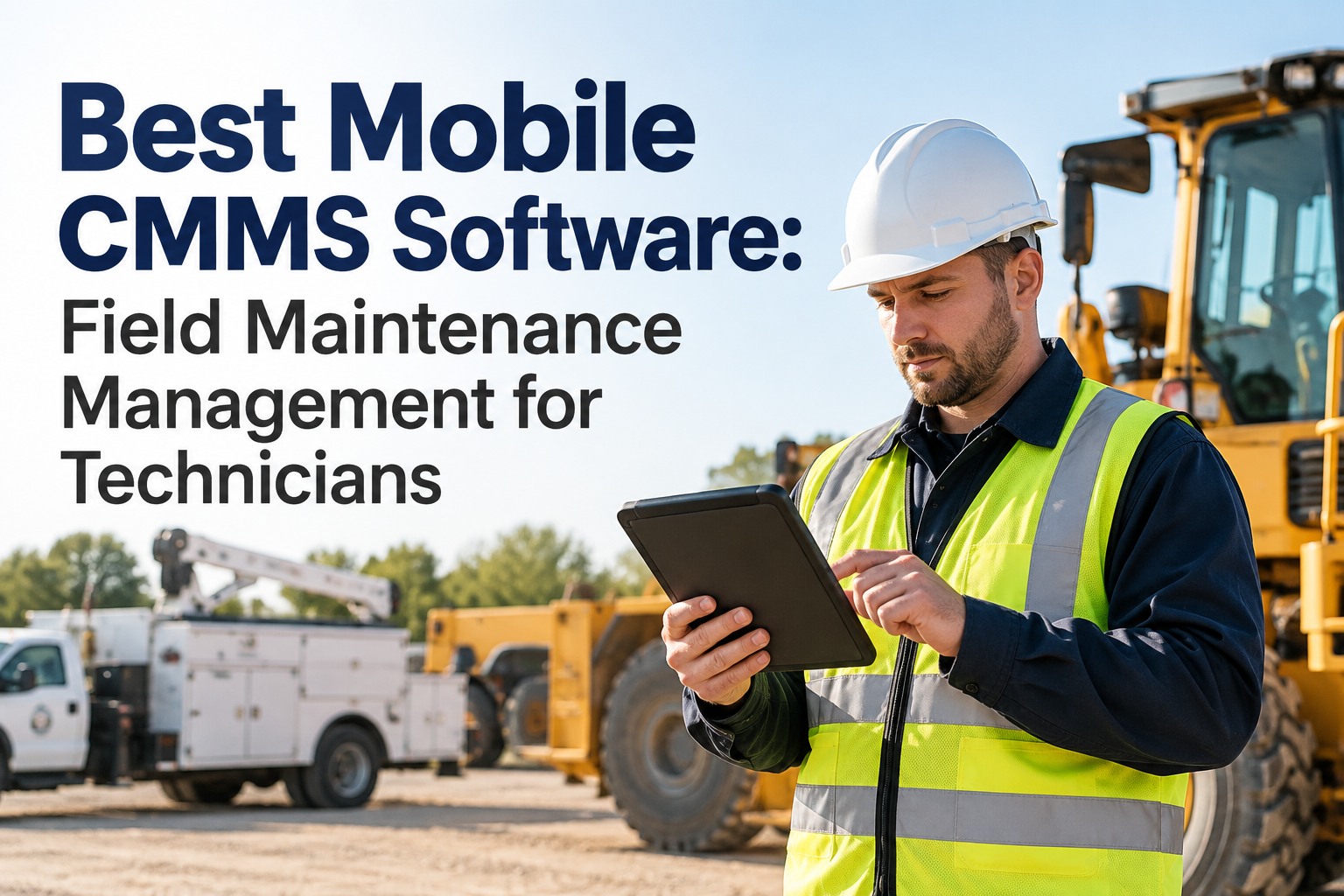
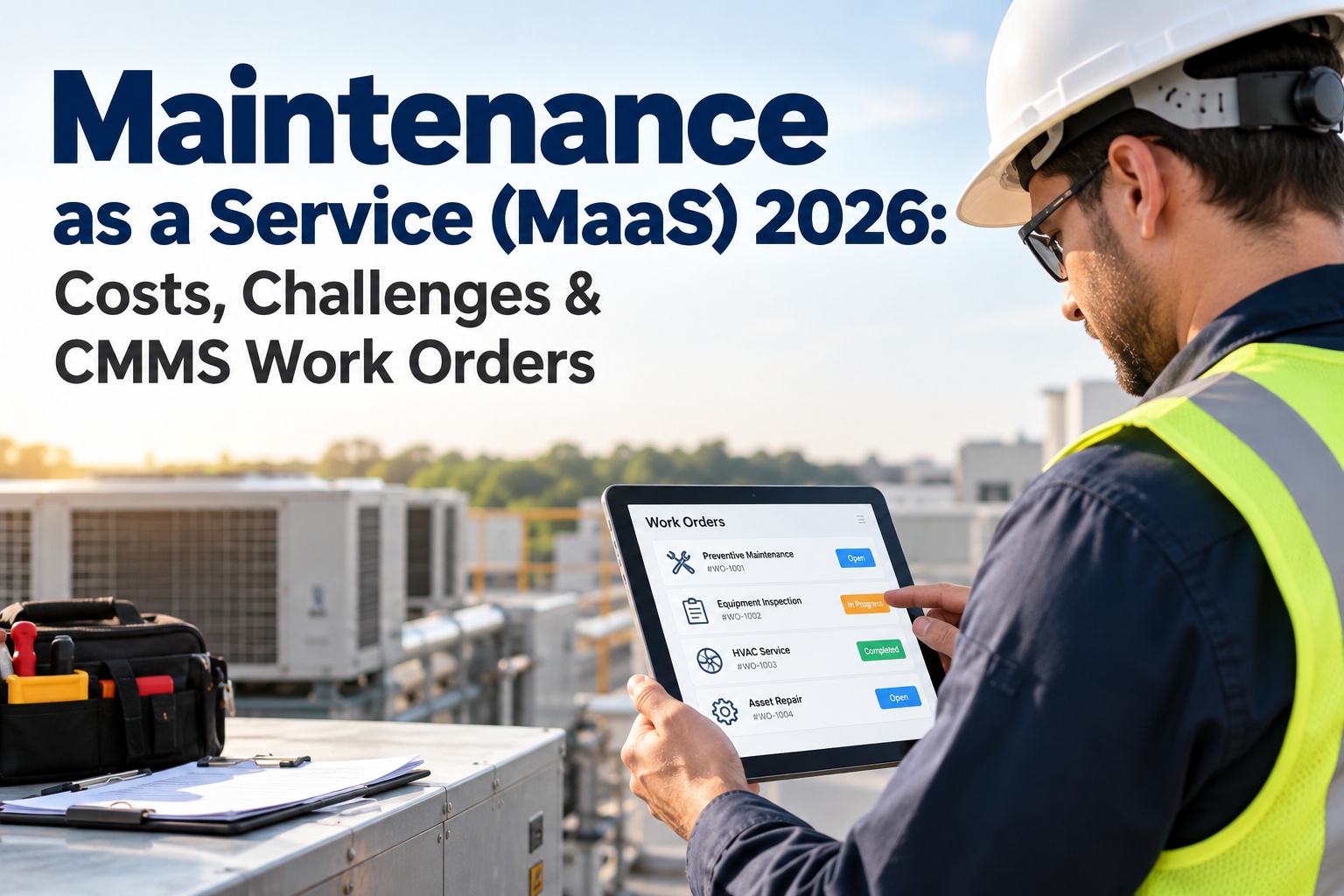
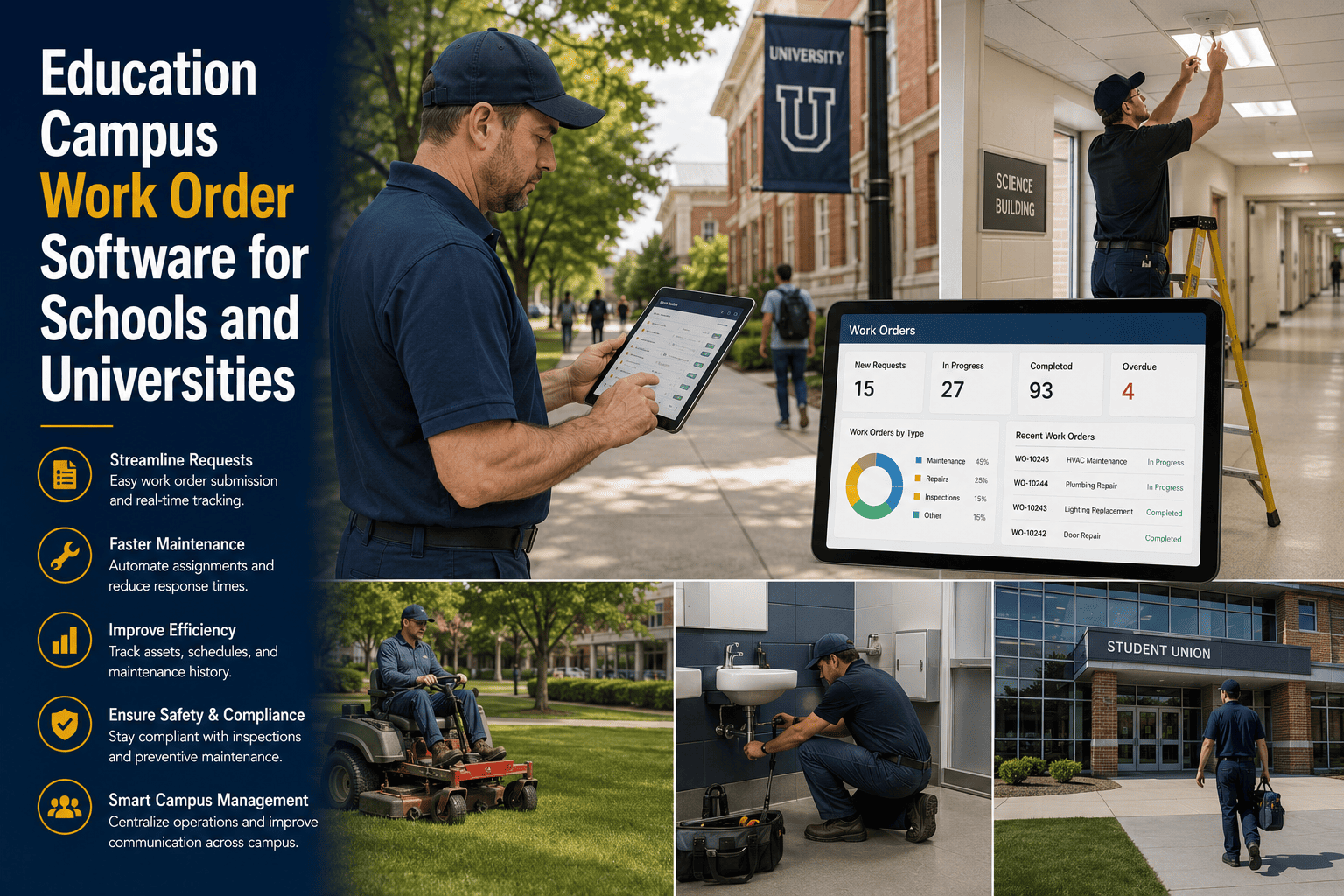
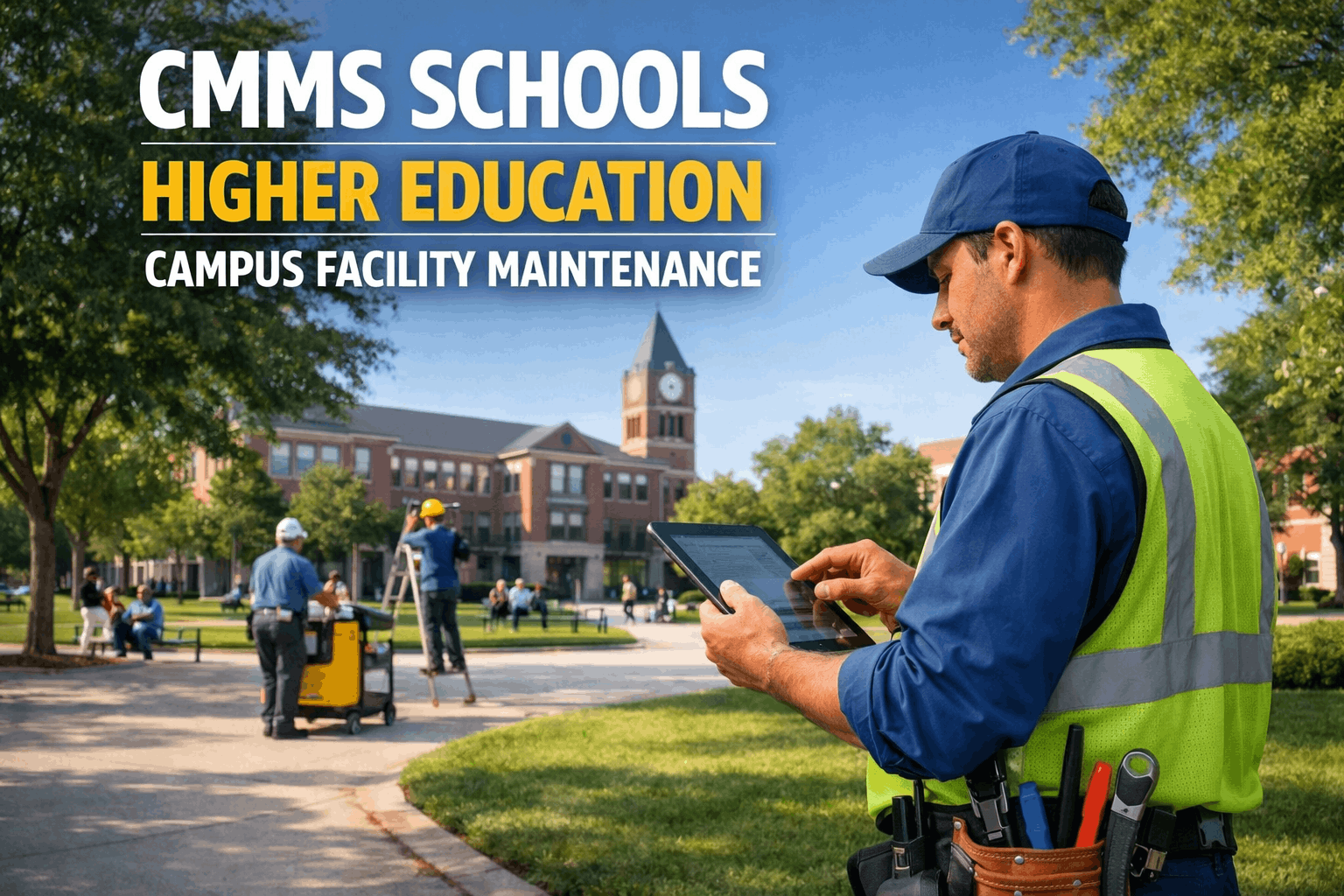
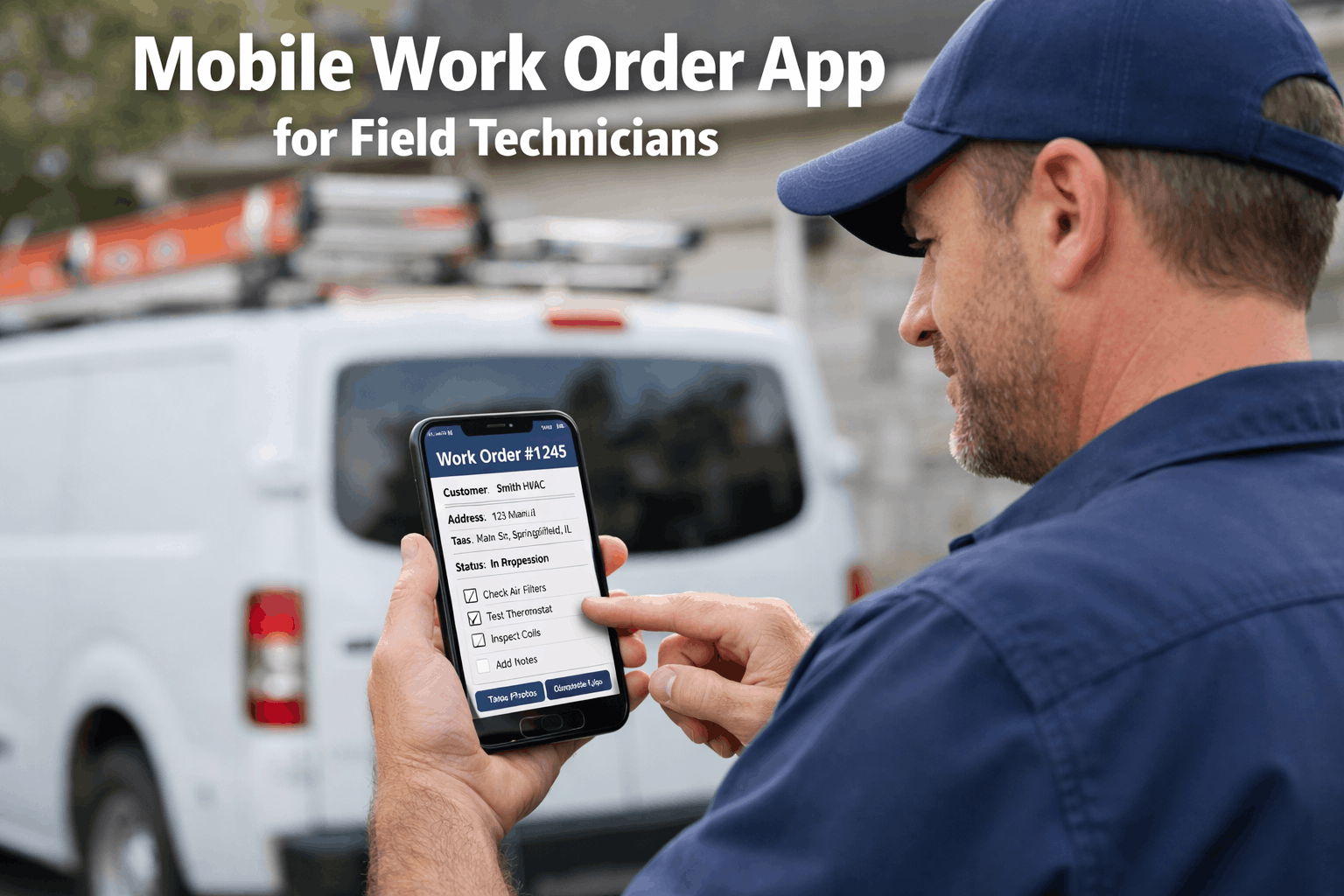
A campus technician at a 40-building school district starts his day in the maintenance shop. He checks the whiteboard for today's assignments, copies three work orders onto a clipboard, drives to the first building, fixes a leaking faucet, drives back to the shop to update the desktop CMMS, realizes he forgot to note the parts he used, drives to the second building, finds the room locked because no one told him classes run until 3 PM, drives to the third building, completes the repair but has no way to document it until he returns to the office at 4:30 PM — by which time he has forgotten the details. He enters incomplete data. The CMMS becomes unreliable. Management stops trusting the system. The system stops being used. This is the adoption death spiral, and it kills more CMMS implementations than any technical limitation. Now imagine the same technician opens the OxMaint mobile app on his phone at 7:15 AM. His prioritized work queue shows three assignments with building locations, room access notes, asset histories, and navigation. He taps the first work order, checks in on arrival (GPS-confirmed), photographs the leak, fixes it, scans the replacement parts via barcode, records voice-to-text completion notes, and taps "Complete" — all without leaving the room. Time saved: 58 minutes per day. Data captured: 100%. System trust: permanent. Schedule a demo to see the mobile app your campus technicians will actually use.
Desktop-Only CMMS
Data entered at end of day. Details forgotten. Parts unrecorded. Photos missing. System becomes unreliable. Technicians stop using it.
Office-boundDelayed dataLow adoption
VS
Mobile-First CMMS
Data captured at the asset in real time. Photos, parts, labor, and notes logged before the technician leaves the room. 100% data accuracy. Permanent adoption.
Field-firstReal-time data100% adoption
Side-by-Side: What Changes When Your CMMS Lives on the Technician's Phone
Desktop CMMS
OxMaint Mobile
Work order access
Print at shop or memorize from whiteboard
Prioritized queue on phone with full context
Asset information
Walk back to office to look up history
Scan QR code — full history, manuals, parts list
Arrival confirmation
None — no proof technician was on site
GPS check-in with timestamp logged
Photo documentation
Personal phone camera — photos never linked to WO
Before/after photos captured in-app, linked to WO
Parts tracking
Written on scrap paper — entered later (maybe)
Barcode scan from stockroom — auto-deducted
Completion notes
Entered at end of day from memory — incomplete
Voice-to-text at the asset — detailed and accurate
Offline capability
None — desktop needs network connection
Full offline mode — syncs when reconnected
Time per work order
15–20 min admin overhead (driving + data entry)
Under 2 min overhead — all done at the asset
Data reliability
Incomplete — management stops trusting CMMS
100% capture — system becomes single source of truth
Where Desktop-Only CMMS Fails Campus Operations
58 min
Daily Time Lost Per Technician
Driving back to the office to update the CMMS, searching for asset records, manually entering data at end of day, and re-handling paperwork consumes nearly an hour daily per technician. Mobile CMMS eliminates this entirely — data is captured at the asset, in the moment, every time.
34%
Productivity Gain With Mobile CMMS
Smartphones save maintenance professionals an average of 58 minutes daily and boost productivity by 34 percent. On a campus where technicians travel between 20 to 60 buildings, mobile eliminates the return-to-office loop that wastes the most productive hours of every day.
25%
Productivity Increase From Technician-First Design
Organizations with technician-focused systems report a 25 percent increase in productivity and a 15 percent reduction in onboarding time. When the app is designed for the person holding the wrench — not the manager reading reports — adoption happens naturally.
Built for Campus Technicians
5 Taps From Assignment to Close-Out. Zero Paperwork. 100% Data Capture.
OxMaint's mobile app is designed for campus maintenance professionals who travel between buildings all day. Work orders, asset histories, QR scanning, photo documentation, parts tracking, voice-to-text notes, and offline mode — all from the phone they already carry.
Seven Mobile Capabilities That Transform Campus Maintenance
A mobile maintenance app is not a shrunken version of the desktop. It is seven purpose-built capabilities designed for technicians who work on their feet, across multiple buildings, in environments where a desktop will never exist.
1. Prioritized Mobile Work QueueCore
What it does: The technician opens the app and sees their assigned work orders in priority sequence — with building location, room number, problem description, photo from the requestor, asset history, and navigation link. No morning meeting. No whiteboard. No clipboard. The queue updates in real time as new work orders are assigned or priorities change.
Why campus needs it: Campus technicians cover 20 to 60 buildings across a geographic area. Random dispatch wastes hours in travel. A prioritized mobile queue with GPS-based routing ensures the technician works the optimal sequence — nearest building first, highest priority first — saving 60 to 90 minutes daily compared to manual dispatch.
Prioritized queue on the phone. Zero morning meetings. Optimal routing. 60–90 min saved daily.
2. QR Code Asset AccessCore
What it does: Technician scans the QR code affixed to any piece of equipment and instantly accesses: complete maintenance history, last 10 work orders, manufacturer details, warranty status, parts list with stock availability, operating manuals, and any open work orders on that asset. Under 2 seconds from scan to full context.
Why campus needs it: A campus with 150 buildings and thousands of assets cannot rely on technicians memorizing equipment details. QR codes make institutional knowledge available to every technician — including new hires on day one. The senior technician's 20 years of experience is now documented and accessible to anyone who scans the code.
Scan → full asset context in 2 seconds. Institutional knowledge accessible to every technician.
3. GPS Check-In and Time TrackingAccountability
What it does: When the technician arrives at the building, they tap "Check In." The app records GPS coordinates and timestamp — confirming they are physically at the correct location. On completion, "Check Out" logs the departure time. Total time on site is calculated automatically. No manual timesheets. No disputed labor hours.
Why campus needs it: Facilities coordinators managing 10 to 40 technicians across a multi-building campus cannot physically verify who is where. GPS check-in provides accountability without micromanagement — the system confirms location while the technician stays focused on the repair.
GPS-verified arrival and departure. Accurate labor time. Zero disputed hours.
4. Photo and Video DocumentationCore
What it does: Before and after photos are captured directly within the work order — not on the phone's camera roll where they get lost or mixed with personal photos. Each photo is timestamped, geotagged, and permanently linked to the specific work order and asset. Video capture for complex issues. No separate upload step.
Why campus needs it: When a principal asks "what exactly was done about the roof leak?" the answer should be a before photo of the water stain, an after photo of the completed repair, and the technician's notes — not "let me ask the tech if he remembers." Photo documentation eliminates ambiguity permanently.
Before/after photos linked to every work order. Visual proof of every repair, permanently.
5. Barcode Parts ScanningInventory
What it does: When a technician uses a part, they scan the barcode with the app. The part is automatically logged against the work order, deducted from inventory, and the cost attributed to the asset. If stock drops below the reorder point, a purchase requisition is auto-generated. No manual entry. No forgotten parts.
Why campus needs it: The number one cause of inventory inaccuracy is technicians using parts without recording them. Barcode scanning makes accurate logging faster than skipping it — under 3 seconds per part versus the hassle of writing it down later.
Scan barcode → part logged, cost attributed, inventory updated. Under 3 seconds. Zero forgotten parts.
6. Voice-to-Text Completion NotesEfficiency
What it does: Instead of typing on a small screen with gloved or dirty hands, the technician speaks their completion notes. The AI parses speech into structured completion data — work performed, root cause, materials used. Reduces the completion step from 5 minutes of typing to 30 seconds of speaking.
Why campus needs it: Typing is the enemy of field data entry. If completing a work order requires 5 minutes of typing on a phone, technicians will enter the absolute minimum — or nothing. Voice-to-text produces richer, more detailed notes than any keyboard entry.
Speak, don't type. 30-second completion. Richer data than any keyboard entry.
7. True Offline ModeCritical
What it does: The app works fully without network connectivity. Technicians load their work queue, access asset histories, complete inspections, capture photos, scan parts, record notes, and close work orders — all while completely offline. When connectivity returns, everything syncs automatically. Zero data loss.
Why campus needs it: Campus mechanical rooms, basements, and older buildings frequently have no cell signal or Wi-Fi. If the mobile app stops working in these spaces, technicians revert to paper — and the data never makes it into the system. True offline mode means the app works everywhere on campus.
Full functionality with zero connectivity. Works in every basement, every mechanical room, every building.
The Mobile Technician Workflow: 5 Steps From Assignment to Close-Out
Every work order follows a standardized mobile workflow that takes the technician from notification to completion in 5 taps — capturing every data point your organization needs without adding administrative burden.
Push Notification ReceivedInstant
Technician's phone buzzes with a new work order. Notification shows: building, room, problem type, and priority. Tapping opens the full work order with location, requestor photo, asset details, and navigation.
If the technician doesn't acknowledge within the configured timeout, the system auto-escalates to the next qualified person or alerts the supervisor.
Navigate and Check InGPS-Verified
Technician taps the building address for navigation. On arrival, taps "Check In" — GPS confirms they are at the correct building. Timestamp logged. Requestor receives notification: "Your technician is on site."
For multi-building campuses, check-in confirms the technician arrived at the specific building — not just somewhere on campus.
Assess, Repair, DocumentAt the Asset
Scan QR code for full asset context. Take before photo. Perform repair. Scan barcode on replacement parts. Take after photo. Record voice-to-text completion notes. If recurring issue detected, system flags it automatically.
If additional parts are needed, create a purchase requisition directly from the work order — linked, routed for approval, and tracked without leaving the app.
Complete and NotifyOne Tap
Tap "Complete." All mandatory fields verified: work performed, root cause, parts consumed, after photo, labor time. Work order closes. Costs finalize. Data feeds permanently into asset history and KPI dashboards.
Requestor is auto-notified: "Your maintenance request has been completed." Optional satisfaction survey captures feedback.
Move to Next AssignmentSeamless
The next work order in the priority queue surfaces automatically. The technician navigates to the next building without returning to the office. The entire day flows building to building, work order to work order — with zero office trips.
End-of-day: zero paperwork. Every work order already documented. Every part already logged. Every photo already attached. The technician clocks out with nothing outstanding.
Financial Impact for Campus Operations
Documented improvements — campus maintenance teams implementing mobile CMMS
58 min
Saved per technician per day — eliminated office trips
34%
Productivity increase from mobile-first workflows
100%
Data capture rate — every work order fully documented
15%
Faster onboarding with guided mobile workflows
Bottom Line
Every Repair Documented. Every Hour Tracked. Every Technician Productive.
Platform starts free · App deploys in minutes · First mobile work order on day one
Stop Losing Data. Stop Losing Hours. Equip Your Technicians.
OxMaint's mobile app gives campus technicians everything they need — work orders, asset histories, QR scanning, photo documentation, barcode parts tracking, voice-to-text notes, offline mode, and GPS check-in — all from the phone they already carry. No hardware. No IT infrastructure. Download, log in, start working.
How tech-savvy do technicians need to be to use the mobile app?
If they can use a text message or a food delivery app, they can use OxMaint. The interface is designed for people who work with their hands. Accepting a work order is one tap. Checking in is one tap. Taking a photo is one tap. Scanning a part is one tap. Completing is one tap. Gartner research confirms that technician-focused systems reduce onboarding time by 15% — most campus technicians are fully productive with the app within the first day. Sign up free and test the app with your team this week.
Does the app work offline in basements and mechanical rooms?
Yes — this is non-negotiable for campus environments. OxMaint provides true offline capability: technicians can load their work queue, access full asset histories, complete inspections, capture photos, scan parts, and close work orders with zero connectivity. Everything syncs automatically when the device reconnects. Timestamps reflect actual completion time, not sync time. No data is lost.
Can custodians and teachers also use the app to submit requests?
Non-maintenance staff submit requests via QR codes (scan with phone camera, no app download), web portal (any browser), or email-to-ticket. The full mobile app with work order execution, asset access, and parts management is designed for technicians and supervisors. Requestors get the simplest interface — scan, describe, submit — while technicians get the full toolkit.
Does the app work on both iPhone and Android?
Yes. OxMaint runs natively on both iOS and Android. Most campus teams have a mix of personal and district-issued devices across both platforms — the app provides the same experience on both. No specialized hardware required. Works on any smartphone manufactured in the last 5 years.
How does mobile help with technician accountability without micromanaging?
The system provides data-driven accountability, not surveillance. GPS check-in confirms the technician was at the building. Timestamps show when work started and ended. Photos document what was done. Parts scans prove what was used. This data flows into performance dashboards — response times, completion rates, labor hours — without requiring real-time monitoring. The technician benefits too: timestamped photo evidence proves the work was completed if ever questioned. Accountability protects everyone. Book a demo to see the supervisor dashboard.
By Jennie
✨
Experience Oxmaint's Power
Take a personalized tour with our product expert to see how OXmaint can help you streamline your maintenance operations and minimize downtime.