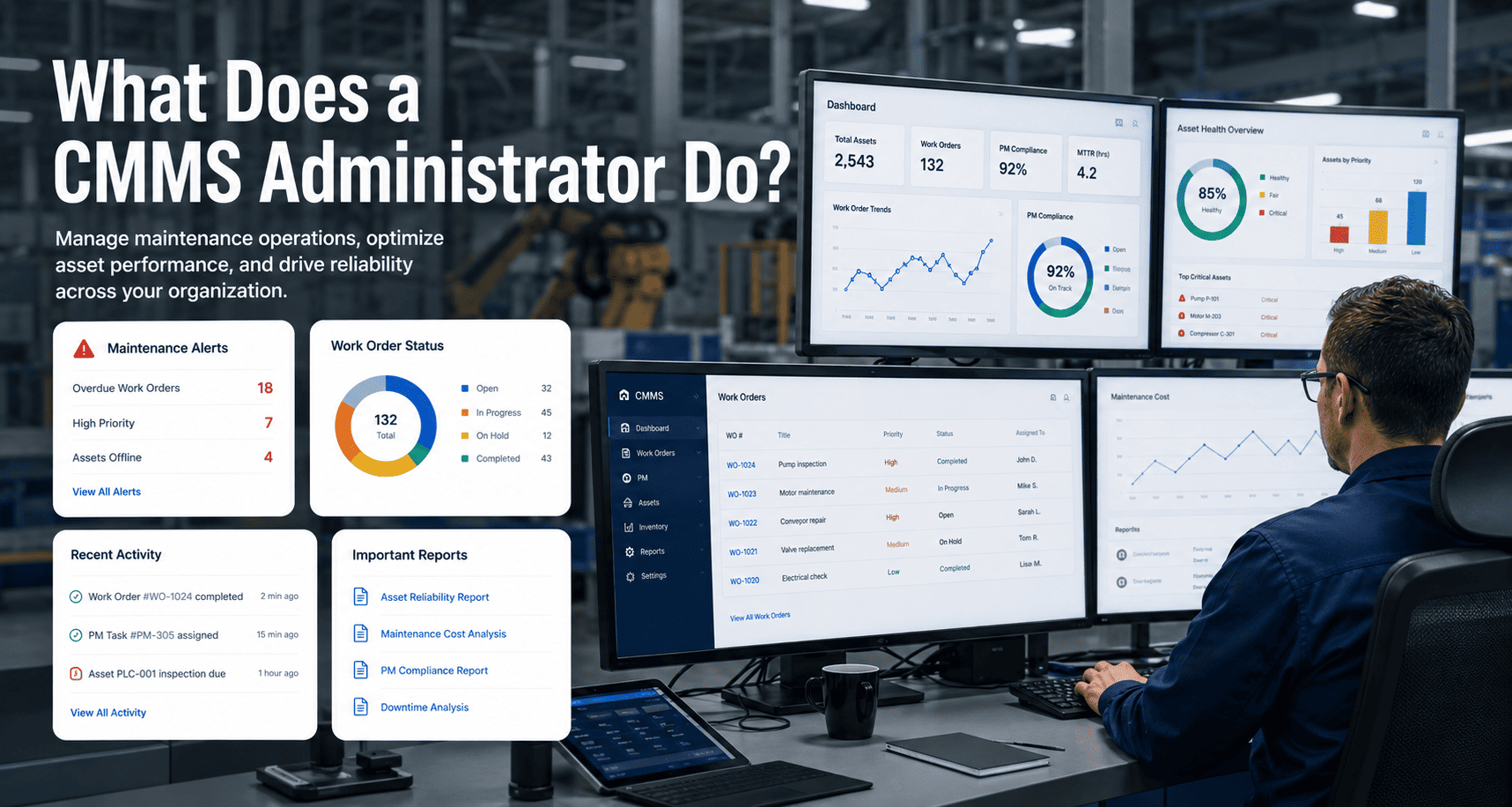
Every successful CMMS deployment has one thing in common that rarely appears in any implementation guide — a dedicated CMMS administrator who owns the system after go-live. Without this person, even the most carefully configured CMMS drifts into a glorified spreadsheet within six months: user permissions go unmanaged, PM schedules go stale, reports go unread, and the technicians who never fully adopted the system quietly drift back to paper. The CMMS administrator is the operational nerve centre that keeps maintenance data clean, workflows running, and leadership dashboards meaningful — start a free trial with Oxmaint to see the admin tools your team will actually use, or book a demo and we will walk through how the admin role works inside your specific asset structure.
The Role
CMMS Administrator
The operational owner between the software and the team
60%
of CMMS tools fail to hold adoption without a named admin
3x
Higher PM compliance in plants with a dedicated CMMS admin
8 hrs
Average weekly admin time for a 200–500 asset facility
Day 1
When the admin role must be named — before go-live, not after
Get Your Custom Maintenance Plan
See how Oxmaint makes CMMS administration simple
No heavy implementation. Works across multi-site portfolios. Live in days, not months.
- Real-time asset visibility across every machine
- Predictive failure alerts before breakdowns hit
- 5–10yr CapEx forecasting per asset
Defining the Role
What a CMMS Administrator Actually Does
A CMMS administrator is the person responsible for the operational health of the maintenance management system — not just the technology, but the data inside it, the workflows it runs, and the people who use it every day. They sit at the intersection of maintenance operations, IT systems, and management reporting, translating between what the floor needs and what the platform can deliver.
The role is distinct from a general IT administrator. A CMMS admin does not manage servers or networks — they manage asset records, user permissions, PM schedule libraries, inspection forms, reporting configurations, and system workflows. In smaller facilities, this is often a senior maintenance technician or reliability engineer given additional system ownership responsibilities alongside their core role.
What makes the role critical is timing. A CMMS without an active administrator accumulates data quality problems slowly and invisibly until the system becomes untrustworthy — at which point technician adoption collapses and the investment is lost. Plants that name their admin on Day 1 and give them protected time for system maintenance are the ones where CMMS deployment actually delivers ROI — start a free trial to explore the admin dashboard your team will use daily, or book a demo to see how admin workflows are structured in Oxmaint.
Data Quality
User Access
Reporting
PM Library
Training
Integrations
Workflows
Compliance
Plants that name a CMMS administrator before go-live achieve 3x higher PM compliance than those that assign the role reactively after adoption problems appear.
Core Responsibilities
The 8 Primary Responsibilities of a CMMS Administrator
01
Asset Register Maintenance
Keeping the asset registry clean, complete, and current. Adding new assets when equipment is installed, decommissioning records when assets are retired, updating condition scores after major repairs, and validating the hierarchy stays accurate as the facility changes. A stale asset register is the root cause of most CMMS failures.
02
User Management and Permissions
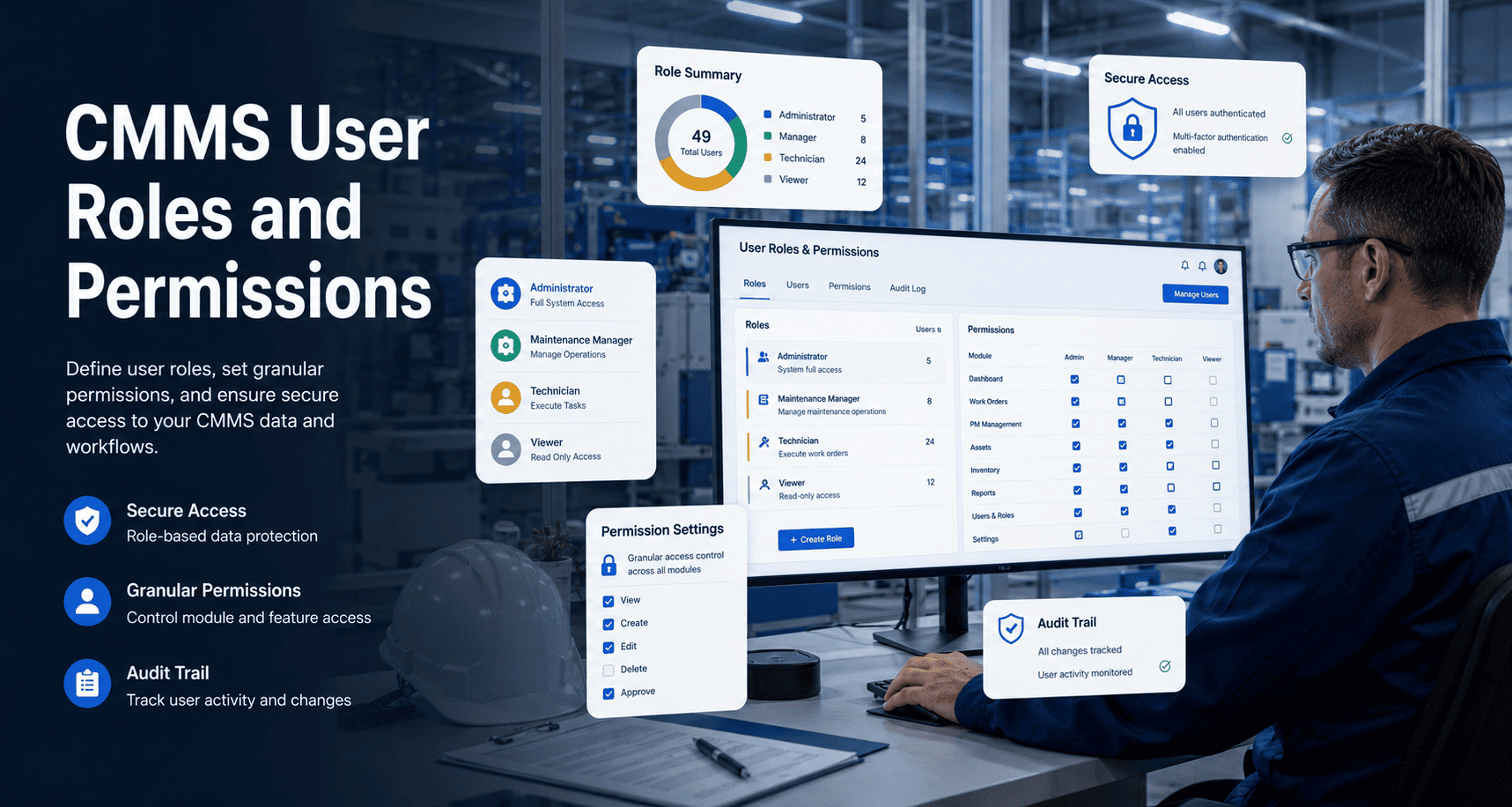
Creating and deactivating user accounts, assigning role-based permissions (Admin, Manager, Technician, Contractor), and auditing access levels quarterly. Over-permissioned systems create data integrity risks. Under-permissioned systems frustrate technicians and kill adoption. The admin maintains the right balance continuously.
03
PM Schedule Management
Reviewing PM frequencies against actual asset condition data, adding new PMs when equipment is commissioned, updating task descriptions when procedures change, and removing obsolete tasks. PM libraries drift out of date within six months without active management — the admin is responsible for keeping them current.
04
Reporting and Dashboard Configuration
Building and maintaining the reports that leadership actually reads — PM compliance rates, reactive vs planned ratios, work order backlogs, overdue task counts, and CapEx forecasts. The admin configures dashboards for each audience: plant manager, shift supervisor, reliability engineer, and finance director each need different views.
05
Training and Onboarding New Users
Running onboarding sessions for new technicians, contractors, and managers joining the facility. Maintaining training documentation, creating the sandbox environment for practice work orders, and monitoring adoption metrics for new users in their first 30 days. The admin is the first line of support for any team member struggling with the system.
06
Data Quality Auditing
Running monthly data quality checks: duplicate asset records, work orders closed without parts data, PMs completed without inspection fields filled, and assets with no maintenance history in 90-plus days. The admin catches data drift before it becomes systemic and invalidates the reports leadership depends on for decisions.
07
Compliance and Audit Support
Generating audit-ready reports for OSHA, ISO, GMP, or regulatory inspections. Configuring inspection forms to capture required compliance fields, maintaining digital sign-off trails, and ensuring the system produces the documentation an auditor needs in under 10 minutes rather than 3 to 5 days of manual document hunting.
08
System Configuration and Integrations
Managing system settings, configuring notification rules, overseeing ERP or IoT integrations, and implementing platform updates. The admin owns the technical relationship with the CMMS vendor, submits support requests, and evaluates new features for relevance to the facility's specific workflow before rolling them out to users.
Day in the Life
What a CMMS Administrator's Week Actually Looks Like
The admin role is not a full-time position in most small and mid-size facilities — it is a structured set of recurring responsibilities that typically requires 6–10 hours per week for a 200–500 asset facility. Here is what that time looks like distributed across a typical week.
Review PM compliance dashboard from previous week
Check overdue work order queue
Attend weekly maintenance stand-up, present KPIs
~2 hrs
Process new user access requests
Onboard new technician if applicable
Review and close flagged data quality issues
~1.5 hrs
Update asset records from completed work orders
Review spare parts reorder alerts
Check PM schedule for upcoming week
~1.5 hrs
Run system report for operations manager
Review technician work order completion rates
Handle any support tickets from users
~2 hrs
Monthly data quality audit (first Friday)
Update PM frequencies based on condition data
Document any workflow changes made this week
~2 hrs
Most facilities lose 20–40% of maintenance budget due to data drift in their CMMS. A weekly admin routine of 8 hours prevents the data quality decay that costs 10x more to fix later.
Before vs After
CMMS With No Admin vs CMMS With a Dedicated Administrator
| System Area |
No Dedicated Admin |
With Dedicated Admin |
| Asset Register |
Stale within 6 months, orphaned records accumulate |
Validated monthly, hierarchy stays accurate |
| PM Schedules |
Frequencies drift, obsolete tasks never removed |
Reviewed quarterly, tuned to real condition data |
| User Permissions |
Former employees retain access, new hires under-permissioned |
Audited quarterly, access matches current roles |
| Reporting |
Default reports nobody reads, dashboards never configured |
Audience-specific dashboards, weekly review cadence |
| Technician Adoption |
Drops below 50% within 12 months |
Sustained above 85% with ongoing support |
| Compliance Readiness |
3–5 day audit prep, gaps discovered under pressure |
On-demand in under 10 minutes, zero surprises |
| Overall CMMS ROI |
Partial — system used but not optimised |
Full — system continuously improving |
Skills and Background
What Makes Someone a Strong CMMS Administrator
The best CMMS administrators are rarely pure IT professionals — they are maintenance-savvy individuals who have developed system skills, or technically inclined technicians who understand operations deeply enough to configure the system for real workflows rather than theoretical ones. Here are the competency areas that define a strong CMMS admin.
Technical Skills
CMMS platform configuration
Critical
Data management and quality control
Critical
Reporting and dashboard building
High
API and integration basics
Medium
Operational Skills
Maintenance operations knowledge
Critical
PM and work order workflow design
Critical
Compliance and regulatory awareness
High
Asset lifecycle and CapEx concepts
Medium
Interpersonal Skills
Training and communication
Ability to explain system workflows to technicians, managers, and contractors without technical jargon
Change management
Handling resistance from technicians, advocating for process changes, and keeping adoption metrics moving upward
Analytical thinking
Reading PM compliance trends, spotting data quality drift early, and translating maintenance data into decisions
Attention to process detail
Catching incomplete work orders, orphaned records, and permission mismatches before they cascade into systemic problems
ROI and Results
What a Good CMMS Administrator Delivers in Numbers
The ROI of a dedicated CMMS administrator is not measured in the admin's productivity — it is measured in the operational performance of the entire maintenance team the admin enables. These are the outcome benchmarks from facilities with a named, active CMMS administrator versus those without one — start a free trial to see the admin tools built into Oxmaint, or book a demo and map the admin role to your team structure today.
3x
Higher PM Compliance
vs facilities with no dedicated admin
85%+
Technician Adoption Sustained
vs drop to below 50% without admin support
10 min
Audit Prep Time
vs 3–5 days without active compliance management
40%
Lower Breakdown Costs
when PM schedules are actively maintained and trusted
Common Questions
Frequently Asked Questions About the CMMS Administrator Role
Does a small facility with under 200 assets need a dedicated CMMS administrator?
Not a full-time one — but a named one, yes. Even a facility with 100 assets needs a single person whose job it is to keep the system clean, manage user access, and run weekly compliance reviews. Without a named owner, nobody does these tasks and the system degrades invisibly. For small facilities, the admin role typically takes 4–6 hours per week and is best assigned to a senior technician or reliability engineer who already understands the maintenance operation.
Book a demo to see how Oxmaint structures the admin role for smaller teams.
Should the CMMS administrator come from a maintenance background or an IT background?
Maintenance background almost always produces better CMMS administrators than IT background. A CMMS admin who has never turned a wrench will configure workflows that look logical in the system but fail on the shop floor — and will lose the trust of technicians within weeks. The technical skills required to administer a modern cloud-based CMMS are learnable in days. Understanding how a PM schedule maps to real asset behaviour takes years of maintenance experience and cannot be shortcut.
What is the most important thing a CMMS administrator should do in the first 30 days?
Establish baseline KPIs and a weekly review cadence. The single most impactful thing a new admin can do in the first month is define what good looks like — set the four key metrics (PM compliance rate, average WO close time, reactive-to-planned ratio, mobile adoption rate), baseline them on Day 1, and review them every Monday morning. Everything else the admin does over the following 90 days is oriented around moving those four numbers in the right direction.
Start a free trial and access the KPI baseline template built into Oxmaint.
What happens to CMMS performance if the administrator leaves the organisation?
Short-term, very little changes if the documentation is current. Long-term, the system begins degrading within 60–90 days without a replacement. This is why good CMMS administrators maintain documentation of every configuration decision, every workflow modification, and every training procedure — not for their own reference, but to make themselves replaceable without disruption. Facilities that treat the admin role as a knowledge island rather than a documented function always suffer a significant setback when that person leaves.
Stop Losing Millions to Reactive Maintenance
Give Your CMMS the Administrator It Needs to Deliver ROI
Turn every asset into a predictable, trackable system with Oxmaint. The admin tools, reporting dashboards, and compliance frameworks are built in — your administrator just needs a platform that makes the job straightforward.
Used by operations teams managing 10,000+ assets. Limited onboarding slots available this quarter.
- Real-time asset visibility from Day 1
- Predictive failure alerts before breakdowns hit
- 5–10 year CapEx forecasting per asset
No heavy implementation
Multi-site ready
Live in days