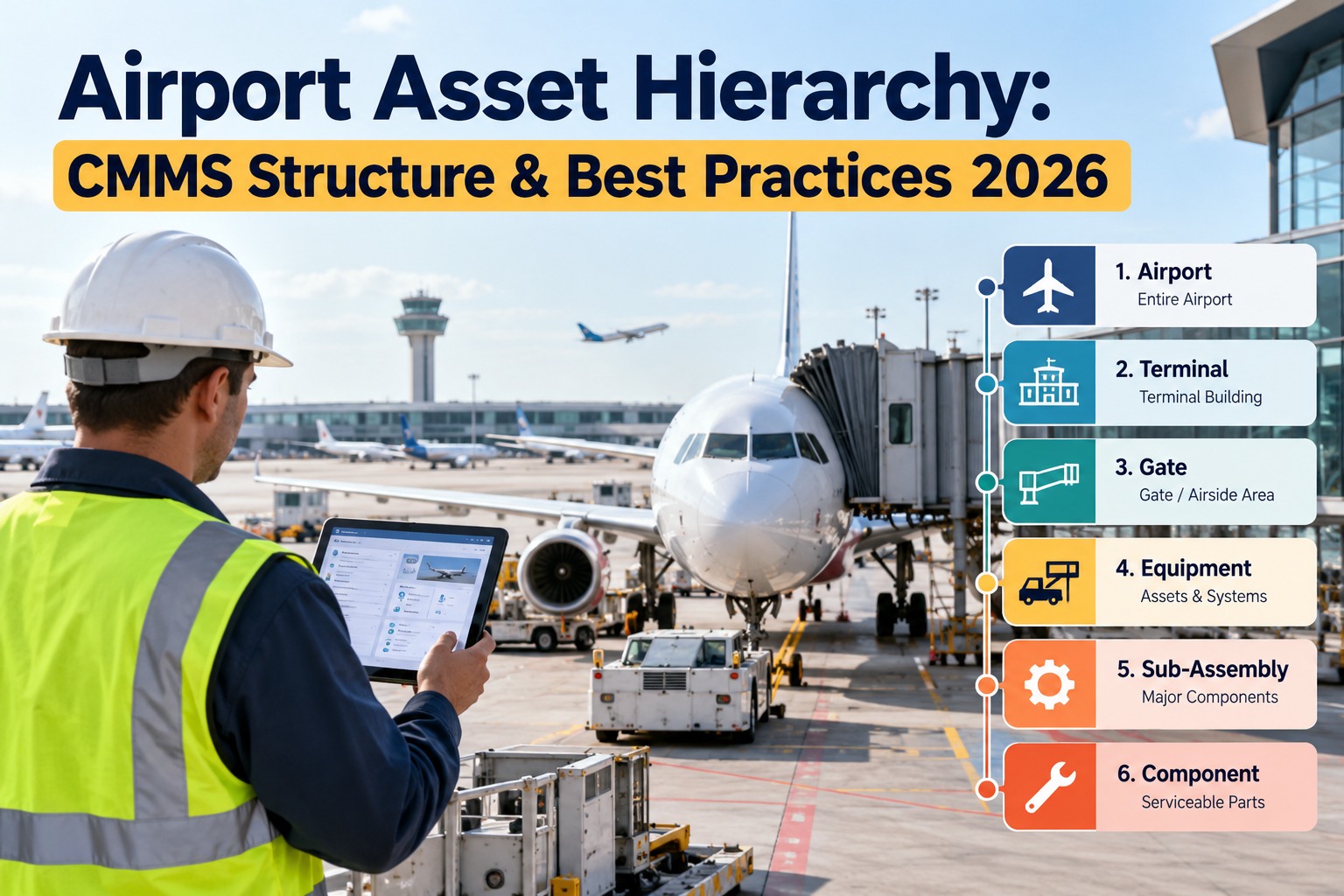
An airport runs on thousands of assets that depend on each other: a baggage carousel needs its drive motor, a jet bridge needs power and conditioned air, and a single airfield lighting circuit feeds hundreds of lights. If your CMMS holds them as a flat list, nobody can answer simple questions. How many open jobs does Terminal B have? Which system costs the most to maintain? Which gate equipment is overdue? A well-designed airport asset hierarchy organizes every asset in a parent-child structure so work, cost and reliability roll up where managers need them. This guide shows how to design yours, name assets consistently, and decide how deep to go. OxMaint AI CMMS keeps the hierarchy connected to inspections, work orders and PM schedules.
Airport Asset Hierarchy: CMMS Structure & Best Practices 2026
A flat asset list can't tell you which terminal, system or gate is costing the most or falling behind on PMs.
OxMaint AI CMMS connects your asset hierarchy to inspections, defects, work orders and preventive or predictive maintenance in one platform, so every job rolls up to the right place.
The result: better asset visibility from the whole airport down to a single motor.
The Five Levels, Top to Bottom
Each level answers a different question. Here are two airport examples side by side. Start free and set up your levels.
What the Tree Looks Like
Name Every Asset the Same Way
A consistent ID makes assets easy to find, sort and report. Build it from the hierarchy itself. The format below is illustrative; choose one and apply it everywhere. Book a demo to review your naming standard.
If You Can't Roll It Up, You Can't Manage It
Cost per terminal, PM compliance per system, repeat failures per gate: all depend on a clean hierarchy. OxMaint AI ties each work order to its asset and parent system, so reports follow the structure you built.
Three Ways to Organize: Pick a Primary
| Approach | Top-level split | Best for | Watch out |
|---|---|---|---|
| By location | Terminal, concourse, gate | Locating assets and routing crews | Same system scattered across buildings |
| By system | Baggage, HVAC, airfield lighting | Specialist teams and system KPIs | Harder to find things by place |
| Hybrid (recommended) | Location first, then system | Most airports, with both views | Needs a clear standard so levels aren't mixed |
How Deep Should You Go?
Not every asset needs components. Match depth to criticality, and decide what is critical with operations, safety and engineering. The same asset may be critical at one airport and not at another. Start free and set depth by tier.
What a Good Hierarchy Unlocks
Five Mistakes to Avoid
Build It in Five Steps
How OxMaint AI Supports Airport Teams
Parent-child asset records with history and QR lookup in the field.
Digital checklists with photos; failed items create corrective work.
Assigned, tracked and recorded against the right asset.
Automated schedules tied to assets and systems.
AI reviews sensor, runtime and history data and raises proactive work orders.
Dashboards and traceable records for review and audits.
Frequently Asked Questions
Build the Structure Once. Use It Everywhere.
Start with one terminal or system, set clear levels and IDs, and let every inspection, work order and PM roll up where you need it.