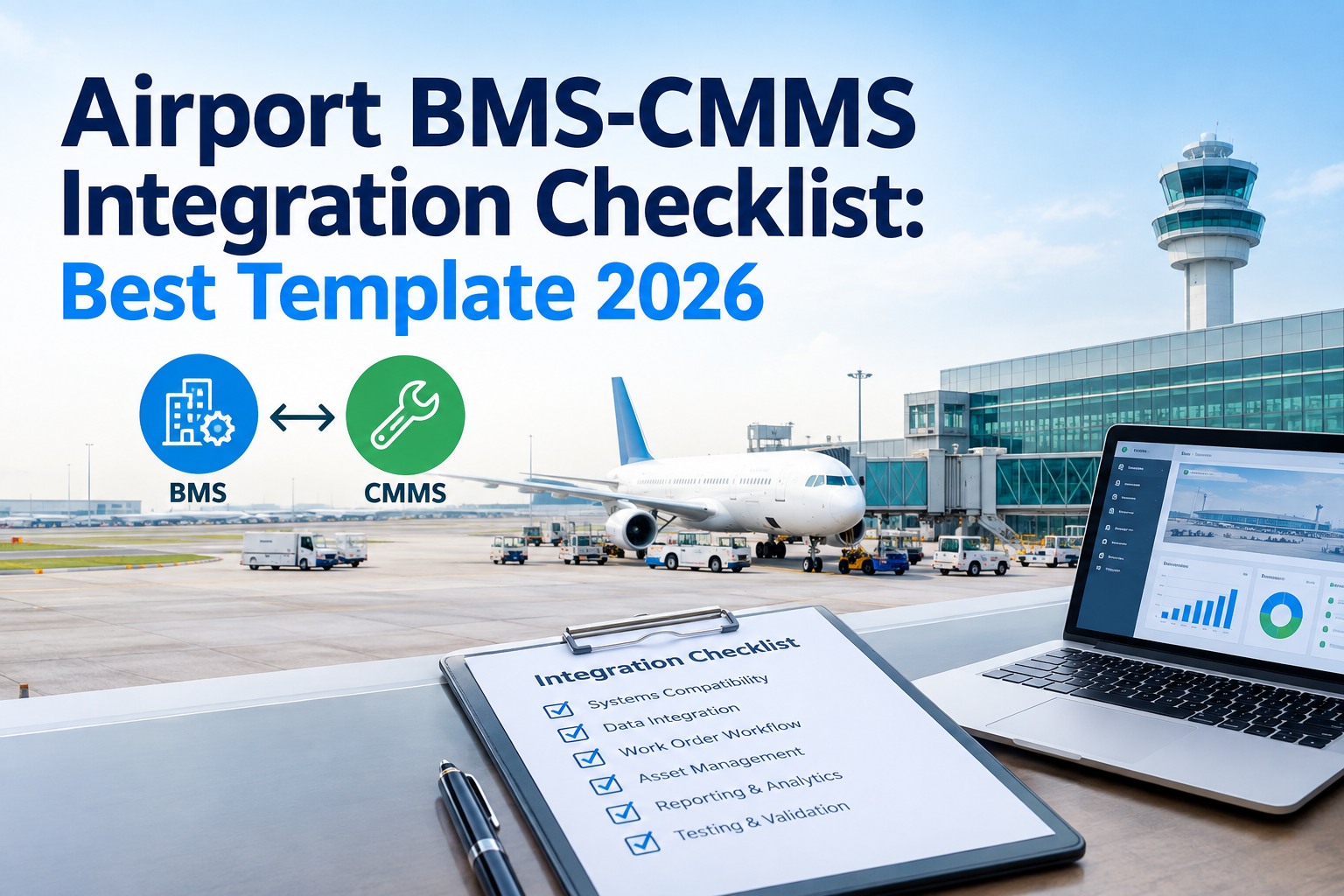
A BMS-CMMS integration works only when it's planned as a program, not a wiring job — and an airport is where a rushed integration quietly breaks the building automation the terminal already depends on. This guide is a free 2026 airport BMS-CMMS integration checklist plus the best-template criteria: the seven work areas that decide whether the integration delivers, the point-mapping and alarm-routing discipline that keeps existing systems intact, and what to demand of the CMMS platform on the other end. Start free on OxMaint to run the checklist as scheduled work orders, or book a demo.
Free Checklist · Best Template · 2026
Airport BMS-CMMS Integration Checklist
Seven work areas, 45+ field-level checks, and the platform criteria that separate an integration that delivers from one that stalls — or breaks the BMS it touches.
7
Work areas from discovery to closeout
45+
Field-level check points
BACnet
/ Modbus / OPC — the protocol layer to map
Zero
Disruption target to live terminal systems
Why a BMS-CMMS Integration Is Different at an Airport
A building management system runs the terminal's air handling, chillers, boilers, lighting, and energy — and at an airport it runs them across millions of square feet, 24/7, with no maintenance window. Bolting a CMMS onto that BMS promises a real prize: a BMS alarm becomes a work order automatically, condition data drives PM, and the whole estate is one searchable history. But the same connection that carries that value can flood technicians with nuisance alarms, misroute critical faults, or destabilize a live automation system if it's mapped carelessly. The checklist below exists to capture that value without the collateral damage.
Frequency legend — how often each check runs
D — Discovery
B — Build
T — Test
G — Go-Live
O — Ongoing
The 7-Area Integration Checklist
Each area is a gate. Don't open the next until the current one is captured and signed — that sequencing is what keeps the integration from breaking the systems it connects to.
01Discovery & System Inventory
DBMS make, version, and controller topology documented (Automated Logic, Siemens, JCI, Honeywell, Schneider)
DIntegration protocol confirmed — BACnet/IP, BACnet MS/TP, Modbus, or OPC UA
DFull point list exported and classified by asset, terminal, and criticality
DExisting alarm classes and current routing / recipients documented
DNetwork segmentation, VLANs, and OT/IT security boundary mapped
DAsset register reconciled — BMS points matched to CMMS asset IDs
02Point Mapping & Data Model
BRead-only vs read/write points defined — write access restricted and justified
BPoint-to-asset mapping table built and peer-reviewed
BEngineering units, scaling, and naming convention standardized
BPolling / change-of-value rates set to avoid network load on the BMS
BWhich points trigger work orders vs which are logged-only decided explicitly
BData historian retention and sampling interval agreed
03Alarm Routing & Work-Order Rules
BAlarm-to-work-order rules defined per criticality tier
BNuisance / chattering alarm suppression and debounce thresholds set
BDeduplication so one fault doesn't spawn a storm of duplicate WOs
BRouting by craft, terminal, and shift verified against the org structure
TCritical-alarm escalation path tested end to end (fire, pressurization, cold-room)
TSafety and life-safety alarms confirmed NOT solely dependent on the CMMS path
04Security & Access Control
BOT/IT boundary firewall rules least-privilege and documented
BIntegration service account scoped read-only unless write is justified
TCredentials, tokens, and certificates stored and rotated per policy
GRole-based access in the CMMS mapped to airport ops / safety / maintenance
OAudit logging on the integration link enabled and monitored
05Testing & Validation
TPoint-by-point read verification against the BMS front-end
TSimulated alarms confirm correct WO creation, routing, and closeout
TFailover test — integration link drops, BMS continues to operate independently
TLoad test at expected peak alarm volume without BMS network degradation
TUser acceptance sign-off from ops, safety, and maintenance leads
06Go-Live & Cutover
GPhased cutover by terminal or system — never big-bang across the estate
GRollback plan documented and the BMS-only fallback verified reachable
GHypercare window staffed with BMS integrator + CMMS admin on call
GAlarm volume monitored for the first cycle; thresholds tuned live
07Governance & Ongoing Ownership
ONamed owner for the integration on both the BMS and CMMS side
OChange-control process for adding / remapping points post go-live
OQuarterly alarm-to-WO ratio review to catch drift and alarm fatigue
OBMS firmware / CMMS update compatibility checked before either upgrades
Run This Checklist as Scheduled Work Orders — Free Forever
A checklist only works if it's executed consistently and captured completely — which is exactly where paper breaks down at airport scale. Load these seven areas into OxMaint as scheduled work orders with mandatory fields, photo capture, and e-sign on completion. No card, no time limit.
The Best-Template Criteria · What to Demand of the CMMS
"Best template" is the wrong question if it means a prettier PDF. The right question is which CMMS platform executes the checklist as live process without breaking the BMS. These are the seven capabilities that separate a platform that delivers a BMS integration from one that just claims to.
Protocol-Native Connectivity
Speaks BACnet, Modbus, and OPC UA directly — not through a fragile custom bridge that becomes the single point of failure.
Read-Only by Default
Ingests BMS data without needing write access to the automation logic. Write is the exception, scoped and justified — never the default.
Alarm-to-WO Rules Engine
Configurable rules, debounce, and deduplication so a fault becomes one actionable work order — not an alarm storm technicians learn to ignore.
Asset-Anchored History
Every alarm, WO, and reading tied to the asset, terminal, and team it belongs to — one searchable estate, not point soup.
Mobile Execution + E-Sign
Checklist steps done on the floor with mandatory fields, photo capture, and sign-off — the evidence trail an auditor accepts.
Non-Disruptive Failover
If the integration link drops, the BMS keeps running untouched. The CMMS is a consumer of BMS data, never a dependency of it.
Where Airport BMS Integrations Actually Fail
The technical connection is rarely the problem. These four failure modes are — and every one of them is a checklist area above, which is the whole point of running it as a program.
01
Alarm Flooding
Every BMS point wired to a work order. Day one produces a thousand WOs, technicians tune it all out, and the integration is dead on arrival. Fixed by Area 03.
02
Write-Access Creep
The CMMS given write access "for convenience," and now a maintenance platform can destabilize live terminal automation. Fixed by Areas 02 and 04.
03
Big-Bang Cutover
Whole estate switched at once with no rollback. One bad mapping takes the program down across every terminal. Fixed by Area 06.
04
No Named Owner
Integration ships, the project team disbands, points drift, and nobody owns the alarm-to-WO ratio. Slow decay. Fixed by Area 07.
How OxMaint Runs the BMS-CMMS Program
Discovery capture, point mapping, alarm rules, phased cutover, and ongoing governance all live on one platform — BMS data ingested read-only, faults turned into deduplicated work orders, and every checklist step executed as a scheduled, signed, photo-backed record against the right asset and terminal.
Connect
Protocol-Native, Read-Only
BACnet / Modbus / OPC UA ingestion from the terminal BMS without write access to automation logic.
Map
Point → Asset → Terminal
Every BMS point bound to a CMMS asset, terminal, and responsible team — the data model the checklist builds.
Rule
Alarm → Deduplicated WO
Configurable alarm-to-work-order rules with debounce and dedupe so one fault is one actionable order.
Execute
Mobile Checklist + E-Sign
Each of the seven areas run as scheduled work orders with mandatory fields, photos, and completion sign-off.
Prove
Audit Trail by Asset
Full history against the asset, terminal, or team it belongs to — the evidence trail for ops, safety, and audit.
Govern
Alarm-Ratio Review
Ongoing alarm-to-WO ratio and change-control tracking so the integration doesn't drift into alarm fatigue.
Turn the Checklist Into an Audit-Ready Evidence Trail
Free forever plan — no card, no time limit. Standardize execution across the airport, cut missed steps, and make compliance and safety everyday process instead of a pre-audit scramble. Or book 30 minutes and we'll map your BMS point list onto the platform end to end.
Frequently Asked Questions
What's the single biggest risk in a BMS-CMMS integration at an airport?
Alarm flooding. If every BMS point is wired straight to a work order, go-live produces a flood of orders, technicians stop trusting the queue, and the integration dies on arrival. The fix is an alarm-to-work-order rules layer with debounce and deduplication — decided in the build phase, not discovered after cutover.
Should the CMMS have write access to the BMS?
By default, no. The CMMS should consume BMS data read-only so a maintenance platform can never destabilize live terminal automation. Write access is the exception — scoped to specific points, justified, and documented — never granted broadly for convenience. Read-only-by-default is one of the core best-template criteria.
What protocols does an airport BMS integration usually involve?
Most commercial building management systems expose BACnet (IP or MS/TP), with Modbus and OPC UA common on older or mixed estates. Confirm the exact protocol and controller topology in the discovery phase — it drives the entire integration design. A platform that speaks these natively avoids a fragile custom bridge that becomes a single point of failure.
Book a demo to check your stack.
Do we need a big-bang cutover or can we phase it?
Always phase it. Cut over by terminal or by system with a verified rollback path and a staffed hypercare window, monitoring alarm volume through the first cycle and tuning thresholds live. A big-bang cutover across the whole estate means one bad point mapping can take the program down everywhere at once.
Why run the checklist in a CMMS instead of a spreadsheet?
Because a checklist only works when it's executed consistently and captured completely — and paper or spreadsheets break down at airport scale. Running each area as a scheduled work order with mandatory fields, photo capture, and e-sign turns the checklist into an audit-ready evidence trail tied to the asset, terminal, and team.
Start free to build it from day one.