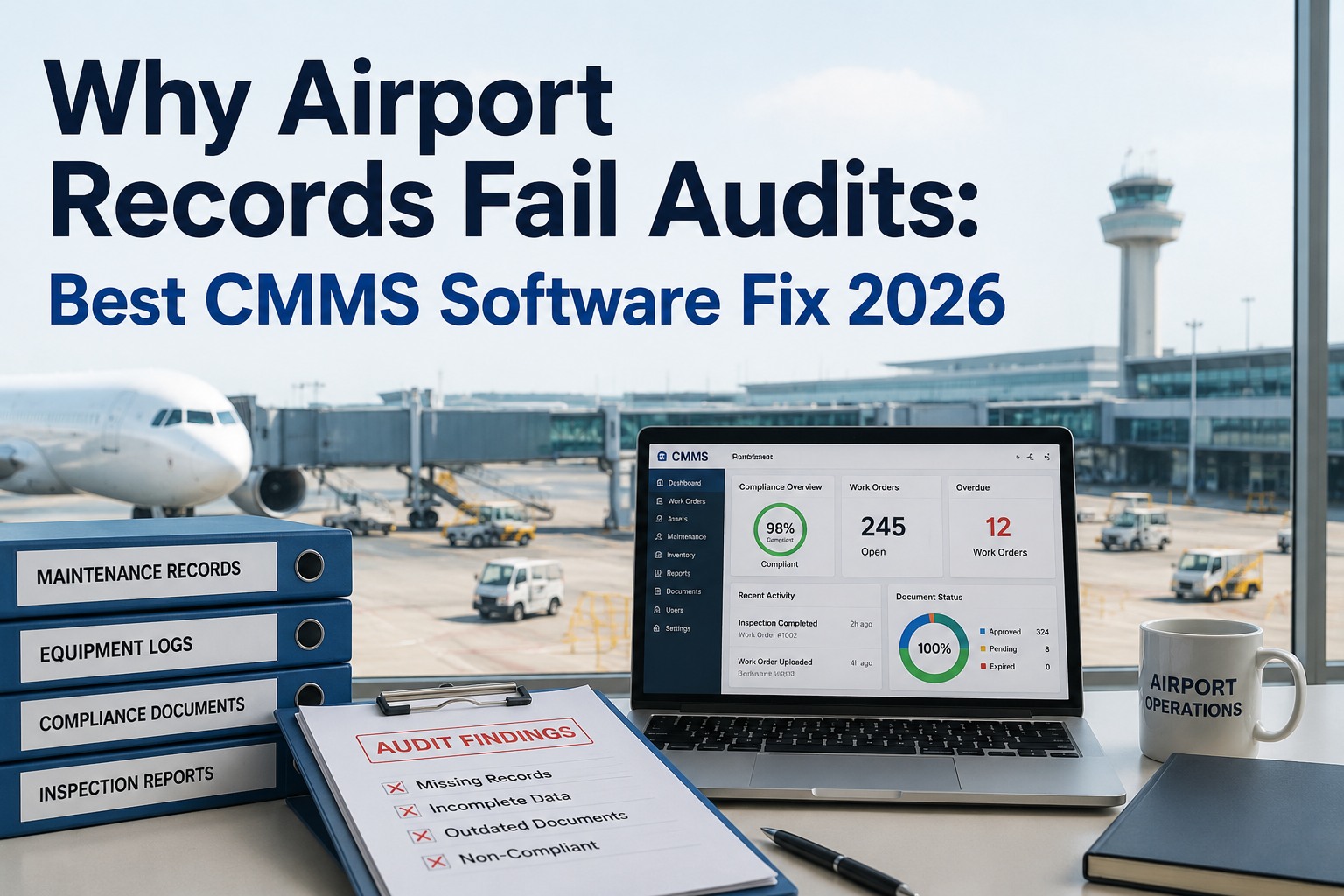
Somewhere in your airport right now, a technician is about to order a replacement part for an asset that's still under warranty — and nobody will catch it until the audit, three weeks after the claim window closed. It's the quietest way an airport maintenance budget bleeds: not dramatic failures, but covered repairs paid out of pocket because no one checked coverage before the wrench turned. The numbers are stark — studies show roughly 35% of warranty-eligible repairs are paid out of pocket simply because teams lack a system to track coverage, and organizations without structured warranty tracking recover less than 35% of claimable costs. A paper checklist can't fix this, because the failure is timing: the check has to happen at work-order creation, not at year-end. This guide lays out the warranty capture checklist your team should run, where paper breaks down at airport scale, and what the best 2026 CMMS software does to seal the leak. Book a free warranty-leakage audit against your asset register.
Warranty Leakage Is Silent Money
The repair gets approved, the invoice gets paid, and the coverage window quietly closes.
35%
Of warranty-eligible repairs paid out of pocket for lack of a tracking system
<35%
Claimable costs recovered by teams without structured warranty tracking
+34%
More warranty value recovered in year one when capture runs inside the CMMS
At WO
The moment the coverage check must happen — creation, not year-end
Where Warranty Value Leaks Out
Warranty leakage isn't one big mistake — it's a handful of small gaps that recur on every busy shift. Each one maps to a specific capability a real warranty CMMS provides. These are the four leaks that drain the most.
No Coverage Flag at Repair
Technicians start and finish repairs on assets under active warranty. The vendor would have covered it at zero cost — but nobody checked before the parts went in.
Missed Claim Windows
The repair was covered, but the claim deadline passed before anyone filed. Reactive filing — checking after the repair — is already past the optimal window for many OEM agreements.
Voided Coverage
OEM warranties require proof of compliant maintenance. Repairs by uncertified techs or with non-OEM parts silently void coverage — and without PM records, a valid claim gets denied at review.
Unclaimed SLA Breaches
Service contracts carry vendor response-time obligations. When a vendor misses a visit or breaches a window, the penalty or credit goes unclaimed because nobody tracked the breach.
The Warranty Capture Checklist · Run It on Every Asset
This is the working checklist a warranty-capture program runs — first at onboarding to build the coverage record, then at every work order to act on it. Each item is a gap that, left open, becomes a recoverable cost lost.
01
Complete Coverage Record
Every asset shows manufacturer, model, serial number, install date, and warranty terms — base, extended, and service contract — with date-remaining on each. No record means no check is possible.
02
OEM Documentation Attached
Warranty certificates, manuals, and terms linked directly to the asset record — accessible on mobile during a breakdown, not buried in a filing cabinet or an email thread.
03
Coverage Flag at Work-Order Creation
Every new work order auto-checks the asset's active coverage and alerts the tech or service writer before the repair is approved. This single change converts the largest leak.
04
Expiration Alerts
Automated alerts before any coverage lapses — so borderline issues get addressed while still claimable, and you stop paying to renew warranties you no longer need.
05
Compliant-Maintenance Proof
Every PM logged with who performed it, what parts were used, and when — the OEM-compliant maintenance history that defends a claim against a denial at review.
06
Claim Package & Recovery Tracking
Timestamped photos, labor records, and OEM-required docs auto-packaged for submission, with claim status and recovered value tracked against repair cost to close the loop.
See Your First Uncaptured Claims in 30 Minutes
Working session with our aviation warranty specialists — bring your asset register. We'll run the capture checklist against it, flag assets with active coverage and open claim windows, and show how OxMaint auto-checks warranty at every work order.
Why Paper Breaks Down at Airport Scale
A checklist works only when it's executed consistently and captured completely — and that's exactly where a photocopied form fails across terminals, shifts, and thousands of assets. The difference isn't effort; it's timing and traceability.
Paper / Spreadsheet
Coverage checked at year-end audit — too late
Warranty terms live in email threads and filing cabinets
Claims filed reactively, after the repair
PM proof scattered or missing at claim review
No visibility into what was recovered vs left on the table
Warranty CMMS
Coverage auto-flagged at work-order creation
OEM docs attached to the asset, on mobile
Eligible claims flagged before the window closes
Timestamped PM and photo records ready to submit
Recovery tracked against repair cost, per asset
The Recovery Loop · From Work Order to Reimbursement
A warranty program that works runs in the background of normal maintenance — no extra staff, no extra process. Every covered work order flows through the same four-step loop, automatically.
1
Flag at Creation. A new work order on a covered asset auto-triggers a warranty check — the tech sees the alert before approving any repair.
2
Document as You Work. Timestamped photos, labor, and parts capture automatically — building the evidence package the OEM will require, without a separate admin task.
3
Package & File. The system assembles the claim documentation and flags the deadline — the claim goes out inside the window, not after it.
4
Track to Recovery. Claim status and recovered value track against repair cost — turning warranty capture from deferred admin into a measurable recovery function.
How OxMaint Runs Airport Warranty Capture
OxMaint gives airport ops, safety, and maintenance teams the full workflow — coverage linked to every asset, an automatic warranty check at every work order, mobile execution with photo capture and e-sign, and a full audit trail against the asset, terminal, or team it belongs to.
Register
Coverage Linked to Every Asset
Base, extended, and service-contract terms attached to each asset record with OEM docs — the foundation every warranty check depends on.
Flag
Auto-Check at Work Order
Every work order on a covered asset triggers a warranty alert before the repair is approved — closing the single largest leak automatically.
Alert
Expiration Warnings
Automated alerts before coverage lapses, so claimable issues get addressed in time and wasted renewals get cut.
Prove
Compliant-Maintenance History
Every PM logs who, what, and when — the OEM-compliant record that defends a claim against denial at review.
Package
Auto-Assembled Claims
Photos, labor, and OEM-required docs packaged for vendor submission — audit-ready, filed inside the window.
Recover
Recovery Tracked Per Asset
Claim status and recovered value tracked against repair cost across the airport — leakage becomes a measurable, managed number.
Stop Paying for Repairs the Vendor Owes You
Turn warranty capture from a year-end regret into an everyday process. See how OxMaint flags coverage at every work order, packages claims automatically, and tracks recovery per asset across the airport. Free forever plan available.
Frequently Asked Questions
What is warranty capture in airport maintenance?
Warranty capture is the end-to-end process of identifying which assets and components are under OEM or supplier warranty, checking that coverage before any repair, documenting maintenance to keep the warranty valid, and filing claims before the window closes to recover costs the vendor owes. Done well, it runs inside the CMMS as a background function of normal maintenance rather than a separate admin task. The core discipline is timing: the coverage check has to happen at work-order creation, not during a year-end audit when the claim window has already passed.
Book a leakage audit against your assets.
How much warranty value do teams actually lose?
More than most expect. Studies show roughly 35% of warranty-eligible repairs are paid out of pocket simply because teams lack a system to track coverage, and organizations without structured tracking recover less than 35% of claimable repair costs. The losses are quiet — a covered repair approved and paid, a claim window that closes before anyone files, a valid claim denied for missing maintenance proof. Because each individual leak is small, the total goes unnoticed until an audit surfaces months of out-of-pocket spend on assets that were covered the whole time.
What's the single most important workflow change?
Flagging active warranty coverage automatically at work-order creation. Technicians and service writers should get a warranty alert before they approve the repair — not after the parts are installed and the invoice is paid. This one change converts the largest category of leakage, because it stops covered repairs from being done at the airport's expense in the first place. Everything else — expiration alerts, claim packaging, recovery tracking — builds on having accurate coverage data attached to each asset so that check is even possible.
Why do valid warranty claims get denied?
The most common reason is missing proof of compliant maintenance. OEM warranties require that the asset was maintained to the prescribed schedule, and they frequently deny claims when the team can't show it. Repairs performed by uncertified technicians or using non-OEM parts can silently void coverage entirely. Digital PM records linked to each asset — logging who performed each service, what parts were used, and when — are the strongest defense against denial at claim review, which is why maintenance documentation and warranty recovery are inseparable.
Sign up free to build the proof trail.
Does OxMaint support airport-scale warranty capture?
Yes. OxMaint links base, extended, and service-contract coverage to every asset with OEM documentation attached, auto-checks warranty at every work order and alerts before approval, sends expiration warnings before coverage lapses, logs compliant-maintenance history to defend claims, auto-packages claim documentation with timestamped photos and labor records, and tracks recovered value against repair cost per asset. It runs as full maintenance management with mobile execution, mandatory fields, and e-signatures, so warranty capture becomes a background function across terminals and teams. A free forever plan is available to trial the full workflow.