When a storm is 48 hours out, an airport doesn't have a knowledge problem — it has an execution problem. Everyone knows the drains need clearing, the generators need testing, and the loose equipment needs securing. What breaks down is proving every one of those steps actually happened, across every terminal, every team, and every shift, while the clock runs. That's where paper checklists fail at scale: a box ticked on a clipboard in one terminal tells the operations center nothing, and the step that got skipped only surfaces after the water is already inside. This guide gives you a practical 48-hour airport storm-preparedness checklist organized as a countdown — and shows how turning each item into a tracked, timestamped work order closes the gap between knowing and doing. Book a free storm-readiness review.
48 Hours Out, It's Not a Knowledge Problem — It's an Execution Problem
Everyone knows the steps. Paper can't prove they all happened across every terminal, team, and shift.
48 hrs
The window that decides whether an airport rides out a storm or scrambles
4 phases
Countdown structure: 48hr, 24hr, final hours, and post-storm
100%
Capture the goal — every step executed, timestamped, and evidenced
1 view
Ops sees every checklist across the airport in real time, not after
The Storm Hazards an Airport Prepares Against
Airport storm prep targets a specific set of hazards, each threatening different assets. Knowing what you're defending against is what makes the checklist purposeful rather than generic.
Flooding & Storm Surge
Water into terminals, tunnels, and electrical rooms. Countered by drainage, sandbags, berms, and raising equipment off the ground.
High Wind & FOD
Loose objects become projectiles that damage aircraft and structures. Countered by securing equipment and FOD sweeps.
Lightning Strikes
Damage to airfield navaids, lighting, and control systems, plus surface spalls. Countered by surge protection and post-strike inspection.
Power Loss
Grid failure taking terminals, lighting, and comms offline. Countered by generator testing, full fuel, and communication redundancy.
The 48-Hour Countdown Checklist
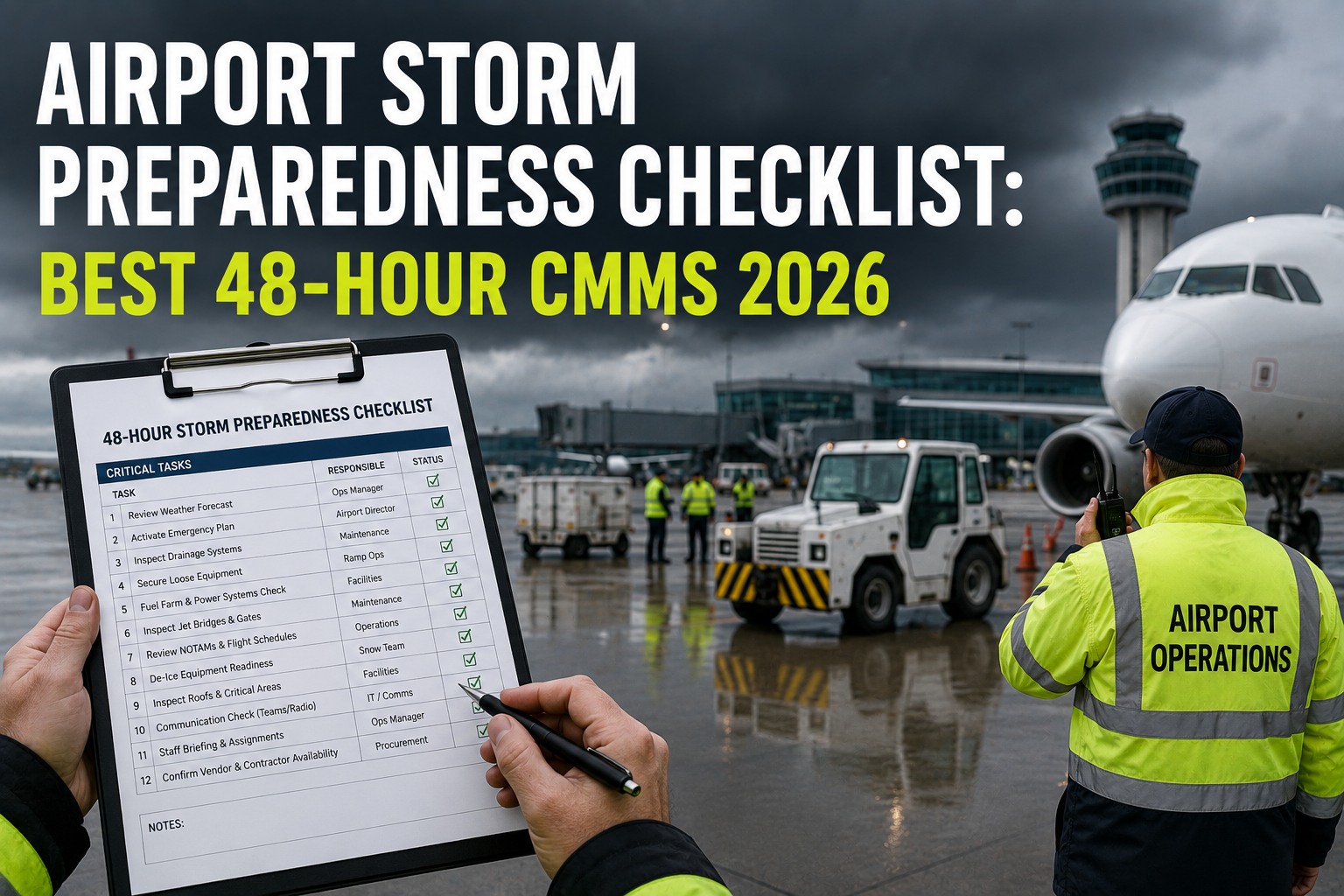
Storm prep works best as a phased countdown — each block of time has its own priorities, building from planning to final lockdown to recovery. Here's the airport-wide checklist, phase by phase.
T-48 HRS
Plan & Mobilize
Activate the EOC and assign departmental roles
Review the airport emergency plan and storm track
Clear roof drains, gutters, and airfield drainage of debris
Reschedule routine PM and contractor work
Alert key vendors and confirm 24/7 support contacts
T-24 HRS
Secure & Protect
Place sandbags and berms at vulnerable entry points
Secure or stow loose exterior objects and GSE (FOD risk)
Anchor aircraft with tie-downs; move small aircraft to hangars
Test generators and top off all fuel tanks
Raise or relocate sensitive equipment off the ground
FINAL HRS
Lock Down
Board or shutter vulnerable glass and doors
Power down non-essential systems
Confirm communication redundancy (radios, satellite phones)
Establish staff check-in times and shelter assignments
Final walkthrough to verify every preparation is complete
POST-STORM
Assess & Recover
FOD sweep of runways, taxiways, and aprons
Inspect navaids, airfield lighting, and electrical systems
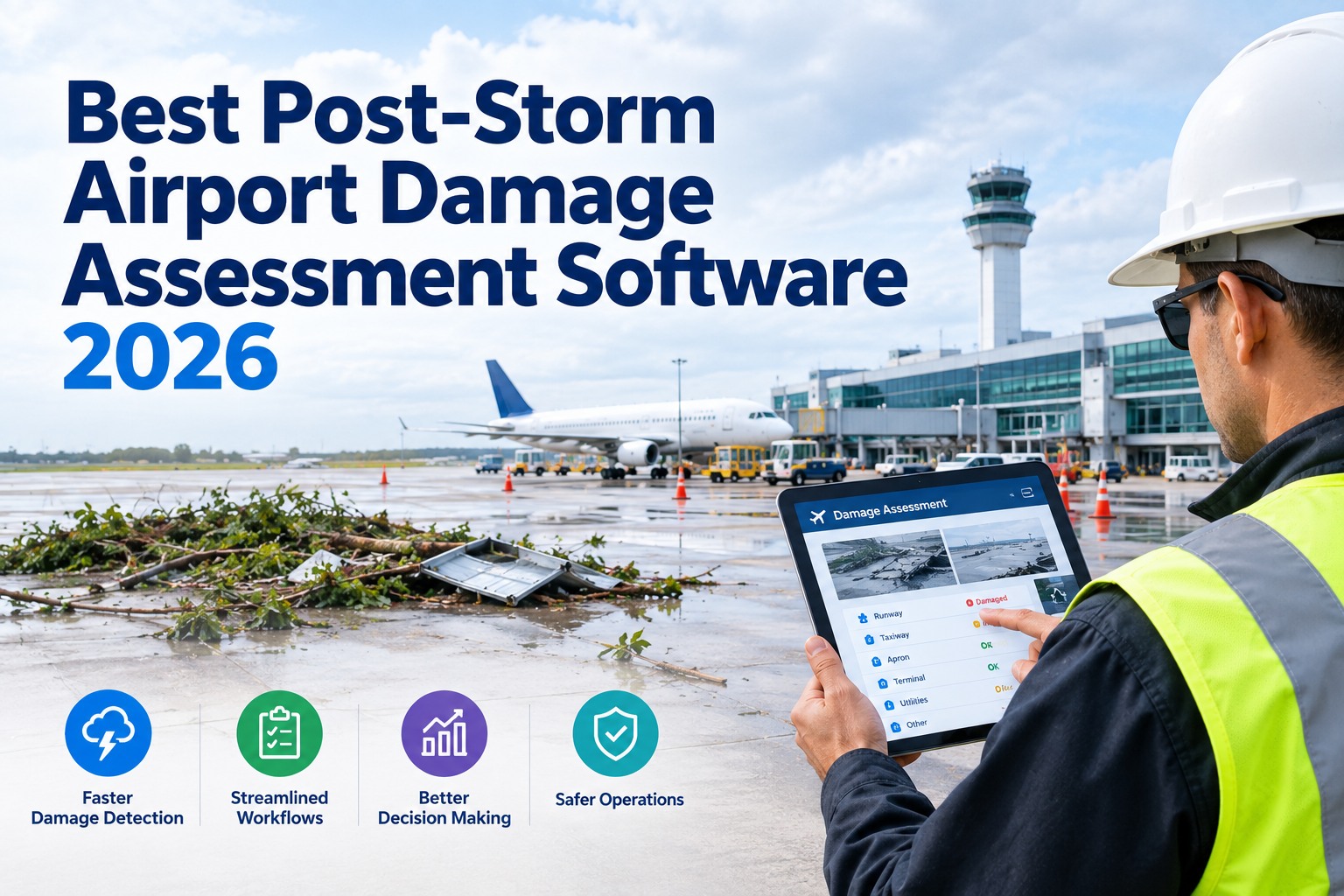
Assess and document damage with photos and video
Block off and mark hazardous areas
Restore systems and return to operations by priority
Turn This Checklist Into Live Work Orders in 30 Minutes
Working session with our aviation team — bring your storm plan. We'll convert each phase into scheduled work orders with mandatory fields and photo capture, assigned by team and terminal, so ops sees completion in real time.
Where Paper Breaks Down at Scale
A checklist is only as good as its execution and capture. On paper, both fail exactly when the stakes are highest — across a large airport under time pressure, with dozens of teams working in parallel.
Paper Checklist
A ticked box proves nothing actually happened
Ops can't see progress until clipboards come back
Skipped steps surface only after the damage
No photo, no timestamp, no accountability
No audit trail for insurance or compliance
CMMS-Driven Checklist
Each item is a scheduled, assigned work order
Ops sees real-time completion across the airport
Mandatory fields block a false "done"
Photo capture and e-sign on every step
Full audit trail by asset, terminal, and team
How OxMaint Runs Airport Storm Readiness
OxMaint gives airport ops, safety, and maintenance teams this workflow — every checklist as a scheduled work order, mobile execution with mandatory fields and photo capture, e-sign on completion, and a full audit trail against the asset, terminal, or team it belongs to, from one dashboard on desktop or mobile.
Template
Storm Plan as Work Orders
Each countdown phase becomes a set of scheduled work orders, triggered on a storm-watch, pre-assigned by team and terminal — no scramble to build the list under pressure.
Execute
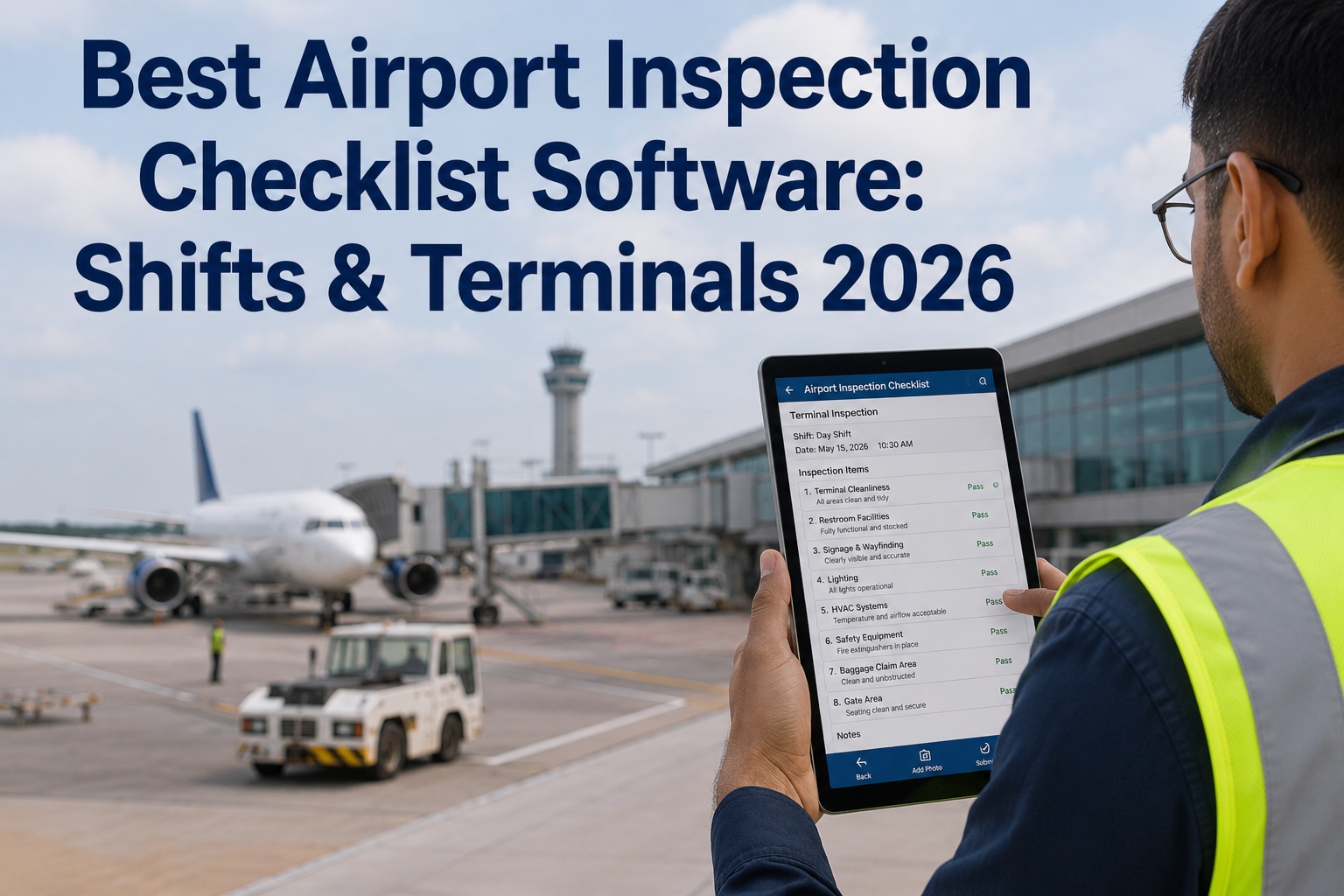
Mobile with Mandatory Fields
Technicians work each step on their phone with required fields that block a false "complete" — offline-capable, since connectivity may drop during the storm.
Evidence
Photo Capture & E-Sign
Every step carries a photo and an e-signature on completion — the cleared drain, the placed sandbags, the anchored aircraft, all evidenced and timestamped.
Monitor
Real-Time Ops View
The operations center sees completion status across every terminal and team live, so a lagging phase gets resources before the window closes.
Recover
Post-Storm Damage Capture
Post-storm inspection work orders capture damage with photos and location against each asset — feeding assessment, insurance, and restoration priority.
Audit
Full Evidence Trail
Every completed checklist is retained against asset, terminal, and team — audit-ready for compliance, insurance claims, and after-action review.
Make Storm Readiness Everyday Process, Not a Scramble
Standardize execution across the airport, cut missed steps, and build the audit-ready evidence trail that turns compliance and safety into routine. See how OxMaint runs your storm plan as tracked work. Free forever plan available.
Frequently Asked Questions
What should an airport do 48 hours before a storm?
Activate the emergency operations center and assign roles, review the emergency plan against the latest storm track, clear roof and airfield drainage of debris, reschedule routine PM and contractor work, and alert key vendors with 24/7 support contacts. The 48-hour mark is the planning-and-mobilizing phase before physical securing begins.
Book a readiness review.
What are the main storm hazards for airports?
Flooding and storm surge into terminals and electrical rooms, high wind that turns loose objects into FOD projectiles, lightning that damages navaids and airfield lighting, and power loss that takes systems offline. Each is countered by specific prep — drainage and sandbags, securing and FOD sweeps, surge protection, and generator readiness.
Why do paper checklists fail during storm prep?
Because a ticked box proves nothing and gives the operations center no visibility until the clipboard returns — by which point a skipped step may already be a flooded room. At airport scale, with dozens of teams working in parallel under time pressure, paper can't confirm execution or capture evidence.
Start free.
What needs to happen after the storm passes?
Sweep runways, taxiways, and aprons for FOD; inspect navaids, airfield lighting, and electrical systems; document all damage with photos and video for assessment and insurance; mark off hazardous areas; and restore systems to return to operations by priority — safely, avoiding standing water and downed lines.
How does OxMaint support storm preparedness?
It turns each countdown phase into scheduled work orders pre-assigned by team and terminal, executed on mobile with mandatory fields, photo capture, and e-sign, and offline-capable when connectivity drops. Ops sees completion in real time, post-storm inspections capture damage against each asset, and every checklist is retained as an audit-ready evidence trail. A free forever plan is available.