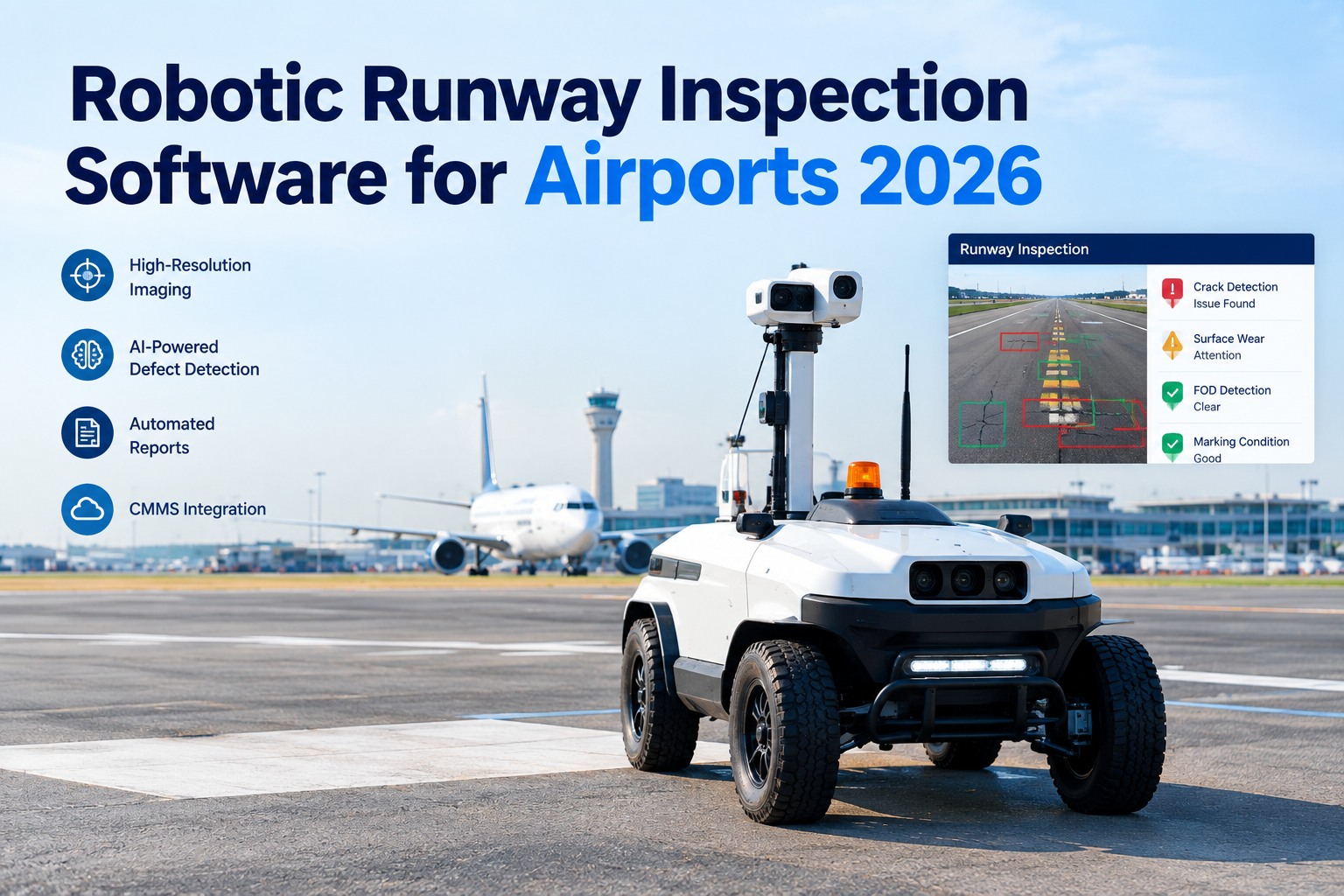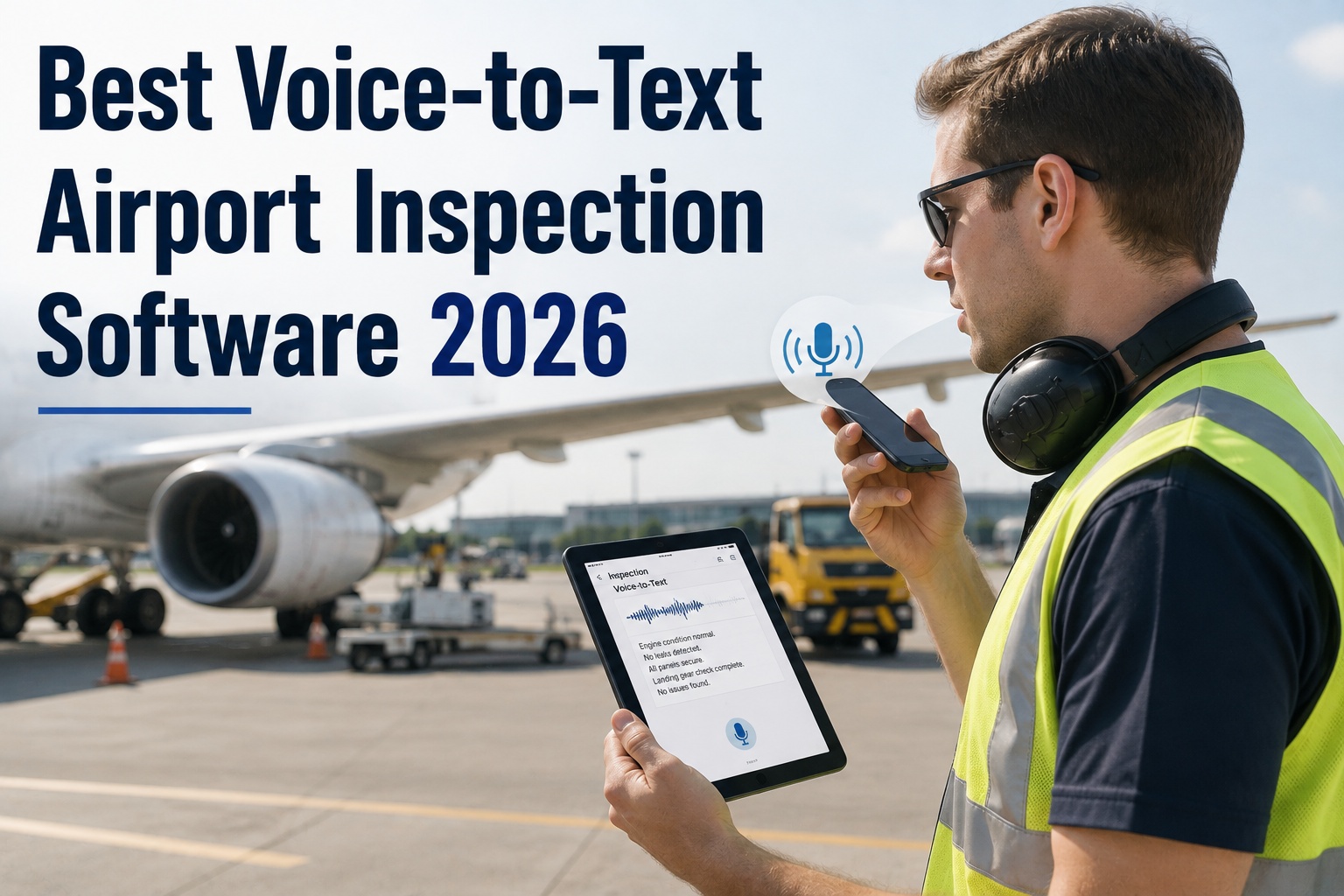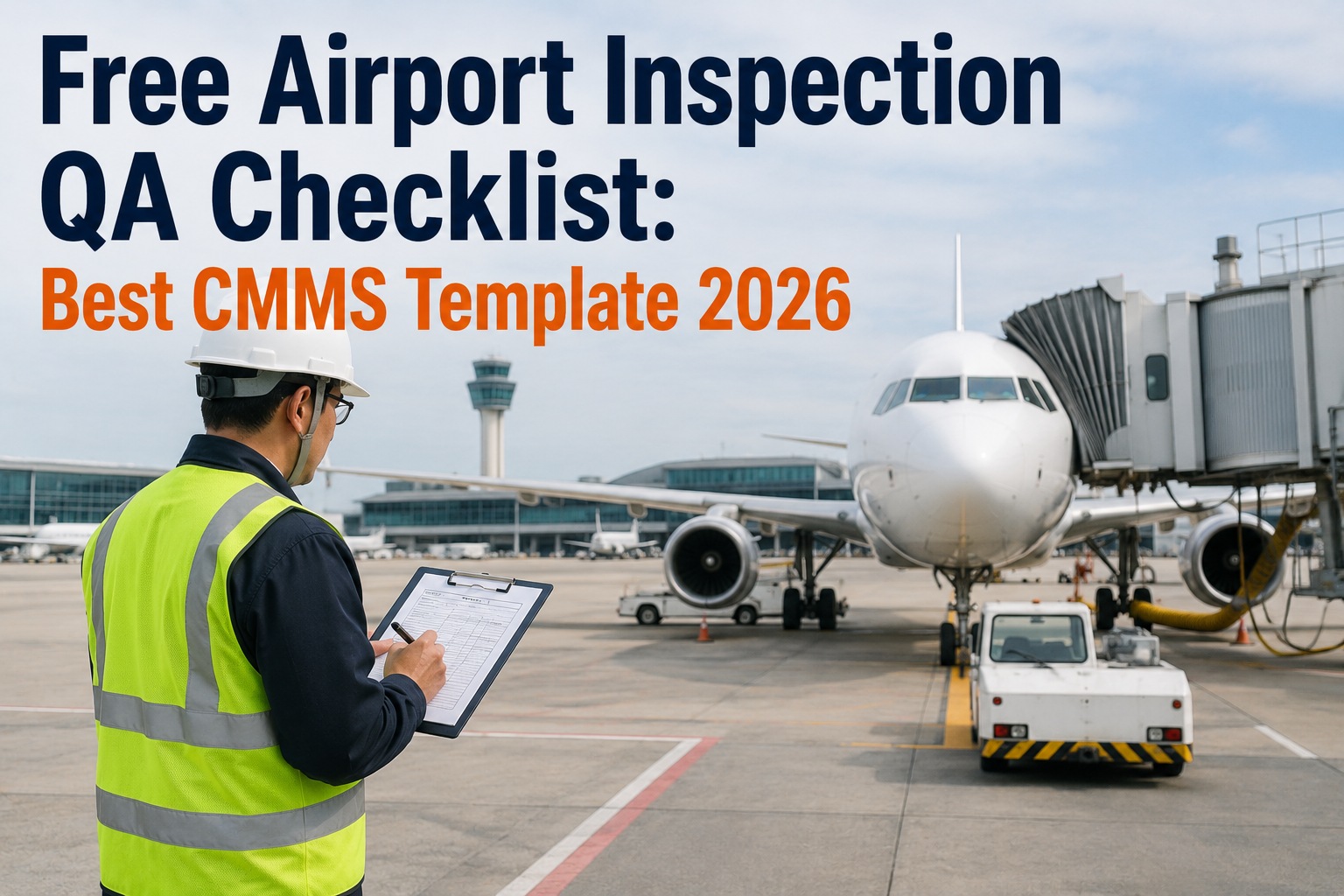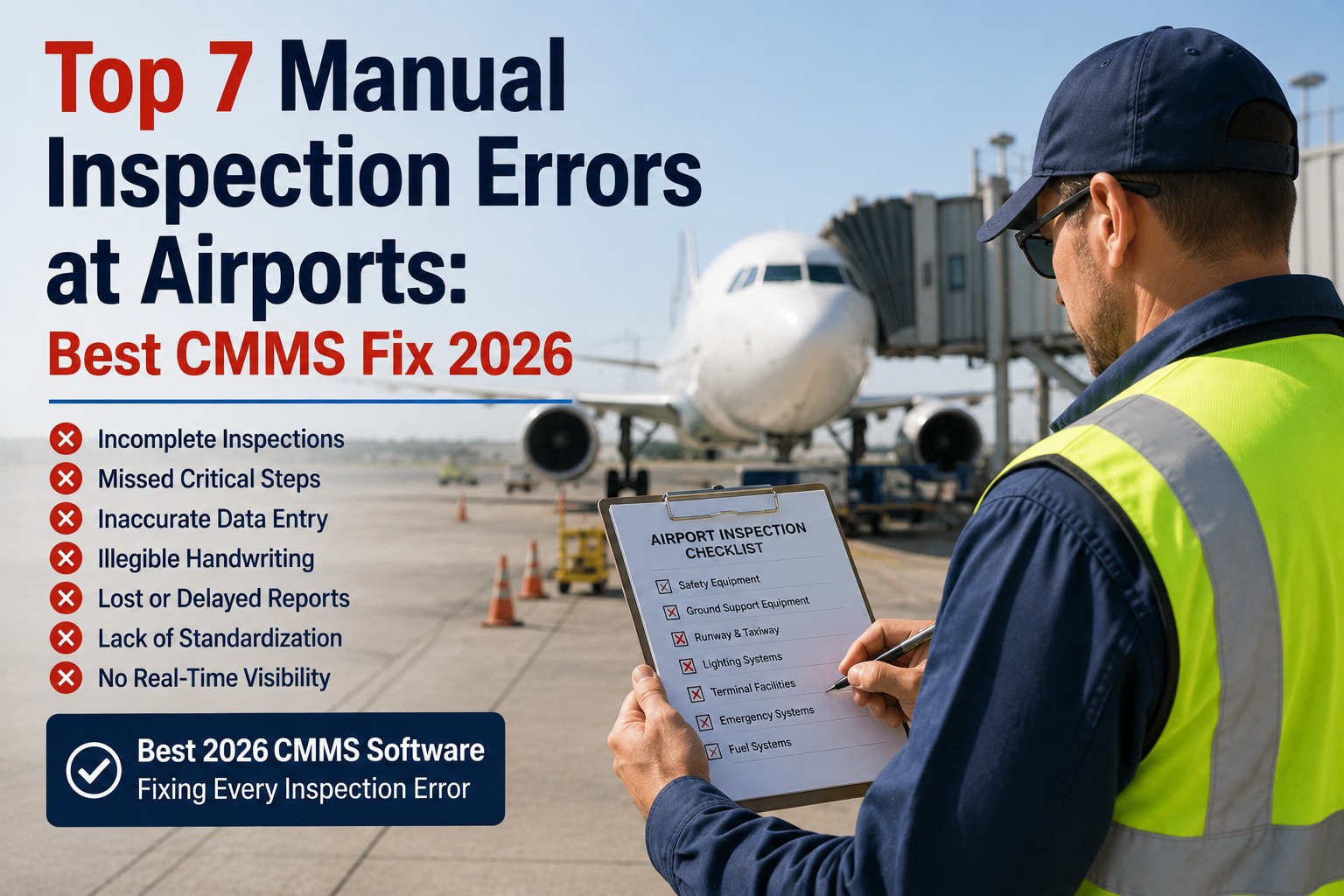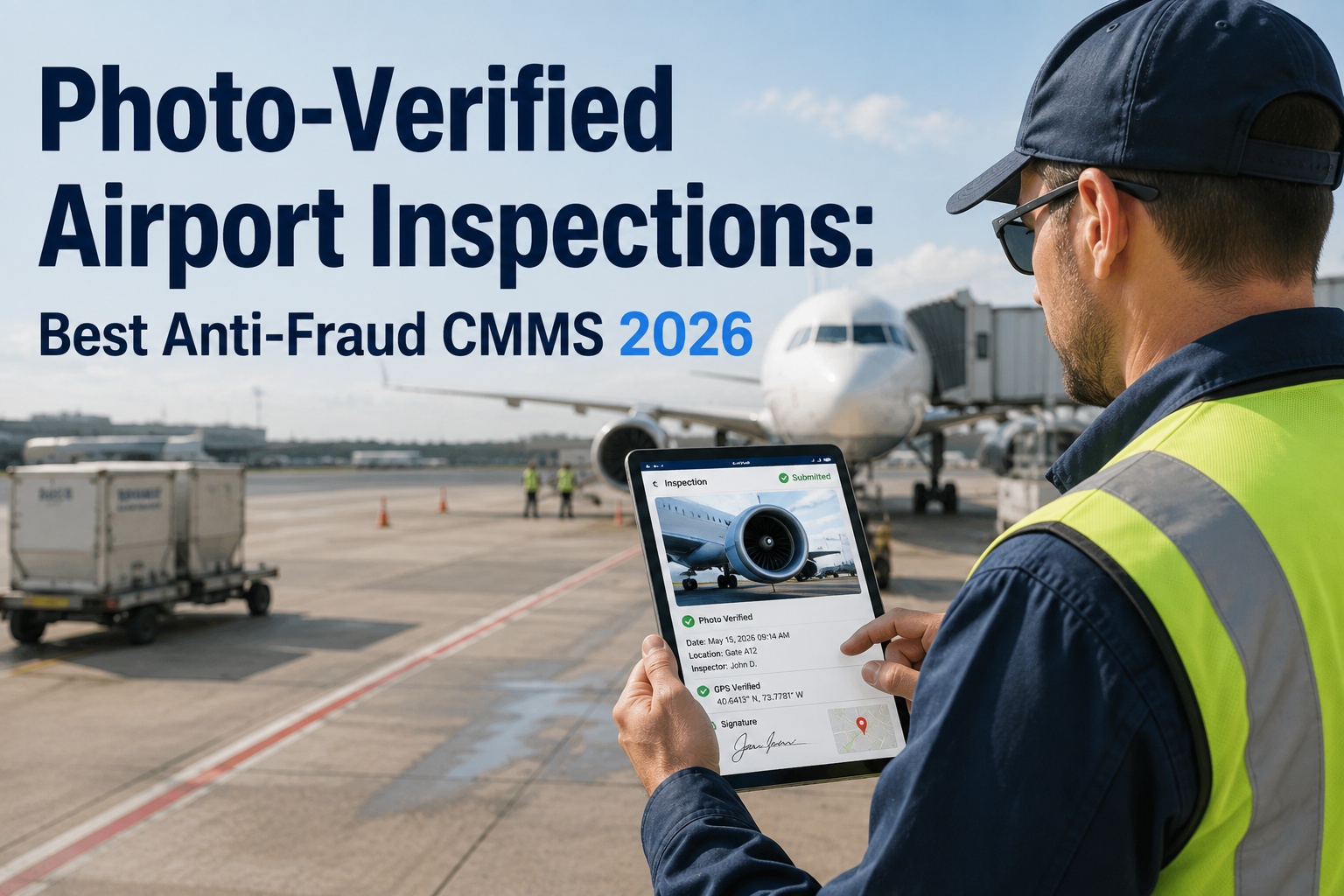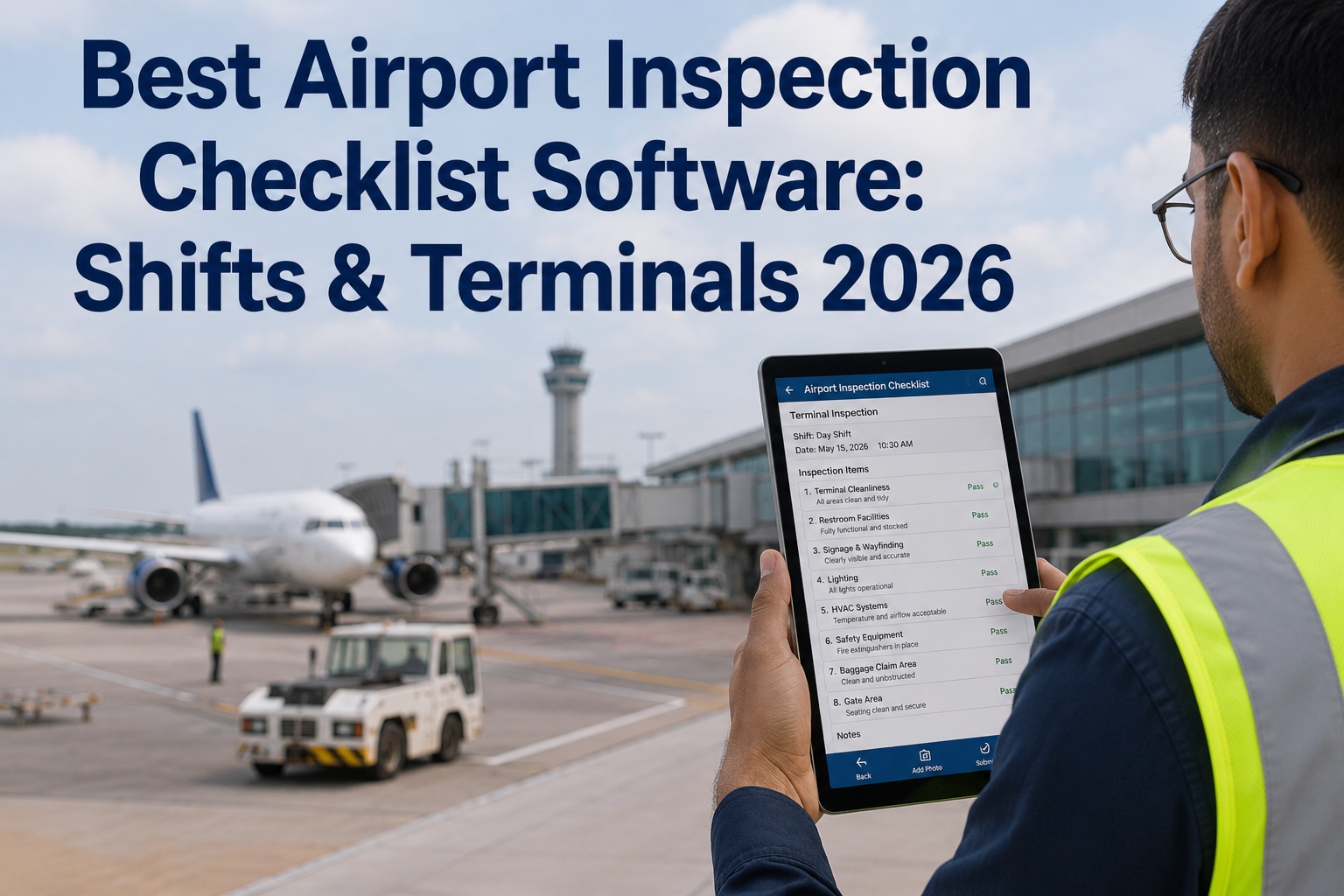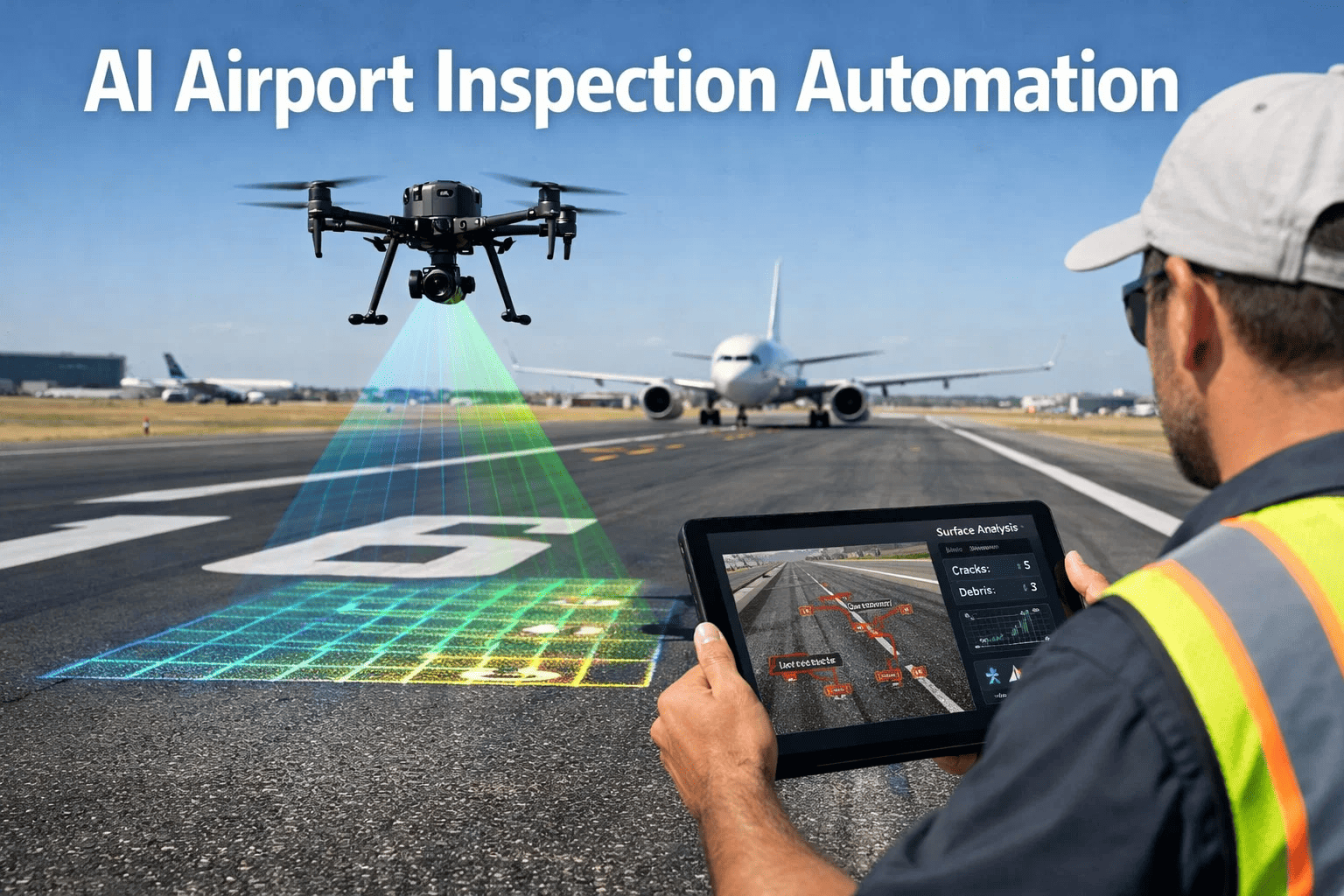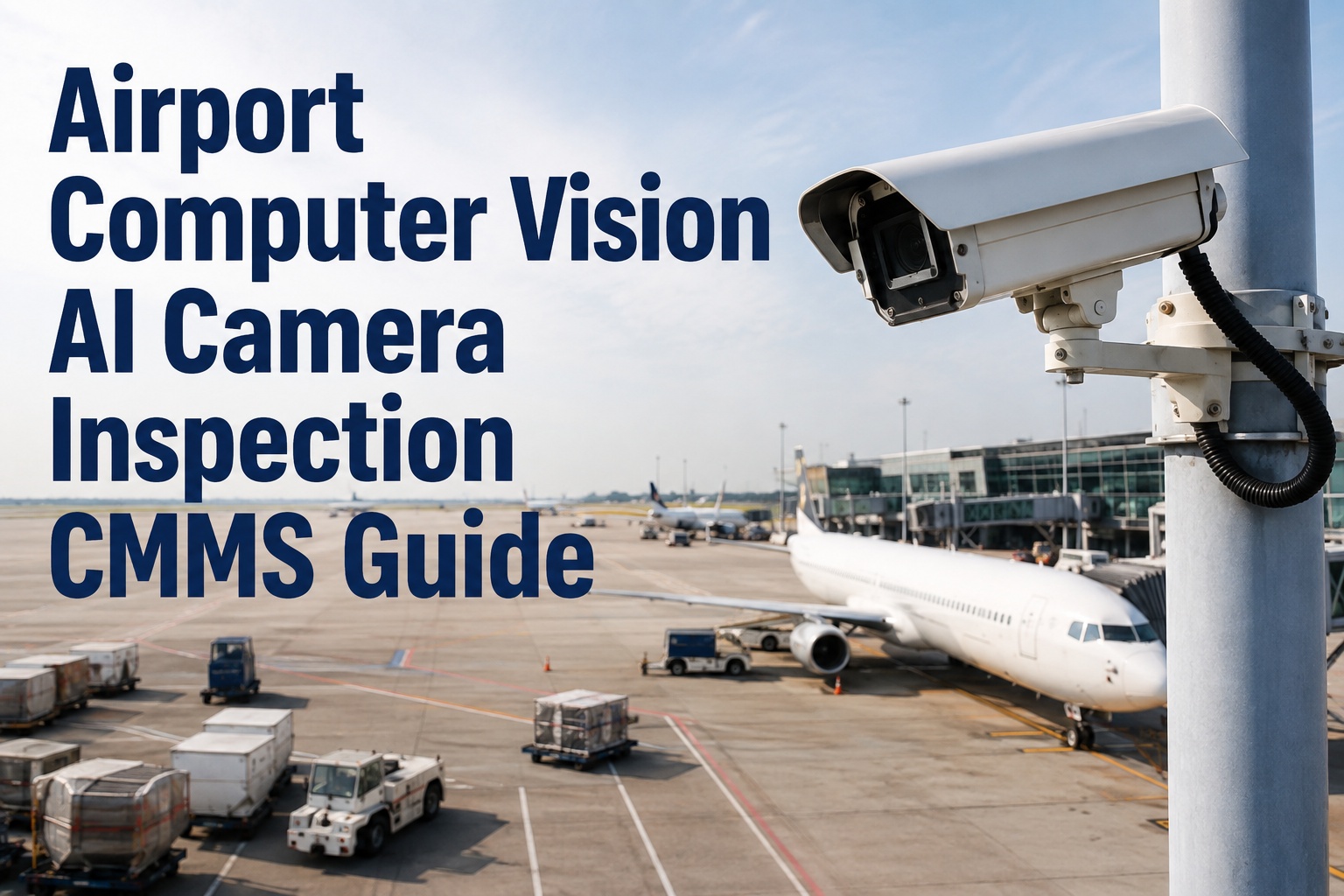
Airport computer vision AI camera inspection integrated with a modern CMMS is reshaping how maintenance and reliability teams monitor conveyor belts, baggage-handling systems, and airfield pavements in 2026. By replacing slow, error-prone manual walks with continuous AI camera monitoring, airports detect belt tears, idler failures, and foreign object debris (FOD) in real time — then automatically trigger corrective work orders without paperwork. This guide walks through camera placement, model training, false-positive management, and CMMS-based automatic work-order generation so your team can scale from a single pilot to airport-wide coverage. Ready to modernize your maintenance operation? Start Free Trial and see how OxMaint turns vision data into action.
Airport Computer Vision Guide 2026
What if every conveyor belt, idler, and ramp lane inspected itself — 24/7?
Airport computer vision AI camera inspection catches belt tears, idler failures, and FOD in milliseconds — then routes findings straight into your CMMS as prioritized work orders. No clipboards. No delayed repairs. No missed defects.
Vision-Driven Maintenance
Why airports are replacing manual inspections with AI camera systems
A mid-size airport operating 40+ kilometers of baggage conveyor belts typically schedules biweekly manual inspections — yet 60% of critical belt tears and idler seizures still occur between walks, costing $8,000–$25,000 per unplanned outage in missed flights, rescreening, and contractor callouts.
Computer vision in aviation maintenance is not a futuristic concept — it is an active ISO 55000-aligned strategy that leading airports deployed between 2023 and 2025. High-resolution cameras paired with deep-learning models now identify surface anomalies, tracking misalignment, spilled baggage, and pavement cracking with over 95% precision. When those findings flow into a CMMS like OxMaint, the gap between detection and repair shrinks from days to minutes.
Deployment Roadmap
How to deploy AI camera inspection at an airport: a 6-month rollout timeline
Scaling computer vision from a single-pilot conveyor to airport-wide coverage requires a phased plan. Here is a proven six-month timeline that reliability teams use to go live without disrupting operations.
Site assessment & camera placement
Map critical assets — baggage belts, carousels, sorter diverters, ramp lanes. Mount cameras at transfer points and idler arrays where 80% of failures originate. Confirm power, PoE, and network drops.
Data capture & model training
Collect 5,000–10,000 labeled images per defect class — belt tears, frayed edges, seized idlers, FOD, fluid leaks. Train CNN or transformer models; validate against a holdout set targeting ≥95% precision and ≥90% recall.
Pilot integration with CMMS
Connect the vision pipeline to OxMaint via API. Every detected defect auto-creates a work order with asset ID, photo, GPS location, and severity score. Run shadow mode for two weeks — compare AI findings against manual walks.
False-positive tuning
Review misclassifications. Adjust confidence thresholds (typically 0.75–0.85), add hard-negative samples, and refine edge-case labels. Goal: fewer than 5 false alerts per 1,000 inference cycles so technicians trust the system.
Automatic work-order activation
Switch from shadow to live mode. OxMaint routes high-severity findings as emergency work orders; medium-severity findings queue into the next available slot. Spare-parts reservations and SLA timers activate automatically.
Scale to airport-wide coverage
Expand to terminal cleanliness, ramp safety, pavement inspection, and FOD detection zones. Consolidate analytics into a single OxMaint dashboard for maintenance leadership and airport operations.
Inspection Coverage
Airport vision inspection checklist: what AI cameras should monitor
Not every asset needs a camera — but these six inspection zones deliver the highest ROI when connected to a CMMS. Use this checklist to prioritize your deployment.
Conveyor belt tear detection
Surface rips, longitudinal tears, and belt-edge fraying at transfer points. AI flags tears ≥2 cm; OxMaint generates a priority work order with belt ID and repair history.
Idler failure identification
Seized or misaligned idlers create friction hotspots. Thermal + RGB cameras detect overheating and wobble before seizure, cutting unplanned belt stoppages by up to 70%.
Foreign object debris (FOD)
Cameras scan ramp areas and taxiway edges for screws, luggage tags, and pavement chips. Detection-to-alert latency under 5 seconds — far faster than manual FOD walks.
Pavement condition monitoring
Crack propagation, spalling, and joint deterioration on runways and aprons. Classify severity by PCI thresholds; schedule preventive slurry seals before FAA-mandated limits.
Terminal cleanliness verification
Detect spills, litter clusters, and restroom supply depletion. Route custodial teams via OxMaint mobile app with location pins and before/after photo verification.
Ramp safety compliance
Monitor GSE positioning, cone placement, and pedestrian zones. Flag safety violations; auto-log incidents for audit readiness under TSA and Part 139 requirements.
Manual vs. AI-Powered
Manual inspection vs. AI camera CMMS integration: a cost comparison
Consider a regional airport with 180 critical conveyor assets spending $42,000 annually on manual inspection labor and unplanned downtime. Here is how the economics shift when AI camera inspection feeds OxMaint.
| Metric | Manual Inspection | AI Camera + OxMaint CMMS |
|---|---|---|
| Inspection frequency | Biweekly (26 walks/year) | Continuous 24/7 monitoring |
| Defect detection latency | 2–14 days average | Under 3 minutes |
| Annual labor cost (180 assets) | $28,000 | $6,500 (exception-based response) |
| Unplanned downtime hours/year | 140 hours | 42 hours (70% reduction) |
| Work-order creation time | 15–40 min per defect (paper) | Automatic (0 min manual) |
| Audit traceability | Partial paper logs | Full digital trail with photos |
| Estimated annual savings | — | $38,500+ |
ROI Formula
Annual Savings = (Downtime Hours Reduced × Hourly Cost) + (Labor Hours Saved × Burdened Rate) + (Avoided Secondary Damage)
For the 180-asset airport above: (98 × $180) + (1,120 × $35) + $12,200 avoided damage = $57,180 gross annual benefit against a $14,000 camera + CMMS cost — a 4:1 first-year ROI.
OxMaint Integration
How OxMaint turns AI camera findings into maintenance action
OxMaint is the bridge between vision data and verified repair. When an AI camera detects a defect, OxMaint handles the entire workflow — from automatic work-order creation to spare-parts reservation, technician dispatch, and compliance documentation.
Automatic work-order generation
Each vision finding creates a structured work order with asset ID, defect photo, severity score, and GPS location. Priority routing sends emergencies instantly; lower-severity items queue intelligently — cutting admin time by 85%.
Predictive maintenance analytics
OxMaint aggregates defect trends across weeks and months. Spot recurring idler failures on a specific belt segment and schedule preventive replacement before the next unplanned seizure — reducing unplanned downtime 30–50%.
Spare-parts inventory sync
When a belt-tear work order auto-fires, OxMaint reserves the correct belt roll, idler bearing, or fastener kit from inventory in real time. No more arriving on-site without parts — stockout rates drop by 60%.
Compliance-ready audit trails
Every detection, work order, repair photo, and sign-off is time-stamped and immutable. Generate Part 139, TSA, and ISO 55000 audit reports in one click — eliminating days of manual log assembly.
Worked Example
A 240-asset international airport deployed OxMaint with 18 AI cameras across its baggage-sortation hall. Within 90 days, the system detected 37 belt tears and 12 overheating idlers before failure — auto-generating work orders that technicians completed during scheduled downtime windows. Result: zero unscheduled belt stoppages in Q2, a 71% drop in emergency contractor callouts, and $94,000 in avoided disruption costs.
See It On Your Assets
Watch OxMaint turn a single camera alert into a closed work order
Book a 30-minute demo and we will show you exactly how AI camera findings flow into automated work orders, spare-parts reservations, and audit-ready reports — on your own asset hierarchy.
Frequently Asked Questions
Airport computer vision AI camera inspection CMMS: top questions
How does AI camera inspection integrate with a CMMS at airports?
AI cameras capture images of conveyor belts, idlers, ramp areas, and pavements, then send defect classifications to a CMMS like OxMaint via API. Each confirmed finding — belt tear, overheating idler, FOD — auto-generates a work order with asset ID, photo, severity, and location, eliminating manual data entry and reducing response time from days to minutes. You can explore the full workflow when you Start Free Trial.
What is the accuracy of AI-based belt tear detection?
Properly trained models achieve 95–98% precision and 90–94% recall for belt tear detection when trained on 5,000+ labeled images per defect class. False-positive rates typically fall below 0.5% after threshold tuning in months 4–5 of deployment, ensuring technicians only receive actionable alerts.
How much does airport computer vision inspection cost to deploy?
A pilot deployment covering one baggage-sortation hall with 6–12 cameras, model training, and CMMS integration typically ranges from $12,000 to $25,000. Most regional airports achieve positive ROI within 8–14 months through reduced downtime labor, avoided emergency repairs, and eliminated manual inspection hours.
Can OxMaint handle false positives from AI cameras without overwhelming technicians?
Yes. OxMaint uses configurable confidence thresholds, severity-based routing, and deduplication logic so that only verified, high-confidence findings generate work orders. Low-confidence detections are held for review or batched into daily summaries, keeping technician queues clean and trustworthy. Book a demo to see the filtering live.
Is AI camera inspection compliant with FAA Part 139 and TSA requirements?
AI camera inspection supports Part 139 and TSA compliance by creating immutable, time-stamped audit trails for every detected defect, generated work order, and completed repair. OxMaint stores before-and-after photos, technician sign-offs, and resolution times in a single platform, enabling one-click audit report generation that replaces days of manual log compilation.
Start Your Vision-Enabled Maintenance Journey
Stop inspecting manually. Start resolving automatically.
Deploy OxMaint as your AI-powered CMMS and turn every camera into a maintenance technician that never sleeps. Build your asset hierarchy, connect your vision pipeline, and close your first auto-generated work order this week.
Free 14-day trial · No credit card