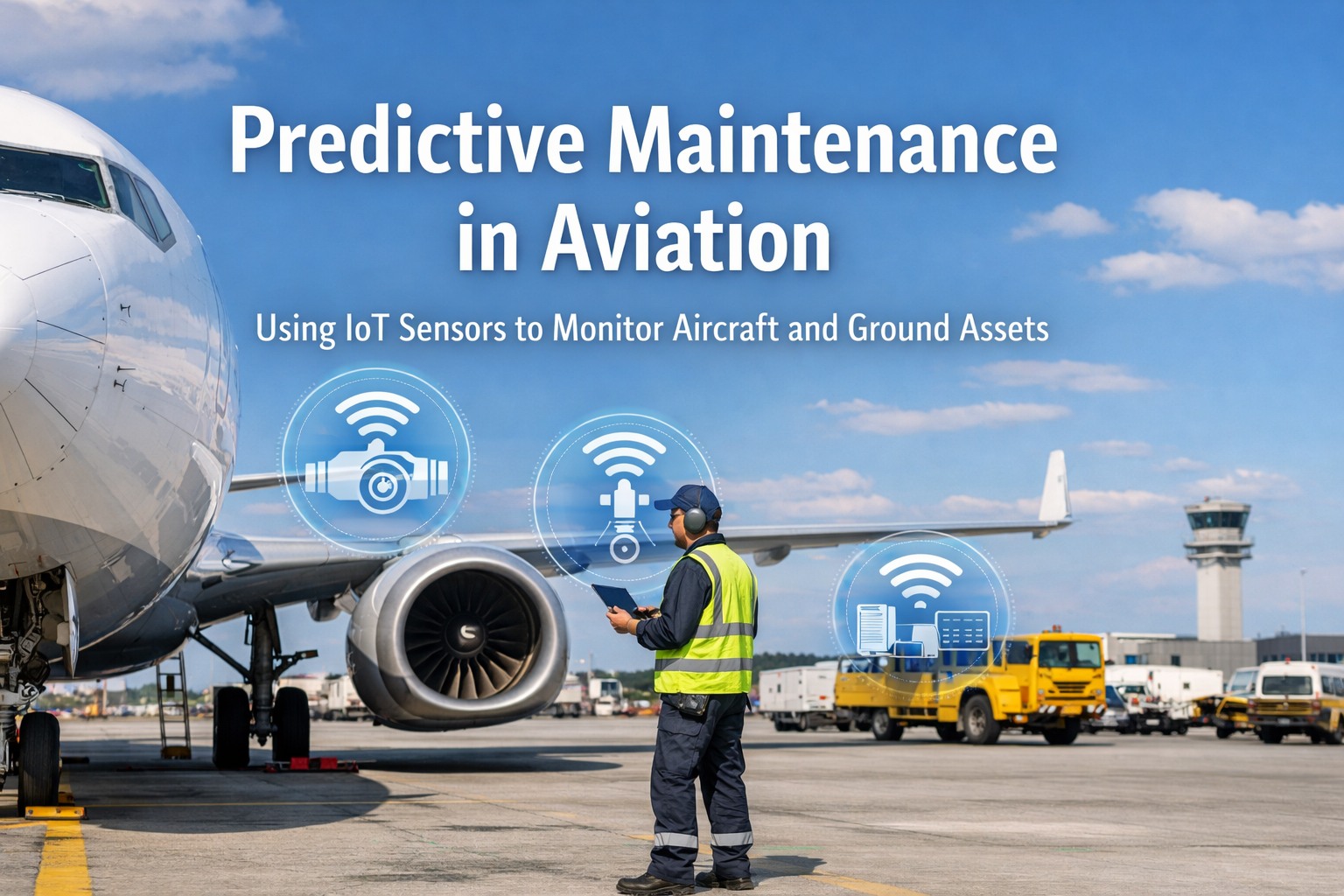
Airport IoT and CMMS Integration: Sensor-to-Work-Order Guide
By Willam Jerry on October 12, 2026
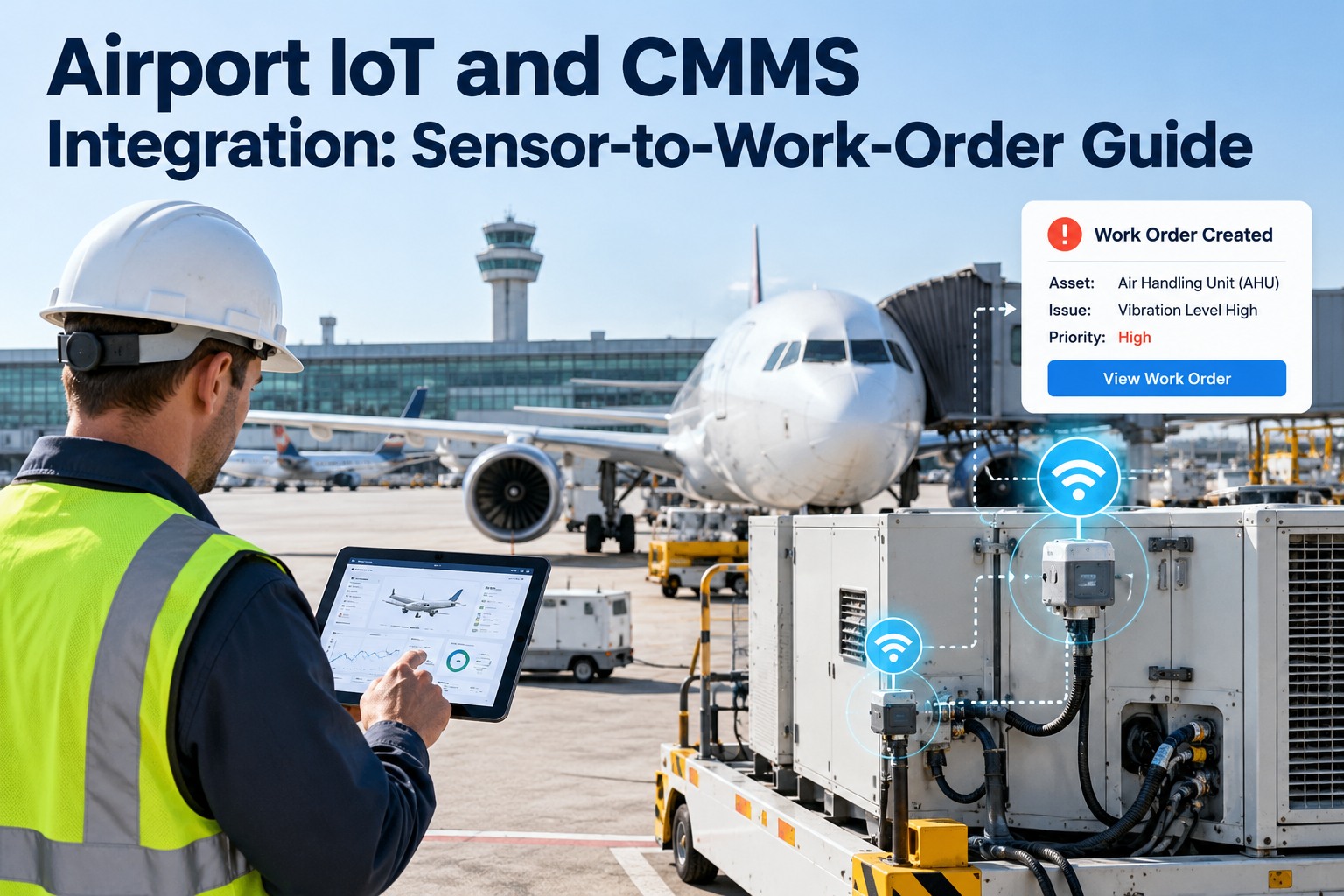
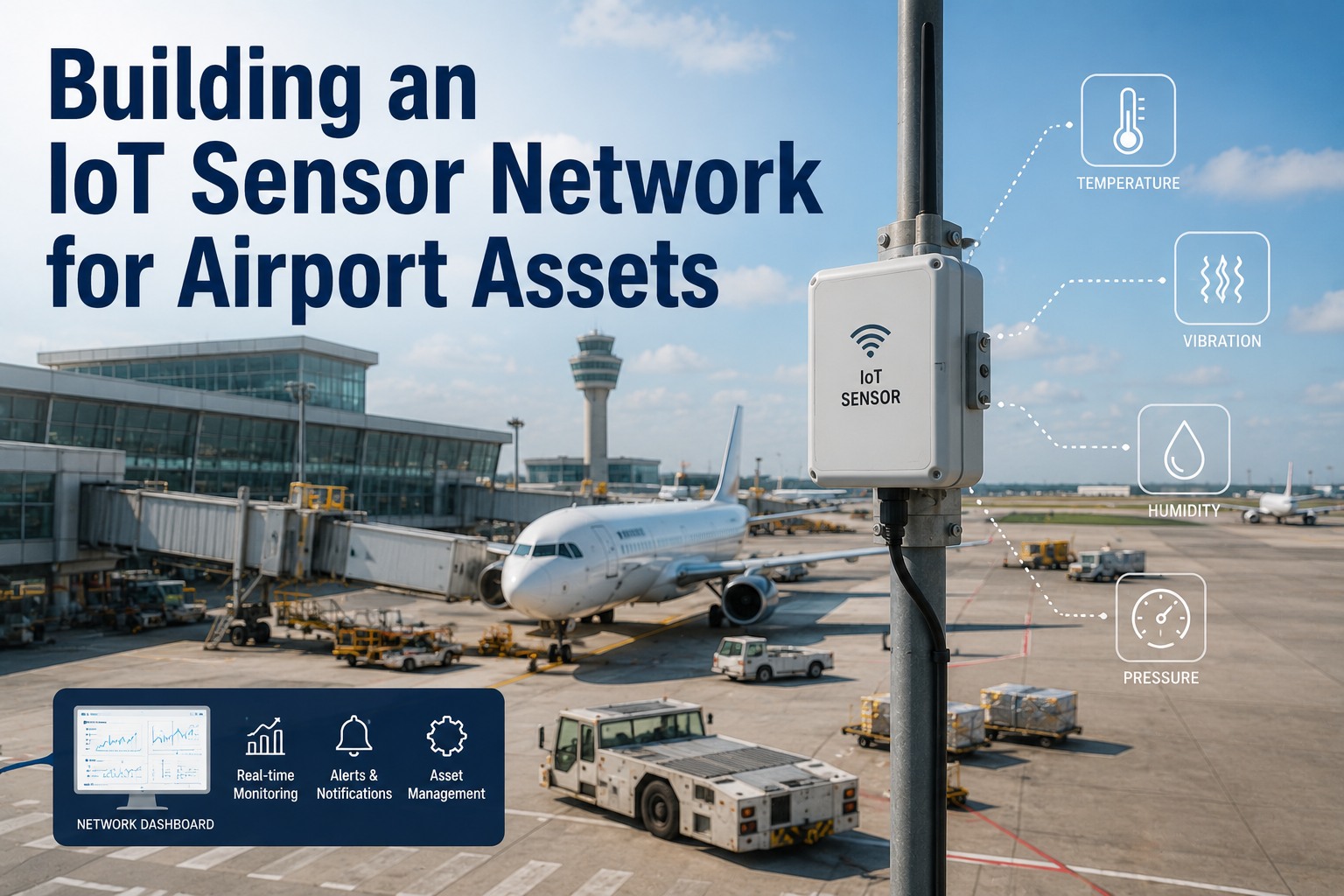
An airport can have thousands of sensors measuring vibration, temperature, current, pressure, runtime and cycles across baggage conveyors, ground power units, boarding bridges, HVAC plant and lighting. The data is there. The problem is that data alone does not fix anything. A reading on a dashboard only helps if someone sees it, trusts it and turns it into a task with the right asset, priority and parts. Without that last step, IoT becomes an expensive way to watch equipment fail. This guide explains how airport IoT and CMMS integration turns sensor signals into work orders, how to filter noise so crews trust the alerts, and how to roll it out with OXMAINT AI, the AI-powered CMMS for airport and aviation maintenance teams.
Airport IoT and CMMS Integration: Sensor-to-Work-Order Guide.
Alerts on one screen, tasks on another, nobody sure who owns the fix: that is how sensor data goes to waste. OXMAINT AI connects requests, inspections, work orders, preventive and predictive maintenance in one platform, so a signal becomes an assigned, tracked task.
Work order · Inspect drive bearingPriority set · Technician assigned · Parts suggested
Request & InspectDefectWork OrderPM & Predictive
From Data Flood to Maintenance Action
Raw sensor streams are enormous, and most readings are perfectly normal. The value comes from narrowing them down to the few signals that deserve a human decision. Think of it as a funnel. Sign up free and explore sensor-driven workflows in OXMAINT AI.
Raw readings Continuous data from every connected sensor
Filtered signals Thresholds, duration and trend rules remove noise
Data reaches the platform through a gateway or API
3
Filter
Rules separate real change from noise
4
Decide
Thresholds trigger an alert and set priority
5
Create
Work order opens with asset, symptom, parts
6
Learn
Failure codes refine future thresholds
Filtering Noise: Spike or Real Problem?
A single reading above the limit is not always a fault. A brief spike during start-up is normal. A reading that stays high is not. Duration and trend rules let the system tell them apart. This chart is illustrative. Start free and configure your first alert rule.
Four Rules That Keep Alerts Trustworthy
Threshold rules
Trigger when a value crosses a defined limit for that asset type.
Duration rules
Require the condition to persist, so momentary spikes are ignored.
Trend rules
Watch the rate of change, catching slow drift before any limit is crossed.
Suppression rules
Merge duplicates and pause alerts for assets already under repair.
A Smart Alert Is Only Useful If Someone Owns It.
OXMAINT AI turns alerts into assigned work orders with asset history, parts and sign-off, so every signal has an owner and an outcome.
A work order that only says "alarm" wastes the technician's first hour. A good one arrives with enough context to act on straight away. This example is illustrative. Book a demo to see how work orders are structured.
Illustrative auto-generated work order
AssetBaggage conveyor motor, line 3
SymptomSustained high vibration
Reading vs limitValue and threshold attached
PriorityBased on asset criticality
Suggested procedureInspect bearings and alignment
PartsLikely spares listed from stock
HistoryPast repairs on this asset
CloseoutFailure code required
A Safe Rollout Path
A
Pick one asset class
Choose equipment where failure hurts operations and a signal is available.
B
Run in shadow mode
Generate alerts without creating work orders, and compare them with what technicians actually find.
C
Tune thresholds
Adjust limits and duration rules using real results and failure codes.
D
Switch on work orders, then expand
Go live for the first class, then repeat for the next.
How OXMAINT AI Connects Sensors to Maintenance
OXMAINT AI is an AI-powered CMMS and EAM platform. It provides a sensor-to-work-order pipeline, no-code threshold configuration, and an open API for connecting data sources. Compatible sensors, gateways and protocols should be confirmed with our team for your site. Start free and load your airport assets into OXMAINT AI.
Sensor-to-Work-Order Pipeline
Connect sensor data so qualifying alerts land as tracked tasks.
No-Code AI Thresholds
Set and refine alert rules without writing code.
AI Auto Work Orders
Work orders can be populated with parts, procedures and dispatch details.
Predictive & Preventive Together
Combine condition-based alerts with scheduled PM on the same asset record.
Failure Codes at Closeout
Build the history that improves future thresholds and predictions.
Open API & Mobile
Connect data sources and let technicians respond from the apron, even offline.
Frequently Asked Questions
What is IoT and CMMS integration?
It connects equipment sensors to a maintenance management system, so readings that cross defined rules can create work orders automatically instead of waiting for someone to notice. Sign up free and explore the workflow.
How do I avoid alert fatigue?
Use duration and trend rules, suppress duplicates, pause alerts on assets already under repair, and start with one asset class. Review false alerts regularly and tune the rules. Book a demo to see how thresholds are configured.
Which airport assets are best to start with?
Choose equipment where failures disrupt operations and where a clear signal exists, such as baggage drives, ground power units or HVAC plant. Start free and register your first assets.
Do I need new sensors for every asset?
Not always. Some equipment already reports data through its controller or building system. Review what you have before buying new hardware. Book a demo and review your data sources.
Does sensor data replace preventive maintenance?
No. It complements it. Condition alerts catch developing faults, while scheduled PM covers inspections and tasks that sensors cannot see. Sign up free and combine both on one record.
Turn Every Meaningful Signal Into a Fixed Fault.
Connect sensors, alerts, work orders and preventive maintenance on one platform. OXMAINT AI helps your team act on the data you already collect.