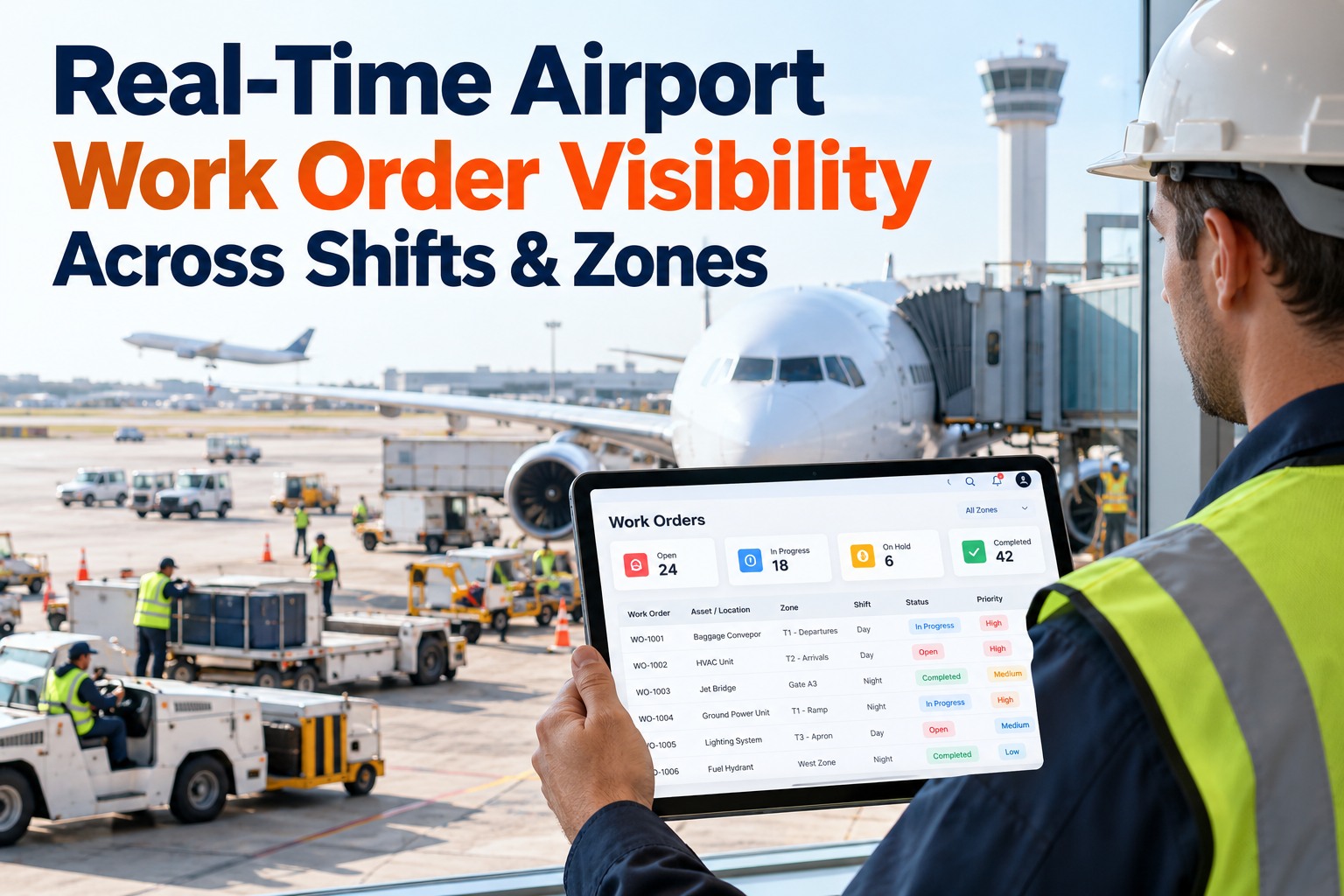
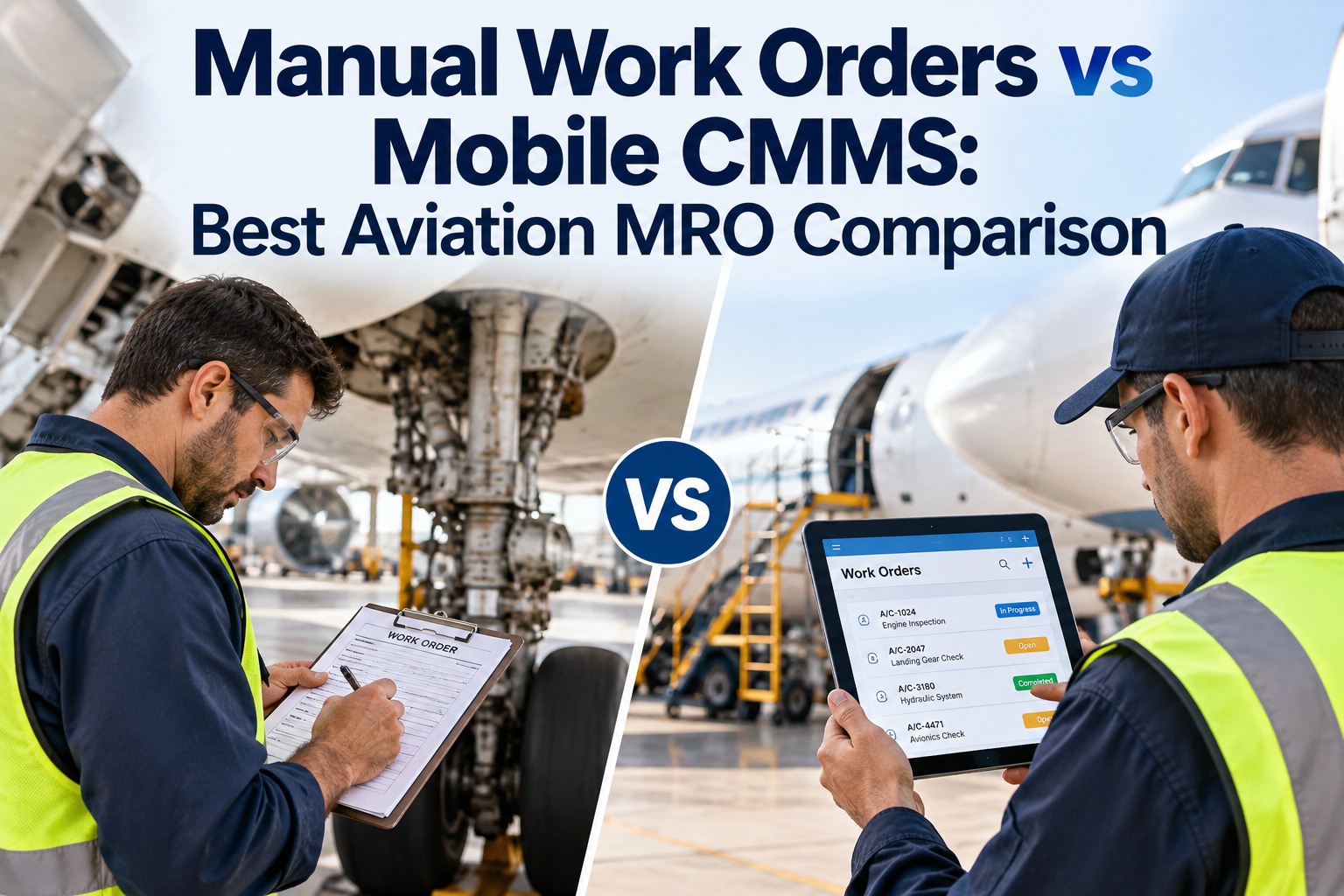
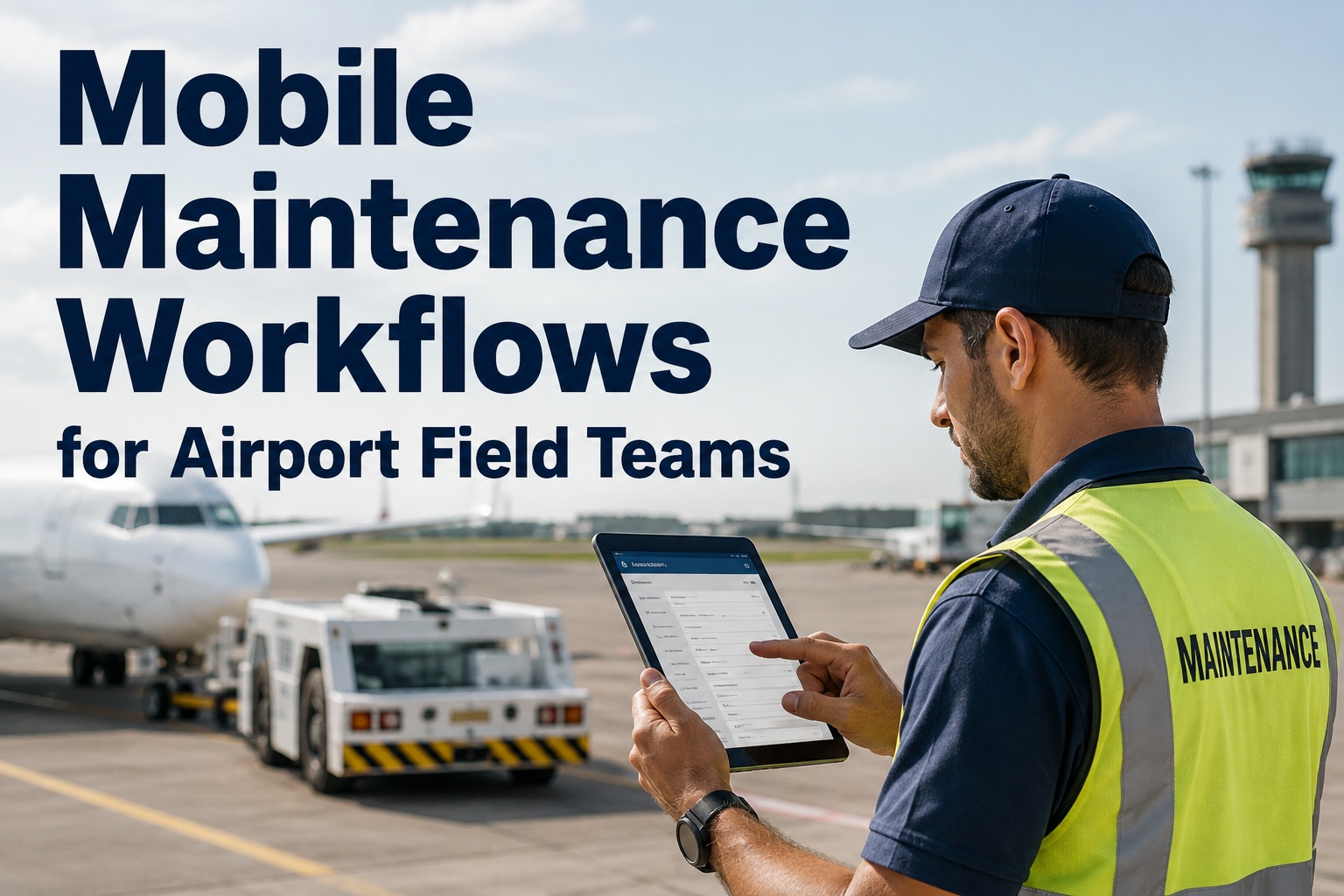
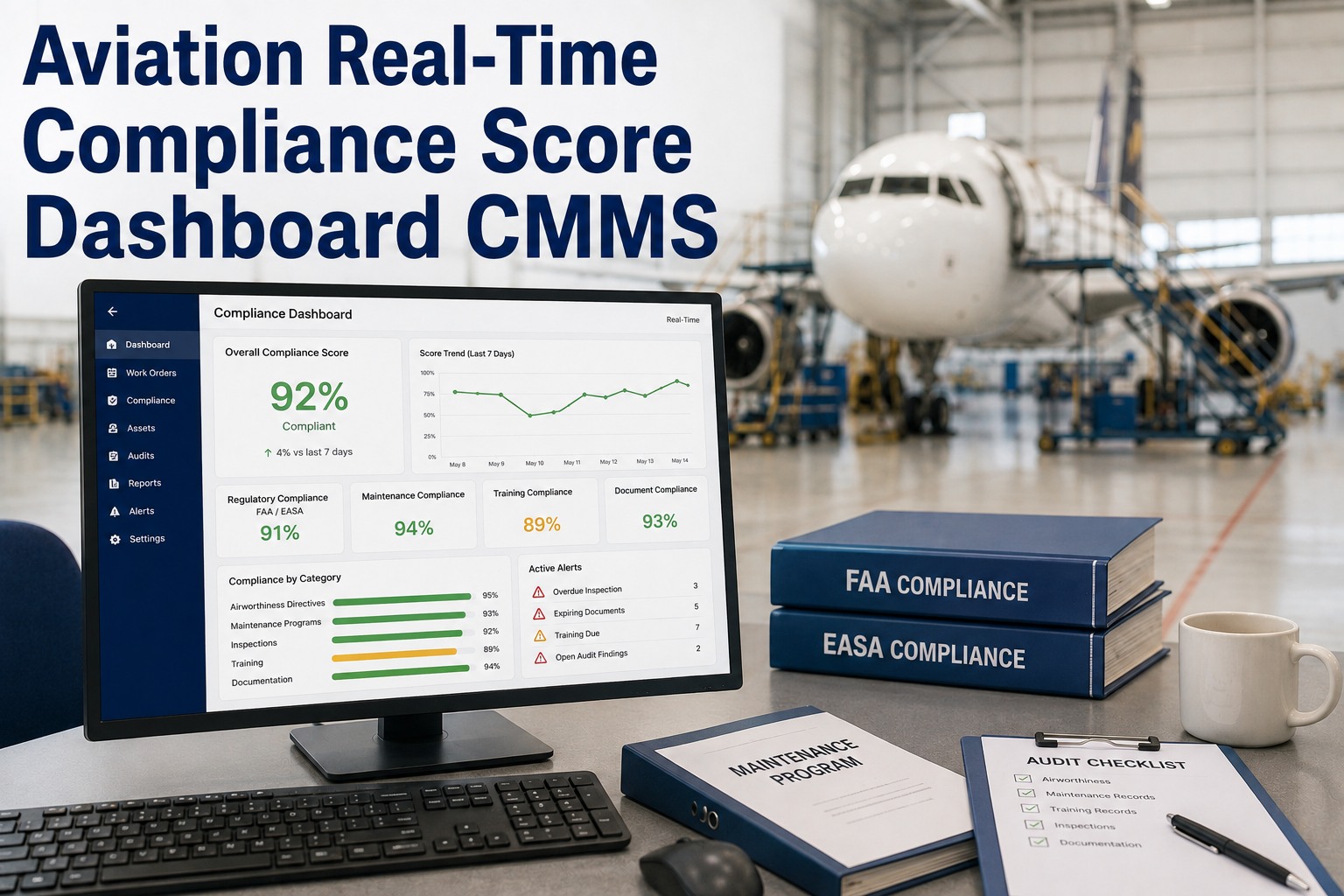
An airport HVAC technician walking the north pier with a paper work order, a radio to call the control centre for asset history, and a pen to record findings is not a productivity problem — it is an information architecture problem. When asset data, work orders, inspection forms, spare parts lookups, and close-out documentation all live in a mobile device in the technician's pocket, response times drop, first-visit fix rates rise, and supervisors stop spending half their day on status calls. That is the operational shift mobile CMMS delivers across airside and terminal maintenance operations. Start a free trial to put Oxmaint mobile in the hands of your airport maintenance team, or book a demo to see the mobile technician workflow in a live walkthrough.
Digital Transformation / Mobile CMMS App
Mobile CMMS for Airport Technicians: Real-Time Work Orders Across the Tarmac
How mobile-first CMMS transforms airport maintenance operations — from real-time work order dispatch to QR asset scanning, offline capability, and digital inspection completion across airside and terminal zones.
28%
Increase in technician first-visit fix rate when asset history is available on mobile at the job
43%
Reduction in administrative time for technicians when work orders are closed digitally on mobile
18 min
Average reduction in work order response time per job when dispatch is mobile and real-time
3.1x
More PM inspections completed per shift when digital checklists replace paper forms on airside
Mobile CMMS for Aviation
Give Every Technician the Information They Need — Where They Need It
Oxmaint's mobile app puts real-time work orders, asset history, inspection checklists, and QR scanning on every technician's device — with offline capability for airside zones with connectivity gaps. Start a free trial or book a demo and see it in action.
Why Airport Maintenance Is a Mobile-First Environment
Airport maintenance technicians are the definition of distributed mobile workers. An HVAC technician on a single shift may service assets in the departures terminal, the pier connector, the airside plant room, the cargo building, and the remote stand area — covering several kilometres across secure zones with different access requirements and connectivity conditions. Providing that technician with work order information from a desktop system in the maintenance office is not a workflow — it is a communication barrier that costs time, accuracy, and asset history quality on every single job.
A
Distributed Asset Footprint
A major airport operates 10,000–50,000 individual maintained assets across 50–200 separate buildings, structures, and systems. No technician can carry the information for that footprint — mobile CMMS delivers it on demand to where the work is happening.
B
Restricted Zone Access
Airside and security-restricted zones require permit documentation, access logging, and safety briefing confirmation before entry. Mobile work orders can carry access instructions, permit attachments, and zone-specific safety requirements — delivering compliance information to the technician at the access point.
C
24-Hour Operational Constraint
Airport maintenance windows are measured in minutes, not hours. Technicians need to arrive at an asset, retrieve its full history, complete a structured inspection, and document findings before the next wave of operations closes the access window. Paper-based workflows cannot meet this time pressure consistently.
D
Multi-Shift Team Coordination
Airport maintenance runs across three or more shifts with handover between teams at critical operational points. Real-time work order status visible on mobile eliminates the time-delayed paper handover that allows high-priority items to fall between shifts unresolved.
Mobile CMMS Core Capabilities for Airport Technicians
Work Order Management
Real-Time Work Order Dispatch and Status
Work orders are dispatched to technicians in real time on mobile. Supervisors see live status — accepted, in-progress, awaiting parts, or complete — without radio calls or status emails. Priority changes push immediately to the technician's device.
Asset Access
QR Code Asset Identification
Each asset carries a QR code. Technicians scan on arrival to retrieve full asset history — make, model, serial number, maintenance log, last PM date, and recommended service procedure — without searching databases or making calls to the maintenance office.
Offline Capability
Full Function in Connectivity-Poor Zones
Airside plant rooms, underground service tunnels, and remote building zones often have poor connectivity. Oxmaint's offline mode allows full work order completion, inspection recording, and photo capture — syncing automatically when connectivity is restored.
Inspection Tools
Digital Inspection Checklists and Forms
Structured digital inspection forms replace paper checklists for equipment rounds, safety checks, and regulatory inspections. Mandatory fields, measurement inputs, pass/fail conditions, and photo requirements enforce inspection quality without supervisor presence at every location.
Parts and Inventory
Spare Parts Lookup and Request
Technicians check parts availability, reserve stock for the job, and submit emergency part requests directly from mobile on the job site — eliminating the parts-office round trip that adds an average of 35 minutes to reactive repair jobs at large airports.
Documentation
Photo Capture and Digital Sign-Off
Before-and-after photos, measurement records, and fault descriptions are captured on mobile at the asset — not reconstructed from memory at the office. Digital technician sign-off creates the audit-ready completion record required for regulatory inspections and contractor performance reviews.
Safety
Permit to Work and Safety Briefing Integration
High-risk work orders for confined space entry, electrical isolation, roof access, and airside vehicle use carry embedded safety requirement checklists. Technicians confirm each safety requirement on mobile before the job can proceed — creating a documented safety sign-off for every high-risk task.
Reporting
Live Performance Dashboards for Supervisors
Maintenance supervisors see real-time technician workload, work order completion rates, overdue PM counts, and open reactive jobs across all zones — from any device, at any time. No shift-end report needed to know the current state of airport maintenance operations.
Paper-Based vs Mobile CMMS: What Changes for Airport Maintenance Teams
| Workflow Element |
Paper-Based Operations |
Mobile CMMS with Oxmaint |
Measurable Difference |
| Work Order Receipt |
Printed at start of shift or collected from supervisor — reactive jobs require radio dispatch |
Push notification on mobile device — reactive jobs dispatched in real time with full asset context |
18-minute average reduction in response time per reactive work order |
| Asset Information at Job |
Technician works from memory or calls office for history — incomplete information leads to unnecessary repeat visits |
Full asset history, specifications, and service procedures available on mobile via QR scan |
28% improvement in first-visit fix rate across reactive maintenance jobs |
| Inspection Completion |
Paper forms completed in field, transcribed in office — illegible entries, missed fields, delayed entry |
Digital checklist on mobile — mandatory fields, measurements, and photos captured at asset |
3.1x more inspection points completed per shift with zero transcription errors |
| Shift Handover |
Paper handover sheet summarises open jobs — status of in-progress work is unclear |
Live work order status visible to incoming shift supervisor immediately on login |
Zero dropped handover items — every open work order status is live and current |
| Parts Request |
Technician returns to maintenance office or calls to check stock — average 35-minute round trip |
Inventory lookup and part reservation on mobile from job site |
35-minute average saving per reactive repair job requiring non-standard parts |
| Compliance Documentation |
Inspection records filed in binders — retrievable only by physical access to records room |
Digital records stored against asset — retrievable instantly by auditors and inspectors |
Audit preparation time reduced from weeks to hours across all asset categories |
Airside-Specific Mobile Challenges Oxmaint Solves
Airside maintenance creates technology constraints that most mobile CMMS solutions are not designed to handle. Oxmaint is built for the airport operating environment — including offline-first architecture, QR-based asset identification without network requirement, and work order structures that accommodate safety-critical sign-offs before task execution. Start a free trial to deploy Oxmaint mobile across your airside maintenance team, or book a demo to walk through the offline and restricted-zone capability.
Challenge
Poor Connectivity in Airside Plant Rooms
Underground service corridors, plant rooms beneath taxiways, and remote equipment buildings at large airports have no reliable cellular or Wi-Fi coverage. Oxmaint offline mode caches work orders and asset data on device — technicians work with full functionality and sync when back in range.
Challenge
Explosive Atmosphere Zones
Fuel storage areas, aircraft refuelling points, and fuel hydrant corridors require intrinsically safe or ATEX-rated devices. Oxmaint is compatible with ruggedised and ATEX-certified mobile devices — extending mobile CMMS capability into the highest-risk zones on the airfield.
Challenge
Multi-Zone Access Permitting
Technicians moving between airside and landside zones must complete access confirmations, carry relevant permits, and maintain zone log records. Oxmaint work orders carry zone access requirements and permit attachments — ensuring compliance documentation travels with the technician, not the office file.
Challenge
FOD Risk from Maintenance Activity
Every maintenance job on or adjacent to the airfield carries FOD risk. Oxmaint work orders for airside maintenance include a mandatory FOD clearance checklist — technicians confirm tool count, material removal, and area sweep before closing any job near movement areas. FOD clearance is documented, not assumed.
Measured Results: Mobile CMMS Performance at Airport Scale
43%
Less Admin Time per Technician
Digital work order completion at the asset eliminates the end-of-day transcription workload that consumes an average of 45 minutes per technician per shift.
28%
Higher First-Visit Fix Rate
Access to full asset history, service procedures, and parts inventory on mobile at the job means technicians arrive prepared — not guessing from symptom descriptions.
3.1x
More PM Inspections per Shift
Structured digital checklists with mandatory fields are faster to complete and verify than paper forms — significantly increasing PM throughput per technician shift across terminal and airside zones.
Zero
Lost Inspection Records
Digital capture at the asset with automatic cloud sync eliminates paper inspection records lost in plant rooms, damaged in field conditions, or illegible from handwriting — a persistent quality issue in paper-based airfield inspection programs.
Frequently Asked Questions
Does Oxmaint mobile work in airside areas with no cellular connectivity?
Yes — Oxmaint is built with offline-first architecture. Work orders, asset records, inspection forms, and part lookups are cached to the device at the start of each shift. Technicians complete work orders, capture photos, and record measurements in full offline functionality. All data syncs automatically when the device reconnects — whether that is exiting an underground plant room or returning to a terminal Wi-Fi zone. No data is lost and no work has to be redone after connectivity is restored.
Start a free trial to test offline functionality with your team.
How does QR code asset scanning work for airport assets in restricted zones?
Each registered asset in Oxmaint is assigned a unique QR code — printed on a weatherproof label for physical assets or embedded in documentation for logical assets. A technician scans the QR code with their mobile device to instantly retrieve the asset record — no typing, no searching, no calling the office. The QR scan works fully offline if asset data is cached on the device, so airside assets in plant rooms or remote structures are accessible regardless of connectivity status. QR codes can be generated in bulk and applied during asset registration without specialist equipment.
Book a demo to see a live QR scan workflow.
How do supervisors track technician activity and work order progress in real time?
The Oxmaint supervisor dashboard shows real-time work order status across all assigned technicians — accepted, in-progress, awaiting approval, or complete — without requiring radio contact or status calls. Supervisors can see the current active job for each technician, the assets that are overdue for inspection, and the open reactive work orders across the terminal or airfield with full priority visibility. Dashboard access is available on any device — desktop, tablet, or mobile — wherever the supervisor is working across the airport campus.
What types of airport assets and maintenance activities does Oxmaint mobile support?
Oxmaint mobile supports every maintenance activity category in airport operations — terminal HVAC PM, airfield lighting inspections, baggage system fault response, passenger boarding bridge checks, fire system testing, generator load tests, water system flushing rounds, escalator safety inspections, and airside pavement surveys. Work order types, inspection form structures, and safety requirement checkpoints are configured per asset category — so every technician sees the right form with the right mandatory fields for the specific task and asset they are working on.
Start a free trial and configure your first asset category today.
Mobile CMMS Deployment
Every Technician. Every Asset. Every Zone. Real Time.
Oxmaint mobile puts real-time work orders, complete asset history, digital inspection forms, and QR scanning in every airport technician's hand — with offline capability for the zones where connectivity is not guaranteed. Stop managing airport maintenance from the office and start managing it from the asset.