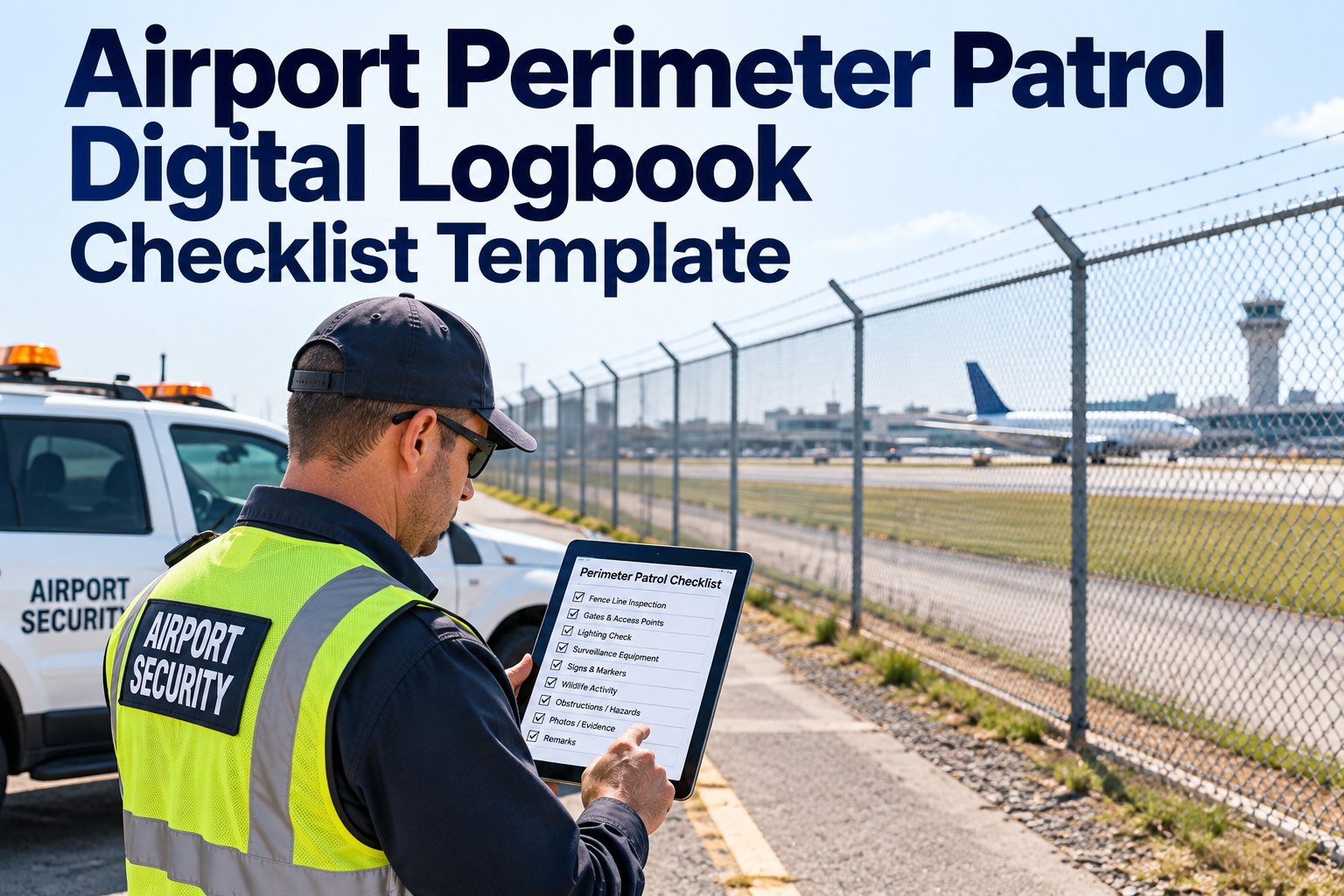
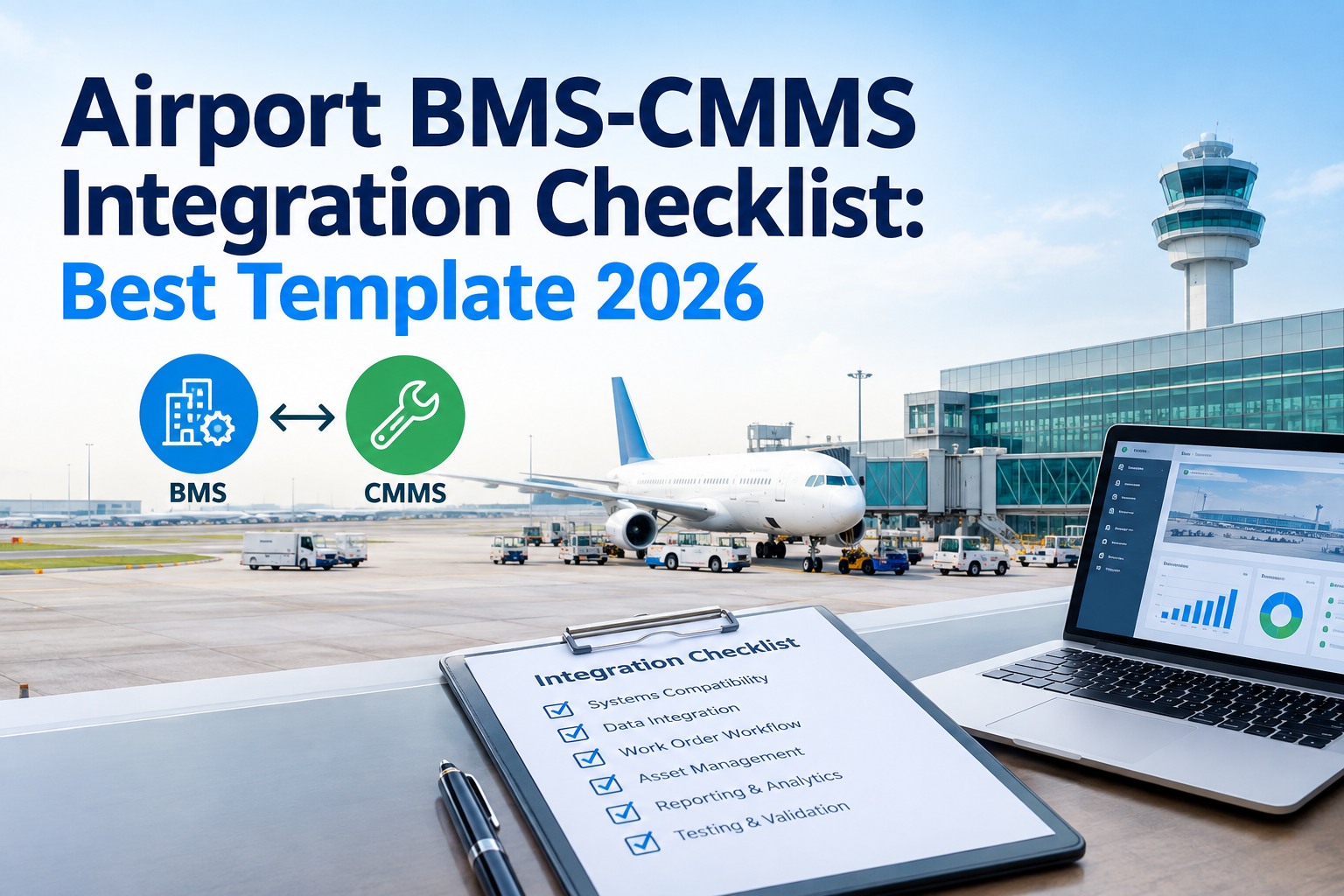
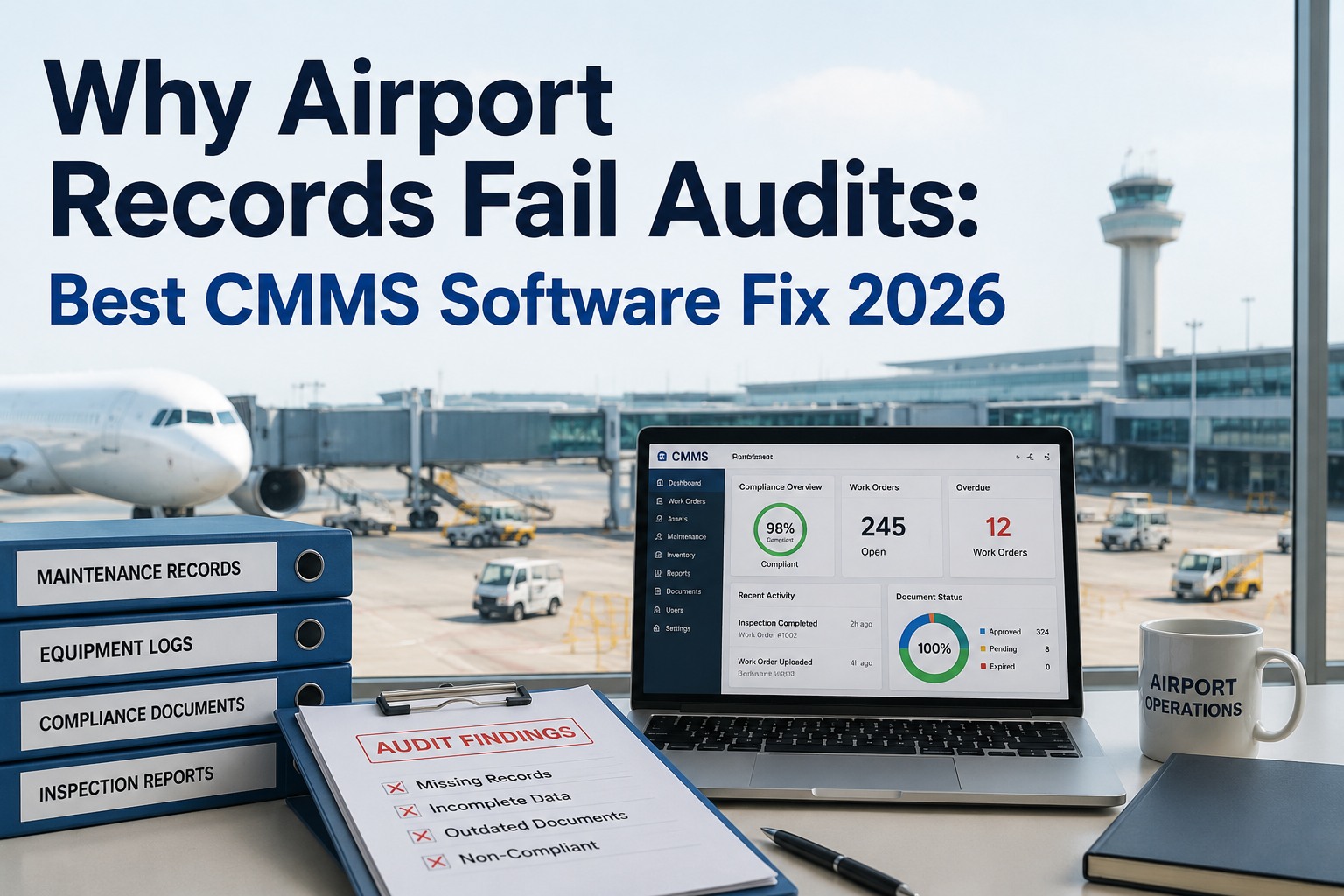
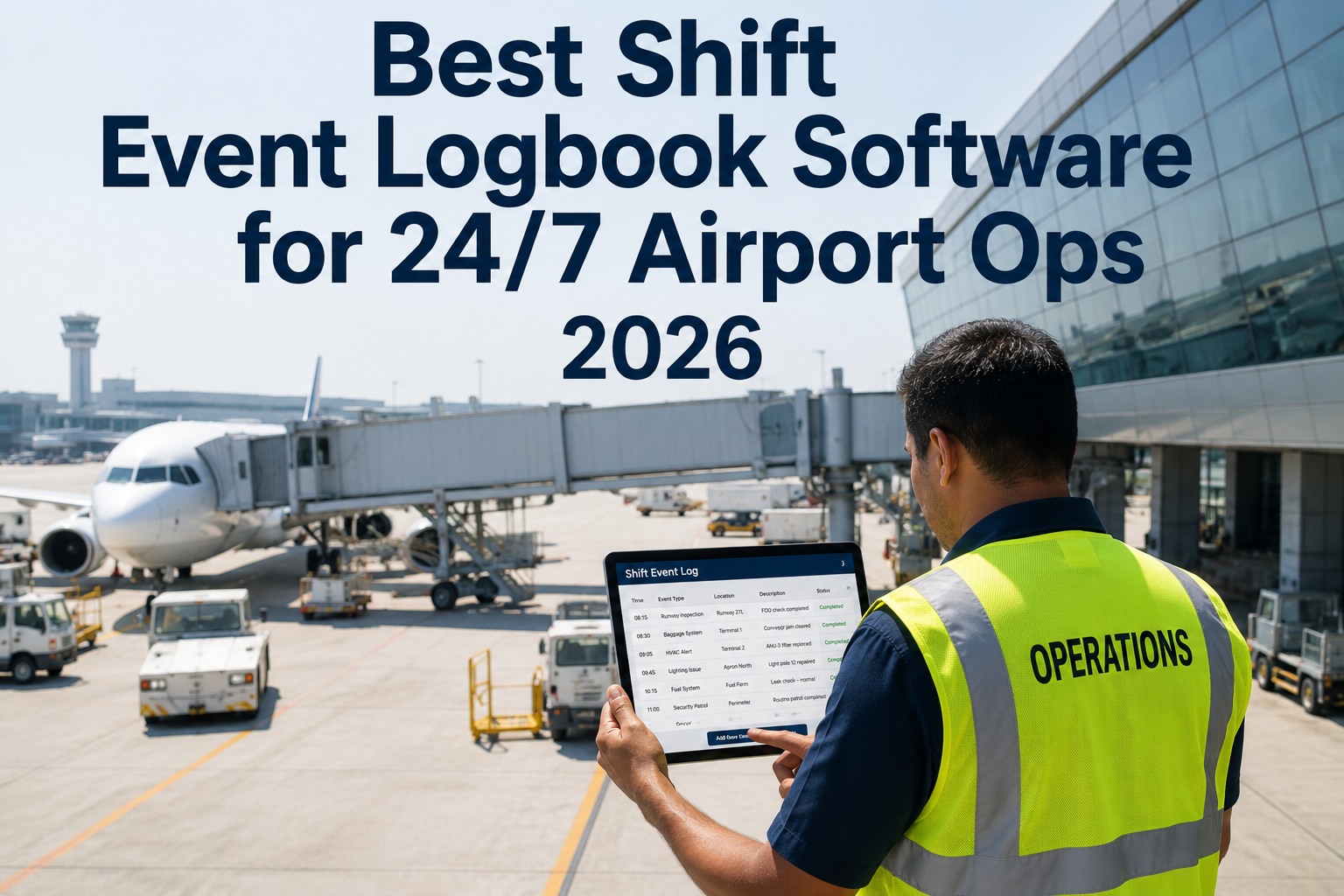
A perimeter patrol only counts if you can prove it happened. A paper logbook can't prove an officer actually reached the north fence line at 02:14, can't flag that the cut fabric found on Tuesday is still open on Friday, and can't be produced in seconds when a TSA inspector asks. Miss those, and a done patrol still reads as a compliance gap. This free template lays out every check a perimeter patrol should cover — and how OXMAINT AI, the AI-powered airport CMMS, turns each logged finding into a tracked, closed-out work order.
Airport Security · Perimeter Patrol · Digital Logbook · 2026
Airport Perimeter Patrol Digital Logbook & Checklist Template
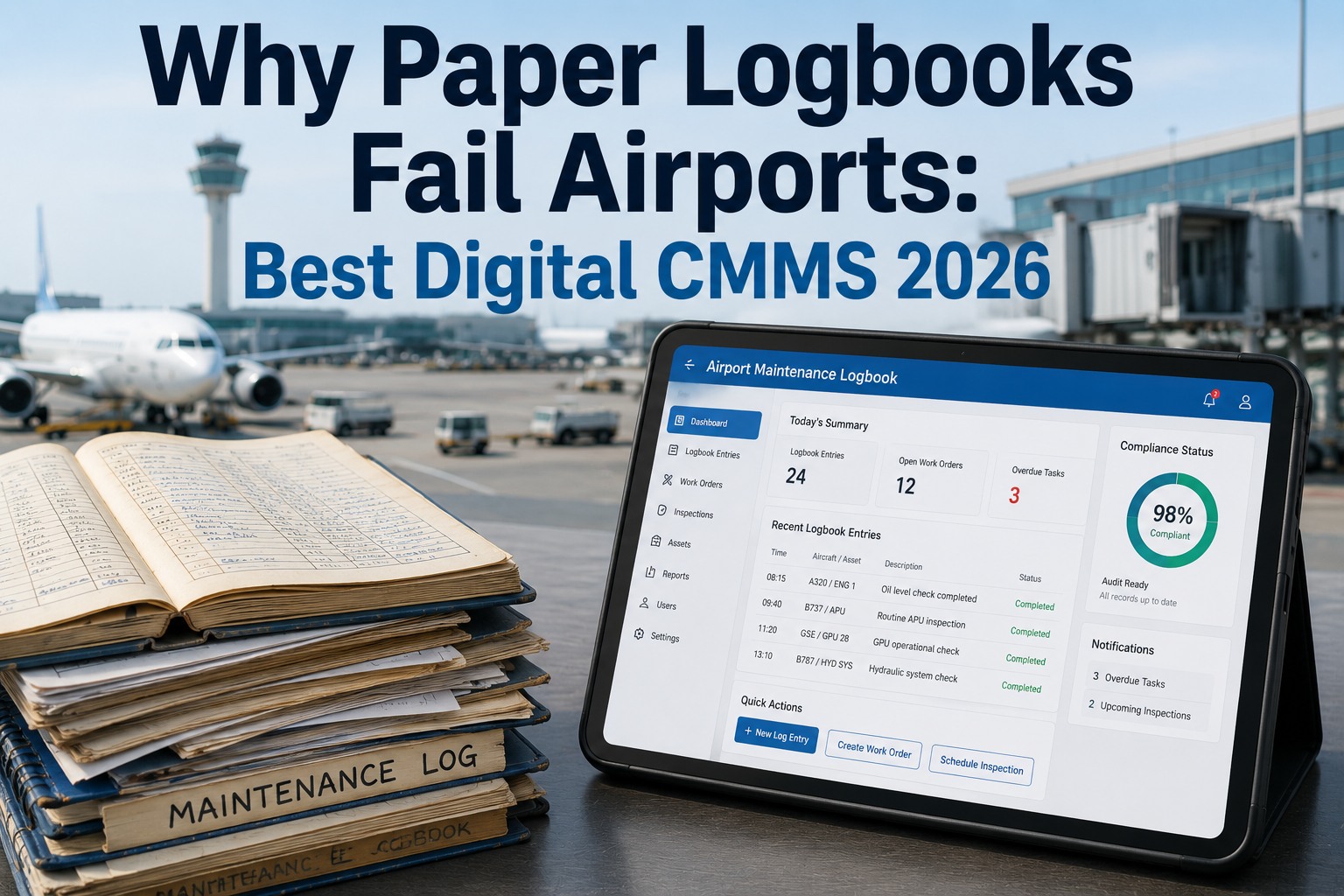
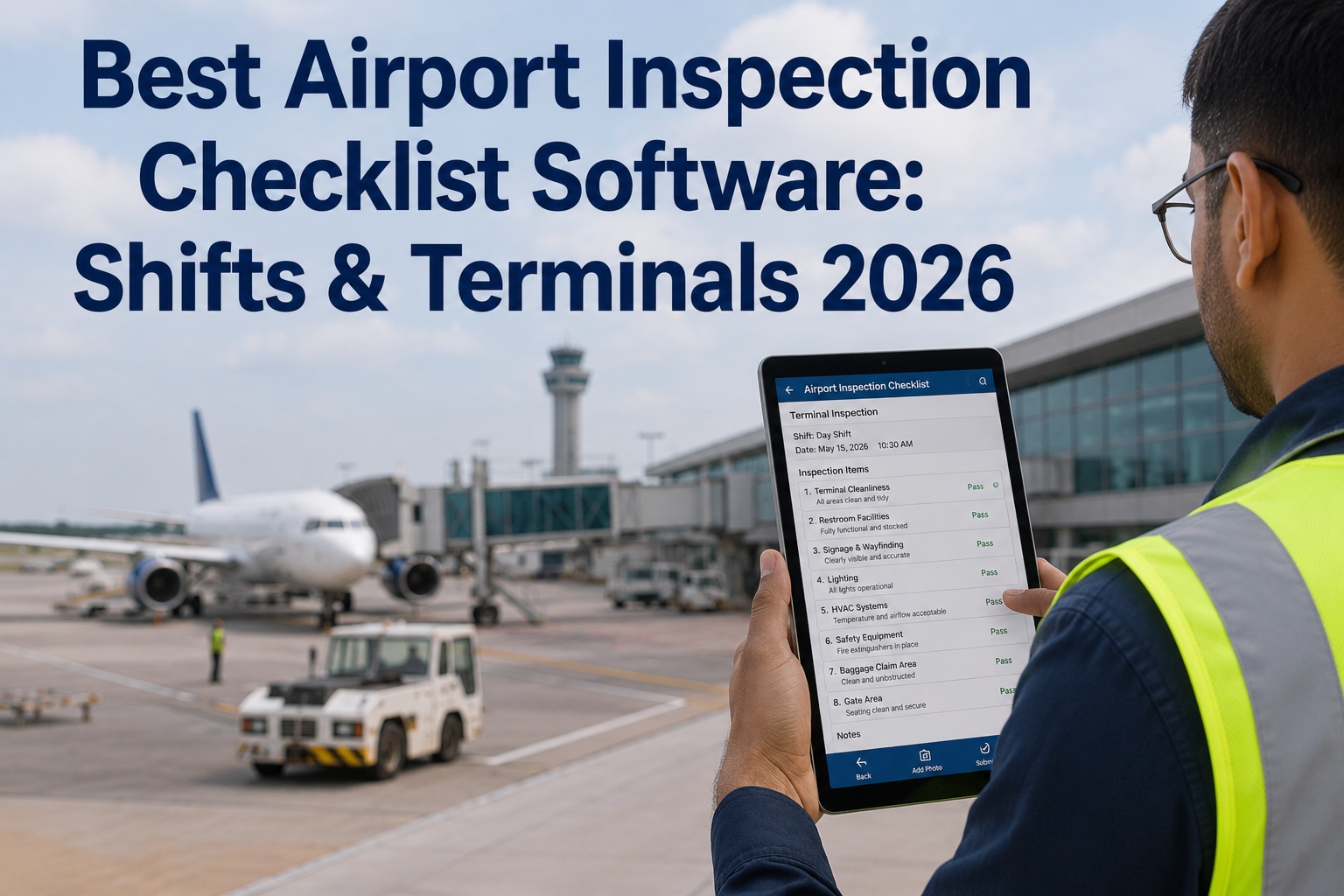
Patrols you can't verify. Findings that fall through the cracks. Audits that turn into a paper hunt. OXMAINT AI, the AI-powered CMMS and maintenance management software, runs the full loop on one platform: an officer completes the route on a phone, each deficiency becomes a logged issue, the issue becomes a ranked work order, and every entry is timestamped and audit-ready — so a patrol is proof, not a page in a binder.
1Patrol
→
2Log Finding
→
3Work Order
→
4Verify & Close
TONIGHT’S PATROL · ZONE LOG
North Fence · CP-102:14 ✓
Service Gate · CP-202:29 ✓
East Fabric · CP-3Cut · logged
Fuel Farm · CP-402:51 ✓
South PIDS · CP-5pending
12 mo
minimum record retention for patrol logs (TSA requirement)
$11K+/day
TSA civil penalty exposure for security violations
82%
of perimeter breaches tied to physical infrastructure failures
Same day
corrective action expected once a deficiency is found
Why a Paper Logbook Fails the Audit
The patrol usually happens. What fails is the record of it — a scrawled time nobody can verify, a finding written on one page and forgotten on the next, a binder that takes a day to search when 49 CFR Part 1542 and Part 139 evidence is requested. OXMAINT AI replaces the binder with a route officers complete on a phone, where every checkpoint carries a timestamp and every finding becomes a work order. Start free and put your first patrol route on a digital log in OXMAINT AI.
Patrol & Inspection Cadence
DAILYPerimeter walk of security-critical zones
WEEKLYCCTV & Perimeter Intrusion Detection (PIDS) verification
MONTHLYAccess-control gate functional testing
ANNUALFull security-infrastructure audit
The Perimeter Patrol Checklist — Five Categories
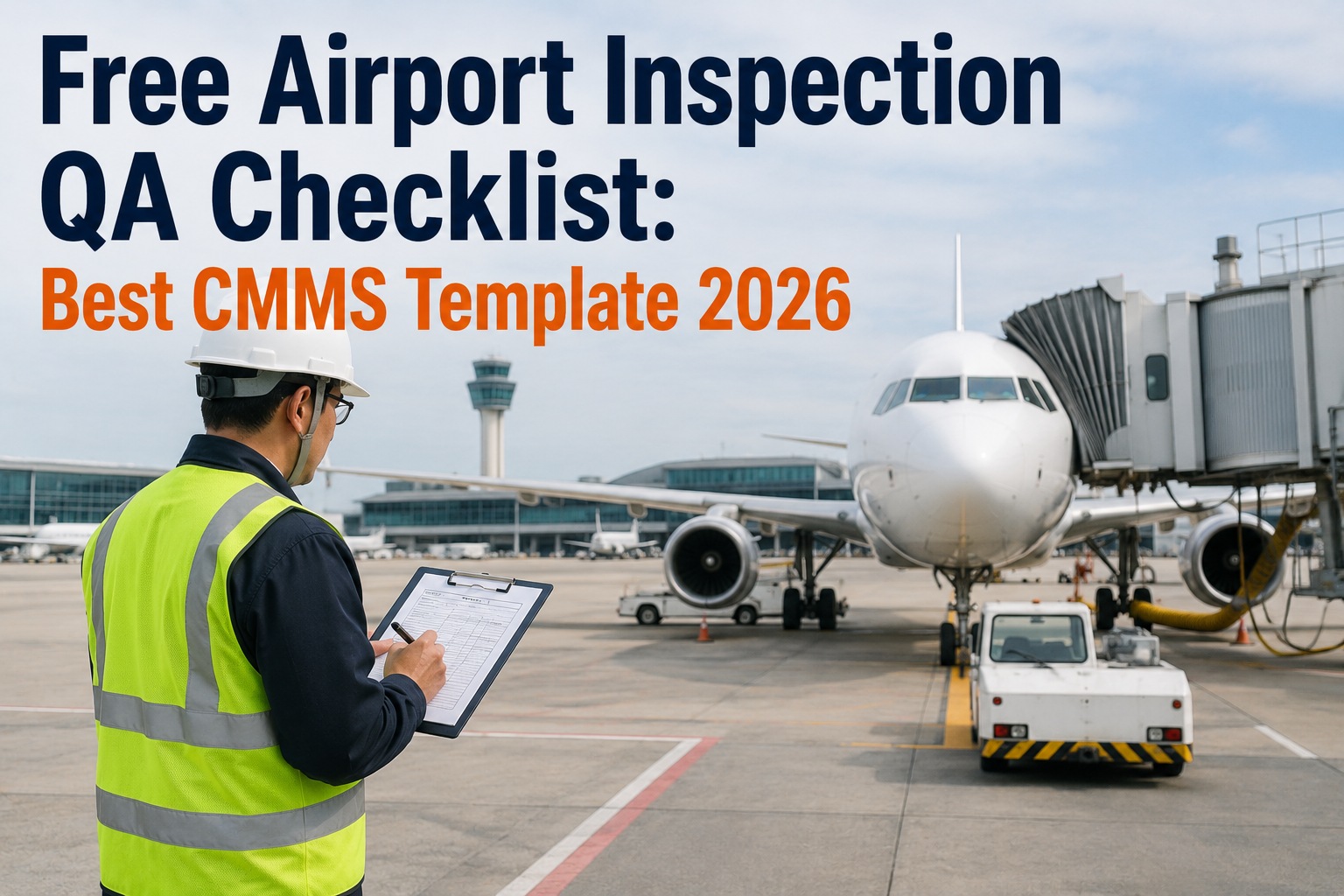
This is the template itself: the five categories every perimeter patrol should cover, with the specific checks under each. Run it as your daily route, or load it into OXMAINT AI so each unchecked box that turns into a finding raises a work order on its own. Book a demo to load this checklist into OXMAINT AI.
1Fencing & Physical Barriers
Fabric inspected for cuts, holes, bent sections, pulled bottom rails
Posts checked for shifting, leaning or impact damage
Top guard (barbed/outward barrier) intact and tensioned
10-ft vegetation-free clear zone maintained both sides
No signs of dig-under, climb-over or push-through
2CCTV & Sensors
Image clarity confirmed; lens free of debris or vandalism
Coverage verified — no blind spots at fence line or gates
Recording function and storage capacity tested
PIDS zones responding; housing, mounts & cabling sound
Any alarm/nuisance events logged with cause
3Access Gates
Vehicle gate open/close cycles and detection loops tested
Pedestrian credential reader and self-closing function verified
Emergency egress fail-safe operation confirmed
Gate access logs audited and retained per TSA
No tailgating evidence or forced-entry marks
4Perimeter Lighting
All fixtures operational during evening hours
Minimum light levels confirmed at fence line and gates
Emergency backup power tested
Vegetation clear of fixtures and coverage
Dark spots noted and raised as deficiencies
5Route Verification & Documentation
Every checkpoint reached and confirmed (scan/GPS timestamp)
Inspector ID and time recorded on each entry
All deficiencies described with photo evidence
Same-day corrective action initiated on each finding
Open items from prior patrols carried forward, not lost
Log retained a minimum of 12 months, retrievable on demand
Perimeter Fence — Quick Spec Reference
8 ft
minimum fence height
12–18 in
outward top guard
10 ft
vegetation-free clear zone, each side
1542
TSA 49 CFR Part — Airport Security Program
A Patrol You Can’t Prove Is a Patrol That Didn’t Happen.
The checklist is only half the job — the other half is proof and follow-through. OXMAINT AI stamps every checkpoint with a time and location, turns every finding into a tracked work order, and keeps the record retrievable the moment an inspector asks.
From Logged Finding to Closed Work Order
A checklist that ends at "noted" doesn't fix a fence. The value is in what happens after the box goes unchecked — and that's where OXMAINT AI carries the finding all the way to a verified closure, with same-day corrective action and overdue-item escalation built in. Here's the loop. Book a demo to run this loop on your perimeter in OXMAINT AI.
01
Complete the Route
Officer scans or geo-confirms each checkpoint on a phone, so the patrol's time and path are proven, not assumed.
↓
02
Log the Finding
A cut, a dark spot, a dead camera is captured with photo, location and time — a described deficiency, not a scribble.
↓
03
Raise a Work Order
The finding becomes a ranked work order with same-day corrective action initiated — routed to the right team automatically.
↓
04
Escalate if Overdue
Open items carry forward and escalate if they miss their window — nothing quietly falls off the next patrol.
↓
05
Verify, Close & Retain
Repair verified and closed; the full chain is retained 12+ months and produced on demand for a TSA or Part 139 review.
What the Digital Logbook Gives You
Moving patrols off paper isn't about a slicker form — it's about proof, follow-through and instant retrieval. OXMAINT AI builds all three into the patrol itself. Start free and see the digital logbook in OXMAINT AI.
VERIFY
Checkpoint Proof
Scan or GPS confirmation at each point stamps the real time and location of the patrol — verifiable, not trust-based.
CAPTURE
Photo-Backed Findings
Each deficiency logged with image, location and description, so the record shows exactly what was seen.
ACT
Finding-to-Work-Order
Every finding becomes a ranked work order with same-day corrective action — the fix is tracked to closure.
ALERT
Overdue Escalation
Missed patrols and overdue deficiencies escalate automatically instead of disappearing into the next shift.
RETAIN
Audit-Ready Records
Timestamped entries retained past the 12-month minimum and exported in minutes for a TSA or FAA review.
CARRY
Open-Item Continuity
Unresolved findings carry from patrol to patrol, so an open fence cut can't be silently dropped.
“
Our patrols were solid — but our proof of them was a stack of clipboards, and half the time a finding written at 2 a.m. never made it to the day team. The audit was always a scramble. Once patrols went to the phone, two things changed: we could show exactly where and when each zone was checked, and a cut fence became a work order that didn't close until it was fixed. The inspector asked for ninety days of logs and we had them on screen before he finished the sentence.
Airport Security & Operations Manager · Regional Airport
Frequently Asked Questions
What should an airport perimeter patrol checklist cover?
Five categories: fencing and barriers, CCTV and sensors, access gates, perimeter lighting, and route verification and documentation. This template lays out the specific checks under each — and OXMAINT AI turns any failed check into a tracked work order.
Start free and load the checklist.
How do we prove a patrol actually happened?
With checkpoint verification. Officers scan or geo-confirm each point, stamping the real time and location, so the record shows the route was walked rather than assumed. That verifiable trail is what an audit needs.
Book a demo to see checkpoint proof.
How long do we have to keep patrol logs?
A minimum of 12 months for inspection documentation under TSA requirements. OXMAINT AI retains entries past that minimum and exports them in minutes when a 49 CFR Part 1542 or Part 139 review requests them.
Start free and keep audit-ready records.
What happens when a patrol finds a deficiency?
Same-day corrective action is expected. In OXMAINT AI the finding becomes a ranked work order routed to the right team, carried forward if it's not closed, and escalated if it goes overdue — so nothing falls off the next shift.
Book a demo to see the workflow.
Is this template free to use?
Yes — the five-category checklist above is free to run as your patrol route. To make it verifiable and audit-ready, load it into OXMAINT AI so each finding is timestamped, tracked and closed out.
Start free and digitize the template.
Make Every Patrol Provable. Make Every Finding Close.
Run airport perimeter patrols on the OXMAINT AI maintenance management software — checkpoint-verified routes, photo-backed findings, findings that become tracked work orders, and a 12-month audit trail retrievable in seconds. Stop proving your security with a clipboard.