
Aviation Maintenance Data Cleaning: AI & Predictive Maintenance Guide

By Willam Jerry on October 3, 2026

aviation-maintenance-data-cleaning-predictive-maintenance

Predictive maintenance models are only as good as the records behind them. In aviation, those records are often free-text write-ups, mismatched ATA chapters, duplicate entries and fault codes that mean different things in different systems. This guide shows how to clean aircraft maintenance data step by step — from raw logbook entries to labelled, model-ready datasets — and how OXMAINT AI, the AI-powered CMMS, helps keep new data clean at the source.

Aviation Maintenance Data · MRO Data Quality · AI & Predictive Maintenance

Clean Maintenance Data First. Predictive Maintenance Second.

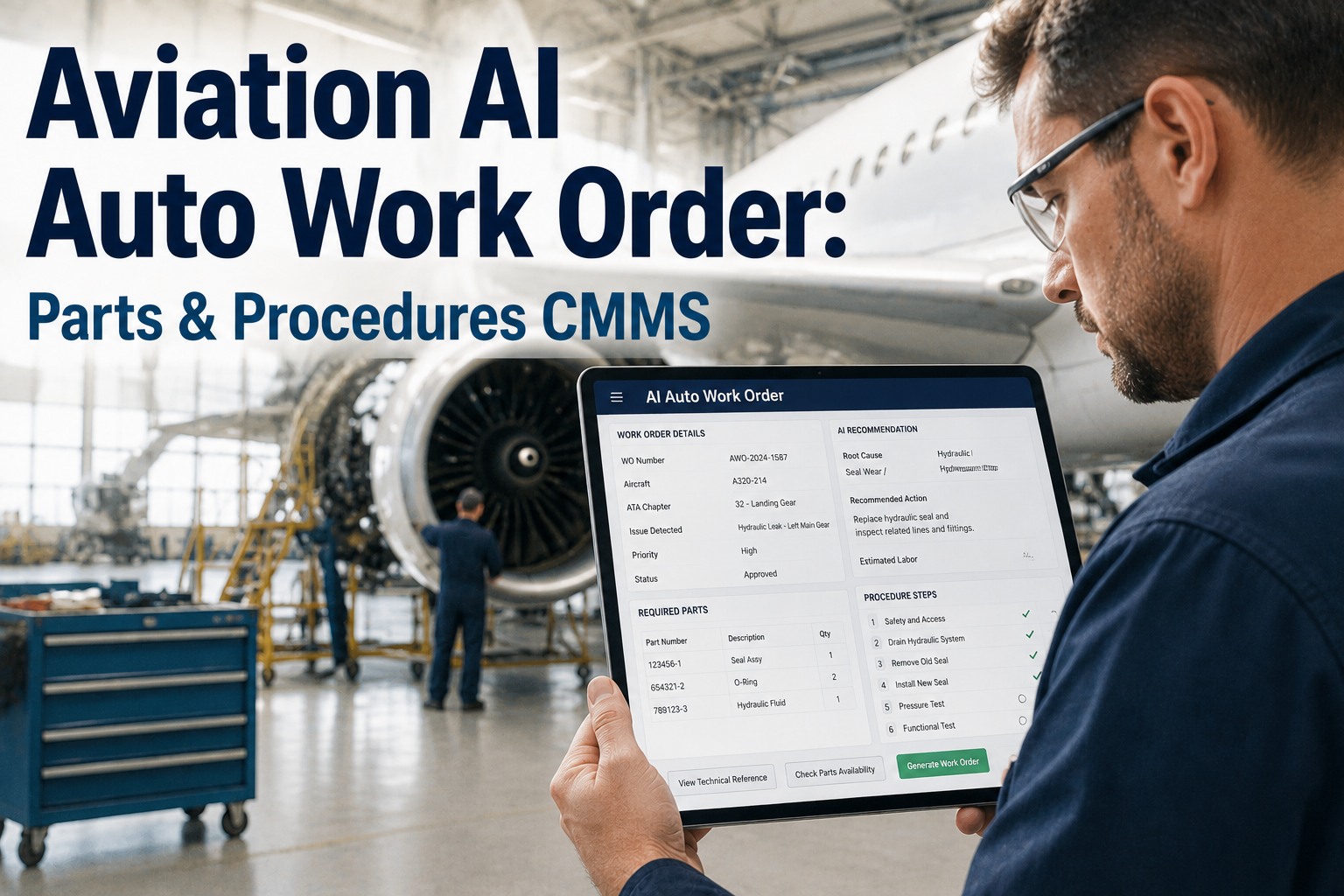
Before any model can predict a component failure, work orders, fault codes and asset records have to agree with each other. OXMAINT AI, the AI-powered CMMS, connects the workflow in one platform, so clean, structured records feed your planning and analytics.

1Request or inspectionCaptured in structured fields
→
2Issue or defectTied to the right asset and code
→
3Work orderAction, parts and findings recorded
→
4PM & predictive planTrusted history informs what's next

The result: better asset visibility and a maintenance history your analysts can actually use.

~1,000new records a day from a medium-sized airline fleet*
Up to 40%of defects not flagged correctly, mainly from wrong ATA codes*
Up to 85%of enterprise AI projects reported to fail on data quality**

*Vendor-reported figures (ATP, 2019). **Cited in an OAG report on aviation AI. Treat both as indicative; measure your own data.

One Write-Up, Before and After Cleaning

Logbook entries are usually typed by hand, often with misspellings, mixed languages and the wrong ATA chapter. Cleaning turns an entry a human can read into a record a model can learn from. Book a demo to see structured capture in OXMAINT AI.

BEFORE · RAW
"R/H eng bleed vlv ovrhte msg again. cycled, no fault found. ?? pls chk"
ATA: blankPart: not recordedHours: missingType: "Other"
→
AFTER · CLEAN
Right engine bleed air valve — overheat message, repeat defect
ATA: 36 (assigned)PN/SN: linkedFlight hrs/cycles: addedType: Fault, NFF flagged

The 6-Stage Cleaning Pipeline

1
Consolidate sources
Bring work orders, logbook entries, component records and fault data into one view, keyed by tail number and part/serial number.
2
Standardize formats
Unify dates, units, flight hours and cycles, language and abbreviations.
3
Deduplicate and repair
Merge repeated entries, fill gaps where evidence exists, and flag the rest rather than guessing.
4
Map the taxonomy
Align ATA chapters, fault codes and component hierarchies so the same fault has one name everywhere.
5
Label outcomes
Mark confirmed failure, no-fault-found, scheduled removal and repeat defect consistently.
6
Validate model readiness
Check coverage, balance and leakage before a single model is trained.

The Messiest Fields, and the Fix

Problem fieldWhy it breaks a modelCleaning move
Free-text defect description Typos and abbreviations hide repeats Normalize terms, extract component and symptom
ATA chapter Wrong chapter splits one issue across systems Review and recode against description
Maintenance type Label may not match the work described Cross-check type against action taken
Component identity No PN/SN, no life history Link every record to a tracked asset
Timestamps, hours, cycles Can't order events or measure time-to-failure Standardize and reconcile with usage data

Cleaning Old Data Is a Project. Keeping New Data Clean Is a Habit.

Structured fields, linked assets and consistent codes at the point of entry mean the next dataset needs far less rework.

Label Traps That Quietly Mislead Models

No-fault-found
A removal without a confirmed failure is not a failure. Label it separately.
Rare failures
Few true failures means imbalanced data; plan for it before modelling.
Data leakage
Using information from after the failure to "predict" it inflates results.
Preventive removals
Parts replaced on schedule hide how long they could have run.

Model-Readiness Scorecard

✓Every record linked to a tail and part/serial number
✓One standard code set for ATA chapters and faults
✓Duplicates merged; gaps flagged, not guessed
✓Outcomes labelled: failure, NFF, scheduled
✓Hours and cycles recorded for each event
✓A data owner reviews quality each month

Note: a CMMS complements, and does not replace, your approved airworthiness and MRO records system. Follow your authority and operator requirements for official records.

Frequently Asked Questions

Why does aviation maintenance data need cleaning for AI?
Records are often manual free text with misspellings, mixed languages and incorrect ATA assignments. Models trained on inconsistent labels learn inconsistent patterns. Book a demo to see how OXMAINT AI structures records.
What should I clean first?
Start with component identity, ATA chapter and fault codes, and outcome labels for your highest-value systems, then widen from there.
Does a CMMS prepare data for predictive maintenance?
It helps by capturing structured, consistent records going forward. Historical cleanup and model building still need analysis. Start free in OXMAINT AI.
How do I know my data is model-ready?
Use the scorecard above: linked assets, standard codes, labelled outcomes and enough failure examples to learn from.

Build the Data Foundation Before the Model.

Capture inspections, defects and work orders in structured form with the OXMAINT AI maintenance management software, so predictive maintenance starts with records you can trust.


Share This Story, Choose Your Platform!