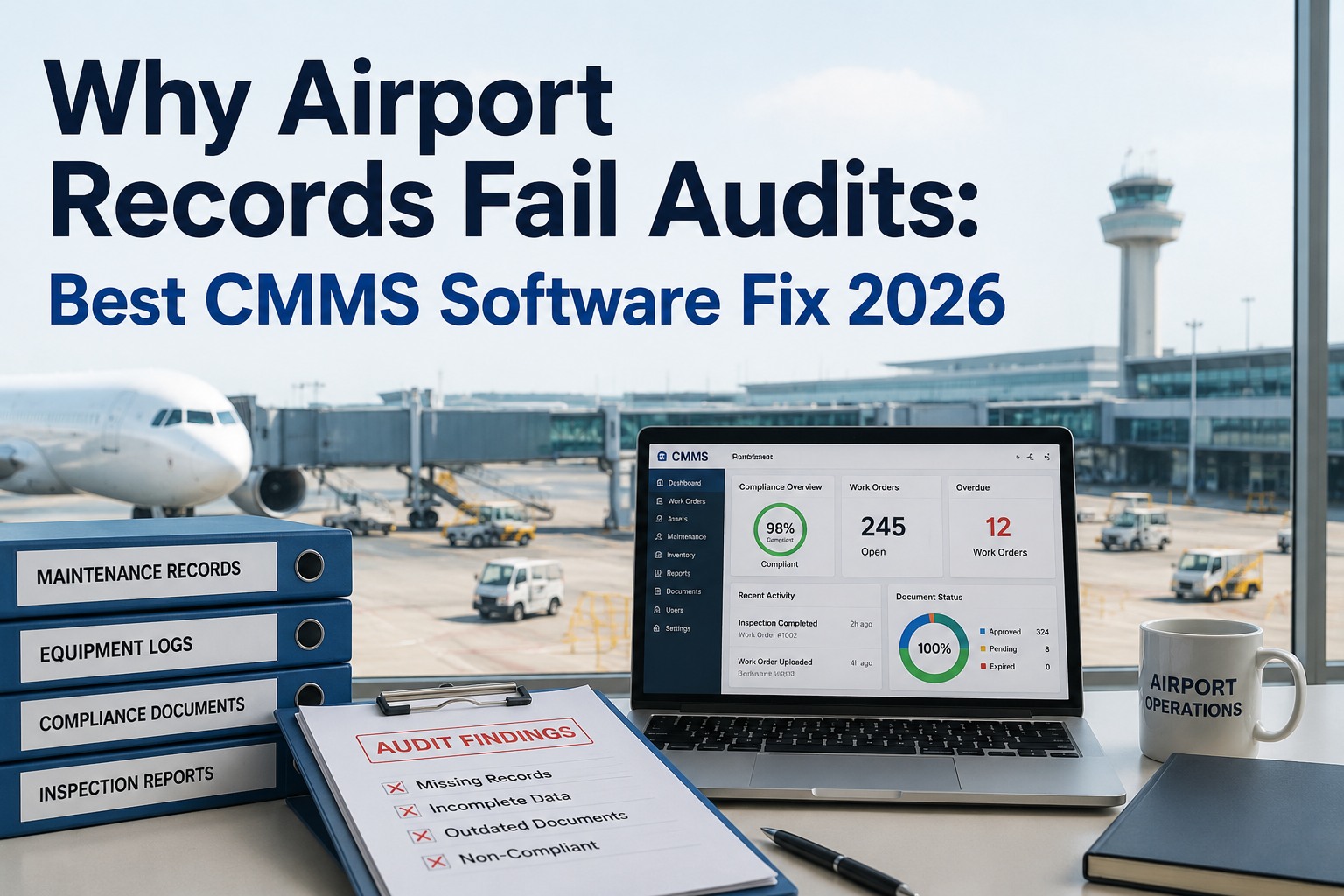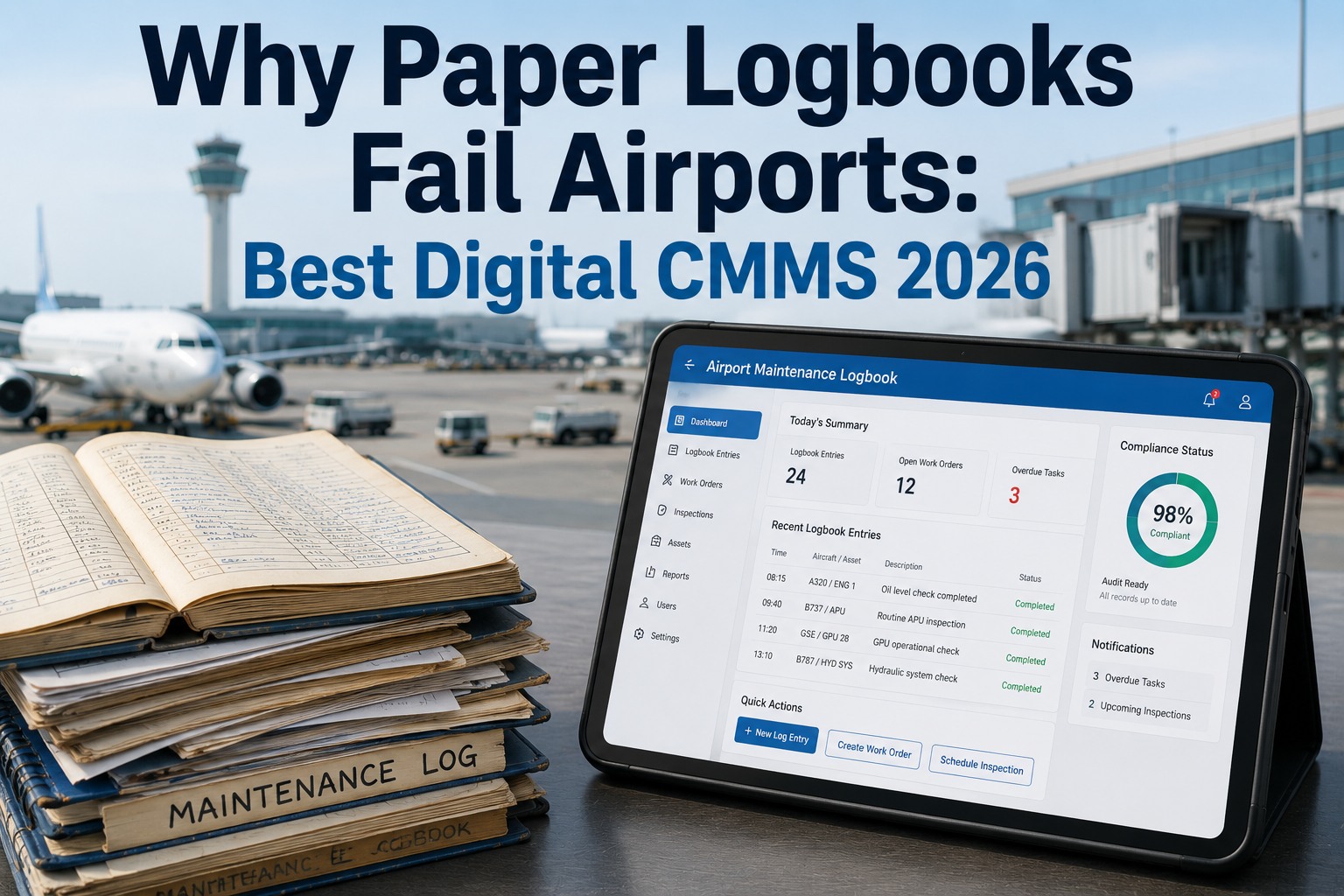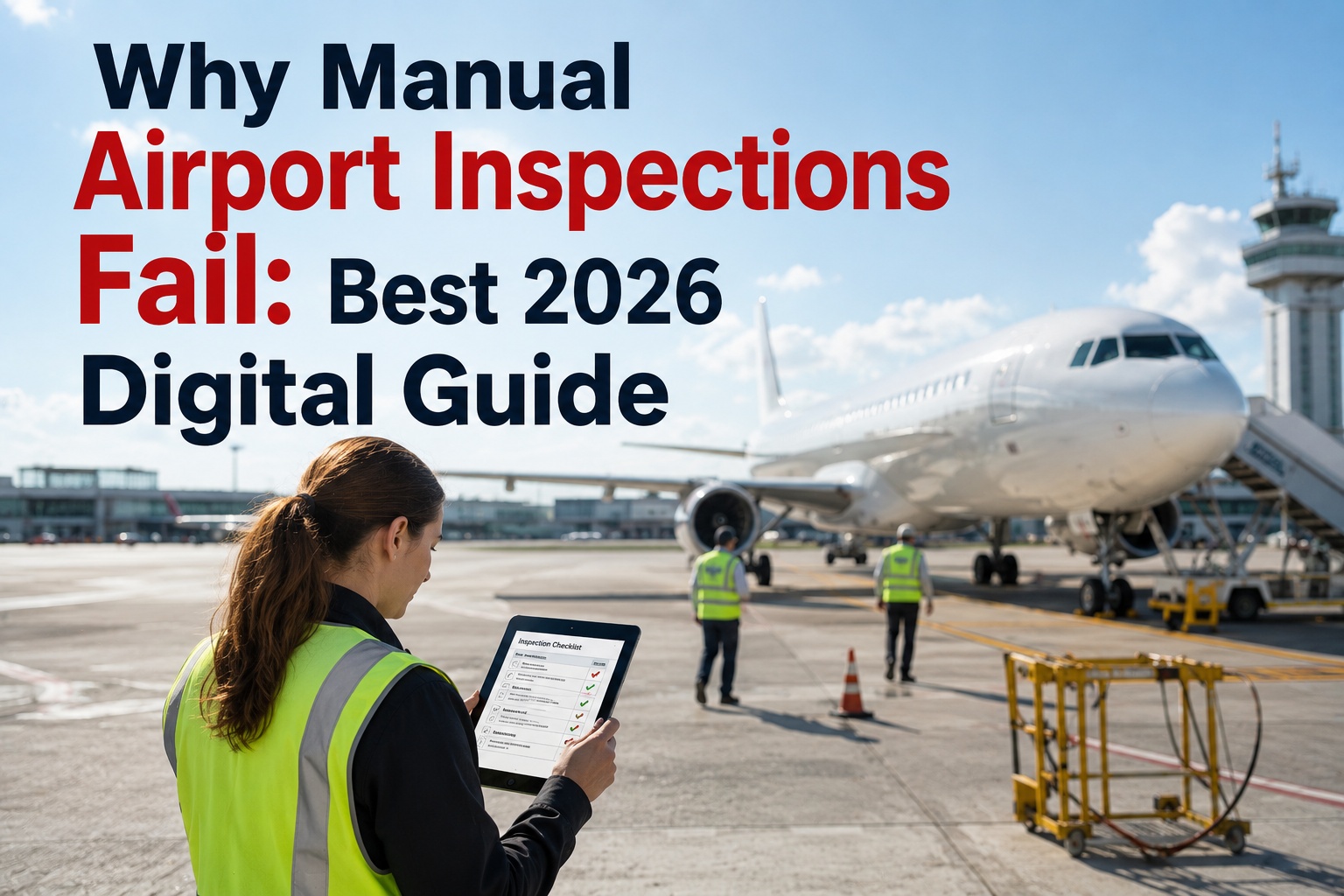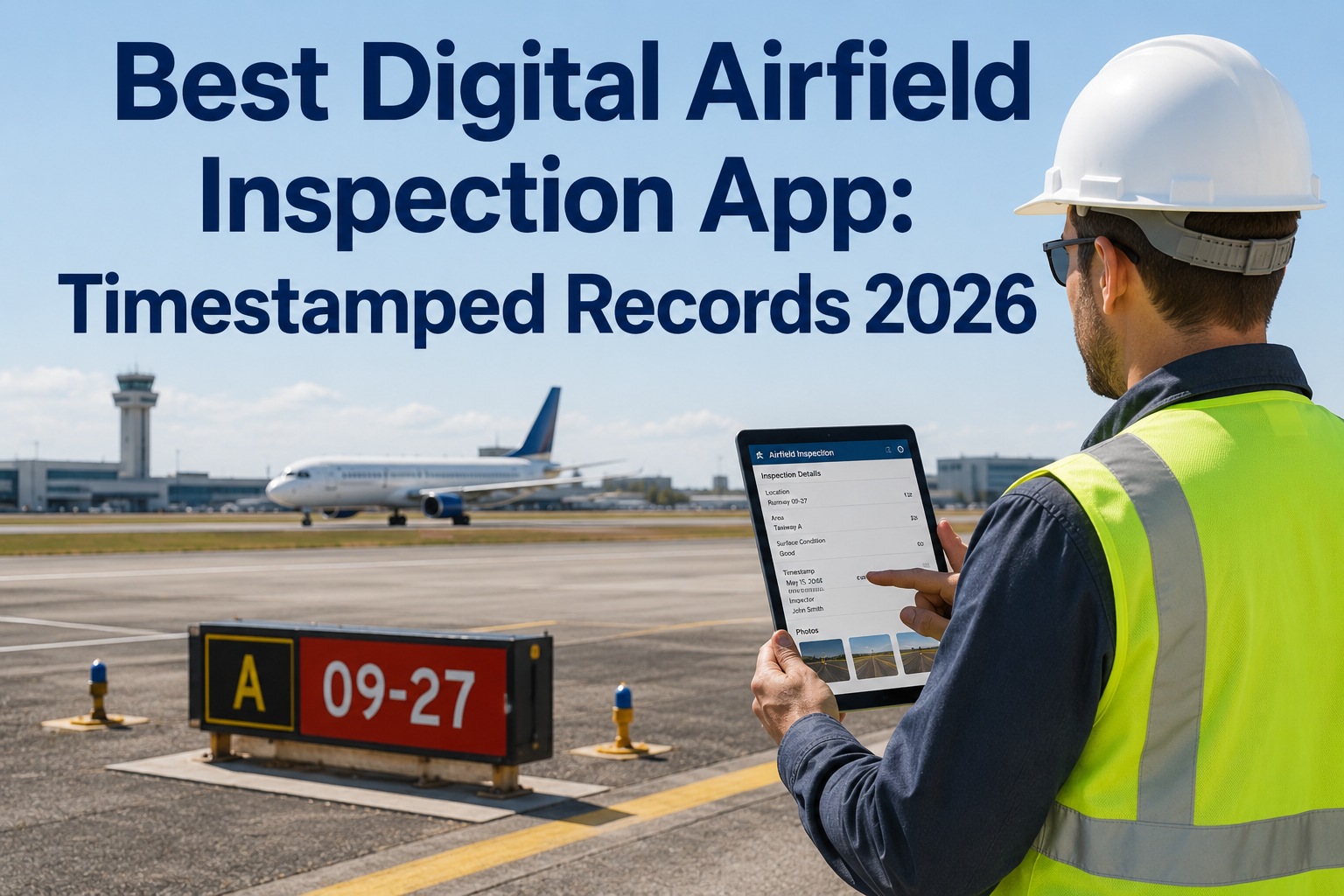
The clipboard is the single most common inspection instrument at airports globally — and the single largest source of every documentation deficiency the FAA cites under §139.327 and §139.301. A digital airfield inspection app is not a nice-to-have upgrade; it is the operating layer that decides whether the airport can prove what it inspected, when, by whom, and what corrective action followed — with the timestamped, GPS-verified, photo-evidenced record the FAA regional office expects when the walk-in inspection begins. The best 2026 airfield inspection apps share a common architecture: a route-based mobile workflow, offline-capable evidence capture, automatic work order generation on every finding, role-based access for inspectors and supervisors and compliance officers, and a one-click audit export that turns twelve months of retention into a two-minute deliverable. This guide walks through what a timestamped inspection record actually contains, the anatomy of the app that produces it, the mobile-first workflow every field inspector runs, and the selection criteria that separate airfield-grade apps from generic checklist software. Oxmaint's airfield inspection app is purpose-built for Part 139 compliance — GPS-stamped, photo-verified, offline-capable, and integrated end-to-end with the work order engine that turns every finding into a closed-loop maintenance action. Start a free Oxmaint trial to run the digital airfield inspection app on the CMMS, or book a demo to see the airfield inspection mobile workflow mapped to your airport's ACM.
Aviation · Airport · Mobile Inspection App CMMS
Best Digital Airfield Inspection App: Timestamped Records — 2026 Guide
GPS-stamped, photo-verified, offline-capable mobile inspection workflow — with role-based access, closed-loop work orders, and one-click audit export for FAA Part 139 retention.
-
6 Elements
every audit-grade timestamped inspection record must carry — from GPS to closure link
-
Mobile-First
field inspector completes the whole workflow on a tablet or phone — no back-office paperwork
-
Offline Sync
airfields have connectivity gaps — the app must capture offline and reconcile on reconnection
-
2 Minutes
to export 12 months of Part 139 retention records for the FAA regional office
What a Timestamped Record Actually Is
Six Data Elements Every Audit-Grade Inspection Record Must Contain
A "timestamped record" is not a checkbox with a date next to it. It is a structured data object with six required elements — each one non-optional if the record needs to stand up to FAA inspection, insurance underwriter review, or incident investigation. Any airfield inspection app that produces less than these six elements is not producing audit-grade evidence.
-
E1
GPS Coordinate
Precise latitude and longitude of the observation. Proves the inspector was on the specific surface. Enables geospatial trending across cycles and locates defects for the maintenance response.
-
E2
ISO Timestamp
Server-verified date and time in ISO 8601 format. Not the phone's clock — the sync timestamp. Establishes when the observation was made, not when the record was entered later.
-
E3
Photo Evidence
Image captured in-app with embedded metadata. Removes judgment inconsistency between inspectors. Reference imagery for closure verification and trend documentation.
-
E4
Authenticated User
Identity of the inspector logged into the app — not a signature on paper. Tied to a training-verified account. Establishes accountability and enables role-based verification.
-
E5
Defect Classification
Structured category and severity from a controlled vocabulary — not free text. Drives auto-routing to the right maintenance team and the NOTAM workflow when severity requires.
-
E6
Closure Link
Reference to the work order created from the finding, with the closure timestamp and closing user's identity. Closes the loop from observation to verified corrective action.
The App Anatomy
Five Core Modules That Make Up a Complete Airfield Inspection App
A production airfield inspection app is not a single component. Five discrete modules working together produce the field workflow, the timestamped record, and the closed-loop maintenance action. Missing any one of these modules leaves a gap that the paper program had.
Route Management
Daily routes auto-generated on the schedule the ACM specifies. Weather-triggered off-cycle routes. Inspector receives the route on the mobile app when the shift begins.
Mobile Capture
Tablet or phone interface. Digital checklists per zone, GPS auto-tagging, in-app camera, structured defect classification, voice-to-text notes for driving inspectors.
Offline Sync Engine
Records captured while offline. Automatic reconciliation on reconnection. Server timestamps applied on sync. No inspector loses data because the airfield has a connectivity dead zone.
Evidence Store
Photos, videos, and route traces retained against the inspection record. Version-controlled. Retention indefinite. Retrievable per record or per zone or per date range.
Work Order Engine
Every finding auto-creates a work order routed to the correct maintenance function. Deadline set by severity. Closure requires evidence upload and supervisor sign-off. Closed loop, structurally.
The Mobile-First Workflow
Six Stages of the Field Inspector's Journey Through One Route
The best digital airfield inspection apps compress the field workflow into six clean stages — start to finish on the mobile device without back-office paperwork. Below is the working stage sequence the inspector runs on every route.
-
01
Open the Route on the Mobile App
Inspector logs into the tablet. Today's route appears — pre-populated with the correct zones and checklists for that inspection type. Shift start timestamped automatically.
-
02
GPS Check-In at Each Zone
App verifies inspector is physically at the surface being inspected. Zone entry timestamped. Route trace recorded. No possibility of an inspection completed from the office.
-
03
Walk the Checklist
Zone-specific checklist items presented in order. Each item mapped to its Part 139 reference. Passed items ticked. Failed items open the finding workflow immediately.
-
04
Capture the Finding
GPS auto-tags. In-app camera captures photos. Structured classification menu — defect type, severity, location detail. Voice-to-text for narrative notes. Finding record complete in seconds.
-
05
Auto Work Order & NOTAM Flag
Severity classification triggers the correct workflow automatically. Work order routed to maintenance. NOTAM coordination prompt for safety-affecting deficiencies. No verbal handoff.
-
06
Close the Route
All zones complete. Route sign-off with inspector authentication. Sync fires on connectivity. Supervisor notification pushed. Route closed as a permanent record in the retention store.
The Offline Reality
Airfields Have Connectivity Dead Zones — The App Must Capture Offline
Runway ends, taxiway bravo behind the tower, the far cargo apron, the perimeter road — every airport has connectivity zones where cellular fails and Wi-Fi does not reach. An airfield inspection app that cannot capture offline and reconcile on reconnection loses data every time an inspector walks into one of those dead zones. Offline sync is not a nice-to-have feature — it is the single practical requirement that separates production-grade airfield inspection apps from generic checklist software repurposed for the airfield.
User Roles
Four Roles the App Must Serve With Different Views and Permissions
The airfield inspection app is used by four discrete user roles — each needing a different view of the same underlying data. A tool built for only one role fails the other three. Below is the role structure every airfield app must implement, and the primary responsibility each carries.
-
Role 1
Field Inspector
Executes routes on the mobile device. Captures findings with GPS, photo, and classification. Signs off completed routes. Primary user of the mobile capture and offline sync modules.
-
Role 2
Operations Supervisor
Monitors inspection execution across shifts. Reviews open findings. Coordinates NOTAM decisions. Ensures deficiencies meet closure deadlines. Dashboards showing schedule adherence and finding backlog.
-
Role 3
Maintenance Planner
Receives auto-generated work orders from findings. Schedules repair work against airfield operating windows. Confirms closure evidence back into the inspection record. Full work-order view.
-
Role 4
Compliance Officer
Owns audit readiness. Reviews retention completeness. Exports Part 139 documentation packages. Trend reviews across zones and cycles. Read access to everything, edit access to compliance metadata.
Selection Criteria
Eight Criteria for Choosing the Best Airfield Inspection App
Not every mobile inspection app fits airfield operations. Below is the working evaluation matrix — eight criteria to score any candidate app against before commitment. A candidate scoring low on any of the top four (marked critical) is not an airfield app regardless of how well it scores on the others.
| Criterion | Why It Matters | Weight |
|---|---|---|
| Offline Sync | Airfields have connectivity dead zones — record loss is unacceptable | Critical |
| GPS Verification | Proves inspector was on the surface — the audit trail cornerstone | Critical |
| Photo Evidence | Removes judgment inconsistency, enables trend documentation | Critical |
| Work Order Integration | Closes the loop from finding to verified corrective action | Critical |
| Part 139-Mapped Checklists | Regulatory traceability the FAA expects on every item | High |
| Role-Based Access | Four distinct user roles need four distinct views and permissions | High |
| NOTAM Coordination | Severity-driven NOTAM workflow prevents disconnected advisories | High |
| One-Click Audit Export | 12-month Part 139 retention exportable in minutes, not days | High |
Where Legacy Tools Break
Four Failure Modes of Generic Inspection Apps Applied to the Airfield
-
01
No Offline Capture
Generic apps assume constant connectivity. Airfield inspector walks behind a hangar, loses signal, loses the record. Rework required. Trust in the tool degrades. Program stalls.
-
02
Free-Text Findings
Generic apps allow free-text descriptions. Airfield needs structured classification for severity, type, and NOTAM routing. Free text loses the machine-actionable data.
-
03
No Work Order Bridge
Inspection app produces a finding. Maintenance CMMS is separate. Handoff is manual — email or phone call. The exact gap the paper program had, now on tablets.
-
04
Generic Compliance Export
Export produces a PDF of ticks and free text. Not mapped to Part 139 sections. FAA inspector still has to reconcile — defeats the audit-readiness value proposition of the app.
Built for Airfield Operations
How Oxmaint Delivers the Full Airfield Inspection App
-
Mobile-First Capture
Tablet App Purpose-Built for the Airfield
GPS auto-tagging, in-app camera, structured defect classification, voice-to-text notes. Field inspector completes the workflow without touching a keyboard.
-
Offline Sync
Full Route Capture With Zero Connectivity
Every observation captured locally. Automatic reconciliation on reconnection. Server timestamps applied. Airfield dead zones no longer eat records.
-
Part 139-Mapped Checklists
Every Item Carries Its Regulatory Reference
§139.305 pavement, §139.309 safety areas, §139.311 lighting, §139.327 self-inspection, §139.337 wildlife — reg reference on every checklist item.
-
Auto Work Orders
Every Finding Becomes a Tracked Work Order
Severity-driven routing to the correct maintenance team. Deadline set by classification. Closure requires evidence upload and supervisor sign-off. Structural closed loop.
-
NOTAM Coordination
Severity Triggers NOTAM Workflow Automatically
Safety-affecting deficiency prompts NOTAM alongside the work order. Closure verification triggers NOTAM cancellation prompt. No lingering NOTAMs against closed defects.
-
Role-Based Views
Inspector, Supervisor, Planner, Compliance Officer
Four distinct role views on the same underlying data. Field inspector runs the mobile route. Supervisor monitors execution. Planner receives work orders. Compliance owns retention.
Measured Outcomes
What Airports Gain From the Digital Airfield Inspection App
-
100%
Timestamped Records
Every observation server-timestamped, GPS-tagged, and photo-evidenced. No unsigned entries, no reconstructed timestamps, no missing photos when the auditor asks.
-
Zero
Lost Records
Offline sync catches every observation even in connectivity dead zones. No inspector loses a finding because the ramp had no cellular coverage.
-
Minutes
To Audit Export
12 months of self-inspection records, deficiency closures, and photo evidence exportable on demand. Two-minute export replaces two-day binder scramble.
-
Unified
Inspection & Maintenance
Finding to work order to verified closure — all inside one platform. The handoff gap between inspection and maintenance disappears entirely.
Frequently Asked
Digital Airfield Inspection App Questions
Does the airfield inspection app work offline?
Yes — offline capture is the single most important practical requirement for any airfield inspection app. Runway ends, distant taxiways, the perimeter road, and terminal-shadowed apron areas all have connectivity dead zones on most airports. The Oxmaint mobile app captures every observation locally, applies device timestamps at the point of capture, and reconciles with the server on reconnection with server timestamps applied for the audit trail. No inspector loses a record because the airfield had a signal gap. Sign up for Oxmaint to run offline-capable airfield inspection on the CMMS.
What data elements does a timestamped inspection record actually contain?
Six required elements: GPS coordinate proving the inspector was on the surface, server-verified ISO 8601 timestamp for when the observation occurred, photo evidence with embedded metadata, authenticated user identity of the inspector, structured defect classification from a controlled vocabulary (not free text), and a closure link to the work order generated from the finding with the closing user and timestamp. Anything short of these six is not an audit-grade record.
How does the app handle NOTAM coordination on safety-affecting deficiencies?
Severity classification on the finding drives the workflow automatically. A safety-affecting deficiency — FOD on a runway, a failed approach light bar, a missing holding position sign — triggers a NOTAM coordination prompt alongside the work order. When the closure is verified with evidence and supervisor sign-off, a NOTAM cancellation prompt fires. This structurally prevents the FAA's "NOTAM active against closed defect" finding pattern that paper programs generate. Book a demo to see the NOTAM-linked severity workflow in Oxmaint.
How long does it take to deploy the app across an airport operation?
Most Class I to Class IV airports complete initial configuration and pilot deployment within 2 to 4 weeks. The pattern is: convert the ACM's paper checklists to digital templates in week one, roll out to mobile devices with field training in weeks two and three, run parallel paper-and-digital cycles briefly to validate parity, then cut over. Ongoing updates to the ACM propagate to the digital checklists — no reprinting binders every revision. Sign up for Oxmaint to deploy the airfield inspection app on your operation.
Capture · Verify · Close the Loop
The Best Digital Airfield Inspection App Turns Every Finding Into an Audit-Grade Timestamped Record
Six data elements per record. Five modules producing them. Six workflow stages the inspector runs on mobile. Four roles served with the right view. Offline-capable for airfield dead zones. Work order engine closing the loop from finding to verified corrective action. Part 139-mapped checklists carrying the regulatory reference on every item. One-click twelve-month export ready for the FAA regional office. Oxmaint is the airfield inspection app built for exactly this — the operating layer that finally turns the clipboard into a structured, auditable, closed-loop system.