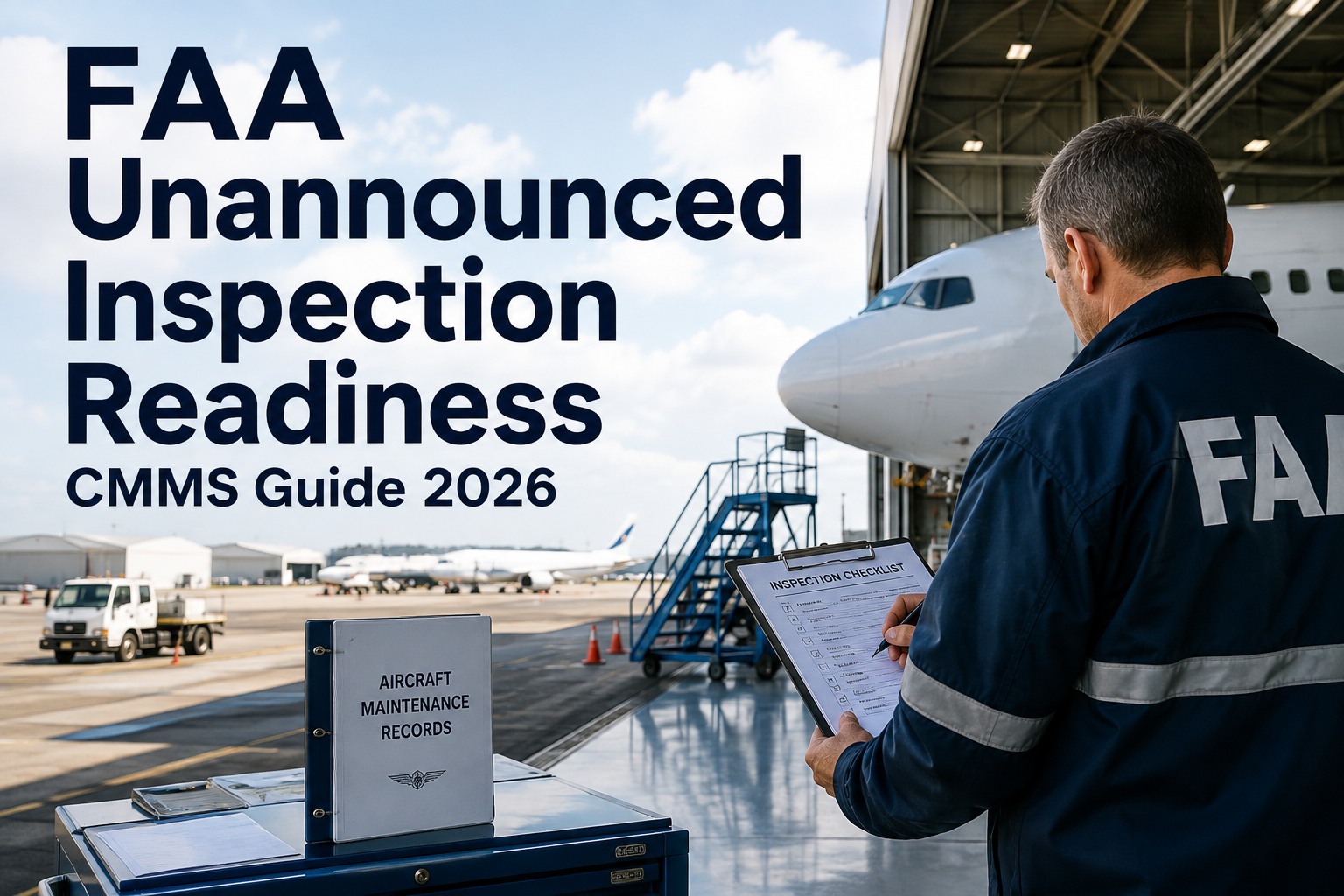
FAA unannounced inspections arrive without warning, and your maintenance operation must produce compliant, time-stamped documentation in seconds — not weeks. This 2026 guide to FAA unannounced inspection readiness shows aviation maintenance teams how to leverage a CMMS for instant evidence retrieval, automated sample selection, and always-ready audit bundles. Whether you manage a Part 145 repair station or a Part 121 air carrier, the difference between a clean inspection and a violation often comes down to how quickly your CMMS can surface a complete work-order history. Ready to make surprise audits routine? Start Free Trial and see how OxMaint keeps you inspection-ready 365 days a year.
FAA Inspection Readiness 2026
An FAA inspector is at your gate. Can you produce evidence in 30 seconds?
Unannounced inspections happen when they are most inconvenient. With an inspection readiness CMMS, your team retrieves completed work orders, AD compliance records, and tool calibration logs instantly — without pausing a single maintenance task.
Always-Ready Documentation
What inspectors actually ask for during an FAA unannounced inspection
FAA Aviation Safety Inspectors (ASIs) typically request a random sample of 5–15 recent work orders, applicable Airworthiness Directive (AD) compliance logs, and RII items. If assembling that sample takes hours, you are already behind. Here is the standard evidence bundle every aviation maintenance team must produce on demand.
Completed Work Order Packages
Signed task cards, technician certifications, parts used with serial numbers, and return-to-service tags. Every record must be time-stamped and traceable to the specific aircraft tail number.
AD & SB Compliance Records
Proof that every applicable Airworthiness Directive and Service Bulletin was evaluated, complied with, or deferred — including method of compliance, date, and maintaining technician signature.
Tool & Equipment Calibration Logs
Current calibration certificates for torque wrenches, multimeters, NDT equipment, and any tool touching a flight-critical system — cross-referenced to the work orders where each tool was used.
RII & Quality Sign-Off Trail
Required Inspection Item documentation showing the independent RII inspector's sign-off, any discrepancies found, and the corrective action taken before the aircraft was returned to service.
Spare Parts Traceability
8130-3 or equivalent airworthiness tags for every rotable and life-limited part installed in the last 12 months, linked directly to the work order and tail number in your CMMS.
Deferred Maintenance & MEL Log
A live view of all open deferred items, Minimum Equipment List entries, their compliance deadlines, and the scheduled corrective work orders tied to each deferral.
CMMS FAA Inspection Guide
Manual folders vs. an always-ready CMMS: the 2026 readiness gap
Most maintenance teams do not fail inspections because their work is non-compliant — they fail because they cannot prove compliance fast enough. Inspectors interpret disorganized records as a systemic breakdown, which expands the audit scope from a 1-day sample review to a full-week deep dive. Here is what changes when you move from paper binders to an inspection-ready CMMS.
| Readiness Dimension | Paper / Shared Drive | OxMaint CMMS |
|---|---|---|
| Evidence assembly time | 3–5 business days; pulls technicians off the floor | Under 30 seconds via saved audit-bundle queries |
| Work order sample selection | Manual digging; risk of cherry-picking accusations | Randomized, tamper-evident sample generated on demand |
| Tool calibration cross-reference | Separate spreadsheet; breaks if one cell is edited | Auto-linked at sign-off; flags expired tools instantly |
| AD/SB compliance visibility | Reviewed quarterly or annually; blind spots in between | Real-time dashboard; alerts before compliance windows close |
| Inspector walk-around response | “Let me find that folder” — erodes confidence | Tablet-ready walk-around dashboard; pull any asset in two taps |
| Audit disruption to operations | Full maintenance pause for 1–3 days | Zero disruption; technicians keep working |
The Cost of Not Being Ready
How a 2-day audit scope expansion costs a repair station $85K+
When an FAA inspector cannot quickly verify a sample of work orders, the standard protocol is to widen the scope. That scope expansion is where the real financial damage happens — not in fines, but in operational paralysis.
A Part 145 repair station managing 12 aircraft with 380 tracked rotable components
How OxMaint Helps
OxMaint capabilities that make FAA unannounced inspections routine
OxMaint was built for the moment an inspector walks onto your floor. Every feature maps directly to a step in the FAA inspection process, turning what is normally a fire drill into a 5-minute query. Here is how specific OxMaint capabilities map to measurable inspection-readiness outcomes.
Saved Audit-Bundle Queries
Pre-configure the exact evidence bundles inspectors request — work orders, AD logs, RII sign-offs, and calibration records — then regenerate them in one click. Any tail number, any date range, fully time-stamped.
Walk-Around Dashboard
A tablet-optimized view designed for the inspector walk-around. Pull up any asset's complete maintenance history, open deferrals, and last-return-to-service signature in two taps without leaving the hangar floor.
Randomized Sample Selection
Generate a tamper-evident random sample of work orders by tail number, date range, or task type. Eliminates cherry-picking concerns and gives inspectors confidence in your record-keeping integrity from minute one.
Automated Calibration Tracking
Every tool is linked to the work orders where it was used. When a calibration expires, OxMaint automatically flags every affected work order and restricts new assignments until the tool is recertified.
See OxMaint pass your next surprise audit — book a 30-minute demo
We will load a sample aircraft fleet into your trial workspace and show you exactly how the FAA evidence bundle assembles in 30 seconds.
FAQ
FAA unannounced inspection readiness: frequently asked questions
Can an FAA inspector really show up unannounced?
Yes. Under 14 CFR Part 145 and Part 121 oversight authority, FAA Aviation Safety Inspectors can arrive at your facility without prior notice at any point during business hours. The element of surprise is intentional — it tests whether your compliance posture is continuous or staged for scheduled audits. An inspection readiness CMMS ensures your records are always in inspector-ready condition, eliminating the need to prepare.
How fast should we be able to produce work order records?
Inspectors expect to see requested records within minutes, not hours. If you cannot produce a complete work order package — including technician sign-offs, parts traceability, and return-to-service documentation — within 15–30 minutes, the inspector will likely note it as a finding and expand the sample size. OxMaint generates these bundles in under 30 seconds. Book a Demo to see it on your data.
What is the most common finding during an FAA unannounced inspection?
The most frequent finding is not defective maintenance work — it is incomplete or inaccessible documentation. Missing calibration records for tools used on flight-critical systems, work orders lacking RII sign-offs, and AD compliance logs that cannot be quickly cross-referenced to specific tail numbers are the top three. A CMMS with always-ready documentation eliminates all three by enforcing sign-off completeness and auto-linking tools and parts at the time of work.
How does a CMMS handle random sample selection for FAA inspectors?
An inspection-ready CMMS like OxMaint includes a randomized sample generator that selects work orders by tail number, date range, or maintenance category using a verifiable algorithm. This prevents any accusation of cherry-picking favorable records and demonstrates to the inspector that your record-keeping is systematic. The selected sample instantly populates with all supporting documentation — no manual assembly required.
How long does it take to switch from paper records to an inspection-ready CMMS?
Most Part 145 repair stations and Part 121 operators go live with OxMaint in 2–4 weeks, including migrating active work orders, uploading asset registers, and configuring saved audit-bundle queries. Historical records can be imported in bulk via CSV. Because OxMaint is cloud-based, there is no server setup — your team can begin using it on tablets and desktops immediately. Start Free Trial to explore the workspace today.
Make your next FAA unannounced inspection the easiest day of the quarter
Join the aviation maintenance teams who greet inspectors with confidence instead of panic — evidence in 30 seconds, zero operational disruption.
Free 14-day trial · No credit card