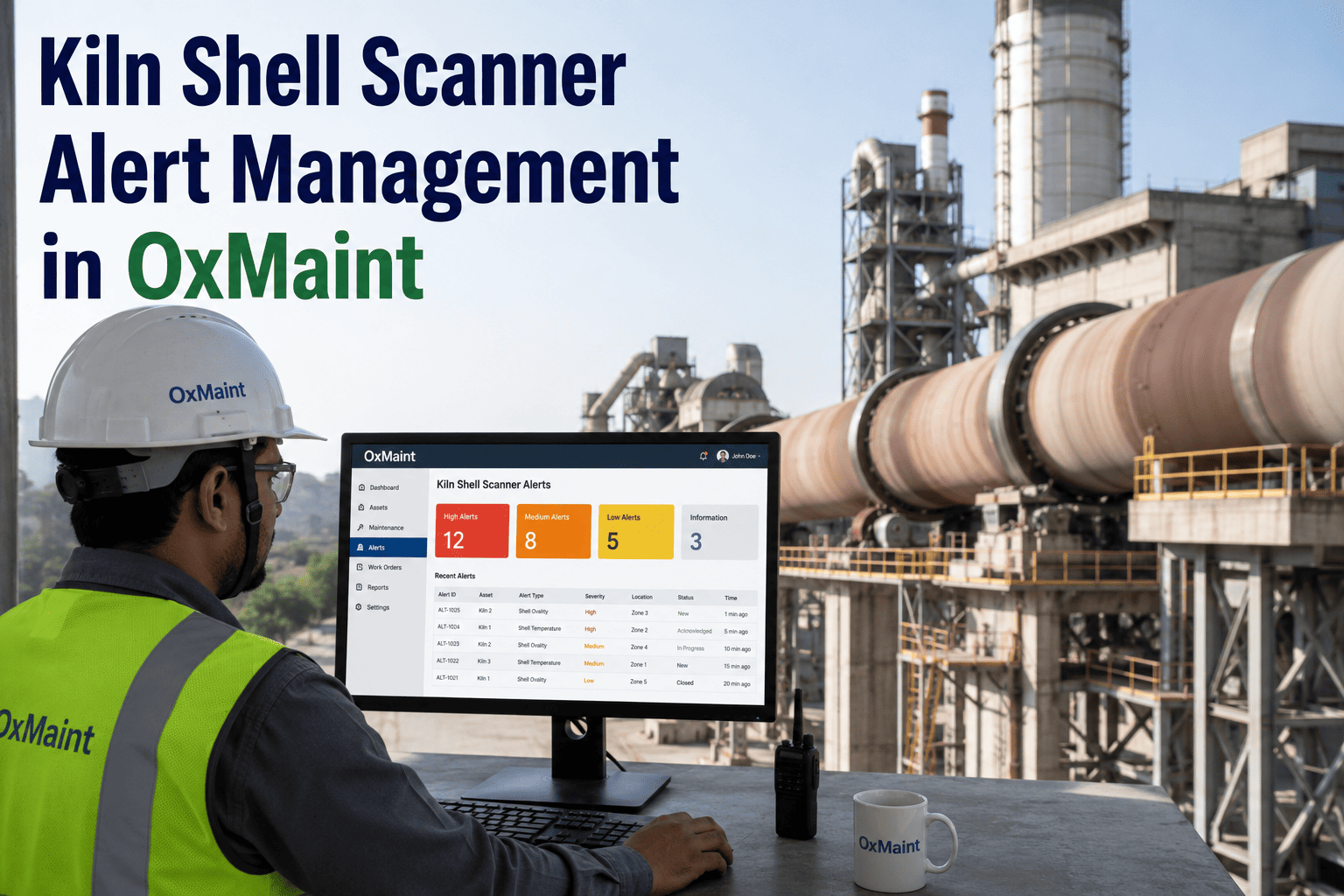
A shell scanner throws a hotspot alert at 2 AM. Somewhere between that alert and a technician walking the kiln with a thermal gun, most cement plants lose the thread — the alert sits in an inbox, the inspection happens late, and a refractory failure that cost a few bricks to prevent ends up costing days of downtime to repair. The gap isn't the sensor. It's everything that's supposed to happen after the sensor fires. OxMaint closes that gap by turning every shell temperature alert into a tracked inspection, a documented decision, and a piece of kiln history that the next shift can actually use — book a 15-minute demo to see it on your own shell scan data.
Turn Shell Scanner Alerts Into Inspections That Actually Happen
Your shell scanner already tells you where the kiln is hot. The harder problem is what happens in the next sixty minutes — who gets notified, who walks the zone, what gets logged, and whether the same hotspot shows up again next month because nobody closed the loop. OxMaint routes every alert into a structured response, so hotspots get inspected, not just noticed.
Alerts Don't Fail. The Response Does.
Shell scanning systems are good at detecting temperature anomalies. What most plants lack is a reliable, repeatable way to convert that signal into action before a hotspot becomes a hole. These are the three places the response typically breaks down.
A control room operator notices the alarm but has no formal way to assign a walk-down to a specific technician with a deadline attached.
A technician does walk the zone, but the finding lives in a notebook or a verbal handover, not against the asset's history.
Without a searchable trail by shell zone, nobody notices that the same coating loss location has alerted three times this quarter.
From Alert to Closed Work Order in Four Steps
OxMaint gives the shell scanner alert a place to go the moment it fires, and keeps every step of the response attached to the kiln shell asset record.
A temperature threshold breach on a defined shell zone auto-generates a work order with the zone, reading, and timestamp pre-filled.
The work order routes to the on-shift mechanical technician with a priority level, so the walk-down has an owner and a clock.
Photos, thermal readings, and refractory condition notes are captured on mobile and attached directly to the shell zone's record.
Whether the call is monitor, cool, or shut down for refractory repair, that decision is recorded against the kiln's permanent history.
See how OxMaint turns shell scanner alerts into assigned, documented, closed-loop work orders — using your own kiln zones as the walkthrough.
A Logged Hotspot Is Worth More Than a Resolved One
An inspection that ends without a record is an inspection the plant has to repeat from zero next time. The real value of closing the loop is in what it builds over time.
Recurring hotspots at the same shell location point to a refractory or alignment issue worth scheduling, not just reacting to.
When a critical alert does require a kiln stop, the history of prior readings at that zone supports a faster, better-informed call.
A full season of logged hotspot data helps plan the next reline around where wear is actually concentrated, not guesswork.
A clear handoff trail means an alert raised on night shift doesn't quietly disappear before the day shift ever sees it.
Built for the Pace of a Running Kiln
Kiln zones don't wait for office hours, and neither does the response OxMaint supports.
Technicians log thermal readings, photos, and notes from the kiln deck, online or offline, with no delay back to a desk.
Shell zones are tracked as distinct asset records, so history accumulates by location instead of getting buried under the whole kiln.
Alert severity drives who gets assigned and how fast, so a minor coating loss doesn't compete with an active refractory risk.
Where Most Shell Monitoring Programs Break Down
Plants that already have a shell scanner installed still lose the value of that investment when the response process around it has gaps. These are the mistakes that show up most often.
A live temperature dashboard is only a detection layer. Without a forced next step, watching a number rise rarely translates into a technician walking the zone in time.
When a hotspot reading drops back under threshold on its own, many teams close the alert without ever confirming what caused the spike in the first place.
Inspection notes that stay in a logbook rather than tied to the shell zone rarely make it into the scope conversation for the next scheduled refractory reline.
What Closing the Loop Is Actually Worth
The return on a structured alert response isn't a single avoided incident — it's a steady reduction in how often a hotspot is allowed to progress unnoticed.
Catching refractory wear at the inspection stage avoids the far more costly scenario of an unplanned shutdown triggered by a shell breach.
Hotspots addressed early typically require localized refractory patching rather than an extended section rebuild.
A season of logged hotspot locations gives planners a realistic basis for scoping and pricing the next scheduled reline.
Documented inspection and response history supports claims and risk discussions tied to kiln shell integrity.
Frequently Asked Questions
OxMaint turns every shell scanner alert into an assigned inspection, a logged decision, and a piece of permanent kiln history your team can actually use.