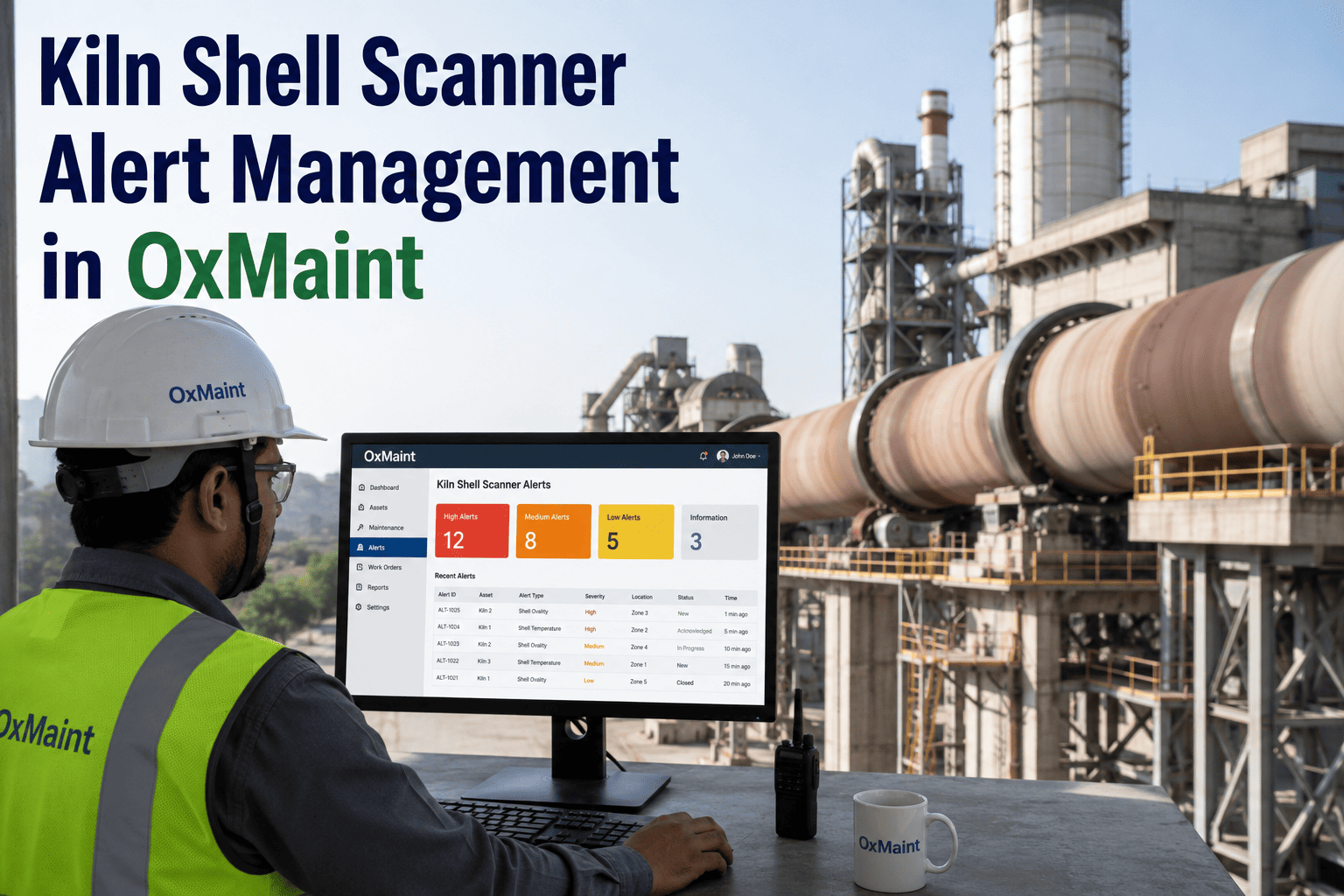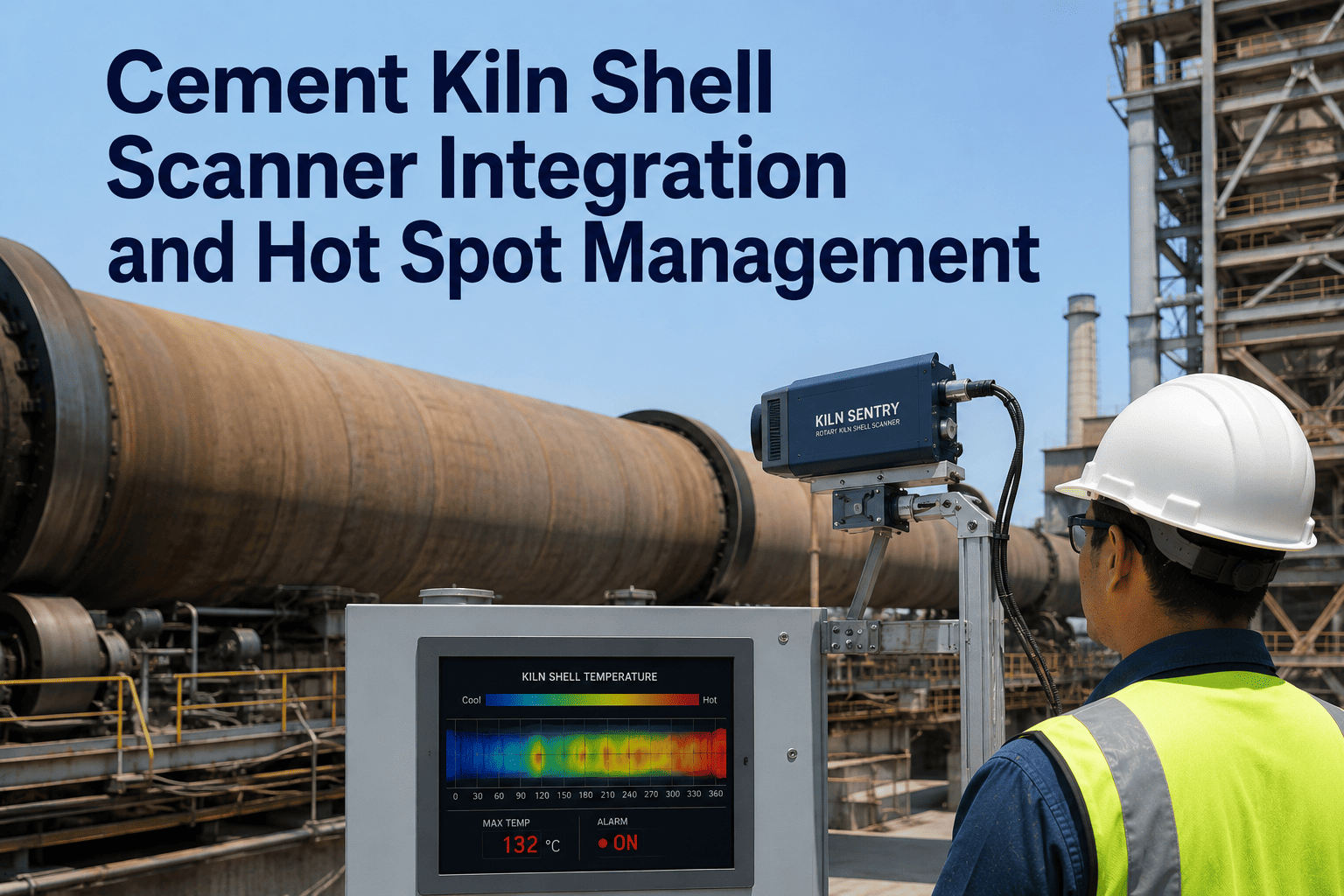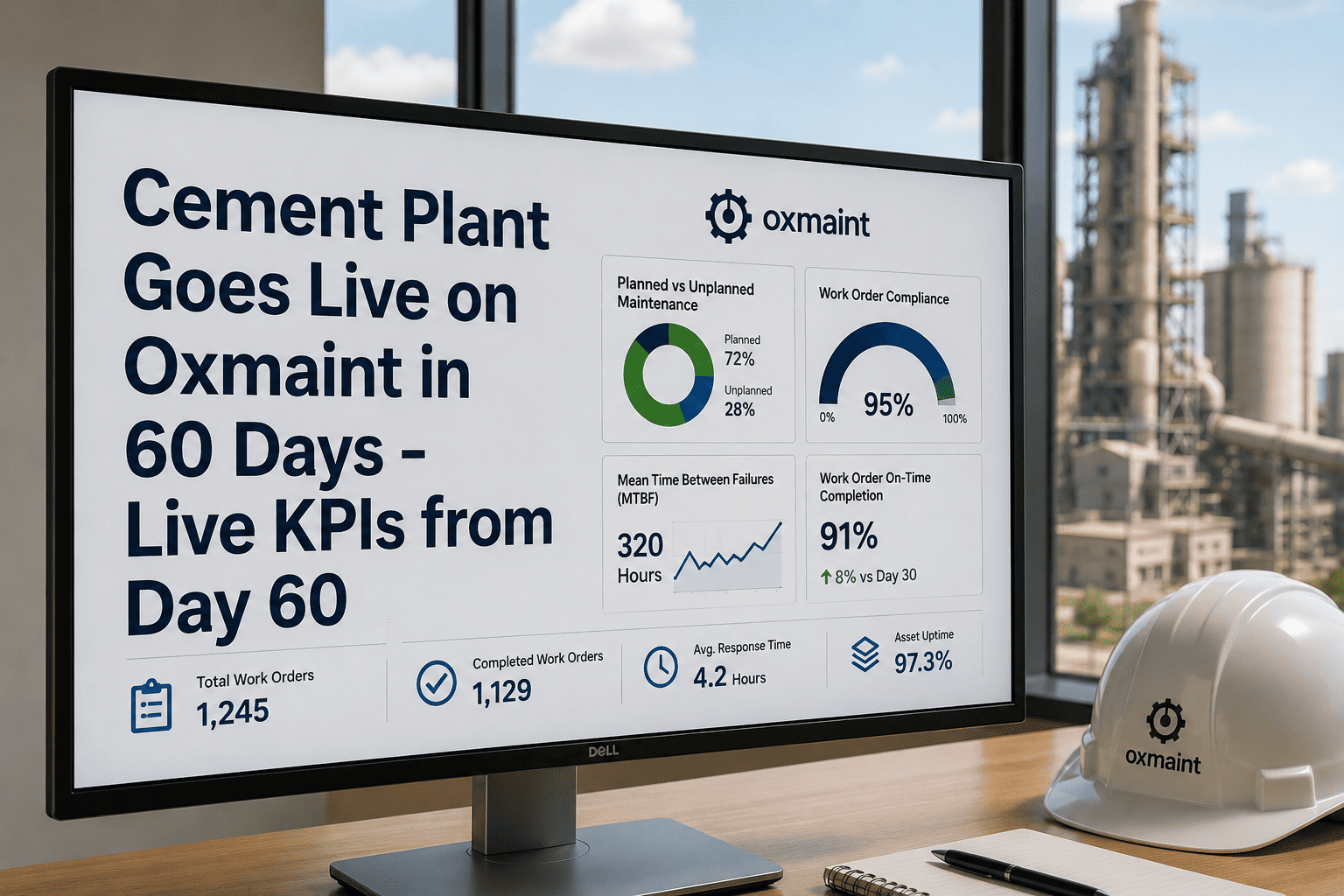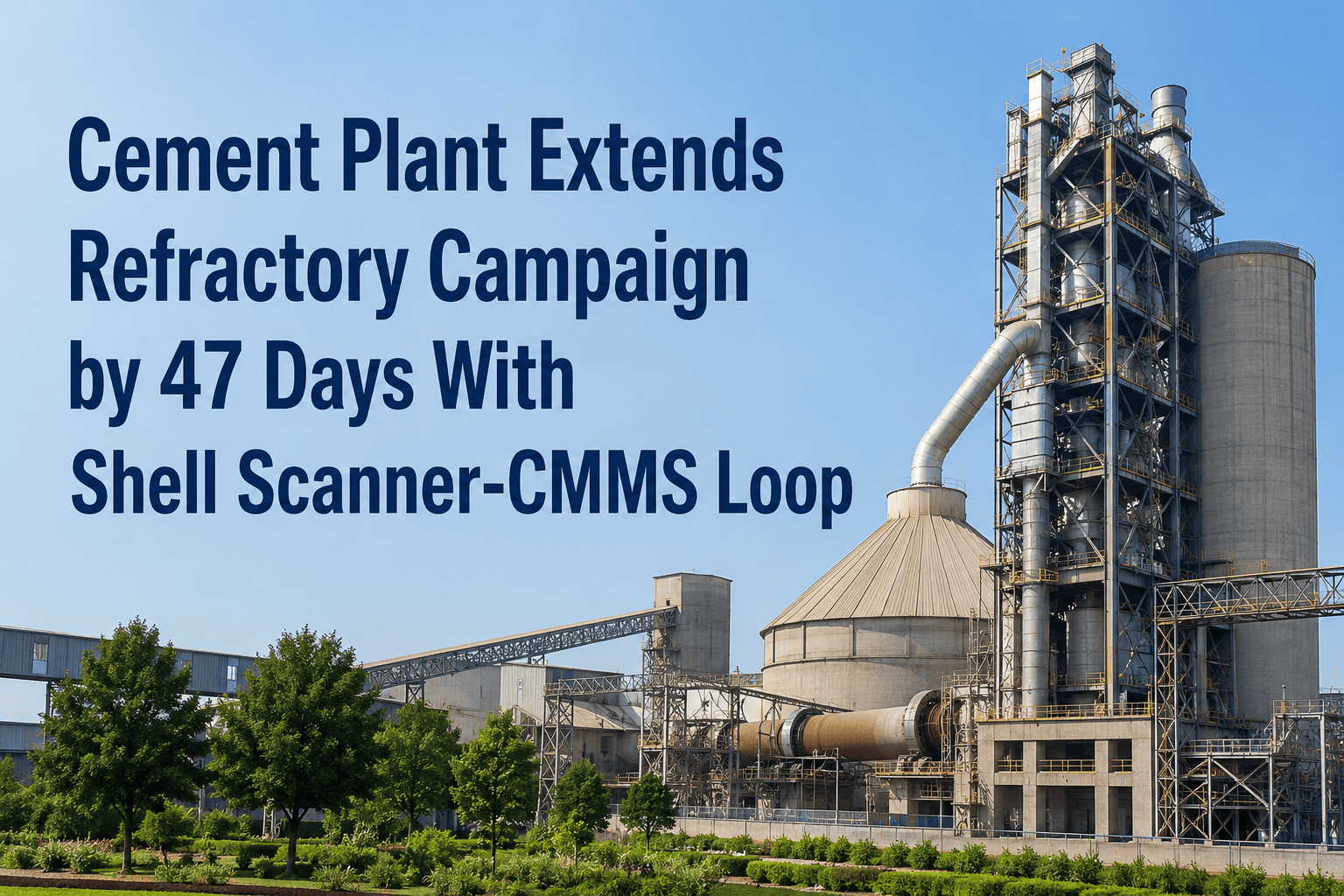
A cement plant in Eastern Europe had been running its kiln on a 9-month refractory campaign cycle for five years. Not because the brick couldn't last longer — but because the maintenance team didn't have the zone-level data confidence to push past that window. After connecting its shell scanner output to Oxmaint and routing hot-spot alerts directly to the CMMS as targeted work orders, the plant's next campaign ran for 47 additional days beyond the historical cutoff without a single unplanned refractory failure. The difference was not new brick and not more inspections — it was a direct line between thermal data and planned maintenance decisions. Start a free trial to see how Oxmaint's refractory tracking works on your kiln, or book a 30-minute session with our cement team.
Case Study · Refractory Campaign Extension · Eastern Europe
47 Extra Days of Kiln Runtime. Same Brick. Better Data.
Connecting a shell scanner to Oxmaint's CMMS gave one plant the zone-level confidence to extend its refractory campaign without risk — from a fixed 9-month calendar to a data-driven decision.
+47
days
Campaign extended beyond historical cutoff
0
failures
Unplanned refractory stops during extension
$1.4M
value
Estimated additional clinker production value
Daily
scans
Thermal data ingested into CMMS automatically
Before and After: How the Decision Changed
Before Oxmaint Integration
Campaign Length Basis
Fixed 9-month calendar rule
Thermal Data Access
Monthly PDF report from scanner vendor
Hot-Spot Response
Manual review → email to planner → work order created days later
Extension Decision
No confidence to extend — conservative calendar used
Result
Potential campaign runtime left on the table every cycle
After Oxmaint Integration
Campaign Length Basis
Zone-level thermal trend data, zone by zone
Thermal Data Access
Daily automated ingestion into CMMS asset records
Hot-Spot Response
Automatic work order within minutes of threshold breach
Extension Decision
Data-driven: only stop when thermal data demands it
Result
47 additional days of kiln runtime per campaign
How the Shell Scanner-CMMS Loop Works
Daily
Shell Scanner Captures Thermal Profile
Rotating infrared scanner maps kiln shell temperature zone by zone. Output file exported automatically — CSV, API, or direct integration.
Automated
Oxmaint Ingests and Maps to Asset Records
Each zone mapped to a maintainable asset record in the CMMS. Temperature trend updated daily. Zone history accumulates without manual entry.
Planned
Targeted Repair Scheduled Into Next Stop
Planner knows exactly which zones need brick before the kiln stops. Materials pre-staged, crew scoped, stop duration accurately planned.
Instant
Threshold Breach Fires Work Order
When any zone exceeds its configured limit (e.g. 320°C for 3 consecutive scans), a work order is auto-created with zone ID, trend chart, brick age, and the next scheduled stop date.
The loop runs every day. The planner always knows which zones need attention and exactly when — not after a monthly report, not after a manual walkround.
Run longer, stop smarter
Your Shell Scanner Data Should Drive Your Maintenance Decisions — Not Sit in a PDF.
Daily thermal ingestion, automatic hot-spot work orders, zone-level confidence. Deployed in 4–6 weeks without touching your control system.
The 47-Day Extension: Zone-Level Story
During the 47-day extension window, Oxmaint monitored 18 kiln zones daily. The chart below shows the profile of how zones were managed across the extended campaign period.
Zone Group
Max Temp Recorded
Alert Fired
Action Taken
Outcome
Burning Zone (Z1–Z3)
342°C peak, Z2
Yes — Day 8 of extension
Cooling rate adjusted, work order raised for next stop
Controlled · no failure
Upper Transition (Z4–Z6)
298°C max
No alert
Monitored · no action needed
No issue · brick intact
Mid Kiln (Z7–Z11)
274°C max
No alert
No action required
No issue · brick intact
Lower Transition (Z12–Z15)
309°C peak, Z13
Yes — Day 31 of extension
Pre-positioned repair bricks · stop scope updated
Controlled · no failure
Inlet Zone (Z16–Z18)
261°C max
No alert
No action required
No issue · brick intact
Results After the Extended Campaign
+47 days
Campaign Extension
Beyond the 9-month historical calendar cutoff — driven entirely by zone-level data confidence
$1.4M
Additional Production Value
47 days of kiln runtime at the plant's estimated $29,800/day clinker production value
2 alerts
Hot-Spots Caught and Managed
Both zones with thermal alerts addressed with planned action — neither resulted in unplanned downtime
100%
Refractory Stop Scope Accuracy
All repair zones known before the kiln stopped — zero scope additions discovered after opening
Frequently Asked Questions
Does Oxmaint replace our existing shell scanner software or work alongside it?
Oxmaint works alongside your existing scanner software. It ingests the scanner's thermal output — CSV export, API, or direct file drop — and adds the maintenance workflow layer. The scanner vendor's own visualisation tools remain fully in place. Book a walkthrough to see how the integration maps to your current scanner setup.
How are zone-level alert thresholds configured — who sets them?
Thresholds are configured in Oxmaint by your reliability or process team, with support from Oxmaint's deployment engineers during the setup period. Each zone can have its own threshold based on brick type, zone function, and historical performance. No coding required — all done through the CMMS interface. Start a free trial to explore the configuration tools.
How quickly is a hot-spot work order generated after a threshold breach?
Work orders are generated automatically within minutes of the daily scan ingestion confirming a threshold breach across the configured number of consecutive scans. The work order includes zone ID, temperature trend chart, brick age, last inspection record, and the next scheduled kiln stop date — all pre-loaded without manual data entry.
What shell scanner systems does Oxmaint integrate with?
Oxmaint integrates with any scanner that outputs a standard file format — including systems from HGH Infrared, Raytek, Thermoteknix, and Siemens. If your scanner can export a CSV or connect via API, the integration is straightforward. During the first week of deployment, Oxmaint's team handles the data mapping from your scanner's output format to your kiln zone asset records.
Is there a risk that running longer will damage the kiln shell?
The campaign extension decision is always made by the plant's maintenance and process team — Oxmaint provides the data, not the decision. The key change is that the decision is now based on actual zone-level thermal trends rather than a conservative calendar rule. The plant in this case study had its refractory engineer review every alert before any extension decision was confirmed. Discuss the risk framework with our cement team.
Every campaign has more runtime in it
Stop Stopping on a Calendar. Your Shell Scanner Already Knows When to Stop.
Daily thermal ingestion, automatic hot-spot work orders, zone-by-zone confidence. Run your next campaign further — with data, not guesswork.