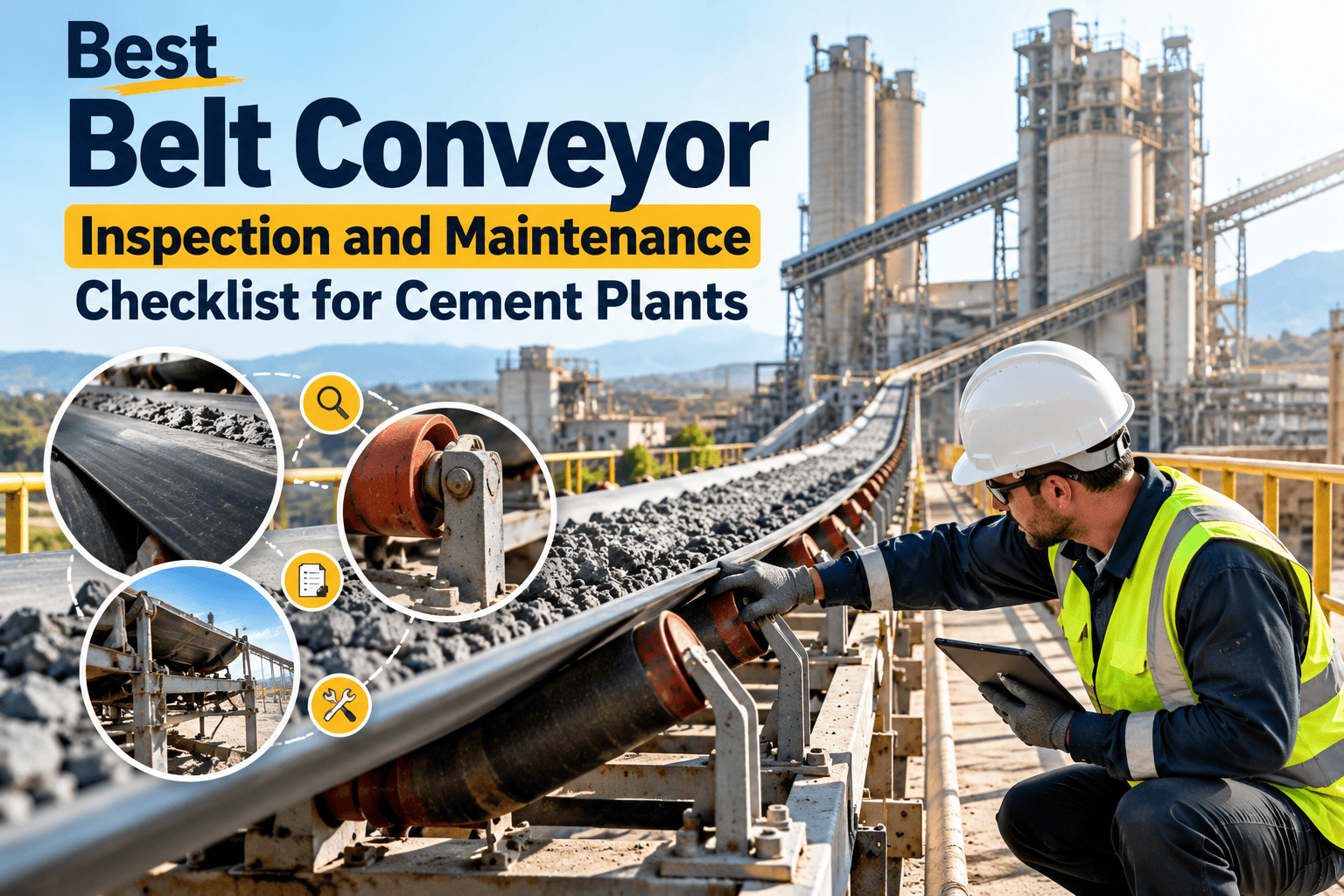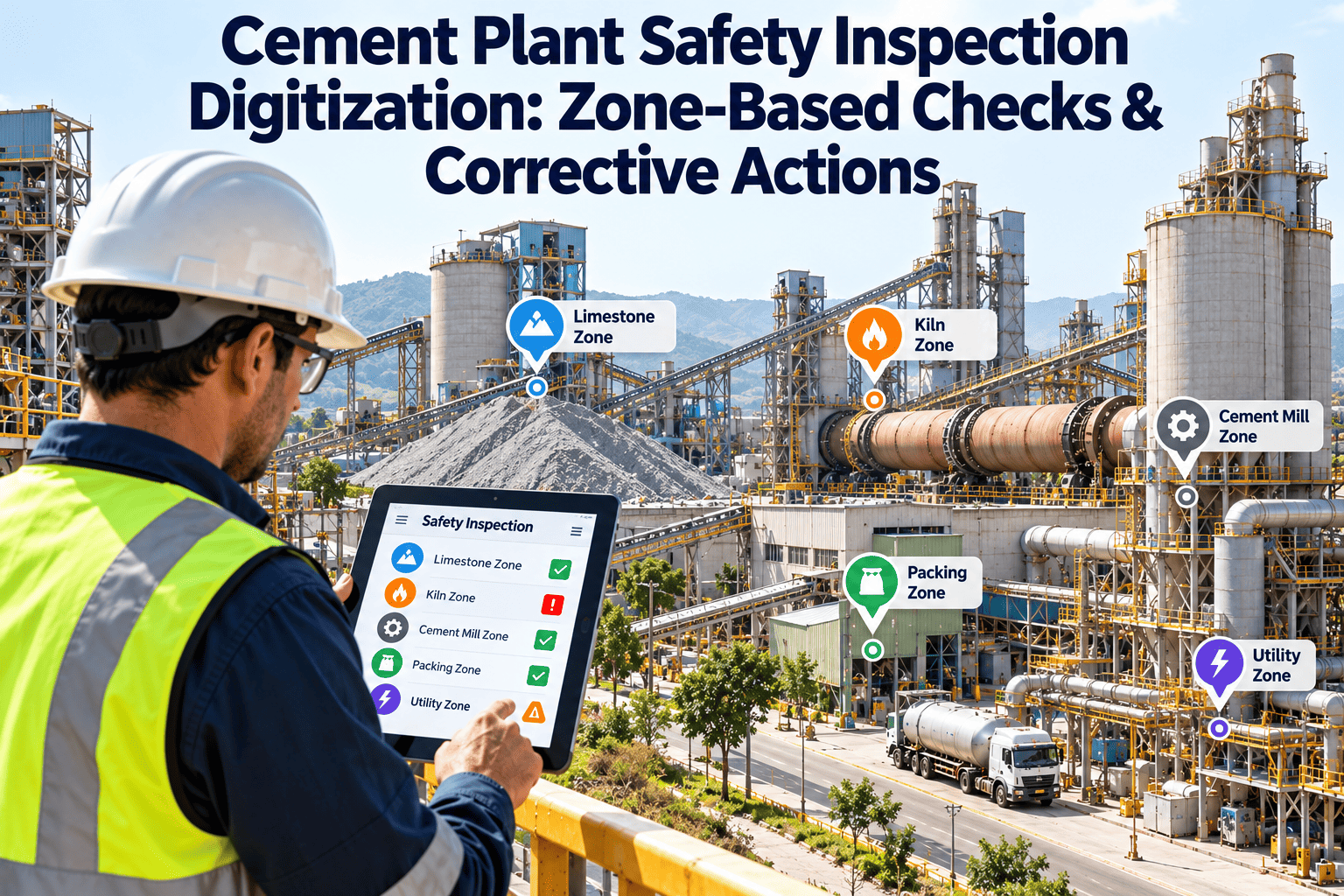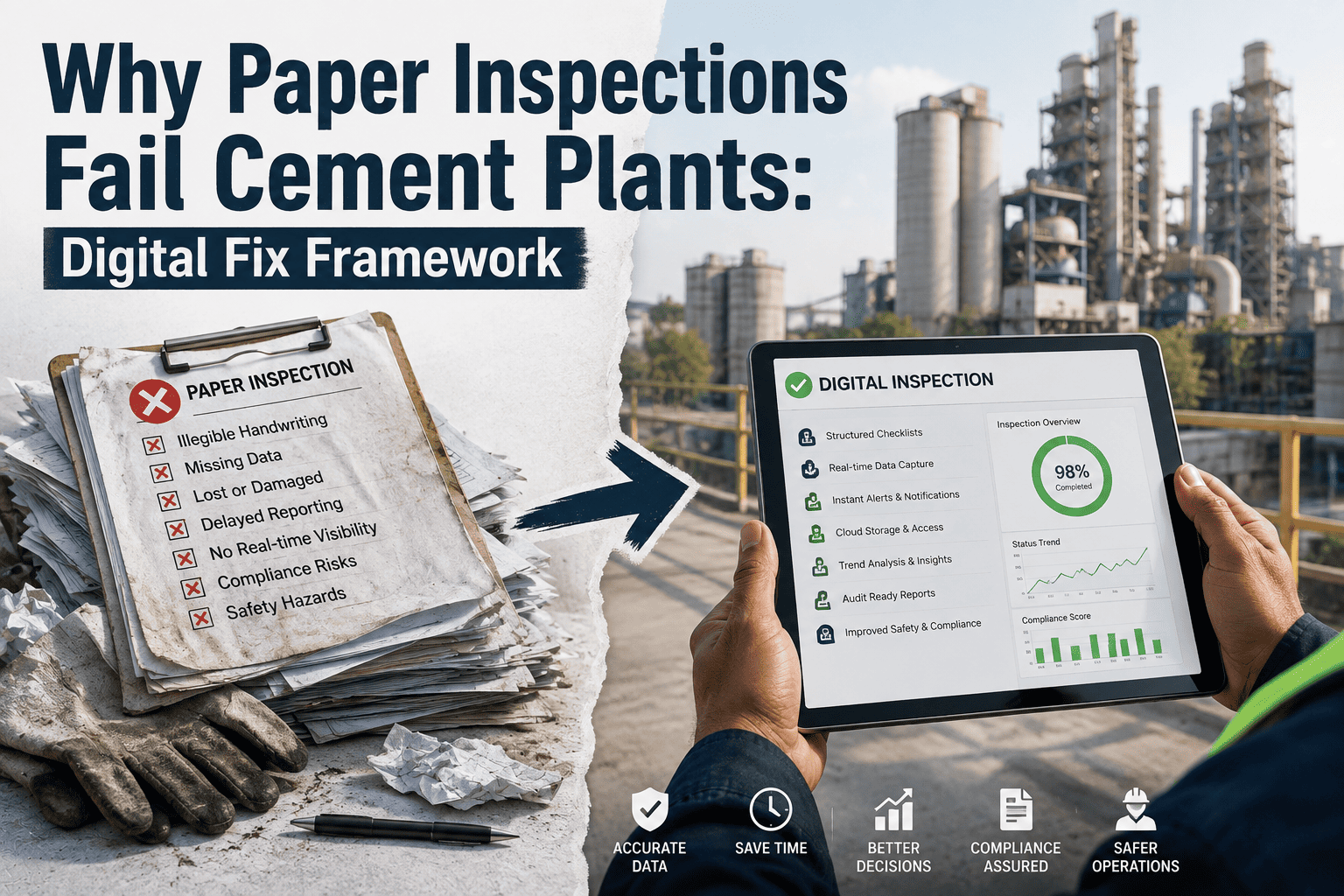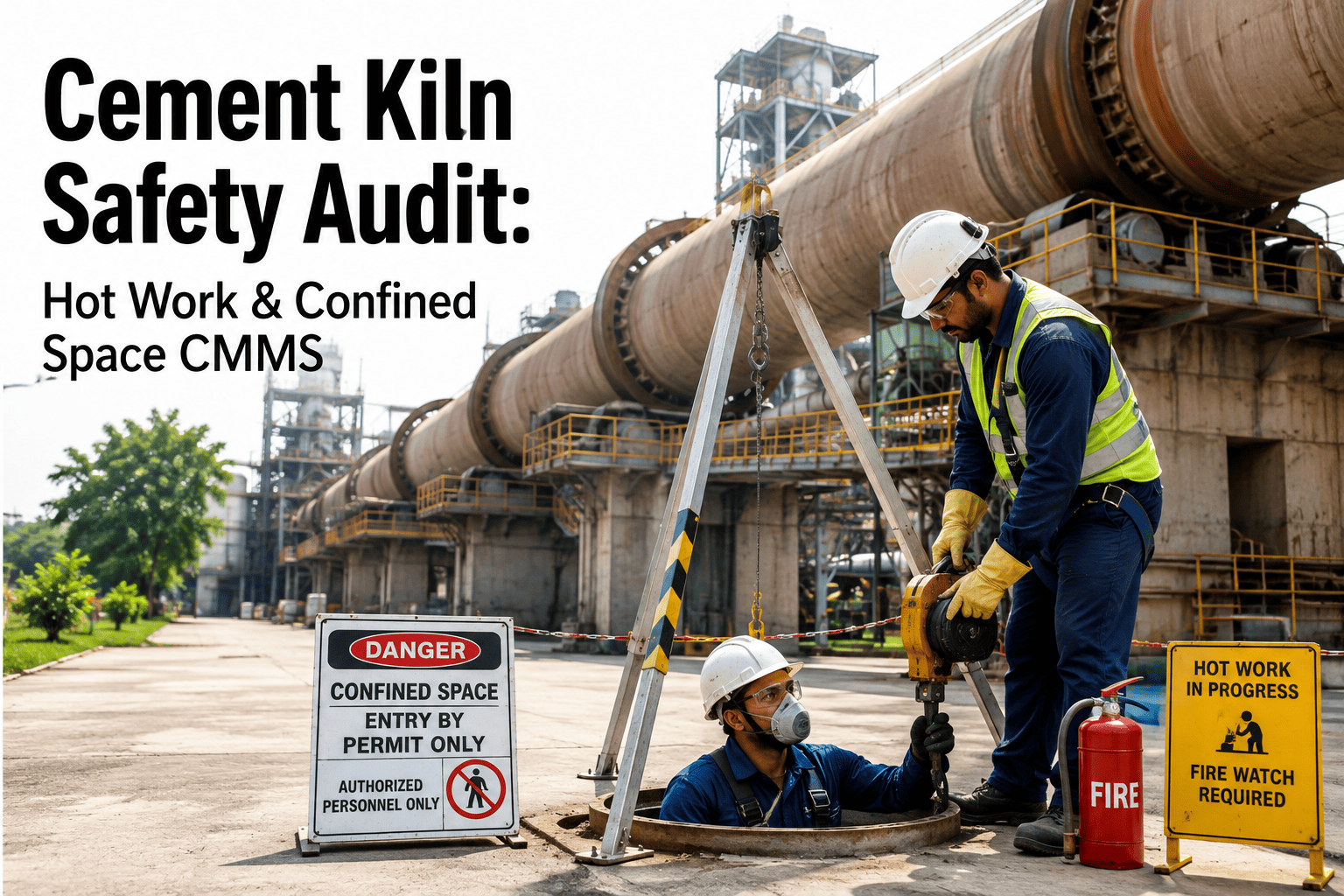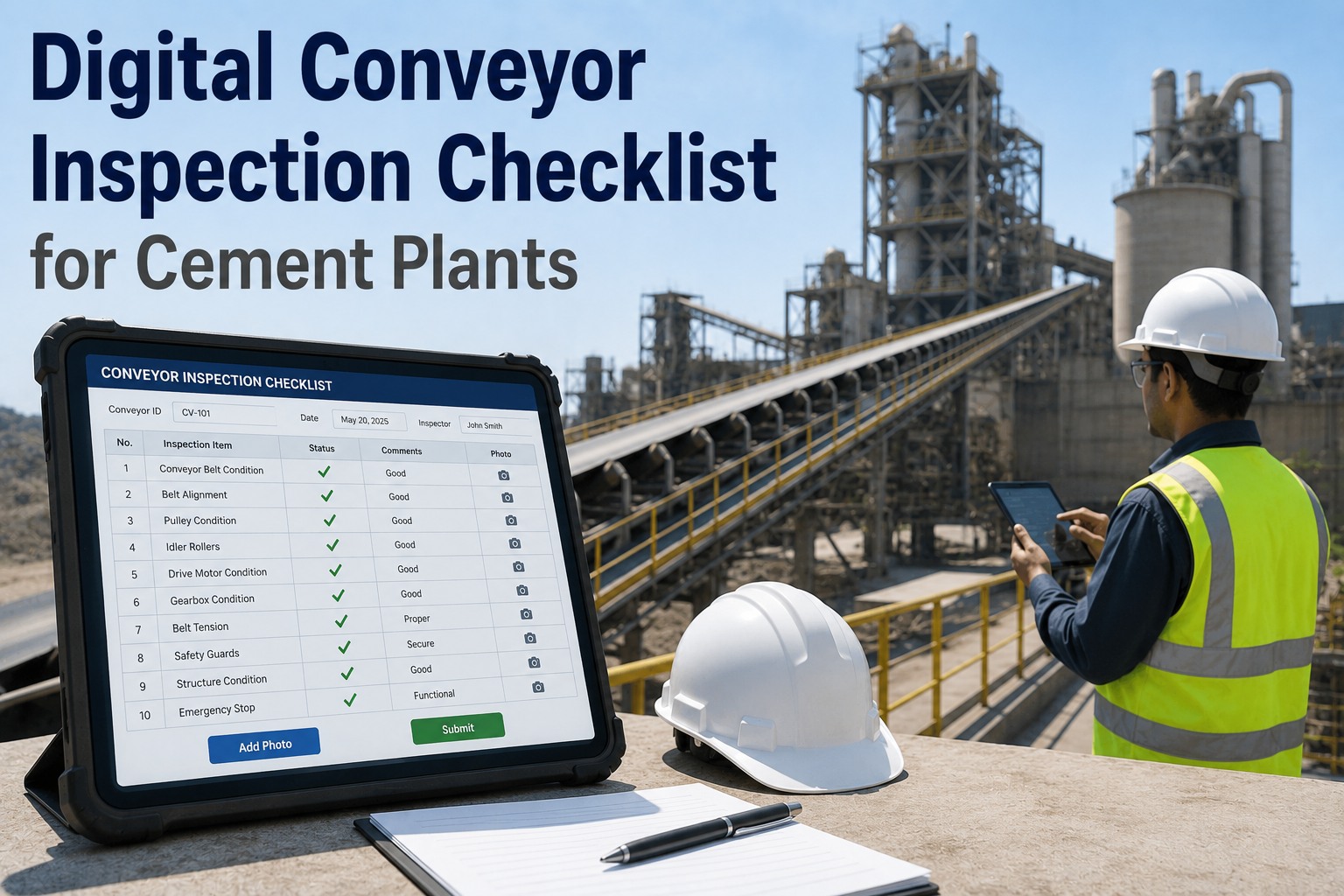
A cement plant safety inspection that gets written on paper is, at best, a record of what was found. It cannot generate a work order, it cannot photograph a cracked conveyor guard, and it cannot notify a supervisor the moment an inspector marks a finding as critical. By the time a paper inspection reaches the maintenance planner's desk, the shift has changed and the hazard is still present. Mobile safety inspections in OxMaint close this gap entirely — inspectors capture findings, photos, and severity ratings on their phone or tablet, and corrective work orders are created and assigned in the same action, before the inspector leaves the area. The hazard is in the system before it can be forgotten. Run your first mobile cement plant inspection with OxMaint today.
Inspection Types Cement Plants Run Every Day — All Mobilized
From Finding to Fixed — The Mobile Inspection Workflow
Stop Writing Inspection Findings on Paper. Start Fixing Them Instantly.
OxMaint converts every mobile inspection finding into a corrective work order before the inspector leaves the area — eliminating the gap between detection and action that costs cement plants in injuries and downtime.
Mobile App Capabilities That Matter on a Cement Plant Floor
What Changes When Cement Plants Switch to Mobile Inspections
Frequently Asked Questions
Can operators without technical training use OxMaint's mobile inspection app?
Yes. OxMaint's mobile app is designed for field users who may have limited smartphone experience. Checklist items use plain language, actions require taps rather than text entry, and the inspection flow guides users step by step. Most cement plant operators complete their first mobile inspection without any training beyond a 10-minute walkthrough. Start a free trial and run a sample inspection in minutes.
How does OxMaint handle inspection findings that require immediate shutdown vs. deferred action?
OxMaint's severity classification system allows inspectors to mark findings as Critical (immediate action required), High (same-shift response), Medium (planned within 48 hours), or Low (scheduled maintenance). Critical and High severity findings trigger automatic notifications to supervisors and maintenance planners — allowing the plant to decide on shutdown, isolation, or monitoring response before the inspector moves to the next area. Book a demo to see the severity escalation workflow.
Can we build custom inspection checklists for specific cement plant assets like VRM, ball mill, and kiln?
Yes. OxMaint includes a checklist builder that allows EHS and maintenance teams to create asset-specific inspection templates. Checklists can include conditional questions — where a "Fail" on one item automatically shows additional follow-up items specific to that failure type. OxMaint also includes pre-built cement plant inspection templates that most plants use as a starting point and customize from there.
How does OxMaint link inspection findings to corrective maintenance work orders?
When an inspector marks a finding as requiring corrective action, a single tap in the app creates a linked work order with the asset, finding description, severity, and attached photos pre-populated. The inspector selects a suggested priority level and the work order appears immediately in the maintenance planner's queue. The original inspection finding tracks the corrective work order status — so the inspection record shows "resolved" only when the work order is closed. Start your free trial to test the full inspection-to-work-order flow.
Does OxMaint generate inspection compliance reports for management and EHS reporting?
Yes. OxMaint automatically calculates inspection completion rate by asset, area, and inspector — and generates trend reports showing whether inspection compliance is improving or declining over time. Reports can be exported in PDF or Excel format and scheduled for automatic delivery to plant management and corporate EHS teams on a weekly or monthly basis.
Your Next Inspection Finding Should Create a Work Order Before You Leave the Area.
OxMaint makes mobile safety inspection standard practice across your cement plant — photo evidence, instant work orders, and audit-ready records from every inspection your team runs.