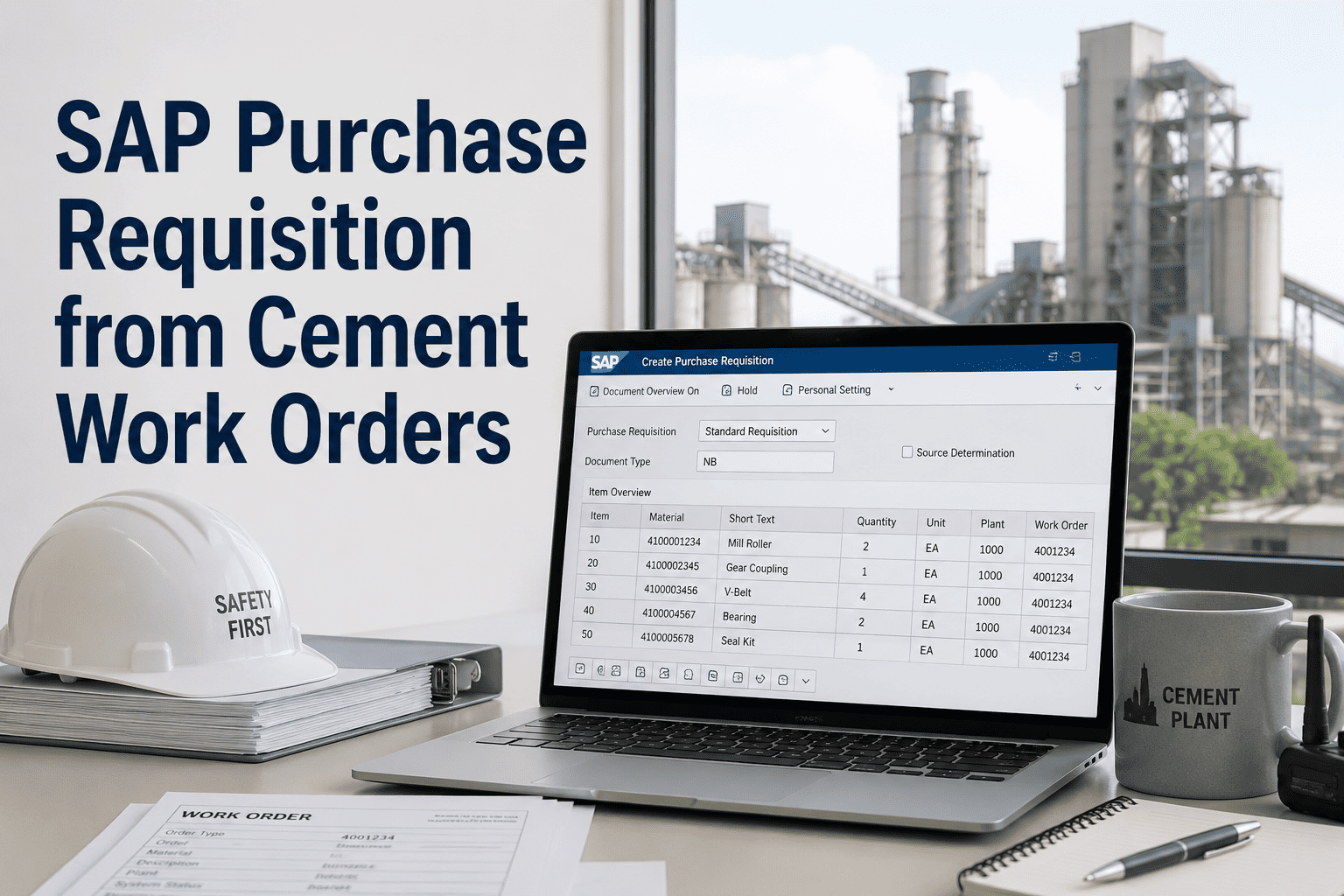
SAP Purchase Requisition from Work Orders in Cement Plants
By John Snow on February 20, 2026
A cement plant in Turkey reduced their spare parts procurement cycle from 14 days to 3 days after implementing automated purchase requisition creation from work orders. Previously, maintenance technicians completed work orders on paper, walked them to the planning office for material identification, then waited for purchasing staff to manually enter requisitions into SAP—a process plagued by data entry errors, lost paperwork, and delays when purchasing staff were unavailable. Now, when a technician identifies needed parts during an inspection, the CMMS automatically generates a purchase requisition in SAP MM with the correct material numbers, quantities, cost centers, and delivery requirements. Sign up for Oxmaint to automate purchase requisition creation from your maintenance work orders.
78%
Faster PR Creation Time
94%
Reduction in Data Entry Errors
11 Days
Shorter Procurement Cycle
$340K
Annual Savings Per Plant
Automated PR Creation Workflow
When maintenance technicians identify parts requirements during inspections or repairs, the integration automatically creates purchase requisitions in SAP with all required fields populated correctly.
Work Order to Purchase Requisition Flow
Seamless data transfer eliminates manual re-entry and procurement delays
Work Order Created
Technician creates or updates work order with material requirements in Oxmaint
Parts Identified
System validates material numbers against SAP master data and checks stock availability
PR Generated
Purchase requisition created in SAP MM with all required fields auto-populated
Approval Routed
PR enters SAP approval workflow based on value and material category rules
Status Synced
PR status and PO creation updates flow back to work order in real-time
Field Mapping Configuration
The integration maps work order data to SAP purchase requisition fields automatically. Book a demo to see how field mapping is configured for your SAP environment.
Work Order to SAP PR Field Mapping
Automatic field population eliminates manual data entry
Work Order Field
SAP PR Field
SAP Field Code
Automation
Material Number
Material
MATNR
Auto-mapped
Quantity Required
Quantity
MENGE
Auto-mapped
Equipment Cost Center
Cost Center
KOSTL
Auto-mapped
Work Order Priority
Delivery Date
LFDAT
Auto-calculated
Plant Location
Plant
WERKS
Auto-mapped
Work Order Number
Reference
BEDNR
Auto-mapped
Swipe horizontally to view all columns
Eliminate manual PR creation. Oxmaint integrates with SAP MM to automatically generate purchase requisitions when maintenance technicians identify part requirements—reducing procurement delays and data entry errors.
Automated PR creation from work orders delivers measurable improvements across maintenance and procurement operations. Sign up for Oxmaint to realize these benefits in your cement plant.
Faster Procurement Cycles
PRs are created instantly when technicians identify needs—no waiting for purchasing staff availability or paperwork processing.
14 days reduced to 3 days average
Same-shift PR creation
Reduced Data Errors
Automatic field mapping eliminates transcription errors from manual data entry between systems.
94% reduction in PR rejections
Zero wrong material orders
Complete Traceability
Every PR links back to its source work order, enabling full audit trail from equipment issue to part delivery.
Work order reference in every PR
Cost allocation by equipment
Real-Time Status Synchronization
PR Created
Requisition created in SAP and linked to work order
BANFN Generated
PR Approved
Approval workflow completed, ready for PO conversion
FRGKZ = Released
PO Created
Purchase order generated with delivery schedule
EBELN Assigned
Goods Received
Material delivered and available for work order
MBLNR Posted
Configuration Options
Flexible configuration adapts the integration to your SAP environment and business rules. Book a demo to discuss configuration for your specific requirements.
Automatic vs Manual Trigger
Configure whether PRs are created automatically when parts are added to work orders, or require explicit technician approval before submission.
Auto-CreateApproval RequiredValue Threshold
Requisitioner Assignment
Set default requisitioner based on work order creator, equipment owner, cost center manager, or fixed procurement contact.
By CreatorBy EquipmentBy Cost Center
Delivery Date Calculation
Automatically calculate required delivery dates based on work order priority, equipment criticality, and standard lead times.
Priority RulesLead Time Lookup
Multi-Plant Configuration
Configure plant-specific purchasing organizations, storage locations, and approval hierarchies for multi-site operations.
Plant MappingPurchasing Org
Manual vs Automated PR Creation
Compare traditional manual processes with Oxmaint-SAP integration
Manual Process
Technician writes part numbers on paper work order
Paperwork delivered to planning office
Purchasing staff manually enters PR in SAP
Errors require correction cycles
No automatic status updates to technicians
Oxmaint Automation
Technician selects parts from validated catalog
PR created instantly in SAP MM
All fields auto-populated correctly
Validation prevents errors before submission
Real-time status updates in work order
Frequently Asked Questions
Which SAP modules does the integration connect with?
The integration primarily connects with SAP MM (Materials Management) for purchase requisition and purchase order functions. It also integrates with SAP PM (Plant Maintenance) for equipment master data, and SAP CO (Controlling) for cost center and WBS element assignments. The connection uses standard SAP BAPI interfaces for reliable data exchange.
How are material numbers validated before PR creation?
Oxmaint synchronizes your SAP material master data and validates material numbers in real-time before allowing technicians to add them to work orders. Invalid material numbers are rejected with guidance to select from the validated catalog, preventing PR rejections due to incorrect material references. Book a demo to see the material validation process.
Can the integration handle emergency purchase requests?
Yes. Work orders marked as emergency priority can be configured to create PRs with expedited delivery dates and bypass standard approval workflows (within configured limits). The integration supports rush indicator flags and direct notification to purchasing staff for urgent requirements.
What happens if SAP is temporarily unavailable?
Oxmaint queues PR creation requests during SAP connectivity interruptions and automatically processes them when connectivity restores. Technicians can continue adding parts to work orders normally—the system handles synchronization in the background. Sign up for Oxmaint to implement resilient SAP integration.
Automate Your Maintenance Procurement
Stop losing days to manual PR creation and data entry errors. Oxmaint creates purchase requisitions in SAP the moment technicians identify part requirements—accelerating procurement cycles and eliminating transcription mistakes.