A missed forklift brake check, a faded dock edge marking, or an uninspected conveyor guard can end a shift with an injury report — or worse. Delivery operations run on tight margins and tighter schedules, and safety inspection shortcuts cost far more than the time they save. OxMaint.ai standardizes safety inspections across vehicles, docks, conveyors, forklifts, and hub assets using mobile digital checklists — eliminating paper logs, missed items, and compliance gaps. Every inspection captured, timestamped, and audit-ready. If your team is still using clipboards or spreadsheets, start free with OxMaint or book a demo to see the full inspection workflow.
One Missed Inspection. One Injury. One Shutdown. Make It Stop.
OxMaint.ai brings standardized digital safety checklists to every vehicle pre-trip, dock inspection, forklift check, and conveyor walkthrough — so your team never misses a safety item, and you always have the documentation to prove it.
Every Safety Inspection Your Delivery Operations Needs
Delivery hubs and fleets operate under multiple compliance frameworks — OSHA 1910, DOT pre-trip, ANSI/ITSDF B56.1 for forklifts. OxMaint covers each with purpose-built digital checklists that match the exact standard your operation is inspected against.
Pre-Trip and Post-Trip Inspection
DOT-compliant pre-trip inspection checklists for delivery vehicles — covering brakes, tires, lights, fluid levels, cargo securement, and cab safety. Captured on mobile before every dispatch, with automatic fail flags for safety-critical items.
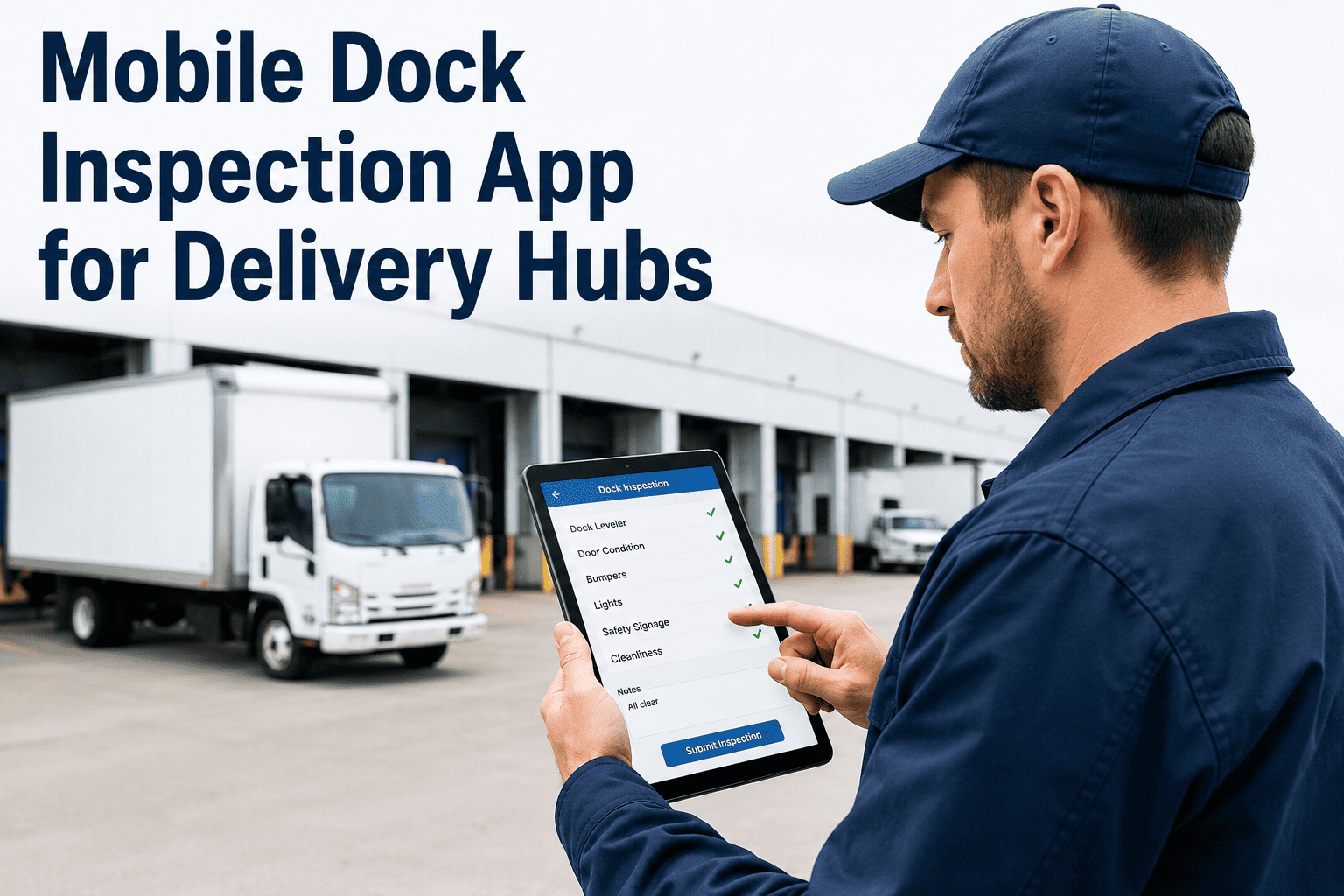
Dock Safety Inspection
Dock inspection checklists covering dock levelers, wheel chocks, dock seals, door operation, edge markings, and trailer restraint systems — preventing the most common dock injury scenarios before loading operations begin.
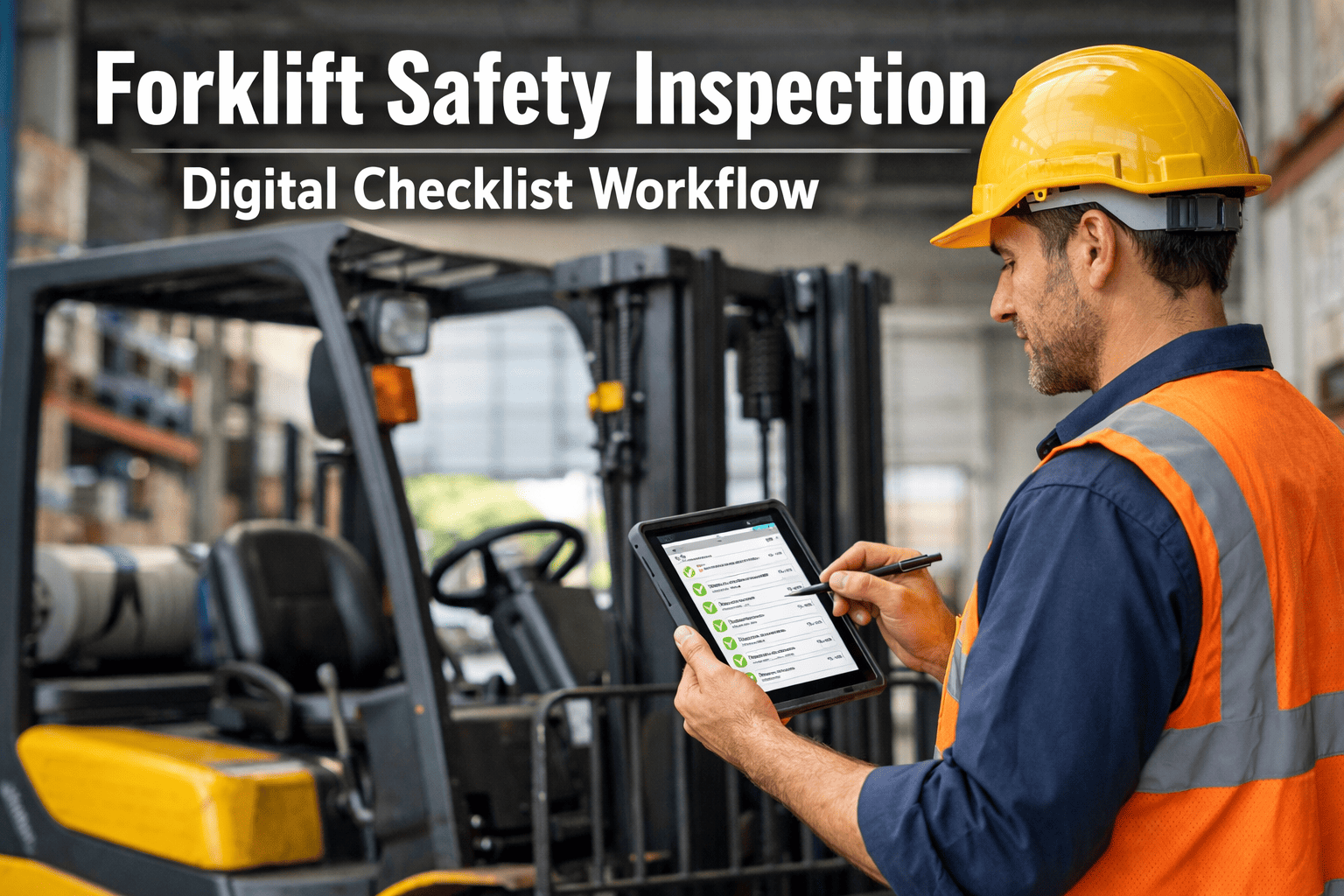
Daily Forklift Safety Check
ANSI B56.1-compliant daily forklift pre-operation checklists for sit-down counterbalance, reach trucks, and order pickers. Mast, forks, brakes, horn, and load capacity plate verification captured before every shift start.
Conveyor Safety Walkthrough
Structured safety checklists for belt conveyors, roller conveyors, and sortation systems — covering guard integrity, E-stop function, belt tracking, nip point coverage, and pull-cord operation per ANSI B20.1 requirements.
Built for the Standards You Are Inspected Against
OxMaint's safety inspection templates are structured around the regulatory frameworks that govern delivery operations — so your documentation is audit-ready from day one.
General Industry
Covers warehouse and hub operations — walking-working surfaces, powered industrial trucks, hazard communication, fire protection, and PPE requirements.
Driver Vehicle Inspection
Federal Motor Carrier Safety Administration requirements for pre-trip and post-trip driver vehicle inspection reports — captured and stored digitally per FMCSA record-keeping rules.
Powered Industrial Trucks
Daily operator pre-use inspection requirements for forklifts and reach trucks — covering all safety systems, capacity markings, and defect reporting procedures.
Conveyor Safety
Safety standard for conveyors and related equipment — guarding, emergency stop systems, start/stop procedures, and walkthrough inspection requirements for powered conveyor lines.
Your Team Knows the Checklist. Now Make It Digital.
OxMaint mobile checklists take existing safety inspection routines and make them faster, more consistent, and audit-proof — without retraining your team or changing your inspection schedule.
From Checklist Completion to Compliance Record
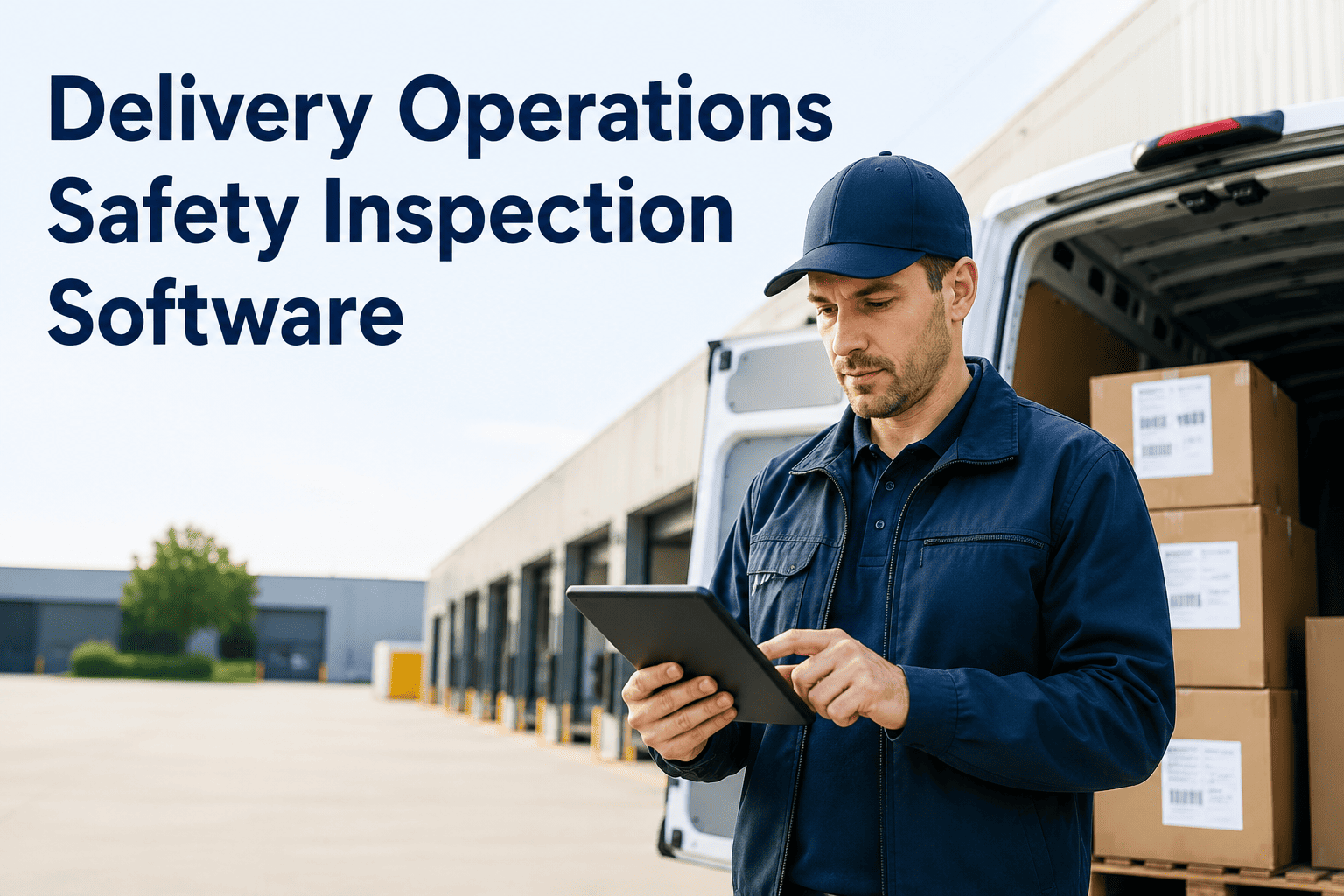
Inspector Opens Mobile App
The assigned technician or driver opens the OxMaint app, selects the asset and inspection type — the correct checklist loads automatically based on asset class and shift schedule.
Works Through Checklist
Each inspection item is answered with pass, fail, or observation status. Photo evidence can be attached to any item. Mandatory fields cannot be skipped — preventing partial completions.
Fails Trigger Instant Action
Any safety-critical fail item immediately generates a work order or out-of-service flag. Supervisors are notified in real time — the asset is tagged as restricted until the defect is resolved and signed off.
Record Stored Automatically
Completed inspections are timestamped, geotagged, and stored in the asset's compliance history — accessible for OSHA, DOT, or internal audit review at any time without manual filing.
Where Paper Inspection Systems Break Down
Paper checklists and spreadsheet logs are the most common safety inspection approach in delivery operations — and the most common source of compliance failures during OSHA inspections.
| Compliance Failure Point | Paper System | OxMaint Digital |
|---|---|---|
| Incomplete checklist submissions | Common — no mandatory field enforcement | Mandatory fields enforced at submission |
| Failed items not acted upon | Depends on supervisor review of paper log | Auto work order on every safety fail |
| Audit trail availability | Paper archive — risk of loss or damage | Digital cloud record, exportable anytime |
| Inspector accountability | Signature only — timing unverified | Timestamped, GPS-tagged per inspection item |
| Cross-shift visibility | Requires manual log handover | Real-time dashboard visible to all supervisors |
Safety Outcomes Delivered by Digital Inspection Programs
Compliance gap reduction within 90 days of digital checklist deployment
Drop in OSHA recordable incidents at facilities using mobile pre-operation inspection
More inspection records captured per shift vs paper-based tracking systems
Audit-ready documentation availability vs an average of 61% with paper archives
Safety Inspection Software — What Operations Managers Ask
Can OxMaint checklists replace our existing paper DVIR forms for DOT compliance?
Yes. OxMaint's Driver Vehicle Inspection Report checklists are structured to meet FMCSA 396.11 requirements and are stored digitally per federal record-keeping rules. The completed digital DVIR can be exported as a PDF or accessed directly during a roadside inspection. Sign up free to configure your fleet's DVIR template.
What happens if a forklift fails its pre-operation check?
A failed safety-critical item immediately triggers an out-of-service tag on the asset and generates a maintenance work order routed to the designated technician. The forklift is marked restricted in the system until the defect is resolved and the repair is signed off — preventing the asset from being cleared back into operation without documented resolution.
How does OxMaint handle inspections for multiple shift teams?
Each inspection is assigned to a specific shift and inspector role. Pending inspections that were not completed at shift end are flagged as overdue in the supervisor dashboard with inspector accountability data. Cross-shift visibility is real-time — no log handover required. Book a demo to see the multi-shift inspection dashboard.
Can we customize inspection checklists for our specific hub layout and equipment?
Yes. OxMaint's checklist builder allows full customization of inspection items, response types, mandatory fields, and photo requirements for each asset class and location in your hub. Pre-built templates for OSHA, DOT, and ANSI standards are provided as starting points and can be modified to match your exact operational requirements without any coding.
How long does implementation take for a delivery hub with 50-plus assets?
Most hubs with 50 to 200 assets complete full implementation in one to two weeks. The process covers asset registry setup, checklist template configuration, and mobile app deployment to your inspection team. Compliance documentation begins being captured from the first inspection — no lengthy onboarding required before you see value.
Stop Leaving Compliance to Clipboards and Signatures
OxMaint.ai replaces paper inspection logs with mobile digital checklists that are faster to complete, impossible to skip, and instantly audit-ready. Cover your vehicle fleet, docks, forklifts, and conveyors under one platform. Setup takes under two weeks — and your first full inspection cycle creates compliance documentation your team could never produce on paper.