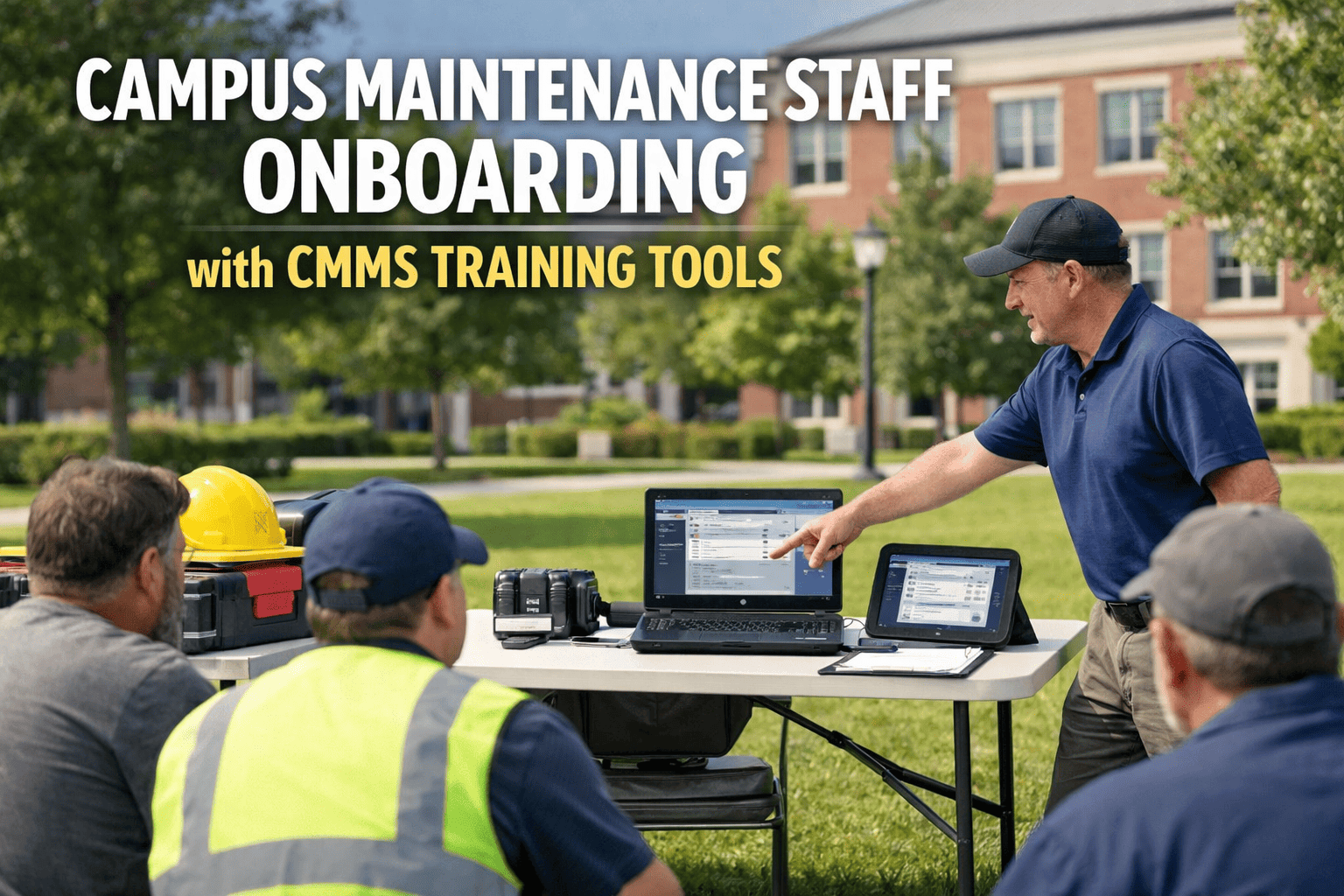
The average campus CMMS implementation takes 6-12 months, costs more than the software itself in consulting fees, and still fails at adoption because by the time the system is configured, the maintenance team has lost patience and gone back to spreadsheets. This is not a technology problem — it is a deployment model problem. Legacy CMMS platforms were built for enterprise IT teams with dedicated project managers, not for campus facility directors who need a working system before the next board meeting. The reality is that a modern campus maintenance platform should go live across all buildings in under 14 days — with real work orders flowing, real asset data loaded, and real technicians completing tasks on their phones. Campuses that have deployed OxMaint using this rapid deployment model report 90% technician adoption within 30 days, PM compliance rates jumping from 55% to 92% within 90 days, and zero implementation consulting fees — because the platform is designed to be configured by the facility team, not by a systems integrator billing $250 per hour.
Campus CMMS Go-Live in 14 Days: The Implementation Guide That Replaces Your 6-Month Project Plan
A day-by-day roadmap for deploying a modern campus maintenance platform across every building in two weeks — with zero implementation fees, zero consultants, and work orders generating from day one.
Why Legacy CMMS Implementations Fail on Campus
Most campus CMMS projects fail not because the software is bad — but because the deployment model is designed for enterprise IT environments, not for facilities teams. The result is a 6-12 month project that consumes more budget in consulting fees than the software subscription, requires a dedicated project manager the facility team does not have, and delivers a system so over-configured that technicians find it harder to use than the spreadsheet it replaced. Here are the six failure patterns that 14-day deployment eliminates entirely.
Legacy implementations start with a 200-item requirements document. By month 3, scope has expanded to include ERP integration, custom reporting, and workflow logic that nobody will use. The system never reaches a stable go-live because requirements keep growing. OxMaint ships with campus-specific templates that cover 90% of needs on day one.
Legacy platforms require external consultants at $200-$350/hour to configure asset hierarchies, PM templates, and approval workflows. A typical campus implementation generates $75,000-$150,000 in consulting fees — money that could have funded two years of actual maintenance work instead.
Implementation teams insist on a "complete and clean" asset database before go-live. Since no campus has perfect asset data, this becomes a 4-6 month data cleanup project that delays everything. Reality: a partial asset list is enough to start generating value. The database builds itself as work orders are completed.
Legacy CMMS platforms require 8-16 hours of classroom training per user. By the time the last group is trained, the first group has forgotten what they learned. OxMaint's mobile app is designed so that technicians complete their first work order without any formal training — most are productive within a single shift.
After 6 months of configuration, legacy implementations flip the switch on a single go-live date. All buildings, all users, all workflows — activated simultaneously. Failure rate at this stage: 40%. OxMaint's phased rollout starts with one building and expands building-by-building over 14 days.
When implementation takes 6-12 months, leadership loses interest and technicians lose faith. There are no visible results to justify the effort. A 14-day deployment produces automated PM work orders, mobile task completion, and the first building's maintenance data — all within the first two weeks.
The 14-Day Campus CMMS Deployment Roadmap
This is not a theoretical framework — it is the actual deployment sequence used by campus facility teams that have gone live on OxMaint. Each phase produces a visible, measurable output that builds confidence in the system before the next phase begins. No consultants. No project managers. Just a facility director, a maintenance team, and a platform built to be configured by the people who will use it.
Create your OxMaint account and configure the campus hierarchy — Portfolio (campus name), Buildings (all properties), Systems (HVAC, electrical, plumbing, envelope, fire safety). Import asset lists from existing spreadsheets using the bulk upload tool. Add replacement values for FCI scoring.
Configure PM templates for your top 20 critical asset types — air handlers, chillers, boilers, elevators, fire pumps, emergency generators. Set frequencies from OEM specifications. Assign to technicians or teams. First automated PM work orders generate immediately.
Install the OxMaint mobile app for your maintenance crew. Walk the first team through a live work order — request, assign, complete, close. No classroom training needed. Technicians see their assigned tasks, tap to accept, log completion notes and photos, and close from the field.
Replicate the configuration from your pilot building across all remaining campus buildings. Enable the work request portal for building occupants and department heads to submit maintenance requests digitally. Configure approval workflows for high-cost repairs.
Activate portfolio-level reporting dashboards. Review the first auto-generated FCI scores by building. Configure compliance report templates for regulatory or accreditation audits. Set up spare parts inventory tracking for critical components.
That is 14 days from zero to a fully operational campus CMMS — with automated PM scheduling, mobile work orders, occupant request portals, FCI scoring, and portfolio dashboards. No consultants hired. No project plan that spans quarters. Just a working system generating value before the end of the second week. See the onboarding sequence in a live walkthrough — book a demo or start a free trial and begin loading your first building today.
Legacy CMMS Implementation vs. 14-Day Deployment
The difference between a traditional CMMS implementation and a modern 14-day deployment is not just speed — it is a fundamentally different philosophy. One treats the facility team as a client to be served by consultants. The other treats them as the operators of a tool designed for self-service from the start.
| Implementation Dimension | Legacy CMMS (6-12 Months) | OxMaint (14 Days) |
|---|---|---|
| Timeline to First Work Order | 3-6 months after contract signing | Day 1 — first work order created during account setup |
| Configuration Done By | External consultants at $200-350/hour | Your facility team using guided templates and bulk import |
| Implementation Cost | $75,000-$150,000 in consulting and integration fees | $0 — included in platform subscription |
| Asset Data Requirement | Complete, clean database required before go-live | Partial list is enough — database builds as work orders complete |
| Technician Training | 8-16 hours classroom training per user | Zero formal training — first work order completed in one shift |
| Adoption Rate at 30 Days | 35-50% (frustration from complexity) | 90% (mobile-first design, no learning curve) |
| Go-Live Approach | Big-bang launch across all buildings simultaneously | Phased rollout — one building, then scale building-by-building |
| Risk of Failure | 40% of implementations fail or are abandoned | Near-zero — system generates value within 48 hours of account creation |
OxMaint includes guided onboarding, bulk asset import tools, campus-specific PM templates, and direct support from the implementation team — all included in the platform subscription. No consultants. No integration projects. No surprise invoices. Your facility team configures the system themselves using tools designed for facility managers, not IT administrators.
What Your Campus Has Running After 14 Days
By the end of day 14, every capability below is live and operational — not planned, not configured in a sandbox, not pending consultant approval. Live, generating data, and improving campus maintenance from day one.
Every building, system, and major component loaded with replacement values, installation dates, and condition scores. Five-level hierarchy: Portfolio, Building, System, Asset, Component.
20+ PM templates configured for critical campus assets — HVAC, electrical, plumbing, elevators, fire safety. Automated frequency scheduling. Mobile notifications to assigned technicians.
Reactive and planned work orders assigned, tracked, and closed digitally. Full technician history, parts logging, cost attribution, and time tracking on every work order.
Work orders received, accepted, and completed from the field. Photos, condition notes, and digital signatures logged at point of work. No post-shift paperwork. Works offline in signal-dead zones.
Building-by-building FCI rankings, PM compliance rates, cost-per-building analysis, and work order backlog visibility — all on a single dashboard. Board-ready exports with one click.
Every work order timestamped, signed by the completing technician, and linked to the asset record. Compliance reports filterable by building, system, date range, or regulatory standard — generated in minutes.
Results After 14-Day Deployment: What Changes Immediately
The value of rapid deployment is not just speed — it is the compounding effect of early data collection. Every day the CMMS is live, it accumulates maintenance intelligence that makes your campus smarter, your budgets more accurate, and your board conversations more productive.
Automated scheduling and mobile notifications push PM completion from a campus average of 55% to 92% within 90 days — directly reducing the deferred maintenance that drives poor FCI scores.
Mobile-first design means no classroom training required. Most technicians complete their first digital work order within a single shift. By day 30, 90% of the crew is using the system daily — not because they are told to, but because it is easier than the old way.
Preventive maintenance compliance above 85% directly correlates with 35% fewer emergency breakdowns. Each prevented emergency saves an average of $8,500 in rush labor, expedited parts, and occupant disruption costs.
Eliminating paper work orders, clipboard inspections, and end-of-shift reporting returns 2 productive hours per technician per day. For a 10-person crew, that is 100 hours per week redirected to actual maintenance work.
FCI scores backed by live work order data and 5-year CapEx forecasts get approved 2.4x faster than requests supported by stale consultant assessments. The data is current, defensible, and formatted for the board.
No consultants, no integration projects, no surprise invoices. Guided onboarding, bulk import tools, and campus-specific templates are included in the platform subscription. Every dollar goes to software, not services.
Frequently Asked Questions
Can we really go live across 40+ buildings in 14 days?
Yes — and the key is the phased approach. You configure one pilot building completely in days 1-3, including asset import, PM templates, and technician mobile setup. Once that building is running smoothly (which it will be by day 4), replicating the configuration to remaining buildings is a bulk operation, not a building-by-building reconfiguration. Most campuses with 30-50 buildings complete the expansion phase in 3-4 days using OxMaint's bulk asset import and template cloning tools. The 14-day timeline includes buffer for adjustments — many campuses actually finish in 10-11 days.
What if our asset data is incomplete or spread across old spreadsheets?
This is the most common starting point — and it is not a blocker. OxMaint's bulk import tool accepts data from Excel, CSV, or even copy-paste from existing spreadsheets. You do not need a perfect, comprehensive asset database to go live. Start with your top 20 critical asset types (the equipment that causes the most disruption when it fails) and expand the database progressively as technicians log work orders. Every completed work order adds detail to the asset record automatically. Most campuses reach 85% database completeness within 6 months of going live — far faster than any pre-deployment data cleanup project could achieve.
How do we handle the transition from our current system (spreadsheets, paper, or legacy CMMS)?
Run both systems in parallel for 2 weeks. During the 14-day deployment, existing workflows continue in the old system while OxMaint is being configured and tested. By day 14, the new system is handling all work orders, PM scheduling, and reporting — and the old system is simply turned off. There is no risky cutover moment because OxMaint has been generating real work orders since day 1. Open work orders from the legacy system can be migrated or simply closed in the old system and reopened in OxMaint. The transition is gradual, not abrupt.
What support does OxMaint provide during the 14-day deployment?
OxMaint's onboarding team provides direct support throughout the deployment — including guided account setup, bulk import assistance, PM template configuration review, and mobile app rollout support. This is not a self-service-only experience. You have a dedicated onboarding contact who is available via chat, email, and scheduled calls during the 14-day period. The difference from legacy implementations is that OxMaint's support helps you configure the system yourself (building your team's competence) rather than configuring it for you (creating consultant dependency). After go-live, standard support continues for ongoing questions, additional building additions, and feature activation.
Your Next Board Meeting Is Coming. Will Your Maintenance Data Be Ready?
In 14 days, you can have a fully operational CMMS generating automated PM work orders, real-time FCI scores, and portfolio-level reporting across every building on your campus. No 6-month implementation. No consultant invoices. No technician resistance. Just a working system that makes your next capital request the most data-backed presentation the board has ever seen.
![campus-construction-site-coordination-bim-cobie-cmms-asset-onboarding[1]](./manage-post-2k26/uploads/campus-construction-site-coordination-bim-cobie-cmms-asset-onboarding[1].png)