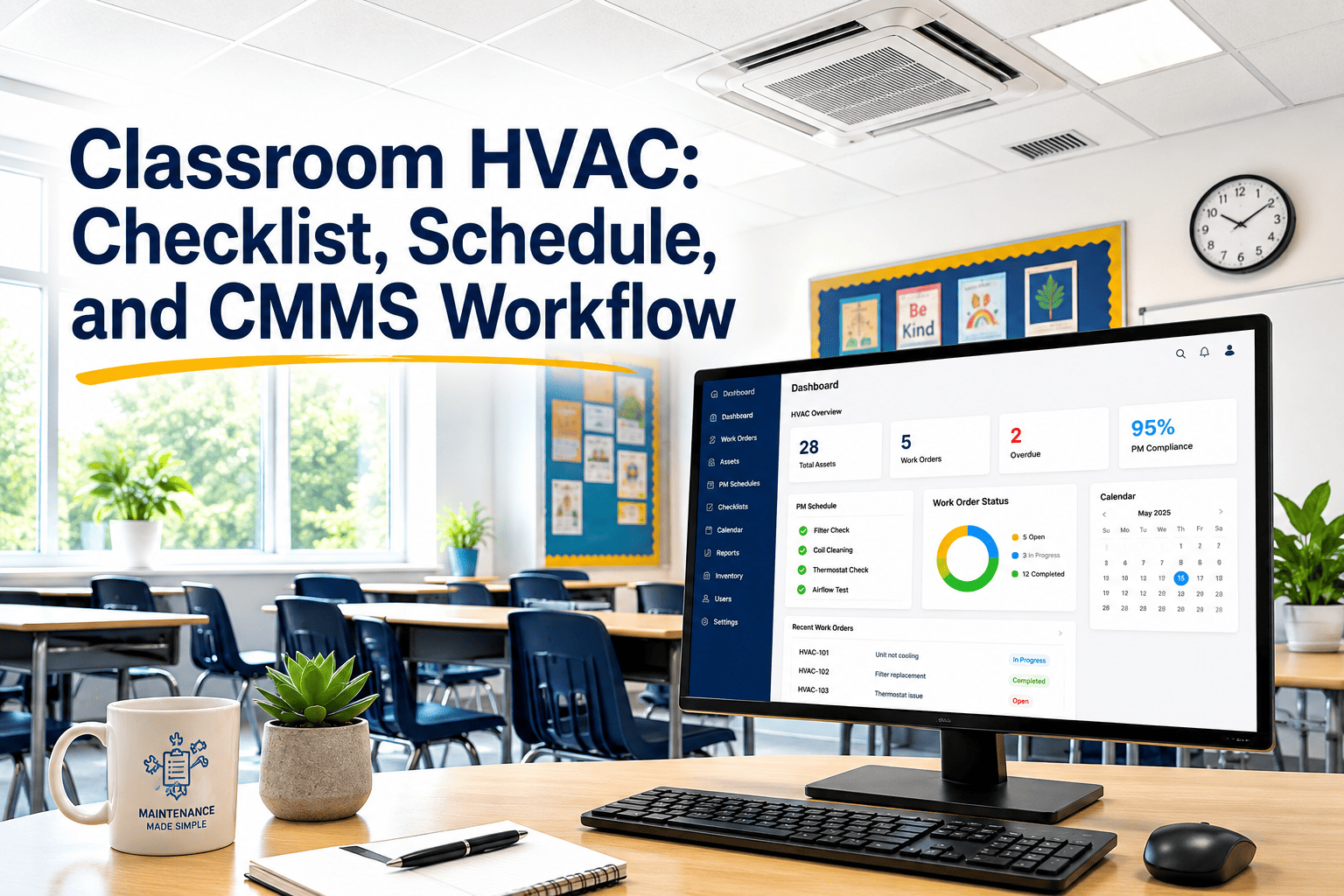
Most school district HVAC checklists exist in one of three broken forms: a PDF that lives on a shared drive and is printed when someone remembers it, a paper form that gets filled out in the truck and filed in a binder no one reads, or a spreadsheet that a departing technician maintained and no one else understands. None of these is a workflow — they are artifacts that create the appearance of a PM program without the operational infrastructure to run one. A real classroom HVAC workflow connects the checklist to a schedule that generates tasks automatically, routes those tasks to the right technician at the right time, captures the results in a format that feeds compliance reporting, and flags exceptions before they become equipment failures or IAQ complaints. This page builds that complete system — the checklist, the schedule, and the CMMS workflow — so your facilities team has everything needed to take classroom HVAC management from reactive to systematic. Every component integrates directly with OxMaint's AI-powered CMMS for automated work order generation, mobile completion, and one-click compliance documentation.
Classroom HVAC: Checklist, Schedule, and CMMS Workflow
The complete operating system for classroom HVAC management — a task-level checklist, a frequency-based maintenance schedule, and a step-by-step CMMS workflow that connects the two into a self-running PM program your team can operate from mobile devices.
Three Layers of a Working HVAC Program
Classroom HVAC Inspection Tasks by System
Stop printing checklists. OxMaint puts every task above into a mobile work order with photo capture, pass/fail fields, and automatic escalation — so your technicians spend their time maintaining equipment, not filling out paper forms that no one reads until something breaks.
Annual HVAC Maintenance Schedule by Unit Type
| Task | RTU / Split | Unit Ventilator | Fan Coil Unit |
|---|---|---|---|
| Filter Inspection | Monthly | Monthly | Monthly |
| Bearing Temperature Check | Quarterly | Quarterly | Quarterly |
| Drain Pan Cleaning | Quarterly | Quarterly | Quarterly |
| OA Damper Verification | Quarterly | Quarterly | N/A |
| Coil Cleaning | Semi-Annual | Semi-Annual | Semi-Annual |
| Belt Inspection | Semi-Annual | Semi-Annual | N/A |
| Refrigerant Pressure Check | Semi-Annual | N/A | Semi-Annual |
| Full Electrical Inspection | Annual | Annual | Annual |
| CO2 Sensor Calibration | Annual | Annual | Annual |
| Thermostat Calibration | Annual | Annual | Annual |
Step-by-Step: How a Work Order Moves Through OxMaint
Frequently Asked Questions
What is the difference between a checklist, a schedule, and a CMMS workflow for HVAC maintenance?
A checklist defines what to do at each unit visit — the specific tasks, measurements, and inspection criteria. A schedule defines when each task runs — the frequency that matches the equipment's maintenance requirements. A CMMS workflow is the operational system that connects the two — it generates work orders from the schedule, routes them to technicians, captures checklist results, and produces compliance records. Many school districts have checklists without schedules and schedules without CMMS workflows, which is why PM completion rates remain low despite good intentions. OxMaint provides all three layers in a single platform.
How do we migrate from paper HVAC checklists to a CMMS without losing historical records?
The most practical migration approach is a forward-only transition: configure the CMMS with the current asset list and task library, launch new work orders from the current date, and retain paper records in their existing storage system for the required retention period. Attempting to enter historical paper records into the CMMS retroactively is rarely worth the labor cost unless the historical data is needed for warranty claims or insurance purposes. Within 12 months of launching the CMMS, the forward-built digital record becomes more valuable than the historical paper archive. Book a demo to see OxMaint's guided asset import workflow.
What data should be captured in a CMMS work order for classroom HVAC PM?
Every classroom HVAC PM work order should capture at minimum: unit ID and classroom location, technician ID, date and time of completion, checklist item pass/fail status, numeric readings for filter pressure drop and bearing temperature, parts replaced with quantities and lot numbers, and photos of any deficiencies found. This data set supports compliance reporting, warranty claims, failure trend analysis, and the historical record that state energy and IAQ auditors request during building reviews.
How does CMMS workflow automation reduce HVAC program management time for facilities directors?
Manual PM program management — reviewing which units are due, creating work orders, assigning technicians, following up on incomplete work, and preparing compliance reports — typically consumes 4 to 8 hours per week for a facilities director managing a 20-building district. CMMS automation reduces that to 30 to 60 minutes of exception review and approval. The time savings compound over the school year: a director spending 6 hours less per week on administrative coordination has 300 more hours annually for capital planning, contractor management, and strategic facilities improvement. Start your free trial to see how OxMaint replaces your spreadsheet in under two weeks.
What compliance documentation does a CMMS workflow produce for school HVAC programs?
A properly configured CMMS workflow automatically produces: completed PM rate reports by building and unit type, technician performance records showing work order completion times, deficiency logs with corrective action documentation, filter replacement history for IAQ audit requests, and annual summary reports suitable for school board facilities presentations. These reports replace the manual log reconciliation that currently takes days to prepare when a state IAQ inspector or insurance auditor requests PM documentation.
Connect Your Classroom HVAC Checklist to a Workflow That Runs Itself.
OxMaint gives school districts and campuses the complete three-layer HVAC program — AI-scheduled work orders, mobile checklist completion, automatic deficiency escalation, and one-click compliance documentation — without spreadsheets, paper forms, or manual follow-up.