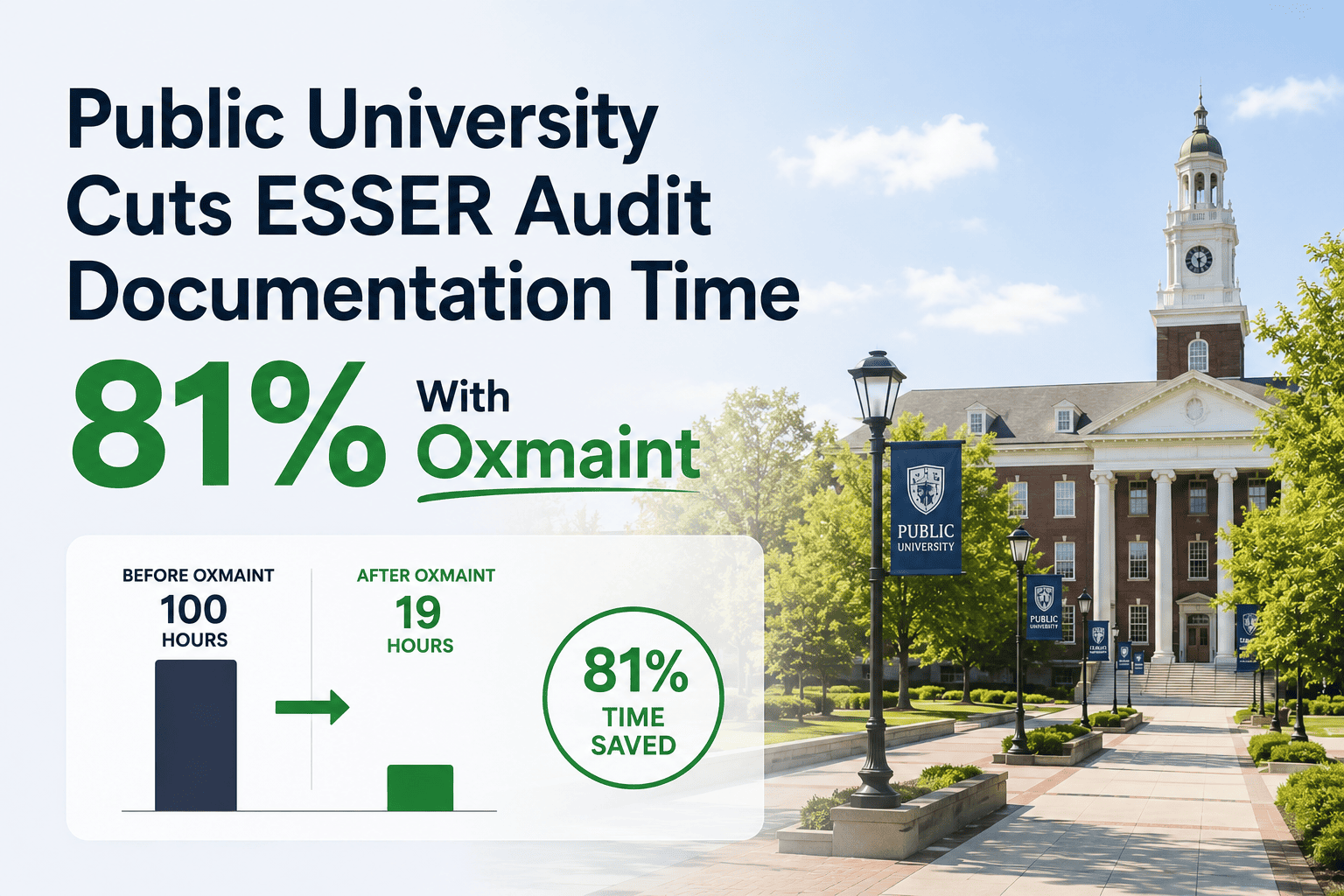
ESSER funding came with a deadline, a spending category list, and an audit requirement that most facilities teams were not staffed to handle on top of their regular work. Every HVAC filter change, every air quality improvement project, and every ventilation upgrade funded with ESSER dollars needed to be documented with dates, photos, and equipment records that auditors could trace back to the original funding justification. For one public university, that meant weeks of staff time before every audit cycle just assembling proof that the work had actually happened. This case study covers how that university used Oxmaint's automated photo capture, equipment filters, and HVAC compliance exports to cut audit documentation prep time by 81% — turning a multi-week scramble into a same-day export. If your ESSER-funded projects still rely on manual photo folders and spreadsheet trackers, start a free trial to see how automated compliance documentation works, or book a demo to walk through an ESSER audit export.
From 6 Weeks of Audit Prep to 81% Less Time
A public university used Oxmaint to automatically capture photo evidence, equipment records, and HVAC service history for ESSER-funded projects — cutting audit documentation prep time by 81%.
ESSER Funding Came With an Audit Trail Requirement Nobody Was Ready For
Four Things Auditors Look For in ESSER-Funded Facilities Work
Auditors need proof that work was completed within the ESSER eligible spending window, not just an invoice date. Work order completion timestamps provide this directly.
For HVAC upgrades, filter replacements, and ventilation improvements, photos showing the installed equipment or completed task are commonly requested supporting documentation.
Each completed task needs to map back to the specific ESSER spending category it was funded under — air quality, ventilation, filtration, or HVAC system upgrades.
Auditors may also check that equipment installed with ESSER funds is being maintained on an ongoing PM schedule, not just installed and forgotten.
From Work Order to Audit-Ready Export
Each ESSER-funded task — filter change, HVAC upgrade, ventilation work — is created in Oxmaint and tagged with its funding category.
Technicians complete the task on mobile and attach a photo directly to the work order at the point of completion — no separate photo storage step.
Completion date, technician, photo, and funding tag are stored together as one record, automatically linked to the asset.
When the audit cycle arrives, the facilities team filters by funding category and date range, and exports the complete record set in minutes.
ESSER-Funded Equipment Tracked With Ongoing PM
A common audit follow-up question is whether equipment purchased with ESSER funds is still being maintained. The university registered every ESSER-funded HVAC unit, air filtration system, and ventilation upgrade as a tracked asset with its own PM schedule — filter changes, coil cleaning, and inspection intervals — so the same record that documents the original installation also documents that the equipment remains in service and maintained.
| ESSER Category | Documentation Captured | Ongoing PM Linked |
|---|---|---|
| HVAC Filtration Upgrades | Install date, photo, funding tag | Quarterly filter change schedule |
| Ventilation System Upgrades | Install date, photo, vendor invoice link | Semiannual fan and damper inspection |
| Air Quality Monitors | Install date, calibration certificate | Annual calibration check |
| HVAC Unit Replacements | Install date, commissioning photo | Standard HVAC PM schedule |
Audit Season Should Not Require Three Weeks of Staff Time
When every ESSER-funded task is documented at the point of completion — with photos, timestamps, and funding tags attached automatically — audit prep becomes a filtered export instead of a scramble. See how Oxmaint structures ESSER documentation for facilities teams under audit deadlines.
The Measured Impact
Frequently Asked Questions
What documentation do ESSER auditors typically request for HVAC projects?+
Can photo evidence be attached directly to a work order?+
How do you export records for a specific funding category and date range?+
Does ESSER-funded equipment need to be tracked after installation?+
Is this approach useful beyond ESSER for other grant-funded projects?+
Make Your Next Audit Cycle a Same-Day Export
Tag funded work by category, capture photo evidence automatically, and keep ESSER-funded equipment on ongoing PM — all from one system your facilities team already uses daily.