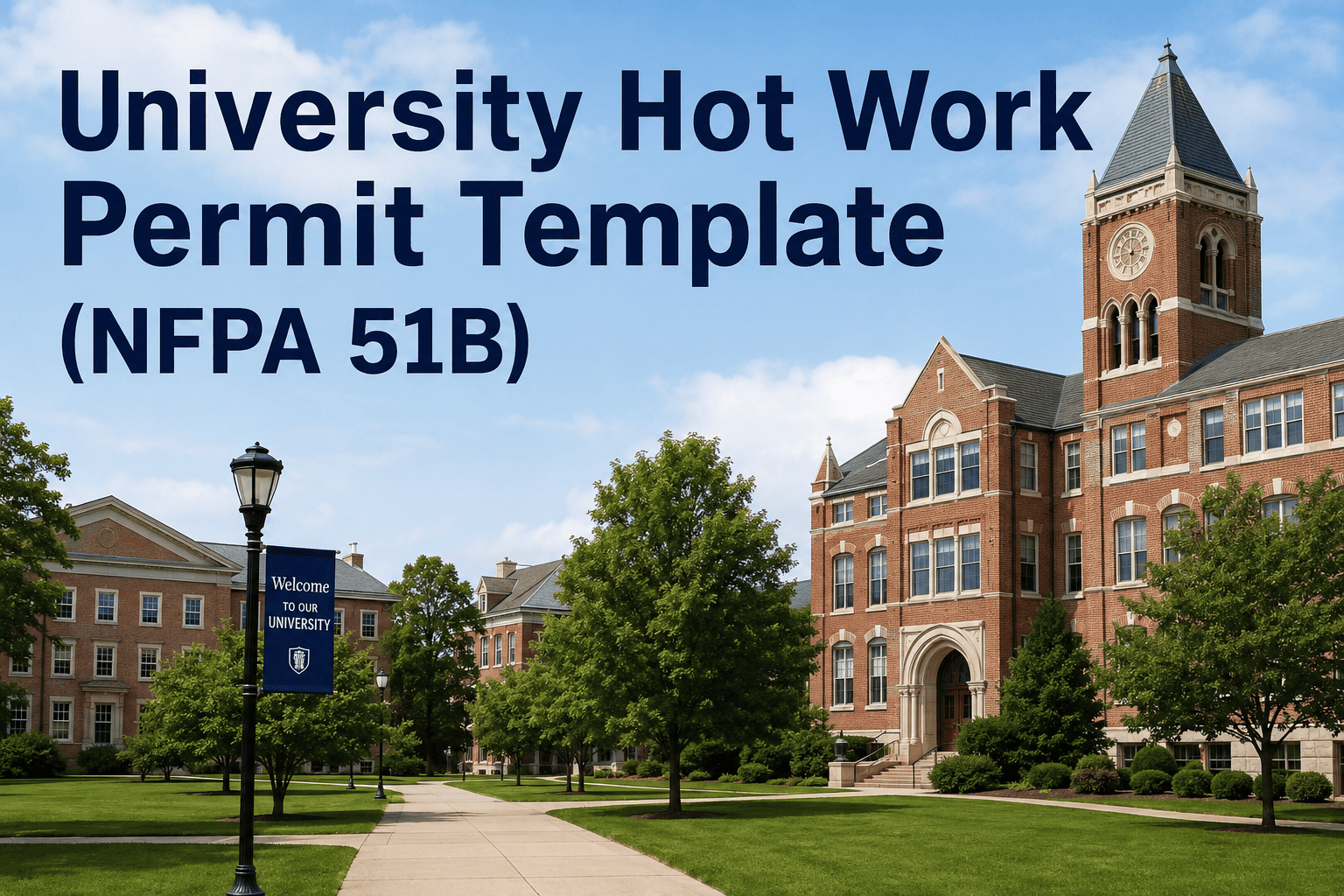
Hot work on university campuses — welding, cutting, grinding, brazing, and torch operations — is one of the highest fire-risk activities a facilities department manages. NFPA 51B compliance is not optional: it is the baseline standard that protects occupants, satisfies insurance requirements, and keeps maintenance operations legally defensible when an incident occurs. A properly structured university hot work permit template covers fire watch requirements, pre-work area surveys, control measures, and sign-off chains — and when that permit links to a CMMS work order, the documentation trail is complete. Sign Up Free to connect your hot work permitting directly to Oxmaint work orders, making every permit automatically attached to the asset and job it authorizes.
Every Hot Work Job Needs a Complete Permit. Make That Automatic.
Paper hot work permits get lost, signed retroactively, and filed in binders no one can search when a fire marshal calls. Oxmaint connects NFPA 51B permit completion directly to work order closure — so every welding, cutting, and grinding job on your campus is documented with timestamped signatures, pre-work survey photos, and fire watch records before the next job starts.
- Permit required flag blocks work order closure until all checklist fields are signed off
- Digital signatures with exact timestamps replace paper signatures fire marshals routinely question
- Pre-work area photos and post-work fire watch confirmation attached directly to the permit record
- Complete hot work permit history searchable by building, asset, date, or technician in seconds
NFPA 51B Hot Work Permit Template — Required Sections
Every field in the template maps to a specific NFPA 51B requirement. Missing any section creates a compliance gap that EHS and fire marshals will flag on inspection.
Combustibles removed or protected within 35 feet, floors swept clean, flammable liquids removed, floor drains covered, wall and ceiling openings sealed, and fire suppression system status confirmed. Each item requires a checkbox and inspector signature before work begins.
Specific equipment type (welder, torch, grinder, etc.), location by building and room number, asset or structure being worked on, CMMS work order number, estimated duration, and name of authorizing supervisor. Book a Demo to see how Oxmaint auto-populates these fields from the linked work order.
NFPA 51B requires fire watch for at least 30 minutes after work completion — longer when hot work was done near combustibles above or below the work area, or near partitions or walls. The template includes fire watch start time, end time, watcher name, and area covered fields.
Fire extinguisher type and location, sprinkler system status (in-service or impaired), fire alarm notification status, hot work equipment condition check, personal protective equipment verification, and adjacent space occupant notification. Each requires initials from the performing technician.
Three-signature chain: performing technician, area supervisor or building manager, and EHS representative or designated hot work program administrator. The template includes date, time, and employee ID fields for each signatory — and Oxmaint captures digital signatures with timestamps when the permit is completed in the mobile app. Sign Up Free to enable digital sign-off.
The hot work permit is only as useful as its traceability. A work order number field connects the permit to the specific maintenance job — so when a fire marshal or insurer asks for all hot work documentation on a given asset or building, the CMMS produces the complete permit history without manual file search.
NFPA 51B Compliance — What Inspectors Check
| Inspection Item | NFPA 51B Requirement | Common Gap Found | Template Field |
|---|---|---|---|
| Fire watch documentation | 30 min minimum post-work | No end-time recorded | Fire watch log with start/end |
| Area clearance verification | 35-ft combustible-free zone | Checklist signed before survey done | Pre-work survey with initials |
| Permit authorization | Designated hot work supervisor | Technician self-authorized | 3-signature sign-off chain |
| Sprinkler system status | Must be in service or documented impaired | Status not recorded | Sprinkler status checkbox |
| Extinguisher availability | At work site, appropriate class | Type and location not specified | Extinguisher location field |
| Permit retention | Retained per institutional policy | Paper permits lost or incomplete | CMMS-linked digital record |
How Oxmaint Integrates Hot Work Permitting with CMMS
Paper hot work permits create documentation gaps. Oxmaint closes them by connecting permit completion to work order closure — making compliance automatic, not manual.
Hot work work orders in Oxmaint can be flagged as requiring a permit — blocking work order closure until the permit checklist is completed and signed. No completed permit, no closed work order.
Mobile app digital signatures capture technician, supervisor, and EHS sign-off with exact timestamps — replacing paper signatures that fire marshals routinely question for authenticity and completeness. Book a Demo to see the mobile sign-off workflow.
Pre-work area condition photos and post-work fire watch confirmation photos attach directly to the work order and permit record — providing visual evidence that the area survey was actually conducted and documented.
Every hot work permit is retrievable by building, asset, date range, or technician — giving EHS and compliance teams instant access to the complete hot work history without searching paper permit binders.
Hot work permit requests trigger automatic notifications to EHS representatives for review and approval before work begins — replacing the informal notification practices that create liability when bypassed. Sign Up Free to configure EHS alert routing.
Fire marshal and insurance audits require complete hot work permit logs. Oxmaint exports filterable permit reports by date range and building in minutes — the same documentation that takes hours to compile from paper permit binders.
Hot Work Incidents Without a Complete Permit Trail Cost Institutions Millions
When a fire investigation begins, the first thing insurers and OSHA investigators ask for is the hot work permit. If your university cannot produce a complete NFPA 51B permit — with signed pre-work survey, fire watch log, and authorization chain — the liability exposure shifts dramatically. Oxmaint closes that gap by making permit completion a mandatory gate in the work order workflow, not an afterthought that gets skipped under time pressure.
Frequently Asked Questions
What is NFPA 51B and which university operations does it apply to?
How long must hot work permits be retained?
Can CMMS replace paper hot work permits entirely?
What happens if a hot work incident occurs and we cannot produce the permit?
Does Oxmaint support hot work permit workflows for contractor and vendor jobs?
Your Campus Does Hundreds of Hot Work Jobs Per Year. Is Every One Documented?
Most university facilities teams cannot answer that question with certainty — because paper permit binders are incomplete, permits go missing after filing, and no one has a searchable record of which jobs had fire watch coverage and which did not. Oxmaint makes the answer yes, automatically, by embedding NFPA 51B permit completion into the work order workflow every technician already uses every day. No separate permit system. No binder. No gaps.