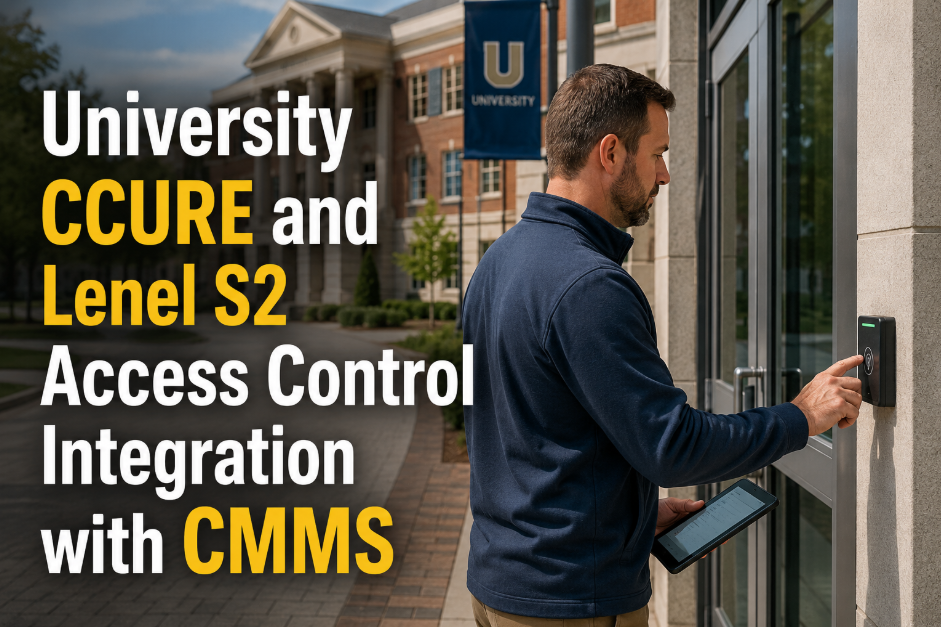
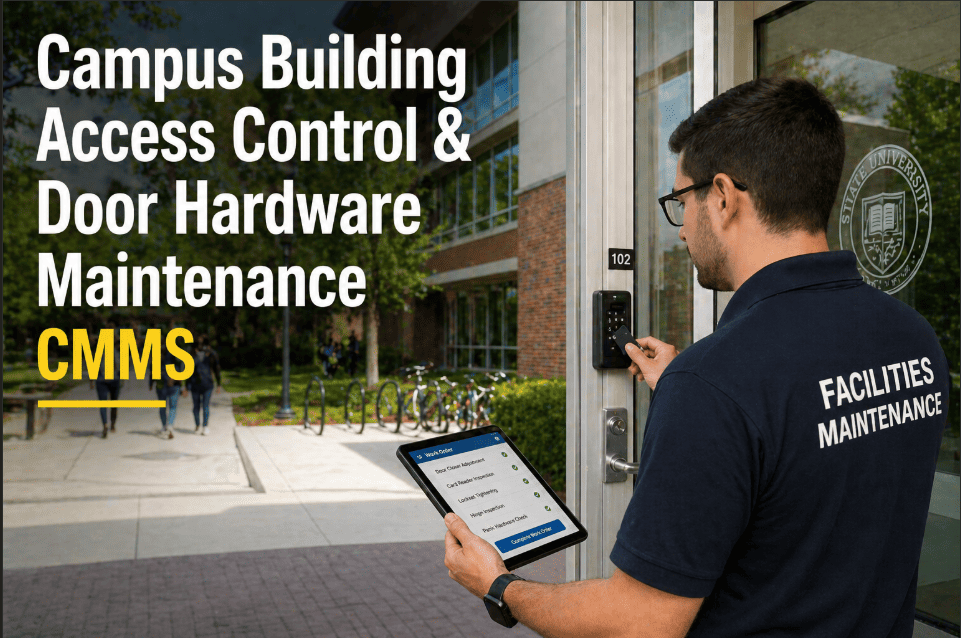
University access control systems — CCURE 9000, Lenel S2, Genetec, and their dozens of regional variants — represent some of the most maintenance-intensive infrastructure on any campus. Every card reader, magnetic lock, door controller, request-to-exit device, and access point is a safety-critical component that must operate reliably across thousands of daily credential transactions while also functioning perfectly during emergencies, after power outages, and through the physical degradation that comes from millions of door cycles over a 10-to-15-year service life. The challenge is not that universities lack access control technology — it is that access control PM sits in a completely different organizational silo from the CMMS managing HVAC, elevators, and building systems. When a card reader fails on a research lab door at 11pm, it generates a help desk ticket that gets routed to campus IT. When the magnetic lock on a residence hall entrance loses holding force, it generates a work order to facilities. When the door frame on a high-traffic academic building shifts enough to misalign the latch, nobody generates anything until someone complains. Oxmaint unifies access control maintenance — door hardware PM, controller health checks, badge system integration, and alarm-to-work-order routing — into the same platform managing every other campus asset. Institutions ready to bring access control under structured PM can start a free trial or book a demo to see how the integration workflow is configured for CCURE 9000 and Lenel S2 environments.
UNIVERSITY ACCESS CONTROL · CCURE 9000 · LENEL S2 · CMMS INTEGRATION · DOOR PM
University CCURE and Lenel S2 Access Control Integration with CMMS
Badge readers, magnetic locks, door controllers, and access alarm events — all managed through structured PM schedules, CMMS-routed work orders, and a unified asset hierarchy that connects physical security to facilities maintenance in one platform.
15K+
Avg. access-controlled doors on a large research university campus
Each door represents a PM asset with hardware, controller, and credential components
4.8x
Cost premium — reactive access failure repair vs scheduled door PM
Emergency locksmith and controller replacement vs planned hardware service
68%
Of campus access failures trace to door hardware — not the badge system
Latch misalignment, closer drift, and strike plate wear are the leading causes
Zero
Acceptable access failure rate on residence halls, labs, and secure research spaces
Only systematic PM across hardware and credential systems achieves this standard
Access Control and Facilities Maintenance Cannot Operate in Separate Silos
CCURE 9000 and Lenel S2 manage credential databases, access schedules, and alarm events with precision. What they do not manage is the physical door hardware that determines whether a valid credential actually opens the door: the closer force, the latch alignment, the strike plate condition, the magnetic lock holding strength, and the frame seal that keeps the lock engaged under load. These are facilities maintenance responsibilities — and without a CMMS managing them systematically, they are managed reactively through complaint-driven work orders after something has already failed. Oxmaint connects access control asset records to door hardware PM schedules, routes alarm events from CCURE and Lenel S2 to CMMS work orders, and tracks the full asset lifecycle of every door controller, reader, and hardware assembly on campus. Start a free trial or book a demo to see how CCURE and Lenel S2 integration is configured in Oxmaint for your campus environment.
System Architecture
The Four Asset Layers in a University Access Control System
Effective CMMS integration requires treating each layer independently — because each has different failure modes, different PM requirements, and different organizational ownership. CCURE 9000 and Lenel S2 manage layers 1 and 2. Oxmaint manages all four.
Layer 1
ACS
Access Control Software Platform
CCURE 9000, Lenel S2, Genetec, Brivo
Credential database management
Access schedule configuration
Alarm event generation and routing
Cardholder enrollment and deprovisioning
Access audit trail and reporting
Panel and controller communication monitoring
Owned by: Campus IT / Public Safety
Layer 2
CTL
Controllers and Network Infrastructure
Mercury, ASSA ABLOY, Allegion panels
Door controller panel health monitoring
Network connectivity and firmware version tracking
Battery backup test and replacement scheduling
Reader communication verification
Input/output board function testing
Panel enclosure inspection and tamper check
PM Scheduled in: Oxmaint (linked to IT asset record)
Layer 3
RDR
Readers, Credentials, and REX Devices
HID, Allegion, ASSA ABLOY readers
Reader read-range verification (credential test)
Physical mounting and weatherproofing inspection
LED status indicator function test
REX sensor sensitivity and timing test
Wiegand/OSDP communication verification
Credential technology compatibility check
PM Scheduled in: Oxmaint (semi-annual)
Layer 4
HW
Door Hardware and Electromechanical Devices
Locks, closers, strikes, mag locks, frames
Magnetic lock holding force measurement (lbs)
Electric strike alignment and latch engagement
Door closer force and sweep speed adjustment
Frame and threshold seal inspection
Panic hardware egress function test
Hinge pin wear and door sag measurement
PM Scheduled in: Oxmaint (quarterly)
Integration Architecture
How CCURE 9000 and Lenel S2 Connect to Oxmaint CMMS
The integration between access control platforms and Oxmaint operates at two levels: alarm event routing (CCURE/Lenel S2 generates events that create Oxmaint work orders) and asset record synchronization (door assets registered in both systems share a common identifier). Neither integration requires custom development — both operate through standard API and webhook configurations available in the enterprise tier of each platform.
01
Alarm-to-Work-Order Routing
CCURE 9000 and Lenel S2 generate alarm events for door forced, door held open, reader communication failure, and controller offline conditions. Oxmaint webhook receivers convert these alarm events into maintenance work orders automatically — assigned to the correct technician based on building zone, with the door asset record pre-linked and the alarm event history attached. Average time from alarm trigger to assigned work order: under 3 minutes.
02
Shared Door Asset Identifier
Each door in Oxmaint carries the same door ID used in CCURE or Lenel S2 — typically the panel/reader address or the system door number. This shared identifier means that when a PM work order is completed in Oxmaint (hardware service, reader replacement, battery swap), the completion timestamp and technician record can be linked back to the specific door in the access control platform for audit purposes, without manual re-entry of door identification data.
03
Battery Backup PM Synchronization
Controller panel battery backup is one of the most commonly missed PM tasks in access control — it lives in a gray zone between IT (who manages the panel) and facilities (who manages physical assets). Oxmaint schedules the battery discharge test and replacement cycle for every controller panel battery as a linked PM to the panel asset record, with the test result captured on a digital checklist and archived permanently — satisfying both CCURE/Lenel S2 health monitoring and campus compliance documentation requirements.
04
Rekey and Credential Event Tracking
When CCURE or Lenel S2 processes a mass credential deprovisioning event — end of semester, staff departure, building rekeying — Oxmaint can receive a trigger event that schedules a physical door hardware inspection for the affected zones. This ensures that the physical layer (locks, mechanical override, master key cores) is verified alongside the credential layer update, preventing the common gap where digital access is removed but mechanical access remains unverified.
Common Failure Modes
Eight Access Control Failures That Structured PM Prevents
01
Magnetic Lock Holding Force Degradation
Mag locks rated at 1,200 lbs typically degrade to 600–800 lbs within 3–5 years of continuous operation — often without any visible indication. A mag lock at half rated force fails to hold a determined pull or a door subjected to wind pressure differential. Holding force measurement at semi-annual PM intervals identifies degraded units before they create security gaps.
02
Door Sag Causing Chronic "Door Held Open" Alarms
Heavy fire doors on worn hinges develop 3–5mm of sag over 18–24 months of high-traffic use. This sag misaligns the door edge with the frame sensor — generating chronic "door held open" alarms in CCURE and Lenel S2 that security staff begin to ignore. Ignored alarms create exactly the security gap that access control exists to prevent. Hinge inspection and door sag measurement at quarterly PM prevents the alarm-fatigue cycle.
03
Controller Panel Battery Failure in Power Outage
Access control controller panels are rated for 4–8 hours of backup operation on their integrated battery packs. Batteries that are never tested degrade silently — a 2-year-old panel battery in an untested system may deliver 45 minutes of backup before failing during a campus-wide power outage. When the panel loses power, every door it controls reverts to its fail-safe state: fail-safe mag locks release; fail-secure electric strikes remain locked. Either condition creates problems without verified backup duration.
04
Reader Read-Range Drift from Environmental Exposure
Outdoor readers exposed to freeze-thaw cycles, UV degradation, and water ingress experience antenna coil degradation that reduces card read range from 3–4 inches to under 1 inch. Users compensate by pressing cards directly against the reader face — which increases physical reader wear and leads to eventual complete reader failure. Semi-annual read-range testing identifies drifting units before users report problems.
05
Electric Strike Latch Misalignment After Frame Settlement
Building frame settlement — common in campus buildings more than 15 years old — shifts door frame alignment enough to prevent the latch bolt from fully engaging the electric strike keeper. The door appears closed and the access control system reports it as secured, but a firm pull disengages the latch. This is the most common physical security bypass mechanism and is completely invisible to CCURE and Lenel S2 software monitoring.
06
Closer Force Out of Specification
Door closers set to ADA-compliant force at installation drift over time — both up (requiring excessive force to open, ADA violation) and down (failing to pull the door fully latched against the strike). A door that does not latch completely creates a "secured door" indication in the access control system while remaining physically unlatched. Closer force measurement is a quarterly PM task with an adjustment time of under 5 minutes per door.
07
Firmware Version Mismatch After System Upgrade
CCURE 9000 and Lenel S2 platform upgrades frequently require matching firmware updates on Mercury and other controller panels. Panels running outdated firmware after a platform upgrade can lose features — access schedule compliance, alarm reporting accuracy, or credential format support — without generating any visible error condition. Firmware version tracking in Oxmaint linked to the controller panel asset record provides a systematic audit of version consistency across all panels after any platform upgrade event.
08
REX Sensor False-Trigger or Dead Zone
Request-to-exit sensors that false-trigger generate door unlock events without credential presentation — creating audit trail gaps that compliance reviews flag. REX sensors that develop dead zones require users to stand at specific positions to trigger egress — creating queuing and accessibility issues at high-traffic exits. Neither failure mode generates an alarm in CCURE or Lenel S2; both are detectable only through physical function testing at the PM interval.
Oxmaint Solution
How Oxmaint Manages Campus Access Control PM
Oxmaint treats every door as a multi-component asset: the software credential record in CCURE or Lenel S2, the controller panel, the reader, and the physical door hardware each occupy separate positions in Oxmaint's asset hierarchy — with their own PM schedules, inspection checklists, and maintenance histories. When CCURE or Lenel S2 generates an alarm event, it routes to an Oxmaint work order. When a PM inspection identifies a deficiency, it creates a corrective work order automatically. Campus facilities teams ready to bring access control under structured PM can start a free trial or book a demo to see the full access control PM workflow configured for their campus platform.
Asset Hierarchy
Campus > Building > Floor > Door > Component
Every door is registered in Oxmaint's five-level hierarchy with its CCURE/Lenel S2 door ID as a linked field. Each hardware component — controller panel, reader, mag lock, closer, strike — carries its own installation date, model, service history, and PM schedule within the door asset record.
Alarm Routing
CCURE/Lenel S2 Alarms Become Oxmaint Work Orders
Configure webhook receivers in Oxmaint to accept alarm events from CCURE 9000 or Lenel S2 — door forced, door held open, reader offline, controller communication failure. Each event creates an assigned work order with the door asset pre-linked, the alarm type categorized, and the technician notified via mobile — without any manual dispatch step.
PM Scheduling
Layered PM Intervals for Every Access Control Component
Configure separate PM intervals for each component layer: quarterly door hardware inspections, semi-annual reader and REX function tests, annual controller panel battery discharge tests, and firmware version audits triggered by system upgrade events. Each generates its own work order with the correct checklist for that component type.
Digital Checklists
Holding Force, Closer Force, and Latch Alignment — All Measured
Oxmaint inspection checklists for access control doors require quantitative measurements — mag lock holding force in lbs, closer sweep speed in seconds, latch engagement depth in mm — not just pass/fail observations. Measurements are recorded per door and trended over time, identifying components approaching failure before they reach it.
Compliance Records
Audit-Ready Access Control Maintenance Documentation
Every inspection, alarm event, repair, and battery test is archived with technician ID, timestamp, and door asset ID. For FERPA-sensitive research buildings, classified labs, and residence halls, this documentation demonstrates continuous physical security maintenance — exportable per building, per system, or for the full campus in under 60 seconds.
Locksmith Coordination
Rekey, Core Change, and Mechanical Override Work Orders
Rekey requests, mechanical core changes, and master key override verifications are managed in Oxmaint as scheduled work orders linked to the door asset record. When CCURE or Lenel S2 processes a mass deprovisioning event (end of year, building access change), Oxmaint schedules the corresponding physical hardware verification automatically.
Before vs After
Siloed Access Control vs CMMS-Integrated Access Management
Siloed Access Control Program
CCURE/Lenel S2 alarms handled by security desk — no automatic work order
Door hardware PM ad hoc — driven by complaints, not schedules
Mag lock holding force never measured — failure discovered reactively
Controller battery backup never tested — outage reveals capacity at worst moment
Firmware versions tracked in spreadsheet — inconsistencies missed after upgrades
Maintenance records scattered across IT and facilities — no unified audit trail
Oxmaint CMMS-Integrated Program
CCURE/Lenel S2 alarms route to Oxmaint work orders automatically in <3 minutes
Quarterly door hardware PM auto-generated per building zone
Mag lock holding force measured and trended — degradation visible 6 months early
Annual battery discharge test scheduled per panel — results archived with timestamp
Firmware version tracked per controller panel asset — upgrade audit automated
Full access control maintenance history unified per door — exportable in 60 seconds
Access Control PM Program Outcomes
68%
Reduction in After-Hours Emergency Lockout Calls
Campuses with structured door hardware PM report dramatically fewer emergency locksmith and security response calls driven by failed hardware rather than lost credentials
<3 min
Alarm-to-Work-Order Time
CCURE/Lenel S2 alarm events converted to assigned Oxmaint work orders in under 3 minutes — vs. 20–45 minutes for manual security desk dispatch and facilities notification
100%
Battery Backup Verification Coverage
Every controller panel battery tested annually on schedule — no panels reaching an outage event with unverified backup capacity
60 sec
Audit Documentation Retrieval
Complete access control maintenance history per building or per door — retrieved in under 60 seconds for compliance reviews, incident investigations, or insurance audits
Questions
Frequently Asked Questions
Does Oxmaint require a custom integration build to connect with CCURE 9000 or Lenel S2?+
No custom development is required for the alarm-to-work-order integration with either CCURE 9000 or Lenel S2. Both platforms support webhook-based event output in their enterprise configurations — Oxmaint receives these events through its standard webhook receiver and maps them to work order templates configured for each alarm type. The initial configuration (alarm type mapping, door asset ID linkage, technician assignment rules) is completed during the Oxmaint onboarding session and typically takes 2–4 hours for a campus with standard CCURE or Lenel S2 configuration. For campuses with heavily customized access control configurations or custom alarm categories, Oxmaint's API supports custom field mapping to ensure alarm context is fully captured in the resulting work order.
How should universities structure the asset hierarchy for access control in Oxmaint when the same door appears in both CCURE and the physical plant system?+
The recommended approach is to use the CCURE or Lenel S2 door ID as a custom attribute field in the Oxmaint door asset record — maintaining the CMMS asset ID as the primary identifier while storing the access control platform's door ID as a linked reference. This approach allows Oxmaint to receive alarm events keyed to the access control door ID, match them to the correct CMMS asset, and create the work order against the right physical door record without requiring identical primary keys across both systems. For new construction or major renovation projects, the building specification should require contractors to provide both the CMMS asset tag and the access control door ID in the same commissioning documentation — ensuring both systems are populated consistently from project handover rather than reconciled after the fact.
What is the correct PM frequency for university magnetic lock systems in high-traffic academic buildings?+
For high-traffic academic buildings where mag locks operate continuously (24-hour access areas, main building entrances, library access points), the recommended PM frequency is semi-annual holding force measurement with annual full hardware inspection including wiring condition, armature plate alignment, and mounting hardware integrity. Buildings with controlled access and lower cycle counts (faculty offices, administrative areas) can be managed on an annual hardware inspection cycle. Holding force measurement is the critical test — a pull-force gauge is applied to the door and the holding force at which the mag lock releases is recorded. Readings below 80% of rated force (960 lbs on a 1,200 lb rated unit) trigger a corrective work order for armature plate cleaning, alignment adjustment, or unit replacement. Oxmaint tracks holding force measurements across inspection cycles, making the trend visible before the unit reaches a failure threshold.
How does Oxmaint handle access control PM across a university with multiple access control platforms — CCURE on main campus and Lenel S2 on a medical campus?+
Oxmaint handles multi-platform access control environments through separate webhook configurations and asset attribute sets for each platform instance. A university with CCURE 9000 on the main campus and Lenel S2 on the medical campus would configure two separate webhook receivers in Oxmaint — one keyed to CCURE alarm event format and one keyed to Lenel S2 alarm event format — each mapping to the appropriate work order template and technician assignment rule for that campus. The physical door hardware PM schedules are identical across both campuses (same inspection checklists, same measurement requirements, same PM frequencies) because door hardware degrades the same way regardless of which access control platform manages the credential layer above it. The unified Oxmaint dashboard gives the Director of Facilities visibility across both campuses — alarm event volume, open work orders, and PM compliance — in a single view without requiring separate logins to each access control platform.
Access Control PM Belongs in Your CMMS — Starting Today
CCURE 9000 and Lenel S2 manage credentials and access events with precision. But they cannot schedule door hardware PM, measure mag lock holding force, test controller battery backup, or route their own alarm events to the facilities team without a CMMS integration. Oxmaint connects the physical security layer to structured facilities maintenance — one platform, every door, every component, every PM interval. No long implementation. No per-door pricing. First access control work orders configured in week one.
.png)